
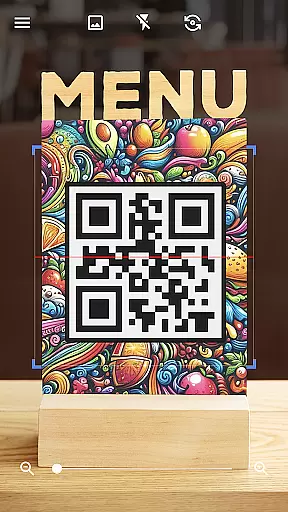

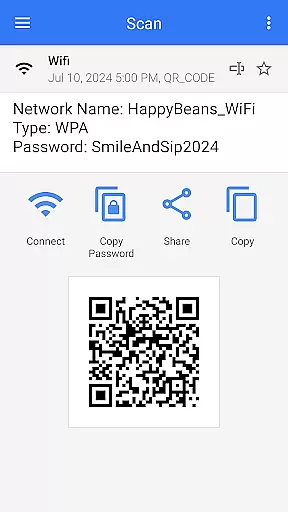
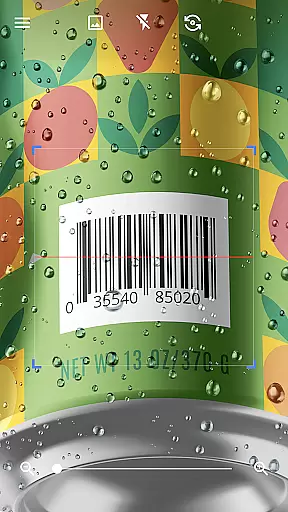

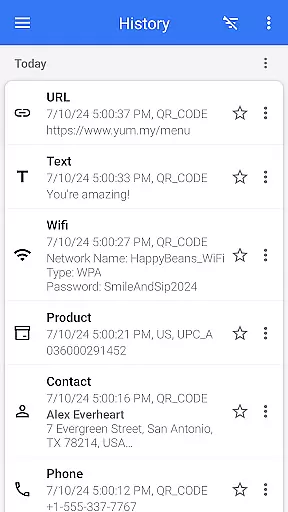
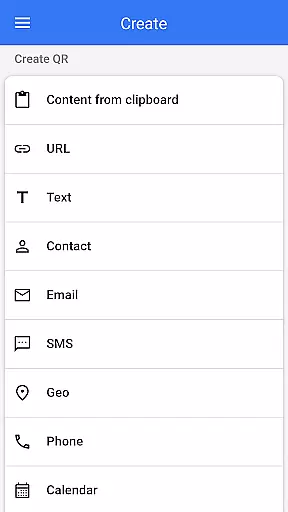
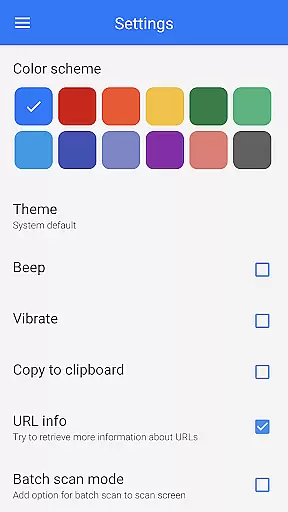
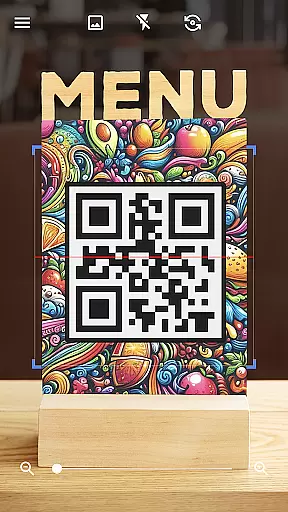

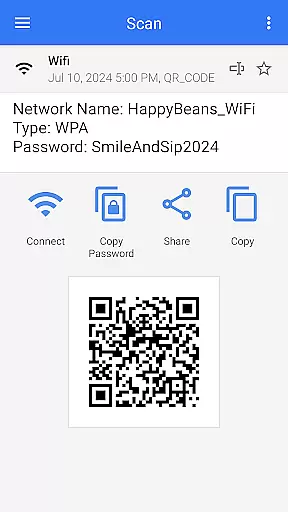
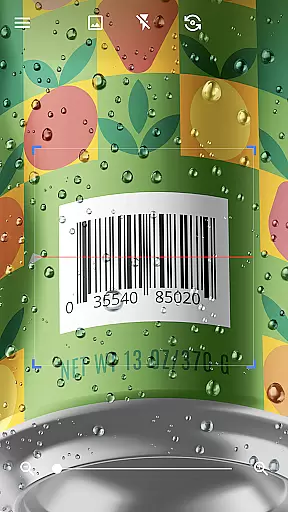

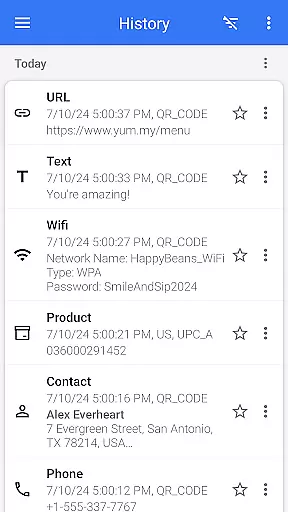
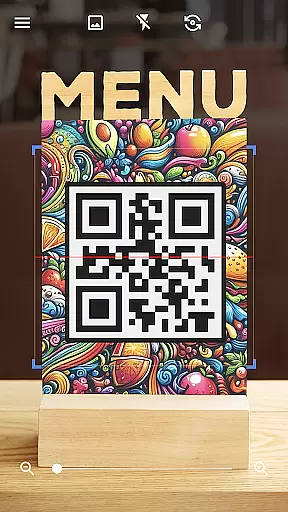

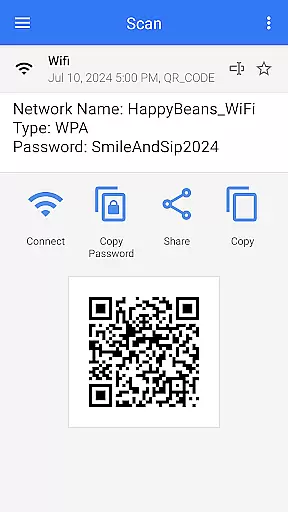
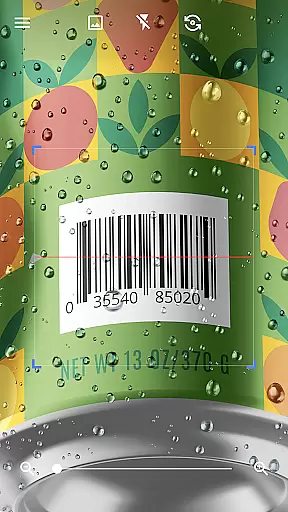

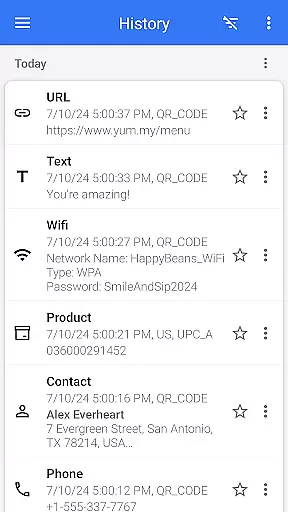

QR & Barcode Scanner is a versatile tool designed for Android users, offering both scanning and generating capabilities for QR codes and barcodes. This app stands out with its quick scan feature that automatically detects and decodes various types of QR codes and barcodes without the need for additional user input. Whether you're looking to access information, compare prices, or connect to Wi-Fi networks, this app provides a seamless experience.
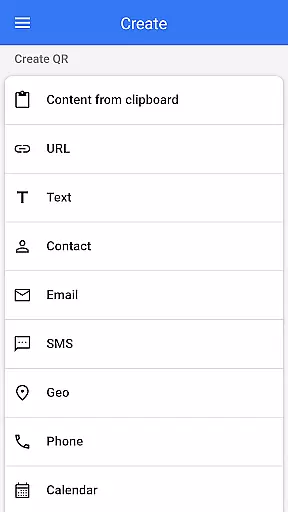
Beyond basic scanning, QR & Barcode Scanner supports advanced functionalities such as creating QR codes, scanning from images or galleries, and sharing contact information via QR. Its comprehensive feature set makes it an indispensable tool for personal convenience and professional efficiency. With compatibility across all Android devices, users can enjoy consistent performance and reliability in their daily tasks.
One of the standout features of QR & Barcode Scanner is its ability to handle multiple barcode formats including text, URLs, ISBNs, product details, contacts, calendars, emails, locations, and Wi-Fi credentials. The app's intuitive interface ensures that after scanning, users receive relevant options based on the type of code scanned, allowing them to take appropriate actions directly from the app.
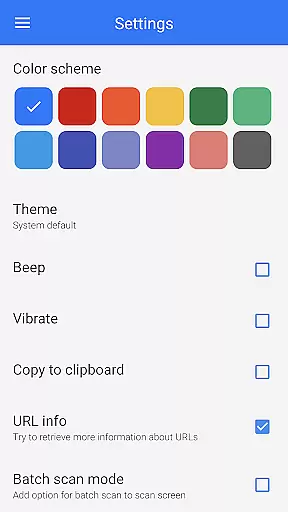
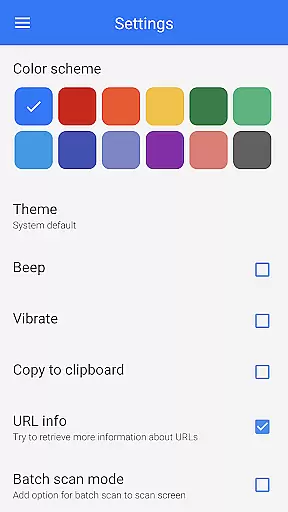
In addition to scanning, the app includes a robust QR code generator. Users can easily create QR codes by entering desired data and letting the app generate the corresponding code. Advanced features like batch scanning, exporting results in .csv or .txt formats, and importing .csv files enhance productivity. Customization options such as changing themes, using dark mode, and enabling flashlight support further improve usability, making QR & Barcode Scanner a top choice for Android users.
QR & Barcode Scanner stands out for its exceptional core functionality, which centers on the accurate and efficient scanning of QR codes and barcodes. This app employs advanced scanning technology that ensures quick recognition and decoding of various code types, including text, URLs, ISBNs, and more. The precision in reading even poorly printed or damaged codes showcases its effectiveness.
The app's intuitive design eliminates unnecessary steps, allowing users to scan codes instantly without pressing buttons or adjusting settings. This seamless operation is paired with an automatic scanning feature that activates as soon as the camera points at a code. Such efficiency not only saves time but also enhances user experience by simplifying what could otherwise be a complex process.
For users, this means reliable access to information contained within QR codes and barcodes. Whether it's for personal use, like accessing Wi-Fi networks through QR codes, or professional tasks such as inventory management, the app delivers consistent performance. Its ability to handle multiple code types makes it versatile for various scenarios, ensuring users can depend on it for different needs.
A hallmark of QR & Barcode Scanner is its simple and intuitive interface, designed to make the scanning process as straightforward as possible. Upon launching the app, users are greeted with a clean layout that focuses on functionality without overwhelming them with unnecessary options. This minimalistic approach ensures that even those unfamiliar with QR code scanners can navigate the app effortlessly.
The absence of complicated menus or settings contributes to its ease of use. With features like automatic scanning and flashlight activation for low-light conditions, the app removes barriers that might hinder the scanning process. Users can also utilize pinch-to-zoom for distant codes, demonstrating how intuitive gestures enhance accessibility.
This simplicity translates into significant user benefits, particularly for those who require quick access to information. By reducing the learning curve associated with new applications, QR & Barcode Scanner allows users to focus on their primary tasks rather than figuring out how to operate the app. Ultimately, this intuitive design fosters a positive user experience, encouraging regular use across diverse situations.
User-friendly interface
Fast and accurate scanning
Comprehensive format support
Advanced customization options
Free to use
Limited iOS compatibility
Occasional ads
Requires internet for some features
No cloud backup
Basic design aesthetics

A recovery soft,it features photo recovery, video recovery, file recovery.
 3.40
3.40
HD Video player and downloader for all formats, fast & smooth 4K video playback.
4.60
Forza Tuning Calculator App for Forza Horizon 5, Motorsport and Earlier Titles
4.40
Smart and comfortable browsing experience.
3.80
Bedrock Together: Join any bedrock server on Xbox/PS
4.80
NFC Tools can read and write NFC tags.
4.70
Clean up your phone, find files, play media, and share files offline
4.50
A clean app.
4.50
Screen recorder with audio to record high-quality videos and take screenshots.
4.40
Change your GPS location instantly. Simulate routes anywhere in the world.
4.90
Enjoy smooth gameplay with Game Booster
4.90 4.50
4.50
Screen Mirroring for Roku Sticks, Roku TCL TV and Roku Hisense TV
4.50
Complete kernel toolbox with features to manage and tweak your rooted device
4.30
PC precision for mobile gaming: dominate with keyboard and mouse!
4.30
Quickly & easily calculate the spacing of handrail balusters
4.20
Detect hidden spy camera with advanced scanning {{ Premium version }}
4.00
Fun lie-detection pranks for friends and parties.
3.80
Save any video in HD - paste the link, download fast and watch offline.
4.2


User Reviews