
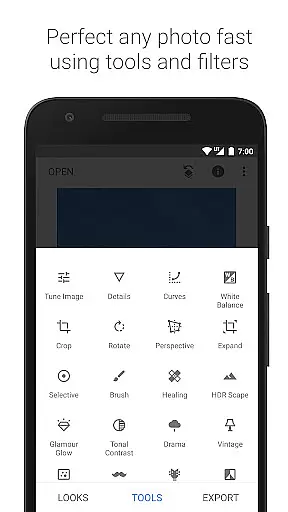
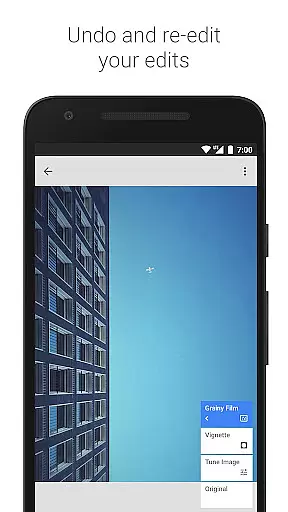
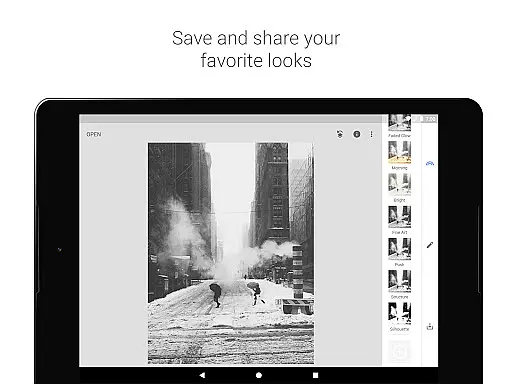
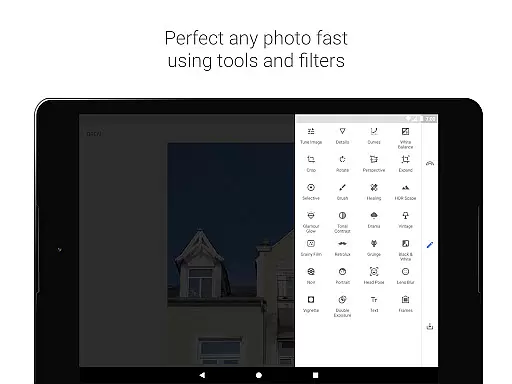
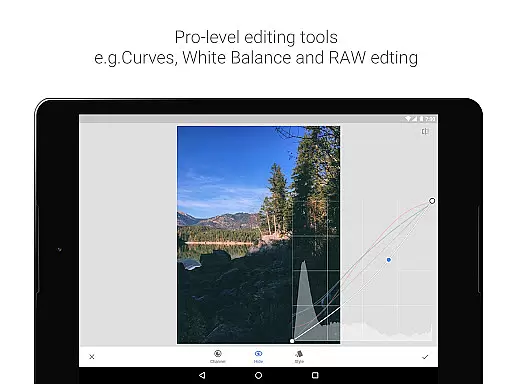
Snapseed is a comprehensive photo editing application developed by Google, offering professional-grade tools for both amateur and expert photographers. The app provides 29 advanced tools and filters, including Healing, Brush, Structure, HDR, and Perspective correction, enabling users to enhance their images with precision and control.
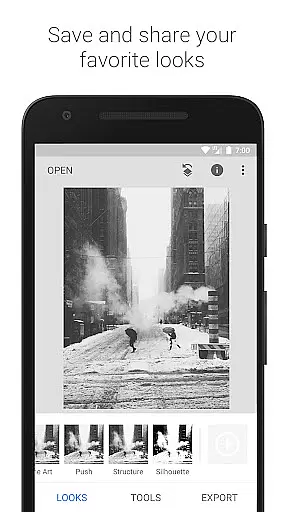
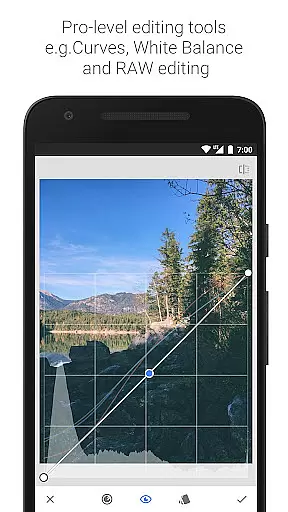
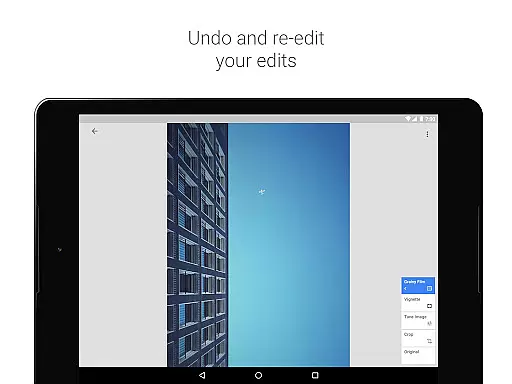
One of the standout features of Snapseed is its ability to open and edit RAW files, allowing photographers to work with uncompressed images for higher quality edits. Users can save personalized editing styles and apply them to future projects, streamlining their workflow. With selective filter brushes and precise control over adjustments, this app is ideal for those who demand professional results from their mobile editing software.
Whether you're looking to correct minor imperfections or create dramatic artistic effects, Snapseed delivers the tools needed to produce stunning images directly from your mobile device. Its intuitive interface and powerful functionality make it an essential tool for mobile photography enthusiasts.
Snapseed offers an extensive array of features that cater to various photo editing needs. From basic adjustments like cropping and rotating to advanced techniques such as perspective correction and white balance adjustments, the app covers all essential editing tools. The Tune Image feature allows users to adjust exposure and color with either automatic settings or manual fine-tuning.
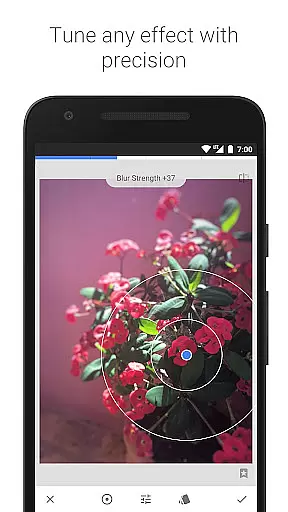
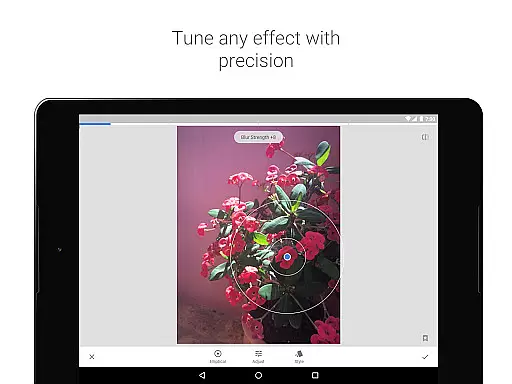
The app's Selective filter uses Control Point technology, enabling users to place up to eight points on an image and assign specific enhancements to each. This innovative approach ensures precise edits without affecting the entire image. Additionally, Snapseed includes creative filters like Lens Blur, Glamour Glow, and HDR Scape, which add artistic effects ranging from background softening to multiple exposure simulations.
For users working with portrait photography, Snapseed provides specialized tools like Face Enhance and Face Pose correction. These features allow for detailed retouching of facial features and correction of portrait angles based on 3D models. The combination of technical precision and creative freedom makes Snapseed a versatile choice for mobile photo editing.
Snapseed offers a powerful real-time capture and preview feature that allows photographers to see adjustments as they are made. This immediate feedback is crucial for making precise edits without guesswork.
The application supports both JPG and RAW file formats, ensuring that users can work with high-quality images while maintaining the flexibility to make non-destructive edits. This means you can adjust exposure, color balance, and other parameters with confidence.
With its selective filter brush and control point technology, Snapseed enables users to apply enhancements exactly where needed. This level of precision ensures that every part of the image can be perfected according to the photographer's vision.
Ultimately, this real-time functionality empowers users to experiment freely, knowing they can achieve their desired results efficiently and accurately, enhancing both creativity and productivity in photo editing.
Snapseed incorporates advanced AI beauty and enhancement features that elevate photo editing to new levels of naturalness and authenticity. These tools go beyond simple filters, offering sophisticated algorithms that enhance facial features with subtlety and care.
One standout feature is the Face Enhance tool, which focuses on eyes, adds face-specific lighting, or smoothens skin with remarkable precision. This ensures that portraits retain their genuine character while benefiting from professional-grade enhancements.
In addition to facial adjustments, Snapseed provides a Glamour Glow feature that adds a fine glow to images, perfect for fashion or portrait photography. The AI-driven tonal contrast and HDR Scape options further refine details in shadows, midtones, and highlights, creating stunning yet natural-looking images.
By leveraging these AI-powered tools, Snapseed delivers an editing experience that respects the original image's integrity, providing users with polished results that look effortlessly beautiful and true to life.
User-friendly interface
Extensive editing tools
RAW file support
Customizable filters
Professional results
Steep learning curve
Advanced features overwhelming
Occasional processing delays
Limited social sharing options
No real-time collaboration

A collection of tools and reference tables for DPs, ACs, DITs and Operators.
 4.70
4.70
1M influencer's special filter
4.60
Create & Edit with AI: AI Remove, Enhance, Retouch, Filter
4.10
Pet Camera
3.70
AI Photo Editor with 100+ Filters, Effects! Remove BG, Retouch & Photo Enhancer.
4.80
Collage your moments in one tap: 1000+ layouts, filters, stickers, and texts.
4.90
Use AI Video Generator to turn your words to ai generated videos.
4.50
Unblur, enhance & restore photos with powerful AI photo enhancer tools.
4.60
Remote control the phone camera shutter from your smartwatch and take a picture
1.60
Find time and duration of different sunlight phases at any location
4.90
Photo prints, cards, & gifts at Walgreens. Easy ordering & fast local pickup !
4.80
Enhance, upscale, and transform your images — on your device, without limits
4.70
A must-have app for landscape photographers
4.60
AI photo editor with hair editor, retouch tools, hair color changer & filters!
4.50
Edit like a pro with Hypic. Apply filters, AI effects, & magic touch.
4.40
Natural Beauty, Selfie Retouch
4.30
Create AI Photos, Improve and restore quality of blurry, old or damaged pics.
4.20
How would you look like with a differently shaped nose, chin or lips?
3.90
Perfect photos with body shaping, BG changer and object remover.
3.70


User Reviews