
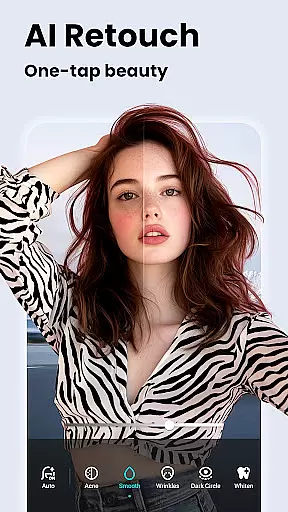
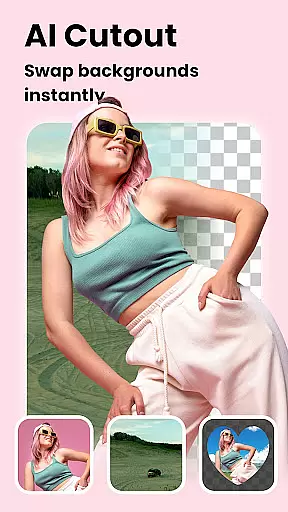

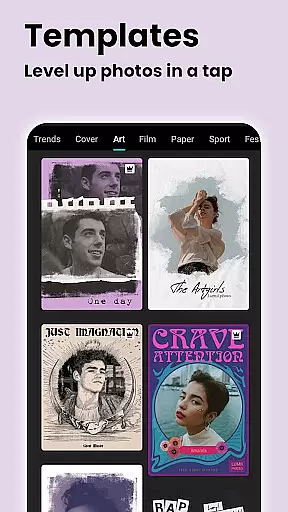
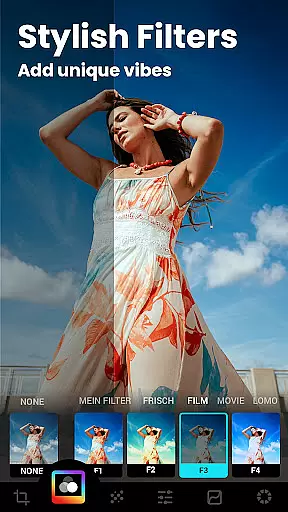




Lumii is an advanced AI-powered photo editor that combines professional-grade tools with intelligent editing features. It allows users to effortlessly enhance photo quality, remove backgrounds, and apply over 100 trendy filters and effects. The app is designed for both amateur and professional photographers, offering a seamless experience across Android devices.
With Lumii, users can create high-quality artistic photos without needing advanced skills. Its standout features include AI-based photo enhancement, background removal, and creative effects like bokeh and glitch. These capabilities make it one of the most versatile photo editing apps available in the Photography category.
The app's value lies in its ability to simplify complex editing tasks while maintaining professional results. Whether you're enhancing portraits, designing social media content, or experimenting with creative effects, Lumii provides all the necessary tools in one intuitive package.
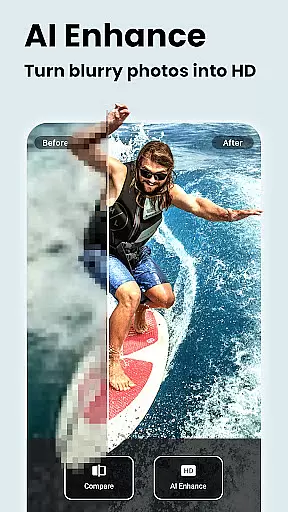
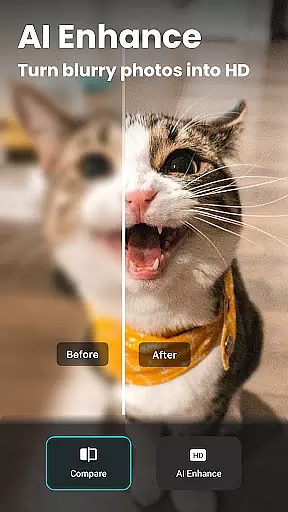
Lumii offers a comprehensive suite of photo editing features tailored to meet diverse user needs. One of its core strengths is the AI Photo Enhancer, which automatically improves image quality by unblurring details and turning standard photos into high-definition masterpieces. This feature is particularly useful for portrait and group photos, ensuring every shot looks crisp and vibrant.
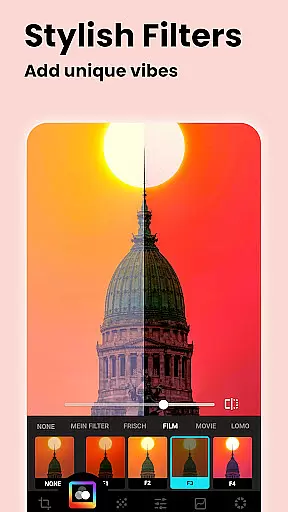
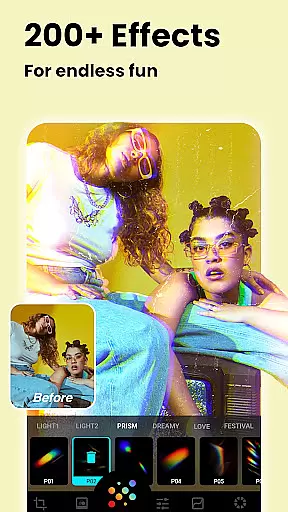
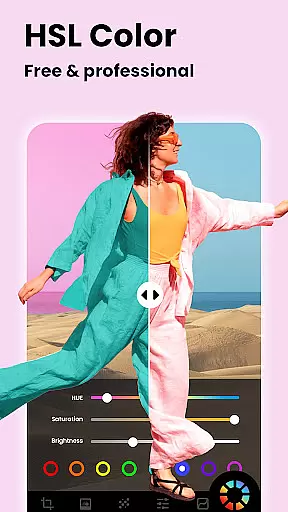
In addition to AI enhancements, Lumii includes creative tools such as customizable filters, double exposure effects, and glitch photo editing. Users can choose from professionally designed presets or create their own unique styles using advanced HSL adjustments and curves tools. These options allow for precise control over color grading and lighting, making it ideal for Instagram-ready edits.
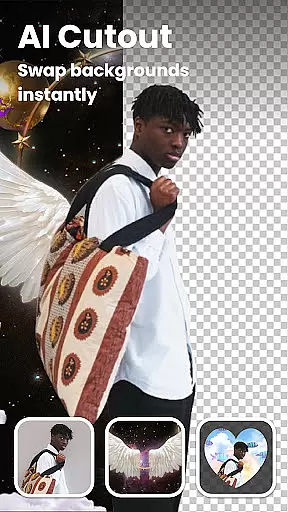
Another notable feature is the Auto Background Eraser, which simplifies object removal and background replacement with just a single tap. Combined with bokeh and mosaic effects, this tool enables users to produce visually striking compositions. Overall, Lumii stands out for its innovative blend of automation and manual customization, catering to both casual editors and professionals alike.
Real-time capture and preview functionality is essential for any photography app, allowing users to see exactly what their photo will look like before taking the shot. Lumii offers a seamless real-time preview experience that ensures every captured moment meets user expectations without delay or quality loss.
The app's advanced AI algorithms enhance the scene in front of the camera instantly, providing users with suggestions for improvements even before capturing the image. This feature empowers photographers to make instant adjustments to lighting, focus, and composition, ensuring professional-quality photos with minimal effort.
With Lumii's real-time capabilities, users can apply filters and effects live through the camera viewfinder, experimenting with different styles until they find the perfect match for their creative vision. This immediate feedback loop not only saves time but also enhances the overall enjoyment of the photo-taking process.
Ultimately, Lumiiu2019s real-time capture and preview functions transform how users interact with their environment, turning every snapshot into an opportunity for artistic expression. By delivering high-quality previews and instant editing options, Lumii makes it easy for anyone to produce stunning images effortlessly.
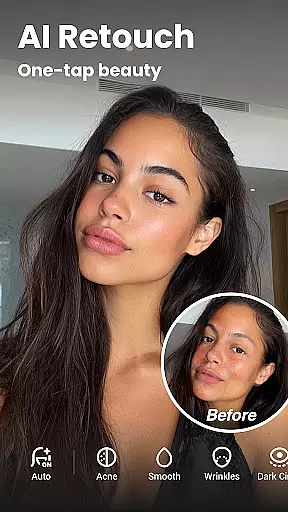
AI beauty and enhancement features are crucial for modern photo editors, aiming to improve portraits naturally without making them appear overly processed. Lumii excels in this area by offering sophisticated AI-driven tools that enhance facial features while maintaining authenticity.
The application utilizes intelligent skin smoothing techniques that preserve texture details, avoiding the plastic-like appearance often associated with digital enhancements. Users can whiten teeth, remove blemishes, and refine skin tone with precision, ensuring edits remain subtle yet effective.
Lumii's AI avatar creation tool allows users to generate anime-style avatars from their photos, adding a playful twist to personal imagery. These avatars retain recognizable traits of the original subject, showcasing the app's commitment to natural-looking transformations.
By focusing on enhancing natural beauty rather than altering appearances drastically, Lumii provides a refreshing approach to photo editing. Its AI-powered enhancements offer users the ability to elevate their portraits confidently, knowing that the final results will reflect genuine, enhanced versions of themselves.
AI-powered enhancements
100+ customizable filters
Easy-to-use interface
Advanced HSL adjustments
Free photo editing tools
Limited iOS availability
Occasional lag on older devices
Ads in free version
No desktop version
Learning curve for beginners

Trendy TikTok time warp scan funny filter app brings you unique photos & videos.
 4.40
4.40
Find time and duration of different sunlight phases at any location
4.90
Cartoon and artistic effects for your photos and videos
4.70
Easily create custom gifts, cards, photo books & more on the Shutterfly app!
4.60
Fit multiple photos on one post. Create carousels & scroll layouts for Instagram
4.50
Turn photos into cartoons & avatars! - Photo Editor, Cartoon Face!
3.90
Remote control the phone camera shutter from your smartwatch and take a picture
1.60
Solocator stamps photos you take with GPS location, Compass Direction, Date/Time
3.80
Edit photos with the picture generator: PS2 & AI Clay filters, cartoon effects.
4.50
Gallery show photo, video, slideshow, is perfect 3D effect private photo albums.
4.80
Photo editor: AI filters, photo enhancer, pic collage maker, AI art generator.
4.80
PhotoSync Bundle Add-On License. Enables all features and services in PhotoSync.
4.60
HD Camera Pro with HD Video shooting, Panorama, Photo editor , Beauty Camera.
4.50
Professional camera app that brings DSLR manual photography controls to Android.
4.20
Create & Edit with AI: AI Remove, Enhance, Retouch, Filter
4.10
How old age camera Gender Swap App Face Shape Hairstyle App Hair Styler App fun!
4.00
USB Storage Access for Photos, Videos, Music and Documents
3.80
Hair color changer, AI haircut app, fun hair editor and buzz cut filter for all!
3.80
Application for remote controlling DSLR
3.00


User Reviews