
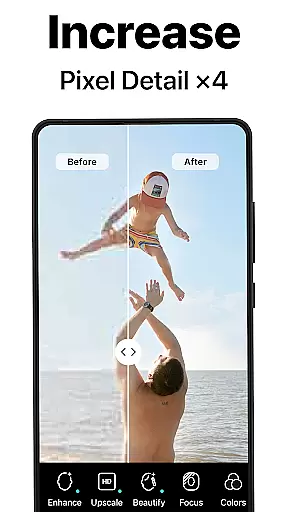
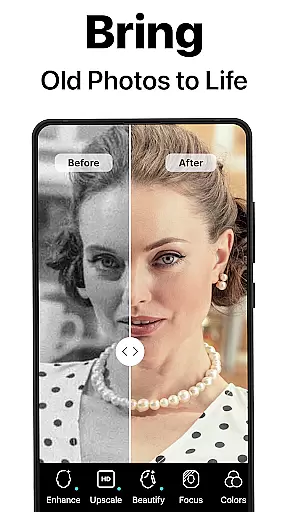
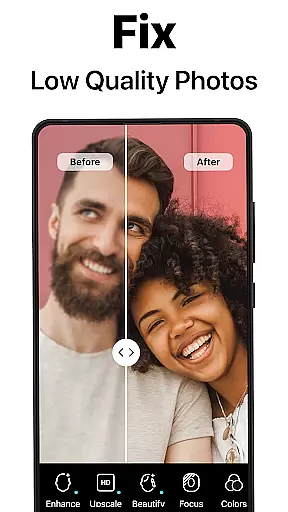
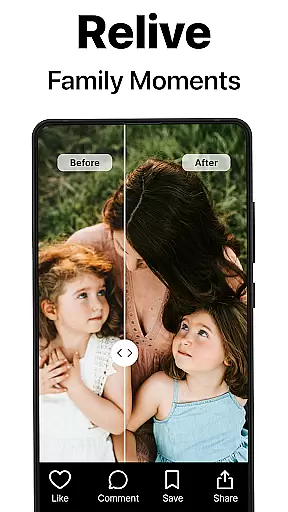
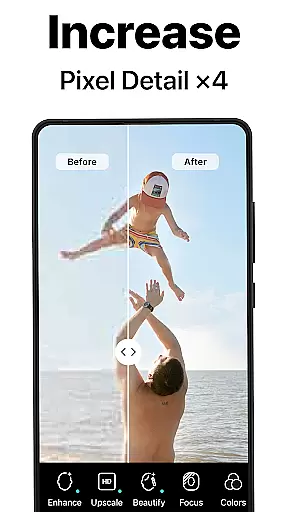
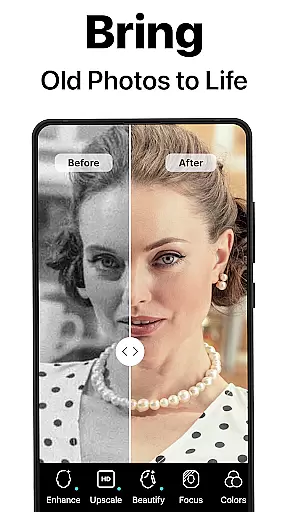
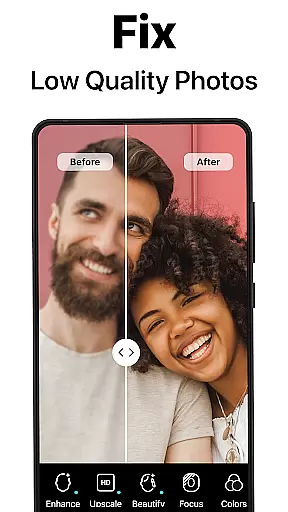
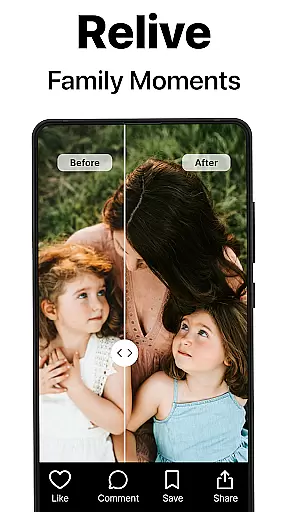
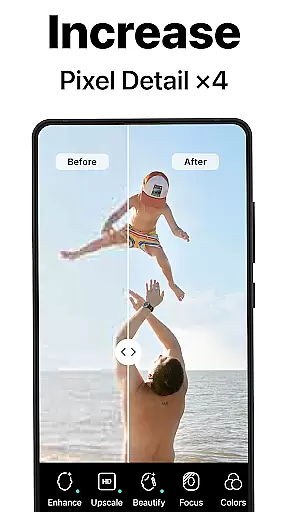
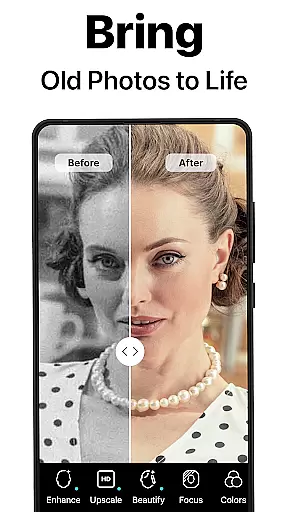
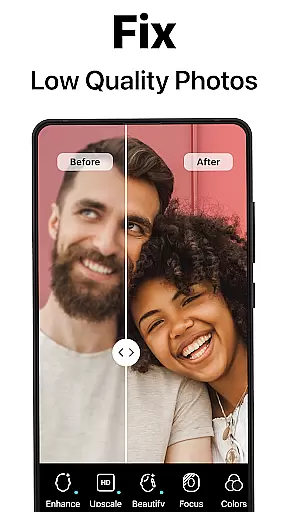
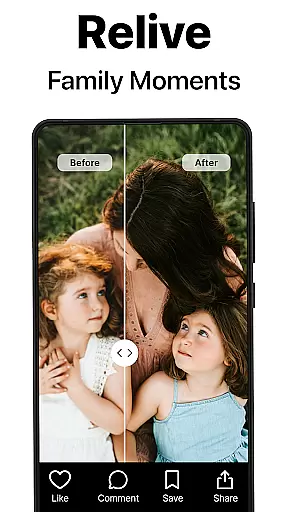
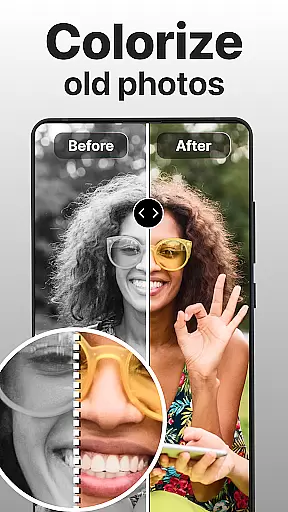
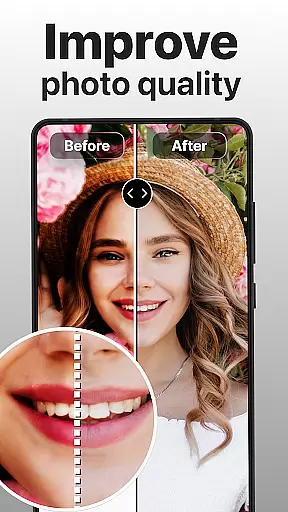
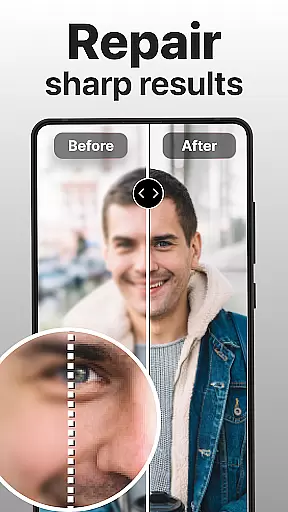
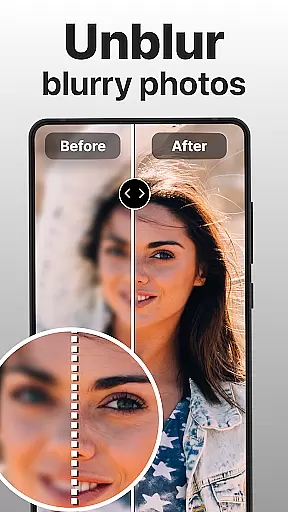
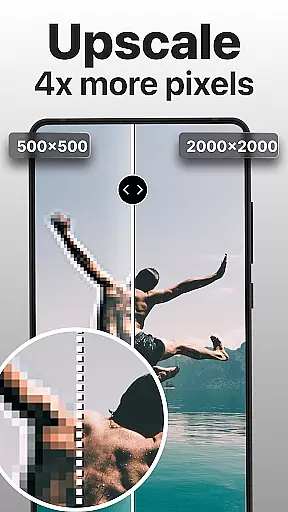
PhotoBoost is a cutting-edge photography app that uses advanced AI technology to enhance, restore, and transform your photos. The app specializes in sharpening blurry images, reviving pixelated photos, and restoring cherished memories with remarkable precision. With its standout AI Avatars feature, users can create stunning avatars in various artistic styles, making it an ideal tool for both photo restoration and creative expression.
Whether you're looking to repair old family albums or generate professional-quality headshots, PhotoBoost offers versatile solutions tailored to different needs. Its powerful features like instant photo sharpening, AI upscaling, and vibrant colorization ensure high-quality results every time. Perfect for social media enthusiasts and memory keepers alike, PhotoBoost brings your photos to life while offering endless creative possibilities through its expansive library of avatar themes.
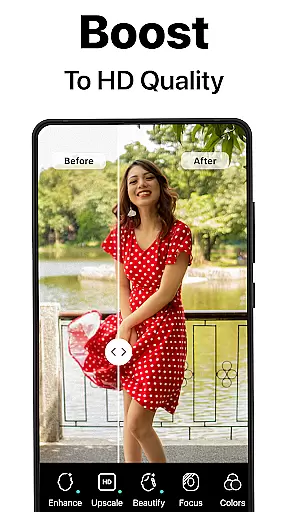
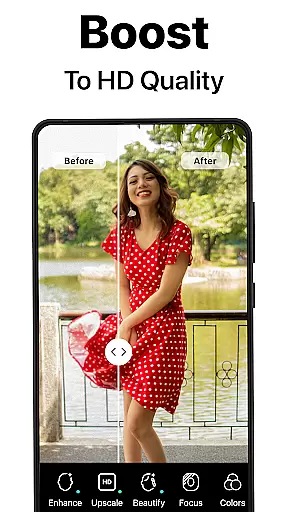
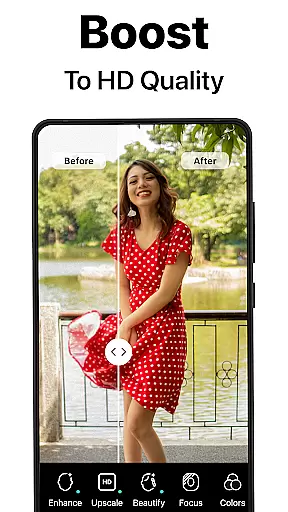
PhotoBoost stands out with its comprehensive suite of features designed to cater to all your photo enhancement needs. At the core of the app is its ability to instantly sharpen blurry or low-resolution images, making them suitable for sharing on social media or preserving as keepsakes. Additionally, the app excels at restoring old and damaged photos by repairing scratches, eliminating fading, and even adding vibrant colors to black-and-white images.
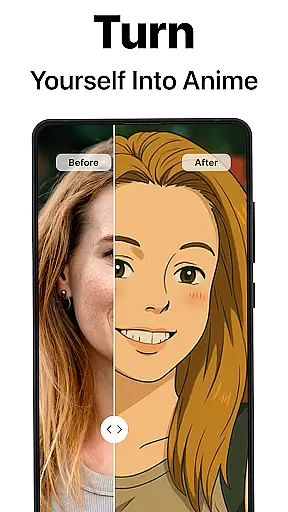
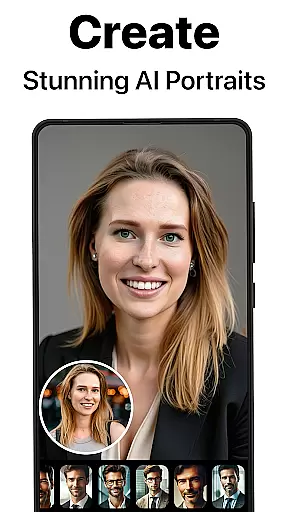
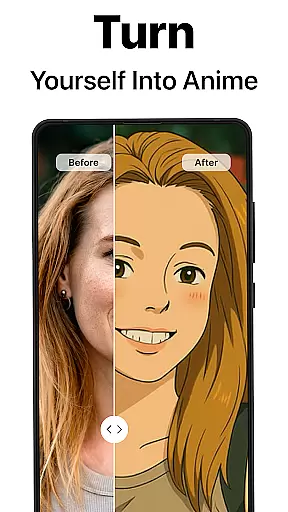
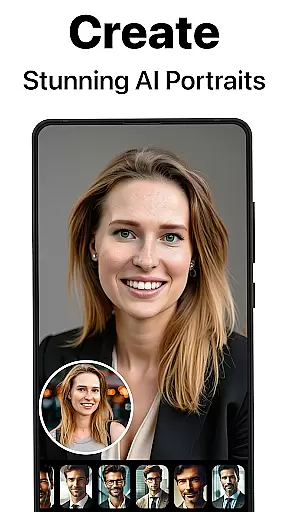
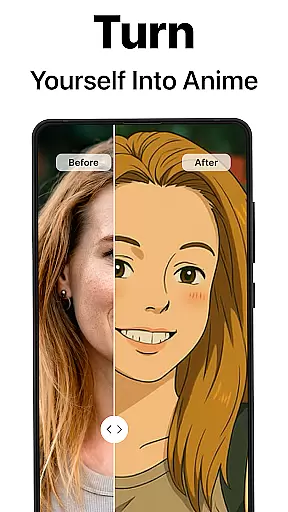
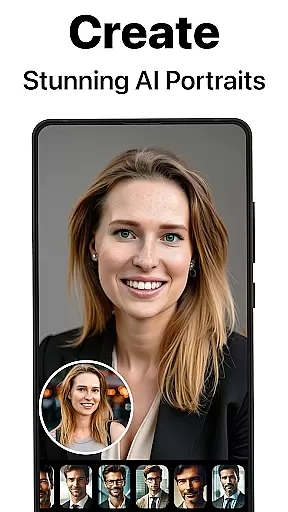
One of the most innovative aspects of PhotoBoost is its AI Avatars functionality, which allows users to transform their selfies into unique creations across a wide range of styles and themes. From festive holiday looks to fantasy-inspired designs, this feature ensures unmatched variety and personalization. Other notable tools include advanced AI upscaling for enlarging images without quality loss and side-by-side comparison views to showcase enhancements effectively.
The combination of speed, accuracy, and versatility makes PhotoBoost a top choice for anyone seeking professional-grade photo editing capabilities right from their mobile device.
Real-time capture and preview functionality is essential for ensuring that every photo taken meets the user's expectations. PhotoBoost excels in this area by providing instantaneous feedback on images as they are captured, allowing users to make necessary adjustments before finalizing their shots.
The app leverages advanced AI technology to enhance the clarity and quality of photos during the capture process. This ensures that even if the initial shot is suboptimal, the intelligent system can immediately correct issues such as blurriness or poor lighting, delivering a refined image in real time.
For users, this feature translates into an efficient photography experience where they can trust that their photos will be sharp and vibrant without needing extensive post-processing. Whether capturing memories for social media or preserving family moments, PhotoBoost's real-time enhancements guarantee professional-quality results every time.
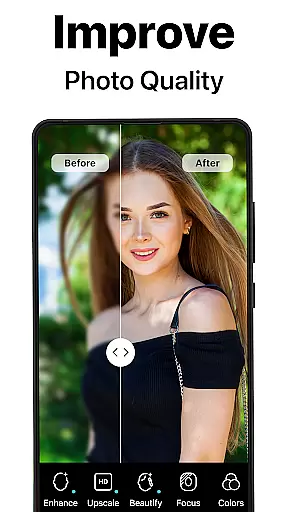
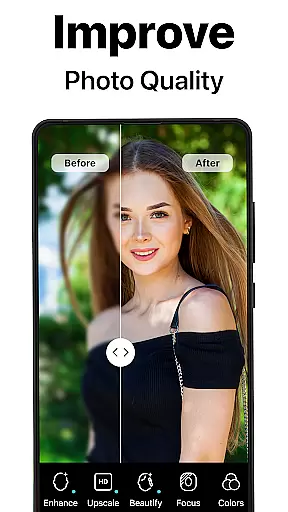
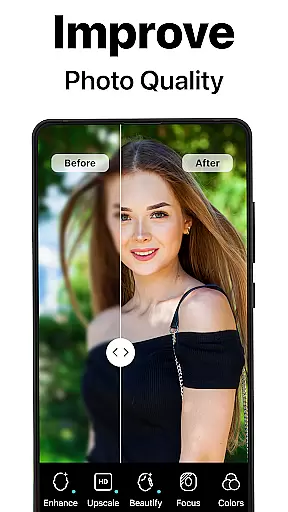
AI beauty and enhancement features have become a staple in modern photography apps, but PhotoBoost sets itself apart through its commitment to natural-looking edits. The app employs sophisticated algorithms that analyze facial features and apply enhancements that preserve the subject's original appearance while smoothing out imperfections.
With PhotoBoost, users can transform their selfies into stunning portraits without the artificial look often associated with digital touch-ups. The AI intelligently adjusts elements like skin tone, eye brightness, and smile enhancement, ensuring that each edit enhances the subject's natural beauty rather than masking it under heavy filters.
This approach not only boosts user confidence by presenting them at their best but also maintains authenticity in shared images. By prioritizing naturalness in its AI-driven enhancements, PhotoBoost delivers polished yet genuine results, making it an ideal choice for those seeking true-to-life photo improvements.
User-friendly interface
Advanced AI technology
Versatile editing options
Fast processing speeds
Unique AI Avatars
Premium subscription required
Limited free trial
Some features may overwhelm beginners
Occasional ads in free version
High system requirements

Photo editor: face & body editor, beauty cam, filters and quality enhancer.
 4.00
4.00
HD Photo gallery and photo manager to edit, hide private photos, videos & albums
4.5
Cartoon and artistic effects for your photos and videos
4.70
HD Camera Pro with HD Video shooting, Panorama, Photo editor , Beauty Camera.
4.50
A must-have app for landscape photographers
4.60
AI Photo Editor with 100+ Filters, Effects! Remove BG, Retouch & Photo Enhancer.
4.80
Turn photos into cartoons & avatars! - Photo Editor, Cartoon Face!
3.90
live datamoshing
4.00
Try an anime version, cartoon yourself, and generate AI hug or aging videos!
3.70
Easily view, share, delete photos with Gallery.
4.70
PhotoSync Bundle Add-On License. Enables all features and services in PhotoSync.
4.60
Transform photos into videos! Create realistic or anime-style images easily!
4.50
Shooting photos and records video easily and efficient with professional Camera
4.30
AI-powered video creator by MiniMax - Where ideas meet cinema
4.20
Professional camera app that brings DSLR manual photography controls to Android.
4.20
Create & Edit with AI: AI Remove, Enhance, Retouch, Filter
4.10
The #1 app for B&W film developing featuring an advanced darkroom timer.
4.10
Application for remote controlling DSLR
3.00
Snap photos remotely using your Garmin watch as the camera trigger
4.1


User Reviews