
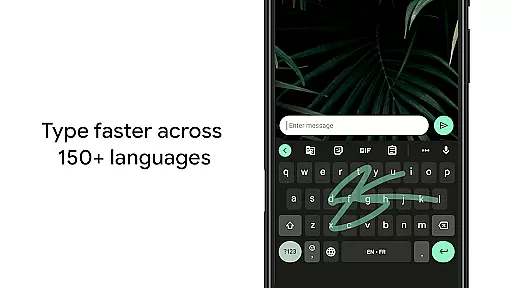
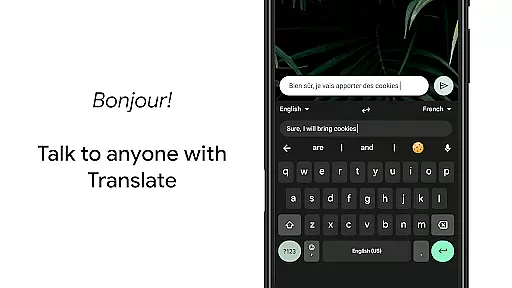
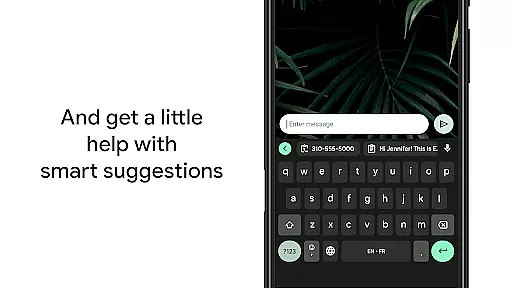
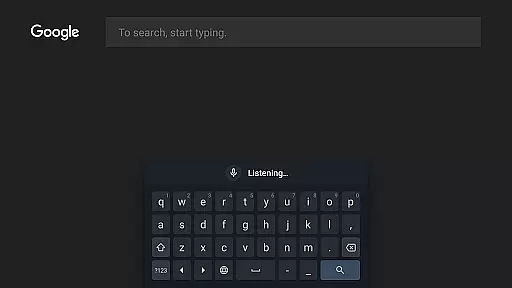
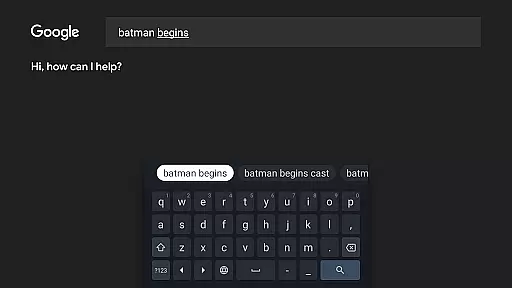
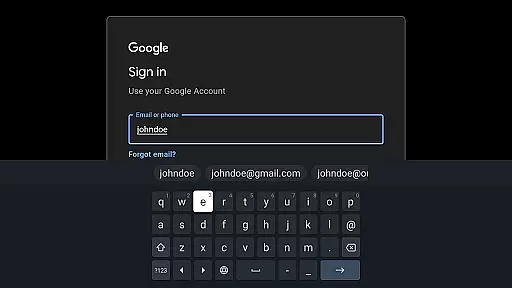
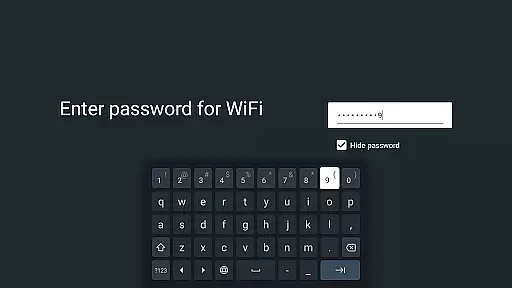
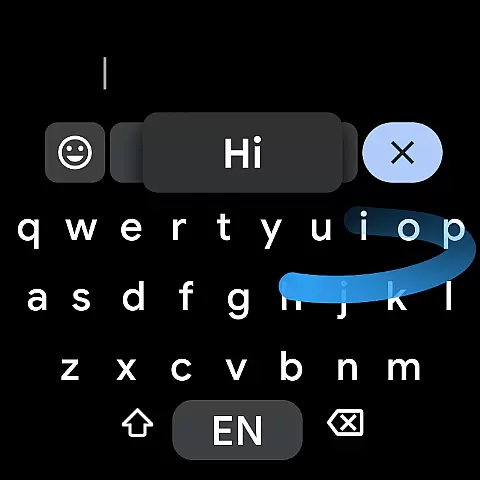
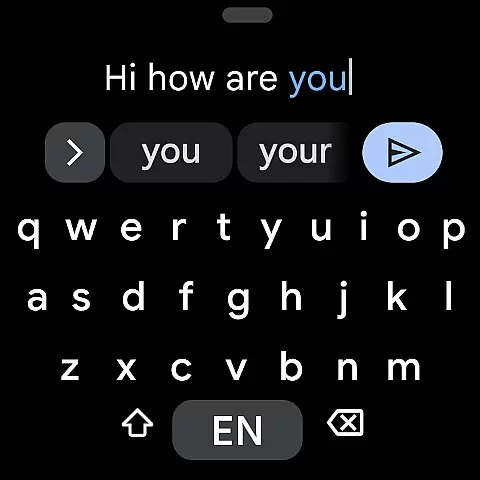
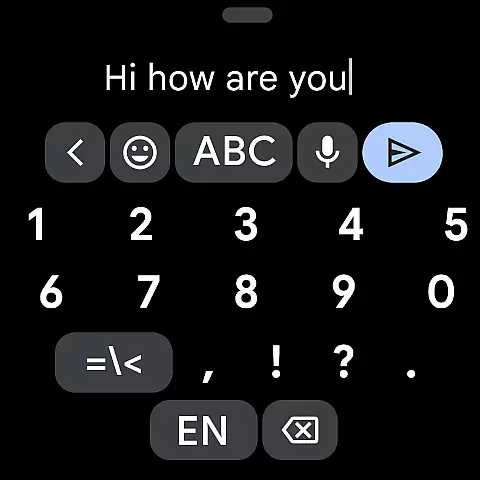
Gboard is a versatile keyboard app designed for Android devices, including Wear OS. It combines speed and reliability with innovative typing features. The app supports Glide Typing, voice input, handwriting recognition, and multilingual typing without manual switching. With support for hundreds of languages and specialized features like Google Translate integration, Gboard ensures efficient communication across different platforms.
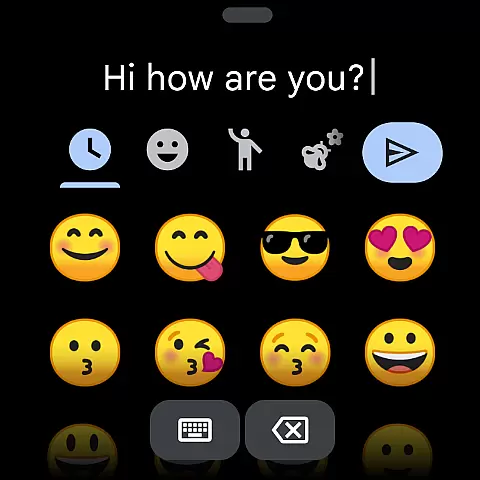
For smartwatch users, Gboard offers a streamlined experience with essential features like Glide Typing, voice input, and emoji support. The app's adaptability to various screen sizes and its customizable options make it an ideal choice for both smartphone and Wear OS users who require a reliable typing solution on the go.
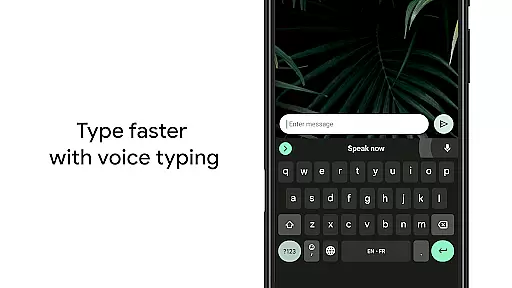
Gboard stands out with its comprehensive feature set tailored for modern communication needs. The Glide Typing functionality allows users to type faster by sliding their finger across the keyboard, while voice typing provides hands-free text input. Advanced features include handwriting recognition that supports both cursive and printed letters, and a multilingual typing option that automatically corrects and suggests words from multiple enabled languages.
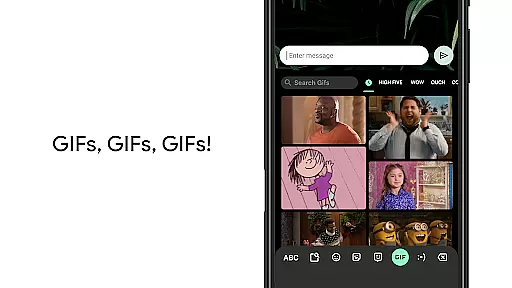
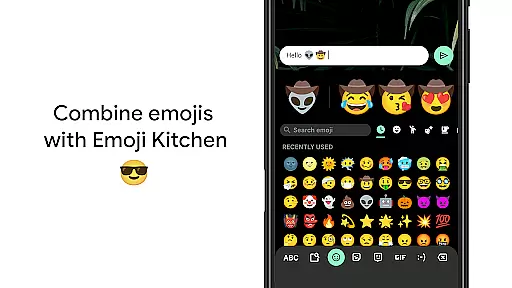
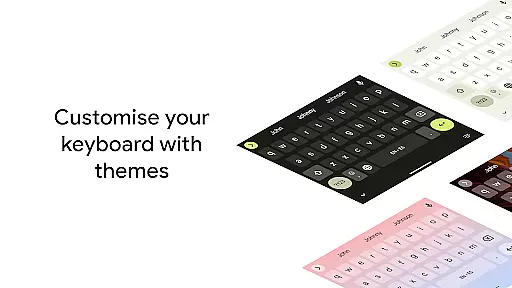
The app also includes productivity-enhancing tools such as Google Translate integration for real-time translation, GIF search capabilities, and emoji search functions. Customization options are abundant, allowing users to adjust settings like gesture controls, one-handed mode, and theme preferences. These features collectively create a personalized and efficient typing experience across all supported Android devices.
Gboard offers seamless companion app integration, ensuring that your typing experience is consistent across all devices. This feature allows users to sync their preferences, learned words, and even clipboard content between their mobile devices and Wear OS watches.
The synchronization process happens in real-time through a secure connection, providing users with the convenience of having their personalized keyboard settings available wherever they need them. Whether you're typing on your phone or dictating a message from your smartwatch, Gboard ensures a unified experience.
By integrating with the main Google Keyboard application, Gboard extends its powerful features such as Glide Typing, Voice Typing, and Handwriting to your wearable device. This means you can enjoy the same speed and reliability whether you're responding to messages on your phone or quickly sending a reply from your wrist.
Gboard's compatibility with Wear OS and various devices is one of its standout features. The keyboard supports an extensive range of languages and input methods specifically optimized for smartwatches, making it versatile for users worldwide.
With support for hundreds of language varieties, including complex scripts like Chinese and Korean, Gboard ensures accurate and efficient typing on smaller screens. The adaptive design provides an optimal user experience regardless of the device's screen size or resolution.
Beyond just language support, Gboard maintains its core functionalities across different devices. Features such as Glide Typing, Voice Typing, and Emoji Typing are all available on Wear OS, allowing users to choose their preferred input method without compromising functionality or performance.
Fast typing
Voice input
Multilingual
Customizable
Reliable
No offline maps
Limited themes
Heavy app
Ads present
Complex UI

A Wintery Snow Globe on Your Wrist; now celebrating Christmas!
 4.4
4.4
A watch face that fuses motorsport precision with contemporary smartwatch design
4.4
Let's celebrate Thanksgiving - Wear Os watch face
4.20
Real-time weather radar with temperatures, warnings, hurricanes, and widgets
4.80
Bold weather Digital watchface with forecast & optional animated background
4.40
A modern hybrid informative watch face for Wear OS designed by BALLOZI
4.80
Hybrid Vibrant Health Watch Face for Wear OS
4.2
A realistic hybrid watch face with many customization options.
4.60
Daily Weather forecast with 15 weather images for Day & Night plus Big Bold time
4.10
Christmas - Festive - Christmas Village - Winter - Christmas lights
5.00
Digital, flexibly customizable watch face. For Wear OS 5.0, API 34+ and later.
5.00
Easy Voice Recorder is your everyday companion to record important moments.
4.70
Stylish, Energizing and Modern Watch Face crafted by Dominus Mathias.
4.50
Locate your family members by GPS phone location tracker everywhere and anytime
4.30
Your music, your playlists, and more—offline and unlimited.
4.20
Hyper-Realistic Airplane Dashboard Watch Face With 10 Skins and Custom AOD
4.00
Stay in touch with your friends and family using LINE!
3.40
Precision analog watch face with 7 complications and style options
4.2
Contemporary digital watch face with five complications
4.4


User Reviews