


Ultimate Alexa Voice Assistant is a comprehensive voice assistant application that integrates Amazon Alexa's voice service, offering users both audio and visual interactions. It stands out as the pioneering app on Google Play to support Alexa’s Display Card technology, akin to the Amazon Echo Show.
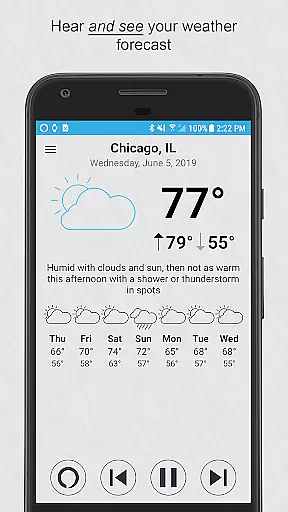
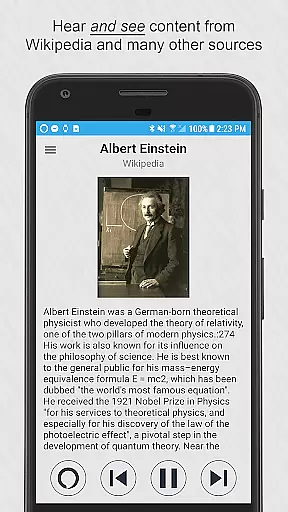
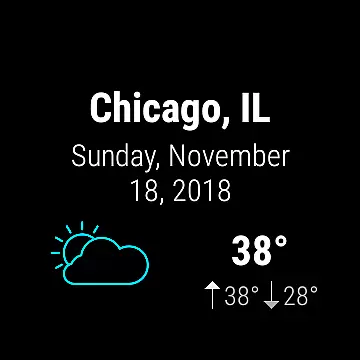
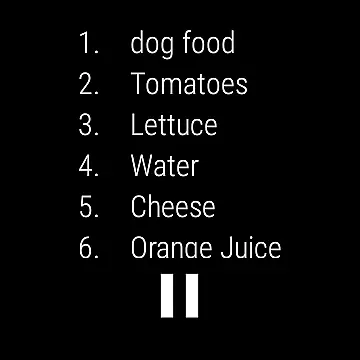
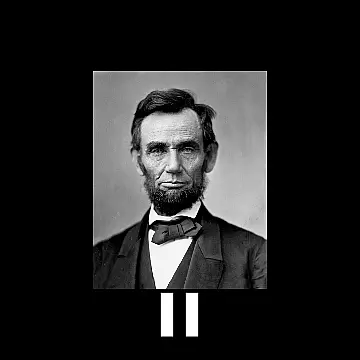
This app enables users to receive weather forecasts, manage to-do and shopping lists, catch up on news headlines, access Wikipedia entries, and more, all through voice commands or simple taps. Compatible with both smartphones and Wear OS watches, it ensures accessibility whether your device has a speaker or relies on a connected phone for audio output.
With features like custom wake words, integration with Google Assistant, and the option to set it as your default assistant, Ultimate Alexa Voice Assistant enhances user convenience. The Pro version further extends functionality with shake-to-activate and dedicated Bixby button support on Samsung devices.
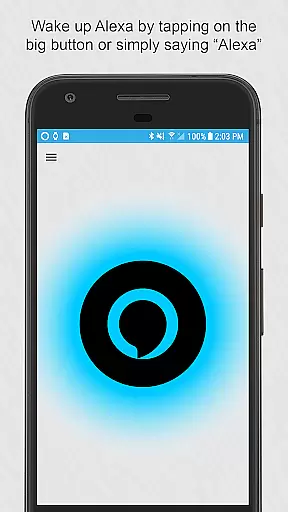
Ultimate Alexa Voice Assistant boasts an array of sophisticated features designed to streamline daily tasks and improve productivity. Users can initiate commands by saying “Alexa,” tapping a prominent button, utilizing the notification area, resizing widgets, or even instructing the Google Assistant to start Ultimate Alexa.
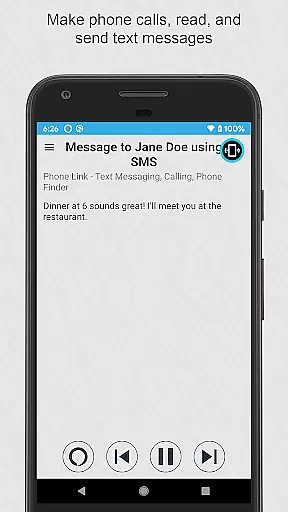
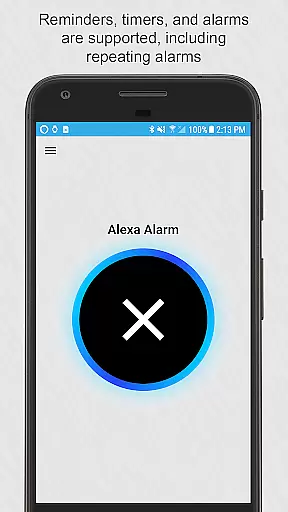
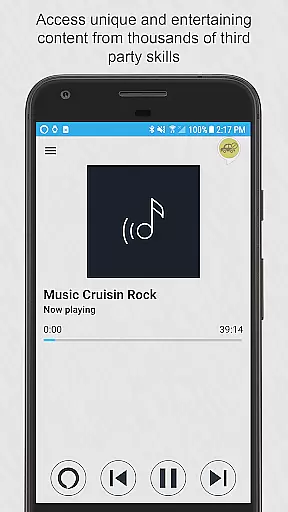
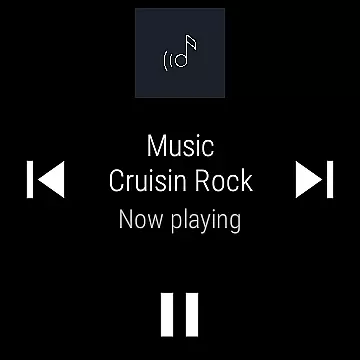
The app supports making calls, sending texts via popular messaging apps, playing back local music files, setting reminders, timers, alarms, and managing smart home devices. Additionally, it provides access to local information, news updates, sports scores, traffic conditions, entertainment options, general knowledge queries, shopping lists, and thousands of third-party skills.
For those seeking enhanced customization, the Pro version unlocks exclusive capabilities such as shake activation and Bixby button integration. These advanced functionalities ensure seamless interaction across various devices while maintaining user control over when and how the app responds to commands.
Companion app integration is a crucial feature for Android Wear applications as it ensures seamless synchronization between the wearable device and its smartphone counterpart. Ultimate Alexa Voice Assistant excels in this area by providing users with the ability to interact with Alexa on their Wear OS watches just as they would on their phones.
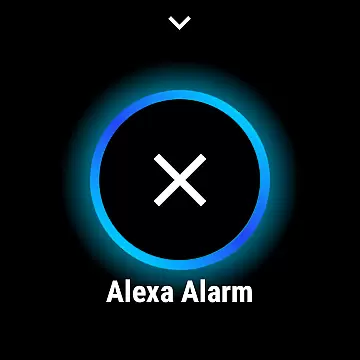
The app allows you to tap on a large button on your watch and start talking, or use the Wear OS tile to launch the app and immediately provide a voice command. This tight integration means that whether you're checking your shopping list or controlling smart home devices, the experience remains consistent across both devices.
For watches without speakers, the connected phone's speaker is utilized, ensuring no functionality is lost. This comprehensive approach to companion app integration enhances user convenience and maintains the full range of Alexa features on wearable devices.
Wear OS and device compatibility are essential for any Android Wear application, determining how well the app performs across different devices. Ultimate Alexa Voice Assistant boasts extensive compatibility, supporting not only a wide array of Wear OS watches but also ensuring functionality on various Android smartphones.
This compatibility extends to unique device features; for example, Samsung devices with a Bixby button can use that button to talk to Alexa after upgrading to the Pro version. Additionally, the app can be set as the default assistant, allowing it to listen for the wake word continuously and be activated by long-pressing the home button.
Such broad device support ensures that users can enjoy a personalized and versatile Alexa experience regardless of their specific hardware, making Ultimate Alexa a flexible choice for those invested in the Android ecosystem.
User-friendly interface
Versatile compatibility
Comprehensive feature set
Customizable options
Proactive customer support
Limited music streaming
Regional call restrictions
Premium version costs
Complex setup process
Battery consumption concerns

Gym Log & Workout Tracker | Fitness Journal, Training & Weight Lifting Planner
 4.90
4.90
Diet tracker for weight loss - track calories, food and macros. Simple and easy!
4.70
Watch the sharpness of the sky on your wrist..
3.70
Snowflake Rose Gold Watch Face - Digital, modern, & sleek with GYRO effect.
4.10
Embrace the festive spirit with our Christmas Countdown watchface for Wear OS
4.10
Easy Voice Recorder is your everyday companion to record important moments.
4.70
Bold, Modern Hybrid Watch Face for Wear OS. 10 Colors, Rich Info Display.
4.30
Nutrition, Macro tracker: Food, fitness & healthy diet tracking for weight loss
4.60
Daily Weather forecast with 15 weather images for Day & Night plus Big Bold time
4.10
Hyperlocal rain alerts by MyRadar using patent-pending technology, radar & more
4.80
Gym & home workout plans with strength training, exercise tracking, HIIT & more.
4.60
Digital watch face. For Wear OS devices.
4.40
Calming & relaxing sounds for sleeping and stress relief. Stay focused all day!
4.20
Let's celebrate Thanksgiving - Wear Os watch face
4.20
Your music, your playlists, and more—offline and unlimited.
4.20
Structured watch face with seven complications and modular UI elements
3.90
Your local weather forecast, storm tracker, radar maps & live weather news
3.40
Analog watch face with 8 complications and expedition styling
4.5
Hybrid Vibrant Health Watch Face for Wear OS
4.2


User Reviews