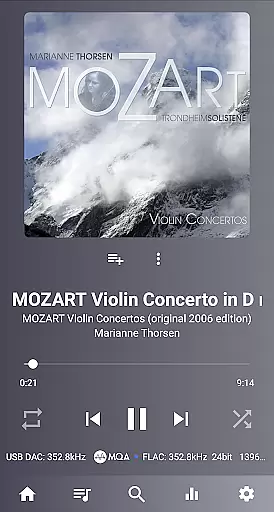
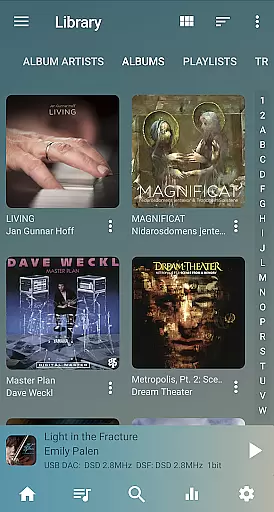
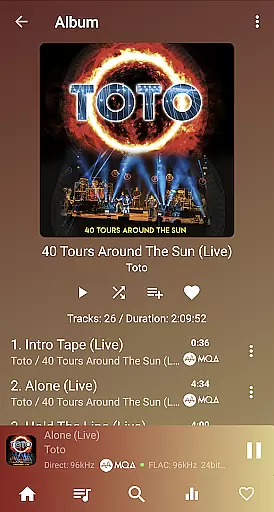
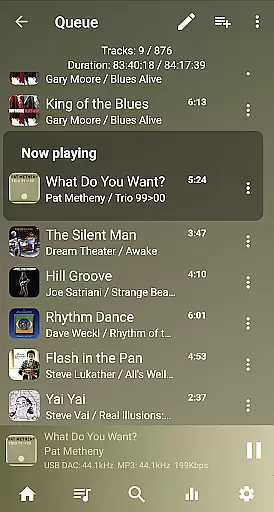
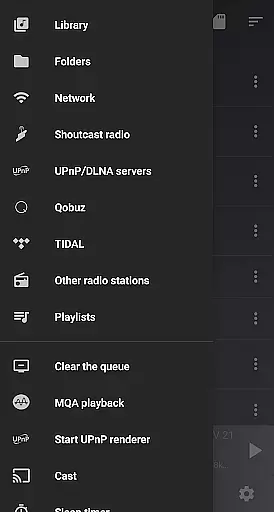
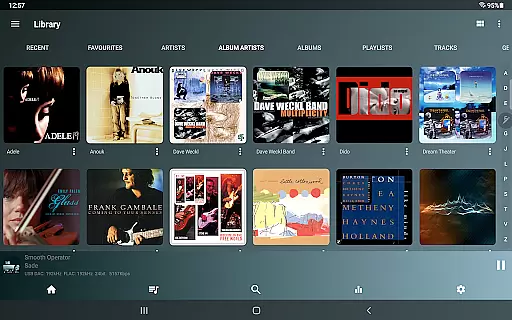
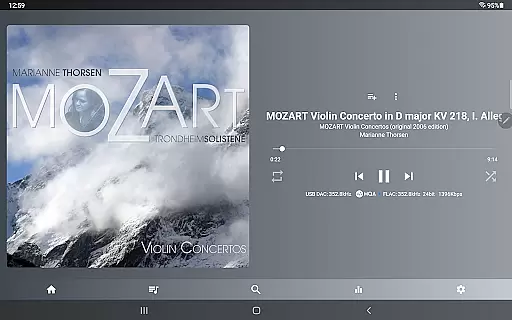
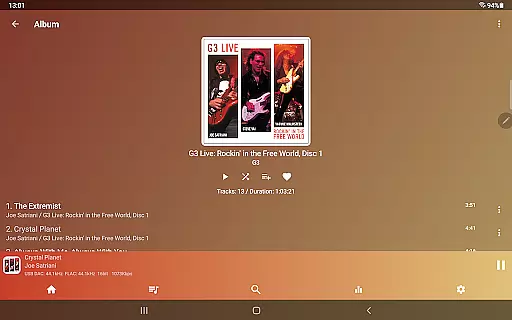
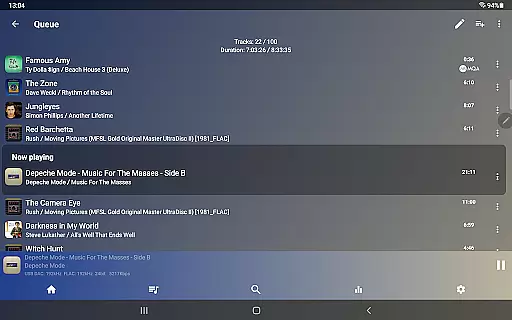
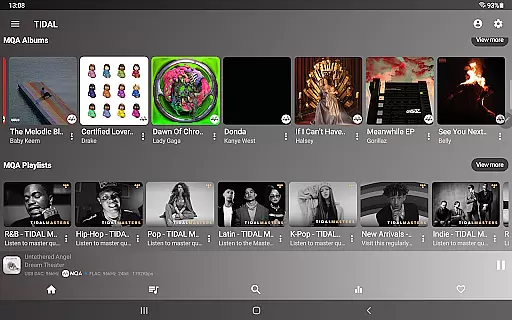
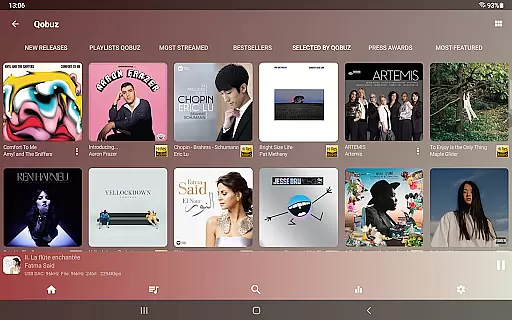
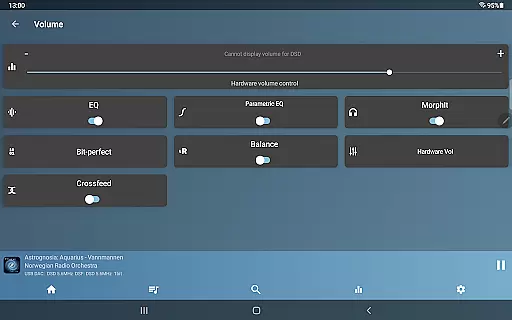
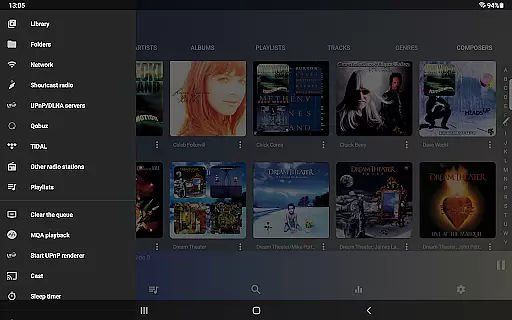
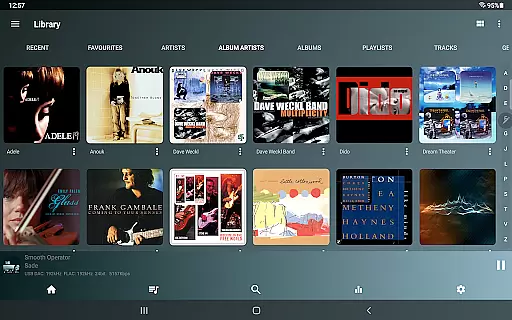
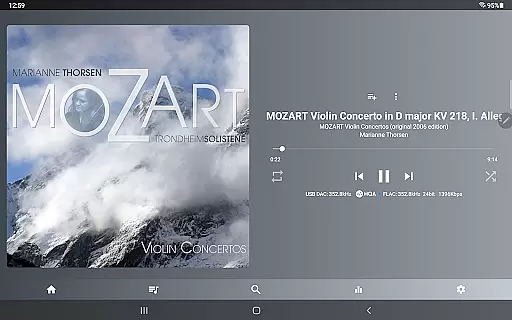
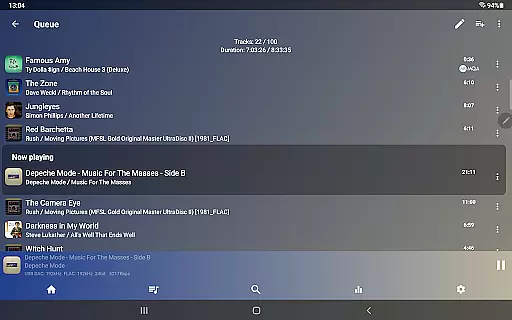
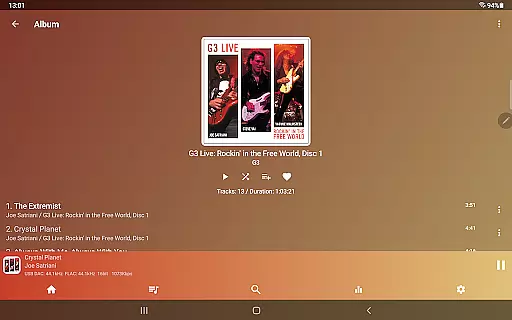
USB Audio Player PRO is a high-quality media player designed for audiophiles, supporting USB audio DACs and HiRes audio chips found in the latest smartphones. It plays almost any audio format at resolutions and sample rates supported by your DAC, bypassing Android's audio limitations. Whether using custom-developed USB drivers or internal HiRes chips, this app delivers superior sound quality.
The app also features advanced capabilities like capturing audio from other apps through its high-quality driver, making it possible to play streaming services via UAPP’s sound engine. With support for Bluetooth codec switching and extensive file format compatibility, it ensures an unparalleled listening experience across devices.
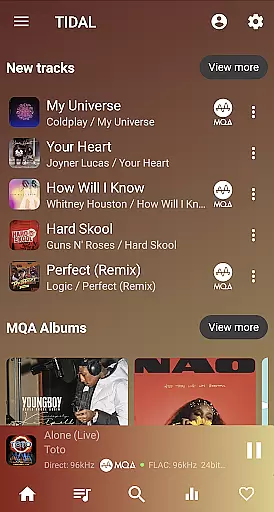
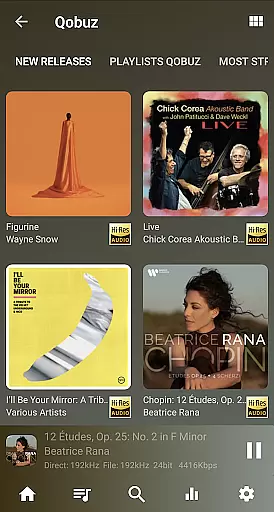
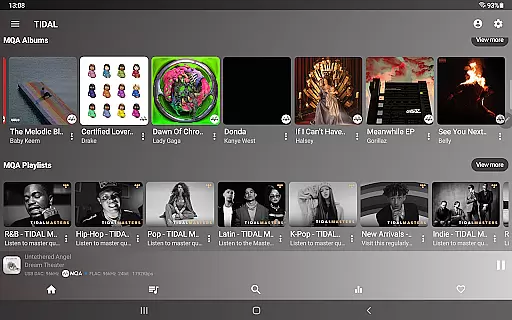
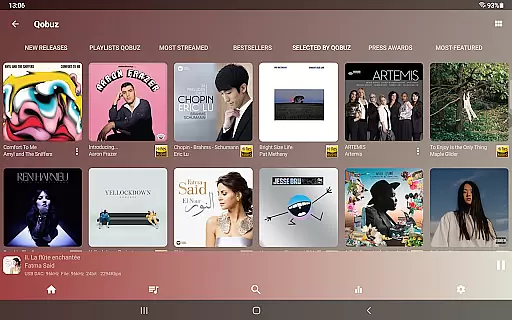
Ideal for users seeking professional-grade audio playback, the app supports network streaming, gapless playback, and DSD-to-PCM conversion. Audiophiles can enjoy bit-perfect playback, MQA decoding, and advanced equalizer settings, all while accessing popular streaming platforms like TIDAL and Qobuz directly within the app.
USB Audio Player PRO offers an impressive range of features tailored for audiophiles. The app supports virtually every audio file type, including FLAC, WAV, MQA, DSD, and SACD ISO files, ensuring compatibility with high-resolution music libraries. By completely bypassing Android’s native audio system, it achieves true bit-perfect playback up to 32-bit/768kHz, depending on your DAC's capabilities.
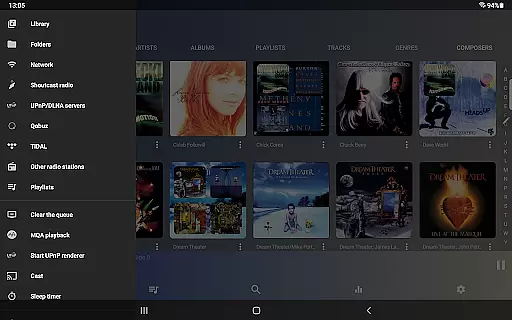
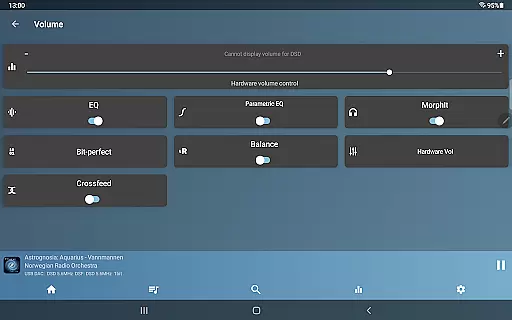
One standout feature is its ability to capture audio from other apps, routing streams through its superior sound engine. This functionality extends to popular services like Deezer and Apple Music. Additionally, the app provides advanced tools such as Toneboosters MorphIt Mobile for headphone simulation, synchronized lyrics display, and UPnP/DLNA server integration for seamless network playback.
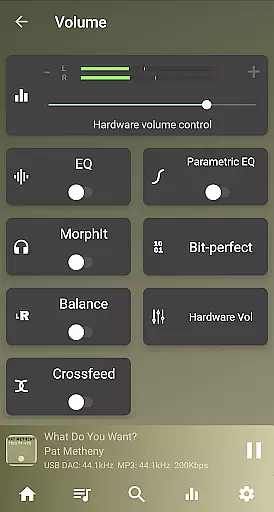
For those seeking customization, the app includes a parametric EQ, upsampling options, and Last.fm scrobbling. Its support for Android Auto, Bluetooth codec adjustments, and HiRes audio chips makes it versatile across various devices. These innovations position USB Audio Player PRO as one of the most comprehensive solutions for high-fidelity audio enthusiasts.
USB Audio Player PRO offers an extensive music library that supports a wide range of audio formats beyond the standard Android offerings. This includes but is not limited to wav, flac, mp3, m4a, and even high-resolution formats like SACD ISO and DSD.
The application ensures copyright authenticity by providing users with the ability to play files directly from their own collections, including those stored on network servers or cloud services such as Dropbox. This guarantees that all music played through the app is legally owned by the user.
With its support for MQA decoding and rendering, users can enjoy studio-quality sound that maintains the integrity of the original recording. This feature is particularly beneficial for audiophiles who demand the highest level of audio fidelity.
By supporting playback from TIDAL, Qobuz, and Shoutcast, the app provides access to a vast array of copyrighted content while ensuring that all tracks are streamed legally and ethically. This commitment to copyright compliance enhances the credibility of the music library.
One of the standout features of USB Audio Player PRO is its superior audio quality options. The app supports native playback at resolutions up to 32-bit/768kHz, surpassing the typical 16-bit/48kHz limit found in other Android players.
For devices equipped with HiRes audio chips, the player leverages this technology to deliver 24-bit audio without resampling, preserving the purity of the sound. This is especially advantageous for users with high-end audio equipment seeking bit-perfect playback.
In addition to supporting various sample rates, the app also offers advanced audio processing features such as DoP, native DSD playback, and DSD-to-PCM conversion. These capabilities ensure that regardless of the source material, users can experience optimal audio performance.
Furthermore, the inclusion of a 10-band equalizer and optional upsampling allows for personalized audio adjustments, catering to individual preferences and further enhancing the listening experience. Such flexibility in audio settings underscores the app's dedication to delivering top-tier sound quality.
High-quality audio playback
Wide format compatibility
Advanced DAC support
Customizable EQ settings
No root required
Paid feature pack needed
Complex setup process
Limited Bluetooth codec support
Expensive in-app purchases
Not beginner-friendly

 4.70
4.70
SqueezePlayer turns your Android phone or tablet into a SqueezeBox on its own!
4.60
Gorgeous UI, Powerful music Search and Equalizer, the great choice for you!
4.70
Network/Cloud Streaming, Visualization, Graphic Equalizer and Sound Effects.
4.20
The ultimate media player for Android devices
3.90
USB audio recording and playback finally possible on Android 3.1 or higher!
3.90
Bass Booster & Volume Equalizer Pro improves your music and video sound quality
4.60
Super Sound Editor, Song Maker & Mixer, Vocal Remover, Voice Recorder & Changer!
4.60
Ringtone Maker is free app create ringtone from music files or your recording.
4.40
Voice recorder - Audio recorder. Best recorder for recording
4.90
Recording studio w/ 10k beats, pro vocal FX and a network of 20M rappers & fans!
4.60
A complete sound package for the sound engineer or enthusiast
4.60
Visualize the guitar fretboard, master scales & play through changes like a pro!
4.50
DJ Music Mixer - DJ Remix: remix songs, make beat music & record mix of DJ.
4.40
Play KORG’s revolutionary touch-based instrument on a variety of devices.
4.40
Equalizer, Bass Booster and Volume Booster (Eq & Bass) improve sound quality
4.30
Advanced 10-Band Audio Graphic Equalizer Sound Booster Pro
4.30
Master Salsa Rhythm quickly and with a lot of fun!
4.30
The iconic iOS metronome app is now on Android.
3.70


User Reviews