
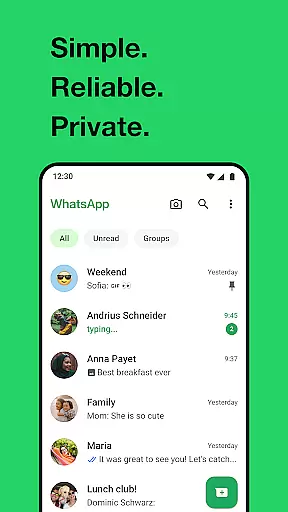
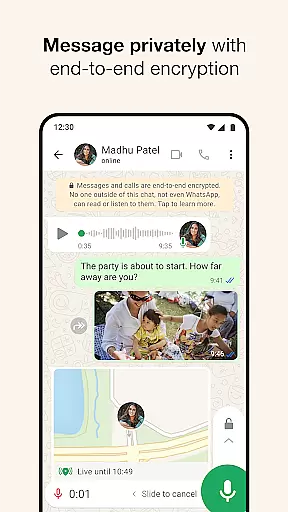
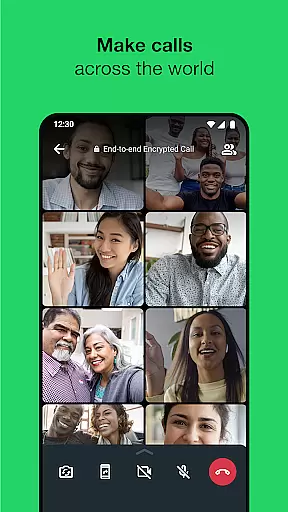
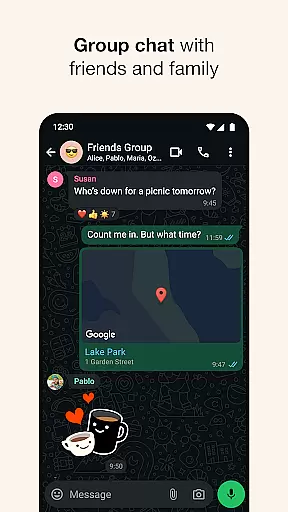
WhatsApp Messenger is a leading communication app that allows users to send messages, make voice and video calls, and share media across mobile and desktop platforms. With over 2 billion users globally, it offers end-to-end encryption for private messaging and calling. The app supports group chats, status updates, and real-time location sharing, making it versatile for personal and professional use.
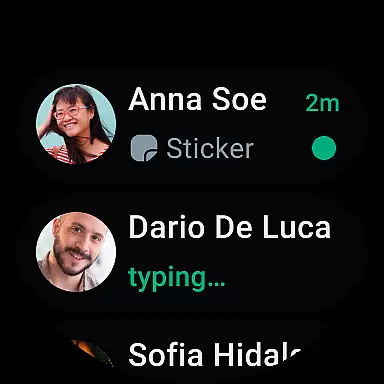
Designed for seamless performance even on slow connections, WhatsApp eliminates subscription fees and provides cross-platform compatibility. Its integration with Android Wear enhances accessibility, enabling users to manage conversations and calls directly from their smartwatches. Whether staying connected with loved ones or collaborating with colleagues, WhatsApp ensures reliable and secure communication.
WhatsApp stands out with its robust features tailored for modern communication needs. It supports high-quality voice and video calls for up to 32 participants, ensuring clarity even on slower internet connections. The app's end-to-end encryption guarantees privacy for both individual and group chats, protecting shared messages, photos, videos, and documents.
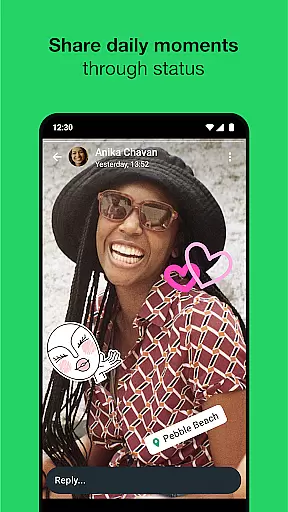
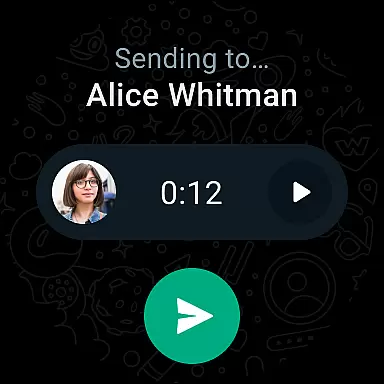
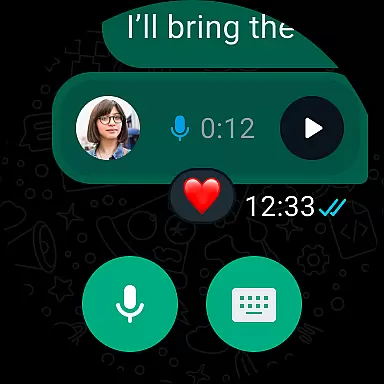
Additional functionalities include Status updates, which allow users to post temporary content that disappears after 24 hours, and real-time location sharing within chats. WhatsApp's Android Wear compatibility enables users to reply to messages, take calls, and send voice notes directly from their smartwatches. These features collectively enhance convenience, security, and engagement for users worldwide.
Companion app integration is essential for a seamless user experience across multiple devices. WhatsApp Messenger excels in this area by offering robust synchronization between mobile and desktop platforms.
The application ensures that all your messages, calls, and status updates are consistently updated across devices. This means you can start a conversation on your phone and continue it on your Wear OS watch or desktop without missing a beat.
For users, this translates to enhanced flexibility and convenience. Whether you're at work, home, or on the go, you can stay connected with friends and family without being tied to a single device.
Furthermore, WhatsApp's companion app integration maintains end-to-end encryption, ensuring that your communications remain private and secure, regardless of the device you're using.
Wear OS/device compatibility is crucial for users who want to stay connected on wearable technology. WhatsApp Messenger offers excellent support for Wear OS, allowing users to receive notifications, read messages, and even respond directly from their smartwatches.
This compatibility extends the app's functionality beyond smartphones, making it easier for users to manage their communications hands-free. With WhatsApp on your Wear OS device, you can quickly view incoming messages and decide which ones require immediate attention.
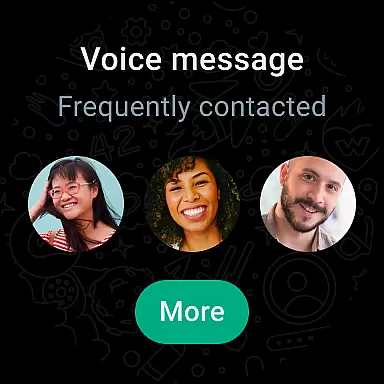
In addition to basic messaging, WhatsApp supports voice messages and call notifications on Wear OS. This feature is particularly useful when you're engaged in activities where using a phone is impractical, such as during workouts or while driving.
Overall, WhatsApp's Wear OS compatibility enhances user accessibility and convenience, ensuring that you never miss an important message or call, no matter where you are or what you're doing.
End-to-end encryption
Cross-platform support
Free voice and video calls
User-friendly interface
Global user base
Limited customization options
No native GIF search
Heavy battery usage
Requires constant internet
Status posts disappear

Diet tracker for weight loss - track calories, food and macros. Simple and easy!
 4.70
4.70
Animated Watch Face and Customizable with 24 Backgrounds. Perfect for Christmas!
3.90
Analog watch face with 8 complications and expedition styling
4.5
A watch face that fuses motorsport precision with contemporary smartwatch design
4.0
3 Complications. All shadow on/off. 30 Themes color palette...
4.4
Digital watch face with big numbers and many customization for Wear OS devices
4.40
Hyperlocal rain alerts by MyRadar using patent-pending technology, radar & more
4.80
Premium hybrid watch face with many customizations for Wear OS devices.
4.40
Track airplanes and follow flights with our real-time flight tracker
4.50
Easy Voice Recorder is your everyday companion to record important moments.
4.70
The most customizable hybrid watch face. For Wear OS 5.0, API 34+ and later
4.70
Retro digital watch face with customizable colors and a unique lighting effect
4.60
Current temperature, weather hourly, weather radar by the weather forecast app
4.40
Reliable phone calls with spam protection, caller ID and more helpful features
4.40
Snowflake Rose Gold Watch Face - Digital, modern, & sleek with GYRO effect.
4.10
Precision analog watch face with 7 complications and style options
4.2
Stylish digital watch face for Wear OS devices with customizable features
4.5
Minimalistic design modern digital watch face.
4.1
Hybrid Vibrant Health Watch Face for Wear OS
4.5


User Reviews