
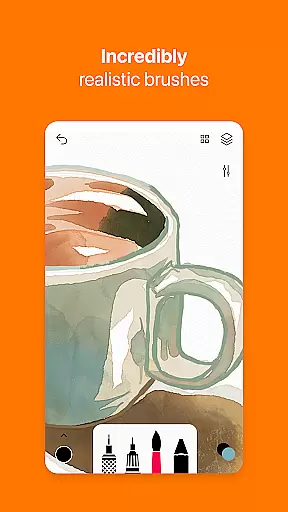
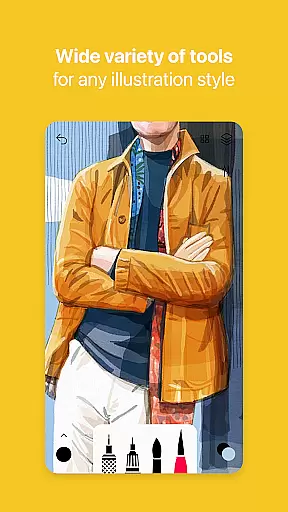
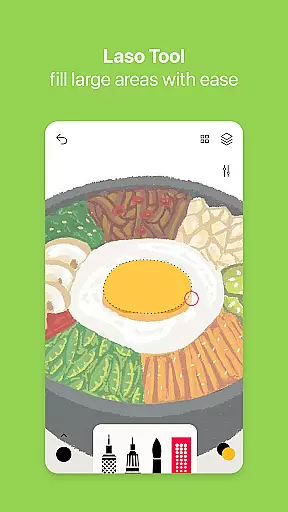
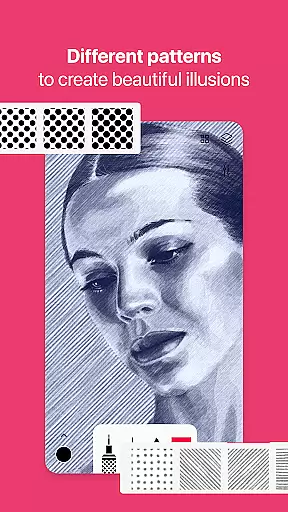
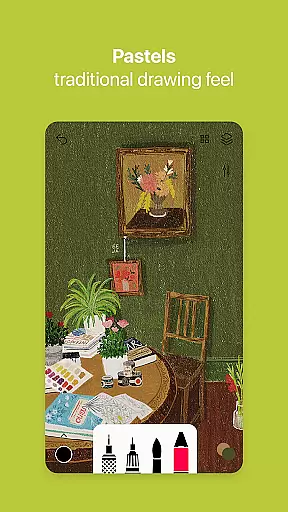

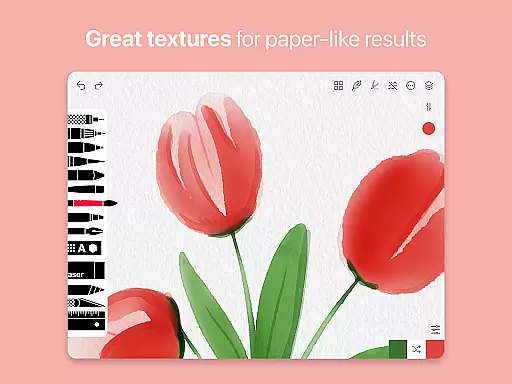
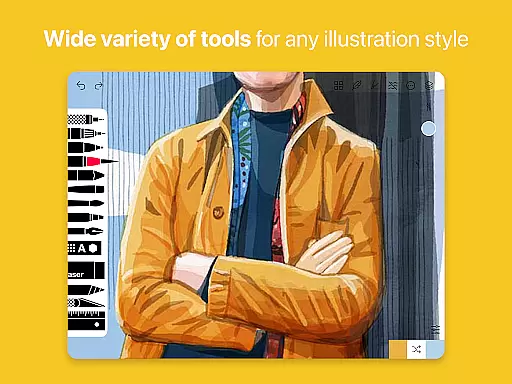
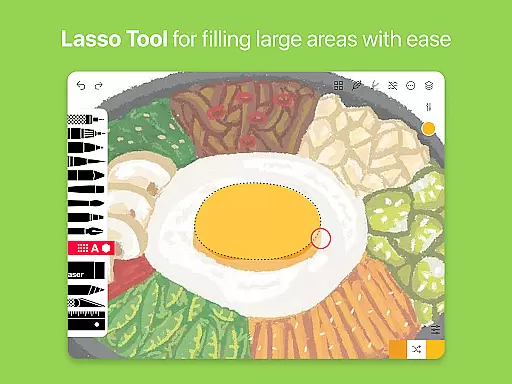
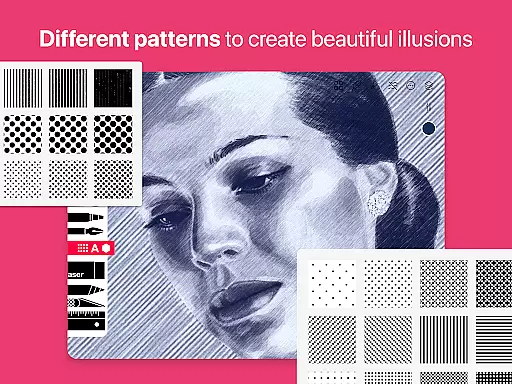
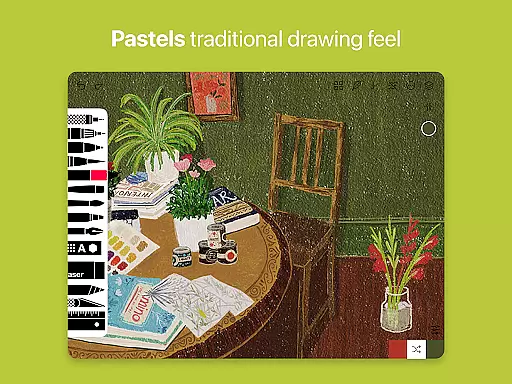
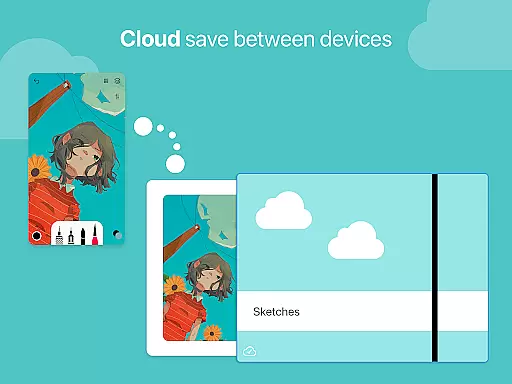
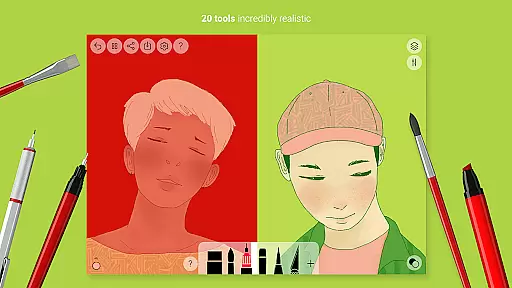
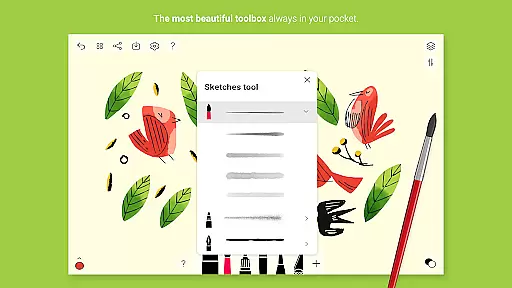
Tayasui Sketches is a premier drawing application designed for artists and creatives who value precision and beauty in their digital artwork. The app offers an impressive selection of over 20 ultra-realistic tools, each crafted to mimic traditional art mediums with remarkable accuracy. These include various brushes such as watercolor, acrylic, and oil pastel, alongside other tools like the pen, rotring, and felt pen.
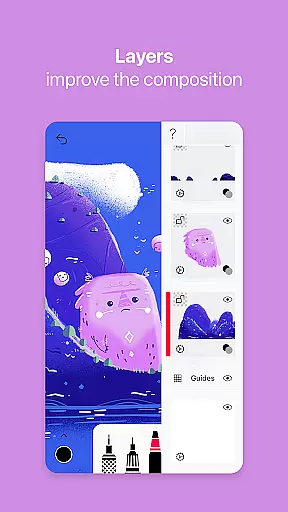
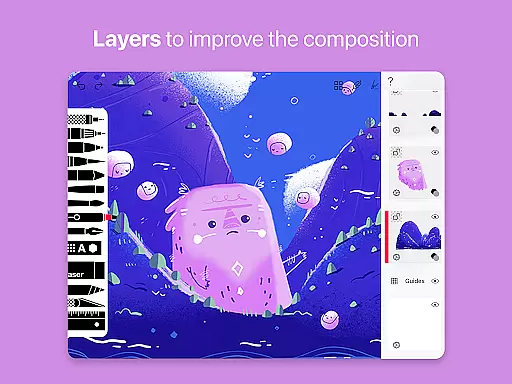
What sets Sketches apart is its dedication to providing an intuitive user experience through a minimalist interface that houses advanced features. Users can take advantage of layers to organize their work better, import photos for reference or collage, and utilize the color eyedropper for exact color matching. With options for brush editing and stylus support, this app caters to both amateur doodlers and professional illustrators alike.
Available on Android devices, Tayasui Sketches is perfect for creating detailed sketches or vibrant paintings on the go. Its realistic simulation of physical art tools makes it an ideal choice for those looking to transition from traditional to digital art without sacrificing quality or technique.
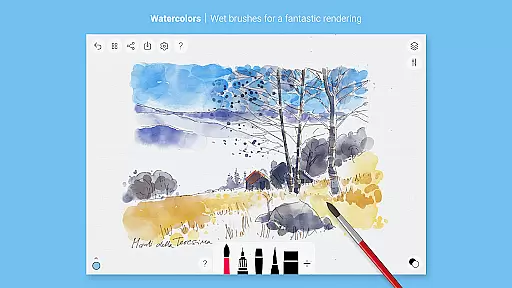
Tayasui Sketches boasts a rich set of features that cater to a wide range of artistic needs. At its core, the app provides users with access to a diverse palette of tools, including realistic brushes that adapt to pressure, angle, and width, simulating the experience of painting on paper. This level of detail extends to specialized tools such as the watercolor wet brush, airbrush, and smudge tool, allowing for a variety of artistic expressions.
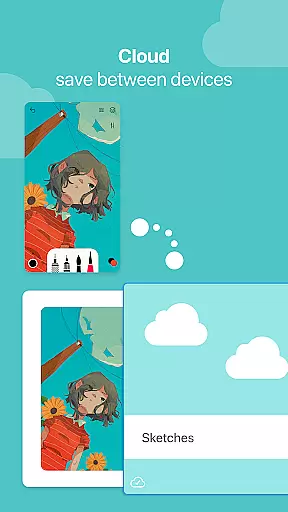
Beyond its extensive toolset, Sketches also includes advanced functionalities like layers, which are essential for complex projects. Artists can import images, use the color eyedropper to select colors from their artwork, and even edit brushes to fit their unique style. Sharing and exporting finished pieces is made simple with integrated options that streamline the process.
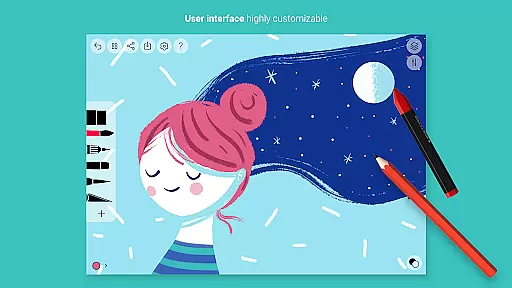
The app's design emphasizes ease of use without compromising on power. A clean layout ensures that all these sophisticated features are easily accessible, making it suitable for both beginners and seasoned professionals. Whether you're sketching ideas, painting landscapes, or designing graphics, Tayasui Sketches supports your creative journey with its comprehensive suite of art tools.
Tayasui Sketches offers an impressive array of creative tools that cater to both amateur and professional artists. With over 20 ultra-realistic tools, the app includes everything from pens and brushes to advanced options like watercolor wet brushes and acrylics.
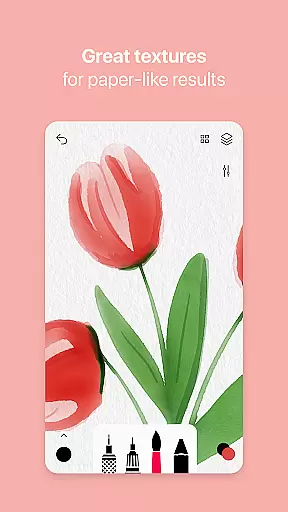
Each tool has been meticulously designed to mimic real-world counterparts. The brushes adapt to pressure, angle, and width, providing a vivid and true-to-life drawing experience that behaves like painting on paper.
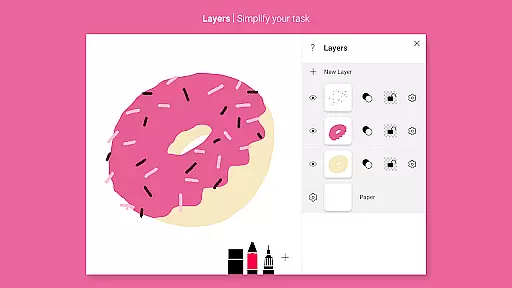
The inclusion of layers adds another dimension to the artwork, allowing users to work on different elements separately. This feature simplifies complex tasks and enhances workflow efficiency for digital artists.
Advanced sharing and export functions ensure that users can easily distribute their creations or integrate them into larger projects. These comprehensive features make Tayasui Sketches a complete package for anyone interested in digital art.
Tayasui Sketches provides remarkable flexibility when it comes to canvas and format options. Users can import photos directly into the app, enabling them to work on existing images or use them as references for new projects.
The app supports various stylus inputs, ensuring precision and control while drawing. This compatibility with external devices enhances the overall user experience and allows for more intricate work.
While the app doesn't explicitly mention customizable canvas sizes, its range of tools and support for layers implies versatility in project dimensions and formats. Artists can create anything from quick sketches to detailed masterpieces.
Additionally, the app's subscription model unlocks premium features that further expand its capabilities. These include dozens of additional tools and functions that enhance the creative process and offer even more flexibility in artistic expression.
User-friendly interface
Realistic brush effects
Advanced layer management
Customizable tool settings
Regular feature updates
Subscription model required
Limited free trial availability
Some features locked behind paywall
No desktop version available
Shapes tool limited to iPad

Customizable Outlined Fonts. Watch Face Format. Battery friendly Digital Clock.
 4.20
4.20
Sketch, trace and master AR drawing with awesome anime art!
3.30
Photo blender app to create overlay photos & double exposure.
4.40
Create color palette from Image, RGB & RYB Color wheel harmonies, Color Scheme
4.50
Make your phone cooler and have a fantastic experience
4.80
Draw Trace image sketch by, AR art projector app, Easy to trace any image.
4.50
Mobile pixel art editor. Simple. Fast. Portable.
4.80
Resize photos and print photos in exact size with our powerful photo printer!
3.80
Sketch and paint on your device with the feel and freedom of drawing on paper
4.00
Logo Generator powered by AI: Create stunning logos effortlessly!
4.70
Photo stitcher for automatically screenshot stitching into a long screenshot
4.70
The ultimate tool for creating animations
4.60
Draw, make movies & animate cartoons easily with our 2D animation maker app
4.40
800+ Drawing, Painting Lessons App to Practice, Sketch & Paint Art.
4.30
Bring One UI 8.5 Icons to life -elegant dark icons with a modern, premium touch.
4.30
Custom Character Creator & PFP Maker!
4.20
Unleash the artist in you with our AR drawing and tracing tool for photo drawing
4.10
Get creative and make art with your Sesame Friends!
4.00
Vidu is an AI video generator made for creators and aspiring makers.
3.30


User Reviews