
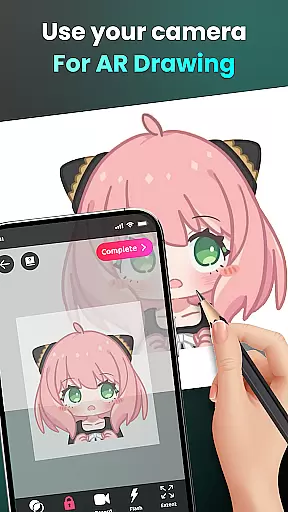
AR Drawing - Sketchar App is a revolutionary tool in the Art & Design category that combines augmented reality with creative expression. This app allows users to transform their real-world environment into a canvas for drawing and sketching, blending physical spaces with virtual art.
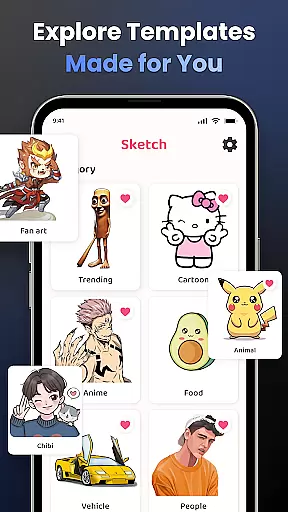
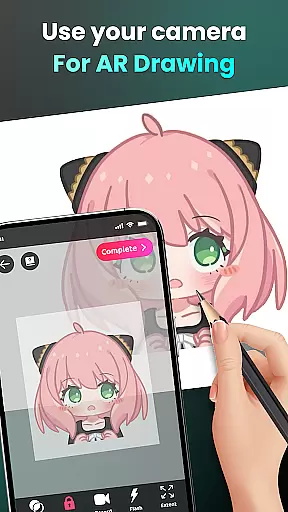
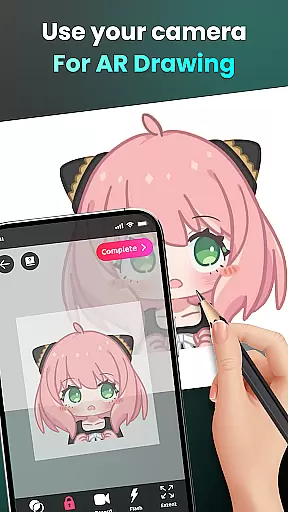
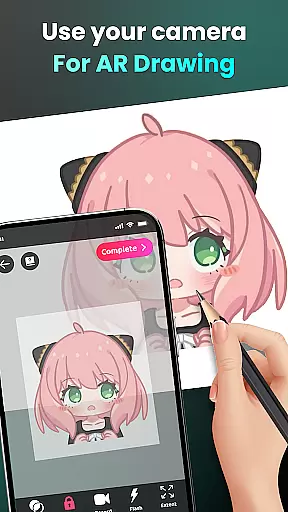
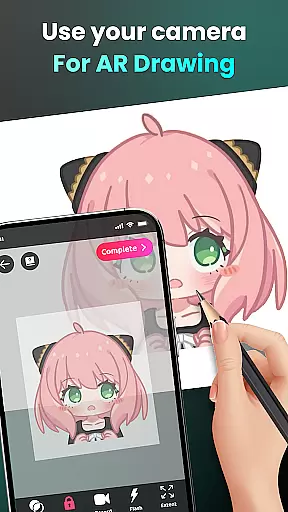
The core functionality includes camera-based drawing, where users can sketch anything they see through their phone's camera. Whether it's characters like Hello Kitty or Pikachu, or complex scenes from daily life, the app makes drawing accessible to everyone. It also offers features such as opacity adjustment, video recording of the drawing process, and zoom controls, making it suitable for both beginners and experienced artists.
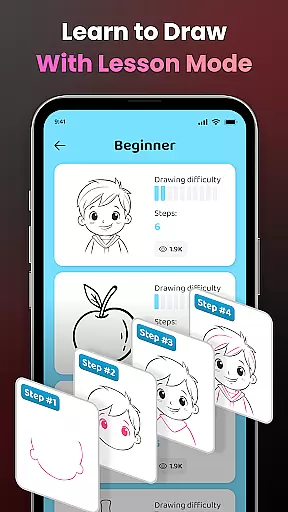
This app is particularly useful for those who want to learn how to draw using guided lessons and tracing tools. With a diverse range of difficulty levels and personalized content, AR Drawing helps users improve their skills while creating unique artwork that can be shared with a community of 50 million users worldwide.
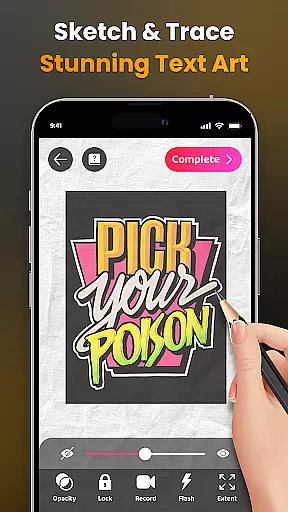
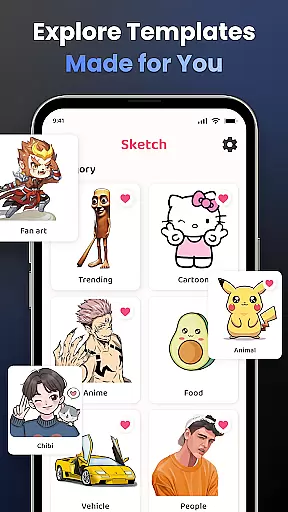
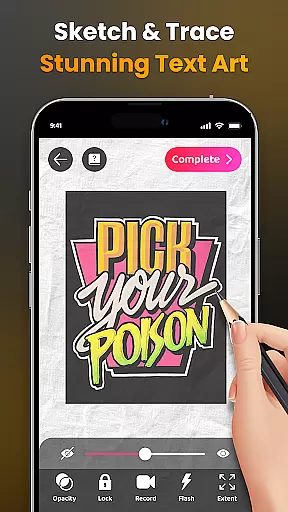
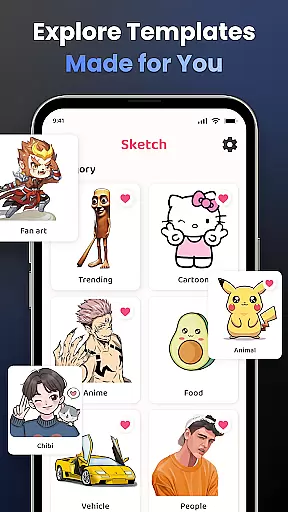
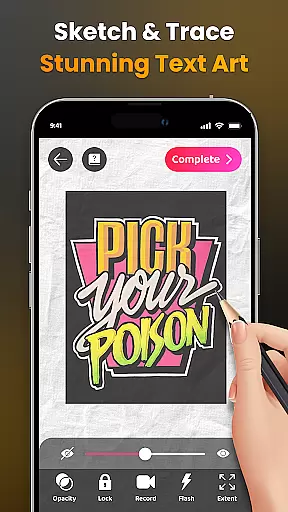
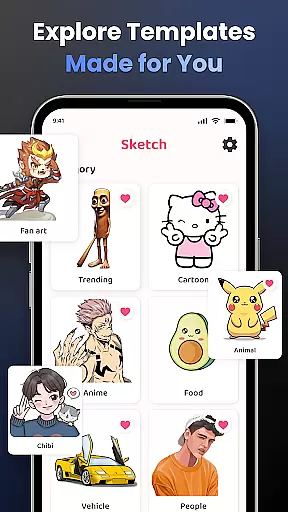
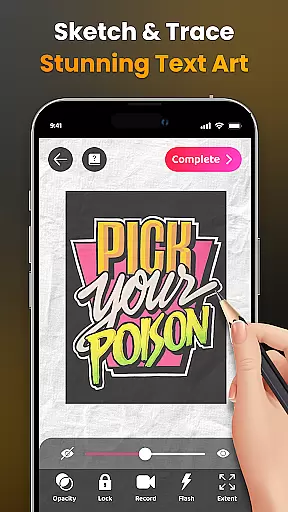
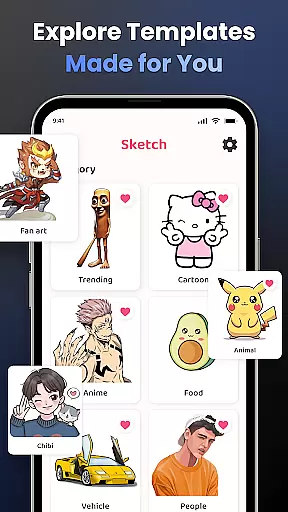
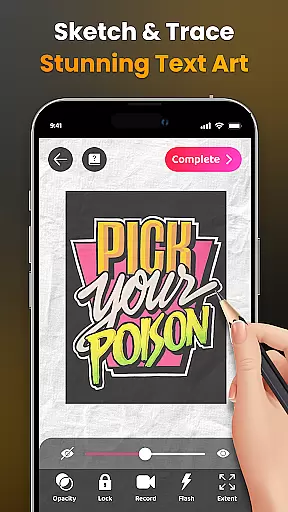
AR Drawing stands out with its innovative use of augmented reality technology. The app provides an extensive library of samples and supports importing personal photos for tracing. Users can adjust image opacity, control flash settings, and zoom in or out for precise drawing.
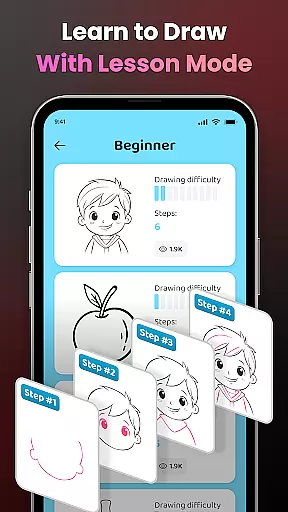
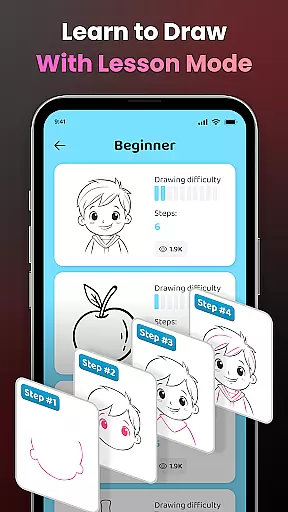
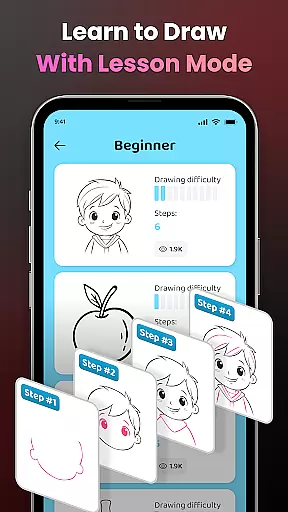
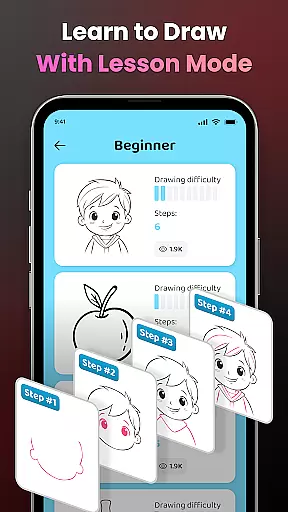
One of the key features is the ability to record the entire drawing process as a video. This allows users to review their progress and share their creative journey with others. Additionally, the app offers structured drawing lessons categorized by difficulty levels, ensuring steady skill improvement.
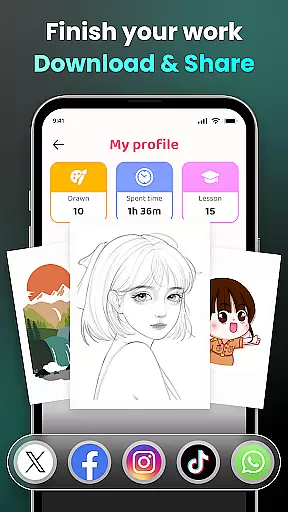
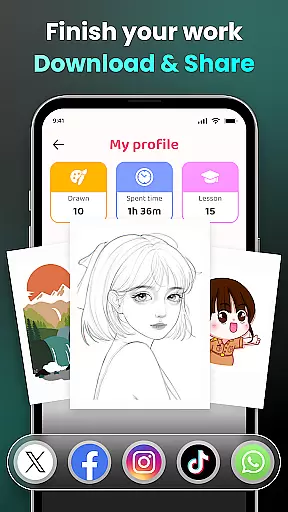
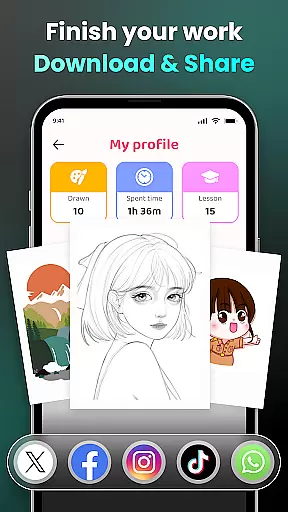
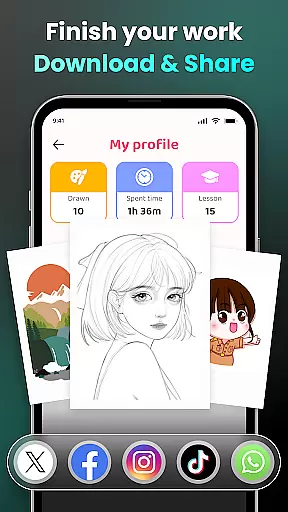
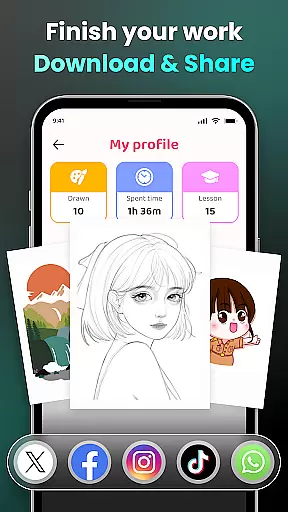
The social aspect of AR Drawing is equally impressive. Users can share their finished artwork directly within the app's community or on external platforms. Personalized profiles track individual progress, including time spent drawing and lessons completed, providing valuable insights into each user's artistic development.
In the realm of digital art, having access to comprehensive creative tools is essential for unleashing an artist's full potential. AR Drawing - Sketchar App positions itself as a pivotal platform in this regard, offering a wide array of features designed to cater to both novice and experienced artists.
At its core, the app provides advanced Augmented Reality (AR) technology that transforms any real-world surface into a canvas, allowing users to draw through their camera with ease. This feature supports everything from simple sketches to complex artworks, including popular characters like Hello Kitty and Pikachu, across various themes such as Anime, Cartoon, and Nature.
Moreover, AR Drawing facilitates learning by simplifying complex photos into traceable outlines, thus providing a practical method for skill enhancement. With adjustable opacity, zoom functions, flash controls, and video recording capabilities, users can personalize their drawing process extensively.
The availability of detailed video tutorials further enriches the user experience, ensuring that even beginners can navigate the app's offerings effectively. By integrating these comprehensive tools, AR Drawing not only enhances artistic expression but also fosters a supportive environment for skill development and creativity.
Flexibility in canvas and format options is crucial for artists seeking to explore diverse creative avenues. AR Drawing - Sketchar App addresses this need by providing unparalleled adaptability in its drawing solutions, accommodating a broad spectrum of artistic preferences and requirements.
One of the standout features of AR Drawing is its ability to convert the real world into a dynamic canvas through augmented reality. Users can sketch anything they see via their phoneu2019s camera, from sample photos to entire scenes, without being constrained by traditional canvas dimensions or formats.
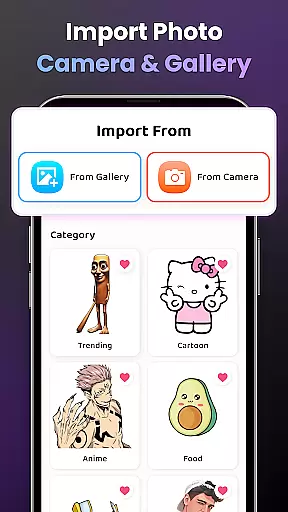
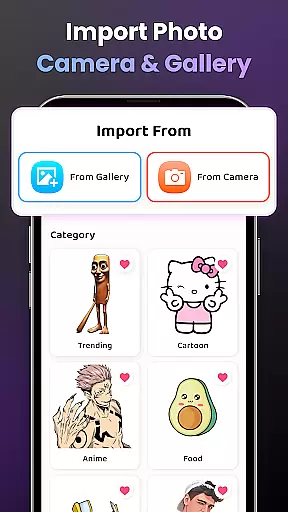
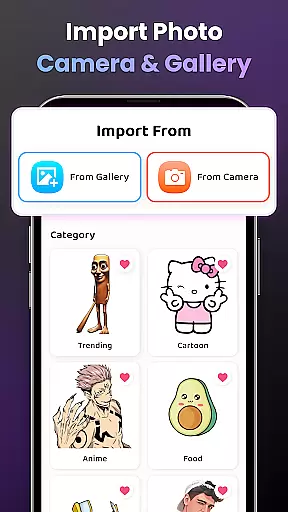
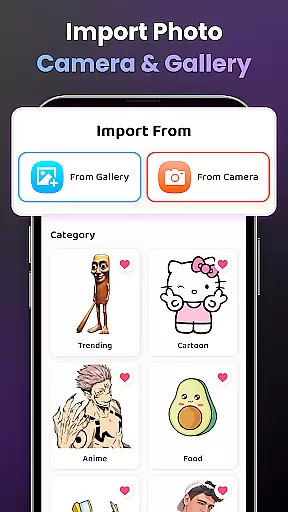
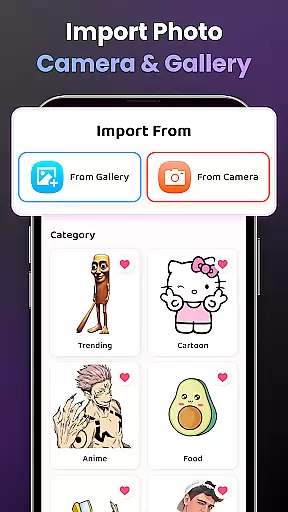
In addition to leveraging the built-in sample library, artists have the freedom to import images from their personal galleries. This functionality enables them to work with familiar content while experimenting with new styles and techniques. The app also includes advanced settings such as opacity adjustment, image zooming, and flash control, which collectively enhance the drawing experience.
Furthermore, AR Drawing supports video recording of the drawing process, allowing users to capture their artistic journey and share it with others. This level of format flexibility not only empowers artists to create without limitations but also encourages community engagement and feedback, fostering a vibrant ecosystem of shared creativity and continuous improvement.
User-friendly interface
Augmented reality features
Variety of drawing tools
Structured learning system
Active user community
Requires stable internet
Premium features locked
Steep learning curve
Limited free resources
Device compatibility issues

Create sweet, cool and unique couple avatars easily, in just a few steps!
 3.40
3.40
Create trending AI photos & videos with powerful effects and 3D styles.
3.20
AI Face Swap, Video Effects Editor, Realtime Morph, Funny Video FX,AI Filters
3.70
See Color, Paint Color
4.90
The perfect place to start sketching! Use Sketchbook to draw and paint sketches.
4.50
Get creative and make art with your Sesame Friends!
4.00
Inky runs Inkscape on Android devices and Chromebooks
2.90
AI Tattoo Generator: Create Tattoo Designs & Get Ideas! Ink & Stencil Maker
4.50
How to draw anime step by step for beginner easily by AR drawing sketch & paint.
3.60
Photo editor for art, avatars, filters & fun transformations.
4.60
Image resizer to resize, crop, rotate, flip, change dpi photo or picture in bulk
4.60
Draw anime & manga drawing, art with templates to create stunning picture!
4.50
Draw Trace image sketch by, AR art projector app, Easy to trace any image.
4.50
Remove Background, Magic Eraser, Photo Enhancer, Story Templates, Collage Maker
4.30
Easy 3D drawing design maker & creator. Model designing, Sculpting. Create&paint
4.00
Paint with oils and sketch with natural tools on a realistic virtual canvas.
3.80
Powerful home decoration & house design that allows you to design dream home.
3.80
Apply cartoon, caricature, and portrait effects to make your photos stand out!
3.60
Your Essential Color Theory Guide: Red, Yellow, Blue (RYB)
4.4


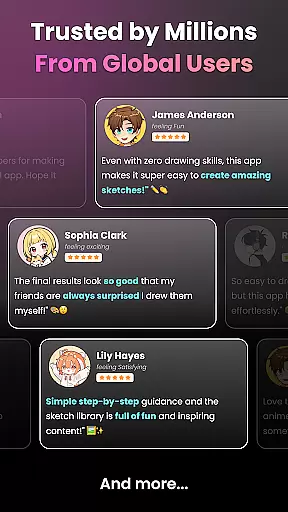
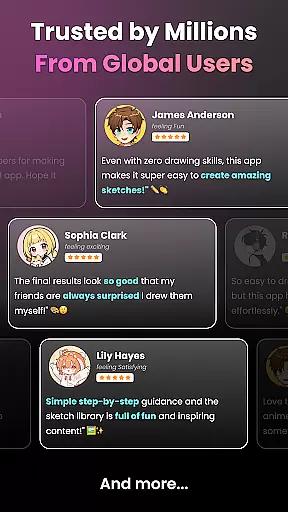
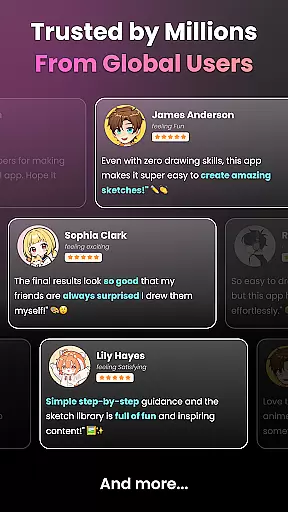
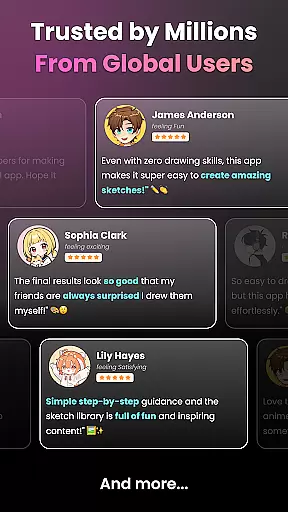
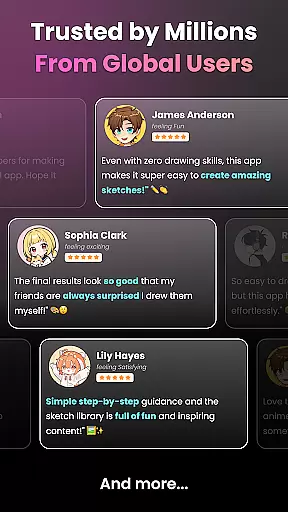
User Reviews