
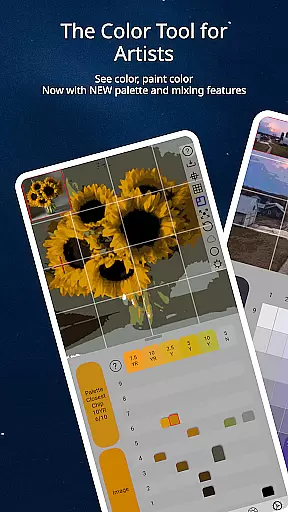
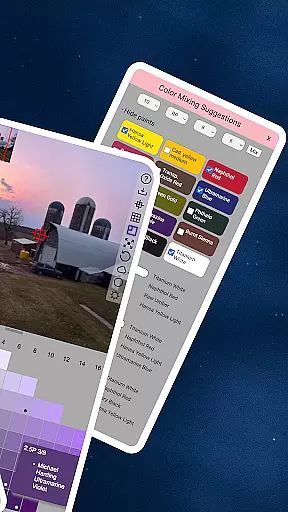
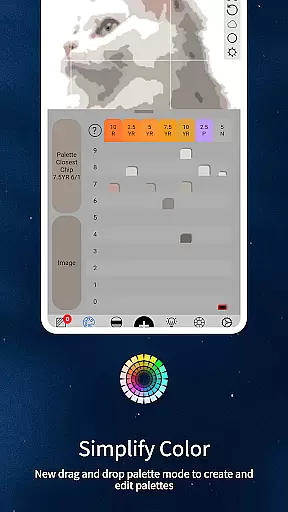
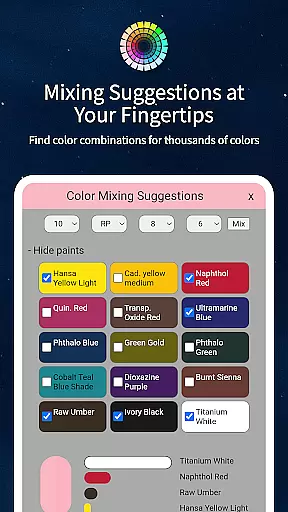
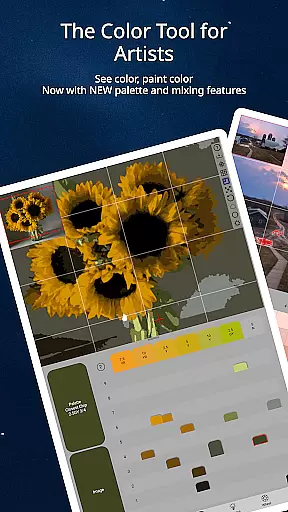
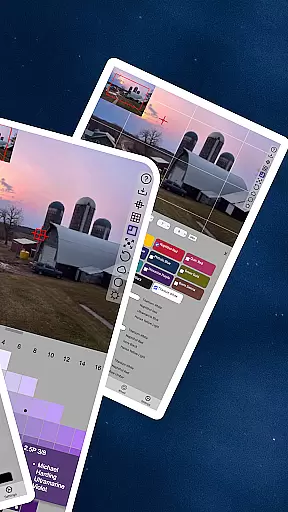
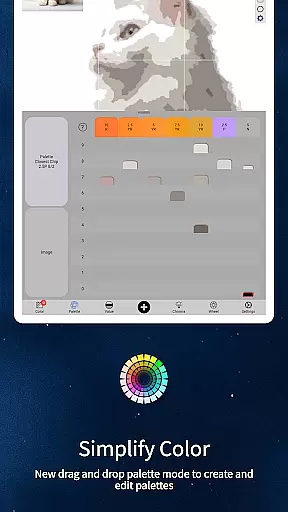
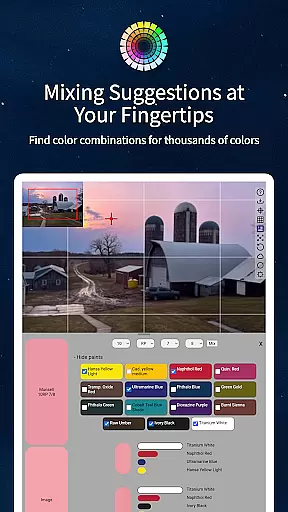
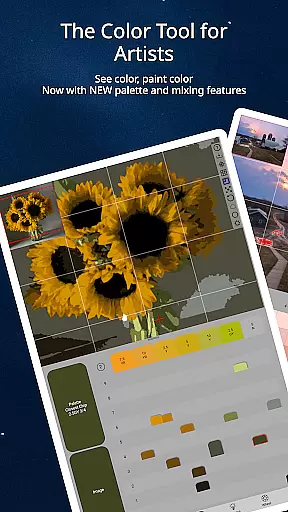
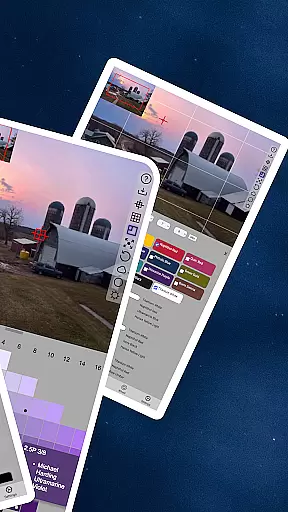
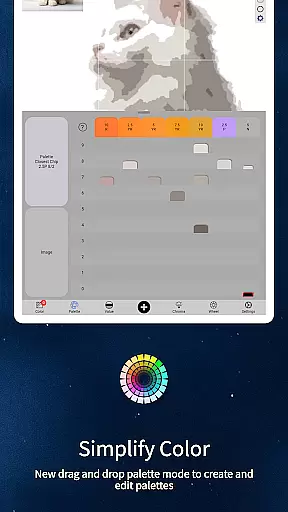
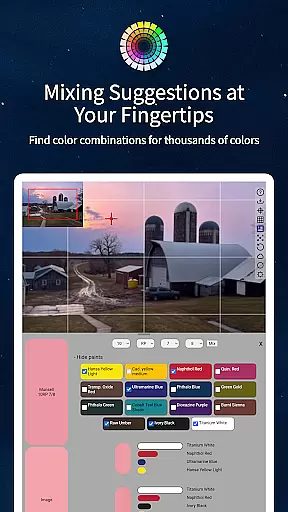
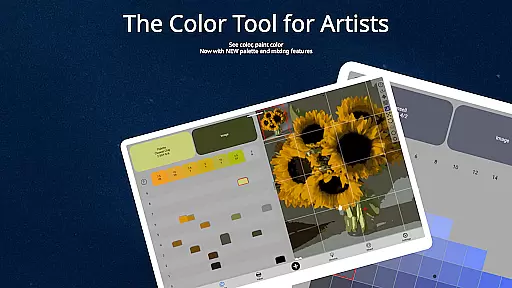
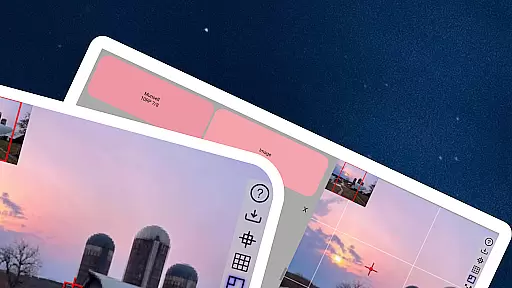
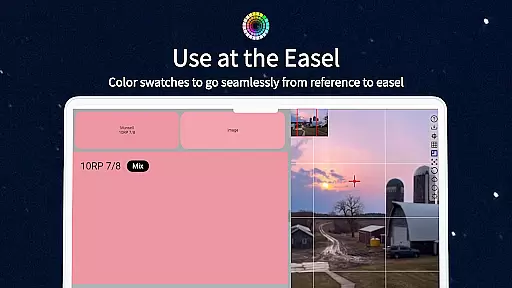
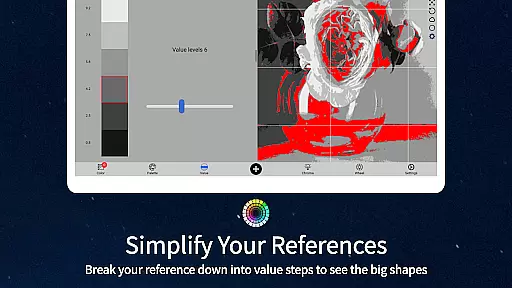
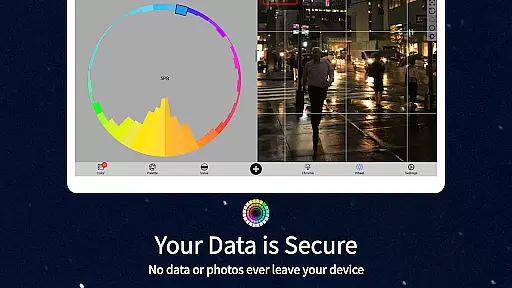
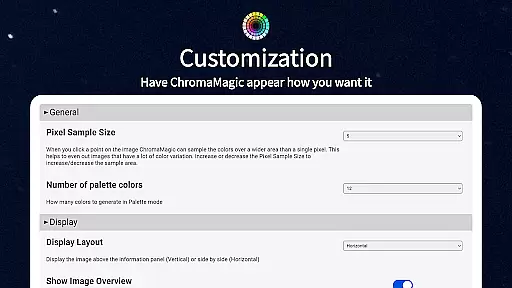
ChromaMagic is an innovative color analysis tool designed specifically for artists. This app revolutionizes the way artists perceive and utilize color in their work by providing precise color identification and analysis features.
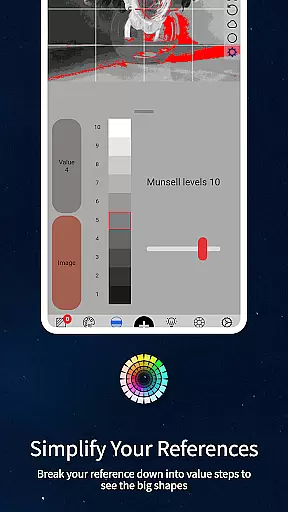
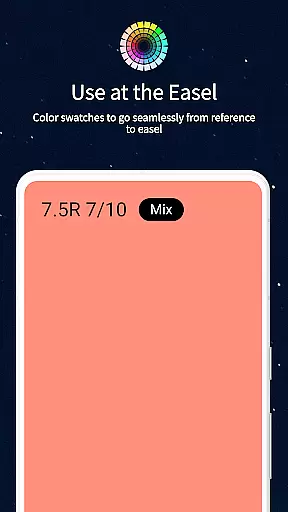
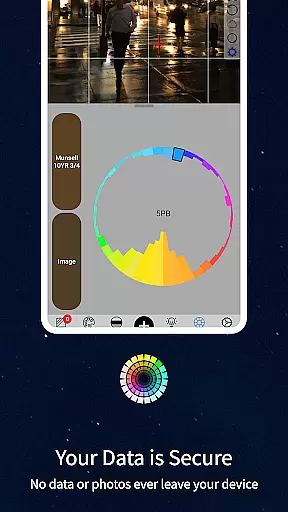
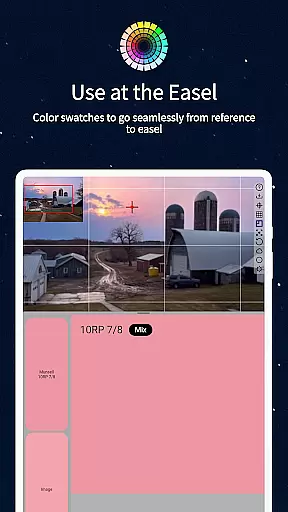
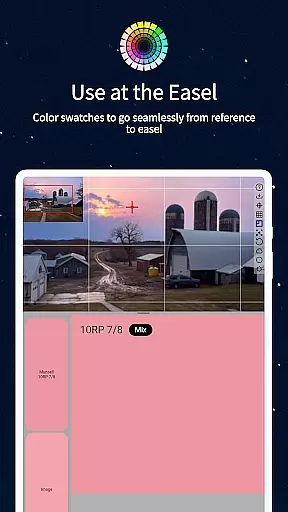
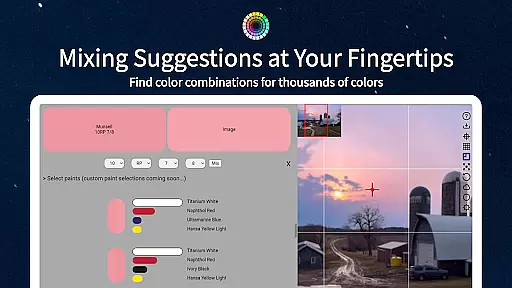
The core functionality of ChromaMagic lies in its ability to break down any color into three essential components - hue, value, and chroma. This Munsell-based approach helps artists understand colors more accurately than traditional color wheels or primary/secondary distinctions.
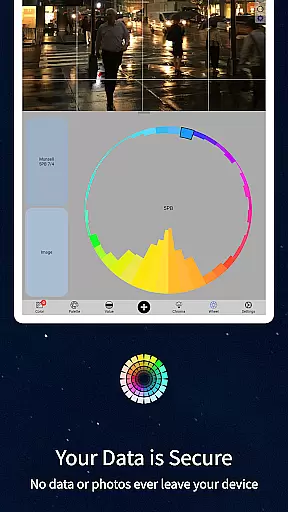
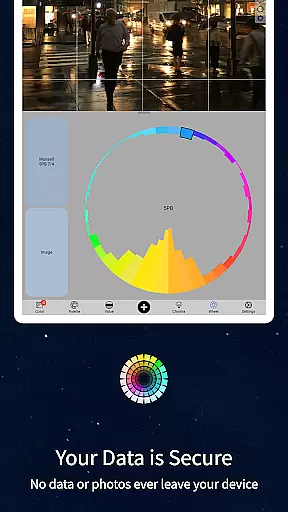
Artists can use ChromaMagic to analyze reference photos, identify exact color values, and visualize color distribution across various modes including grayscale, value shapes, and saturation maps. The app's advanced interface allows smooth zooming and panning, making it perfect for studio work or outdoor painting sessions.
ChromaMagic stands out with its comprehensive set of professional-grade features. The app's most remarkable capability is its multiple analysis modes that cater to different artistic needs and preferences.
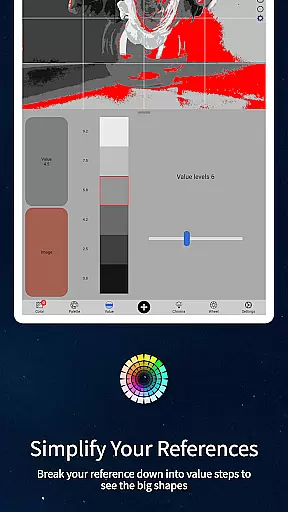
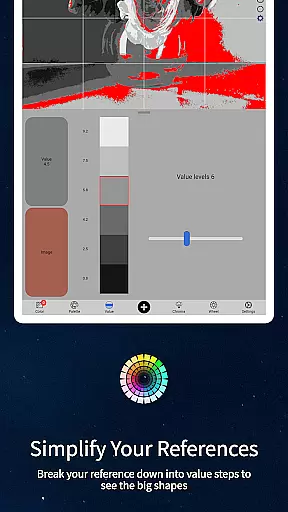
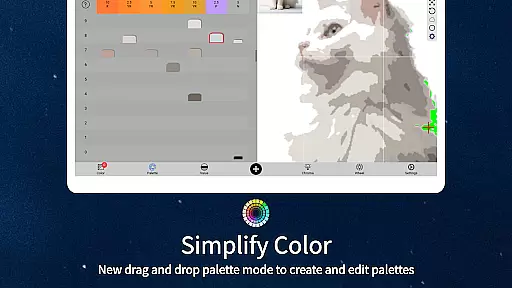
Beyond basic color identification, ChromaMagic offers specialized viewing modes including Munsell color space visualization, value shape organization, grayscale conversion, and saturation mapping. Each mode provides unique insights into color relationships and distributions within reference images.
The app's technical excellence extends to its user interface, featuring buttery-smooth zoomable and pannable image navigation. Additional practical features include multi-pixel averaging for complex references, paint matching suggestions from hundreds of oil paint options, and seamless drag-and-drop functionality for desktop users.
In the realm of digital artistry, having access to comprehensive creative tools is paramount. ChromaMagic stands out by offering artists an extensive suite of features designed to enhance their color perception and usage. The application provides functionalities such as Munsell color mode, which breaks down colors into hue, value, and chroma, allowing for a deeper understanding of color composition.
Additionally, ChromaMagic includes various modes that assist artists in analyzing their references. Value mode helps in organizing images into major value shapes, while grayscale mode refines the perception of subtle value differences. These tools collectively ensure that artists can approach their work with confidence, knowing they have precise control over every aspect of color.
The benefit to users is profound; by leveraging these advanced tools, artists can transcend traditional limitations and achieve more accurate and compelling results in their work. ChromaMagic's dedication to providing a complete toolkit empowers creators to realize their artistic visions without compromise.
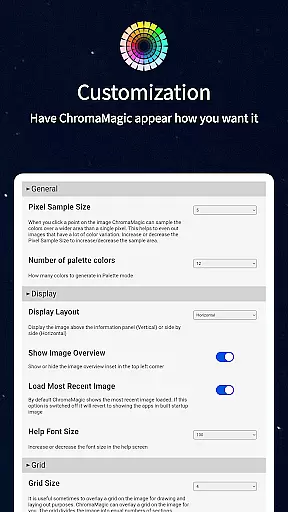
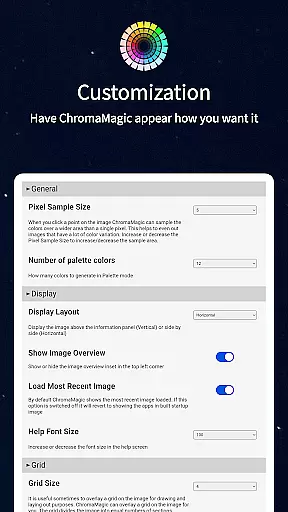
Flexibility in canvas and format options is crucial for artists who demand versatility in their creative process. ChromaMagic addresses this need by enabling users to manipulate their workspace with remarkable ease. Its interface supports buttery smooth zooming and panning, ensuring that artists can navigate their projects effortlessly, whether on a small mobile screen or a larger tablet display.
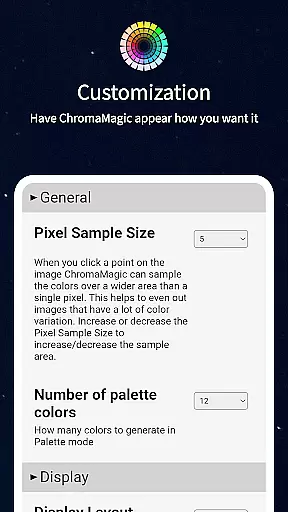
Moreover, ChromaMagic allows artists to average colors over multiple pixels, accommodating up to 2500 pixels, thus simplifying complex color fields. This feature is particularly beneficial when dealing with highly detailed references, as it streamlines the color selection process and reduces visual clutter.
For artists, this translates into a seamless experience where they can focus on their creativity rather than technical constraints. ChromaMagic's adaptable canvas and format capabilities ensure that whether working in the studio or outdoors, artists have the freedom to explore their ideas without being hindered by technological limitations.
Accurate color analysis
Multiple viewing modes
User-friendly interface
Offline functionality
Cross-device compatibility
Steep learning curve
Advanced terminology
Premium price point
Resource intensive
Limited beginner guidance

Meet the magic aı 3d photo generator and smart AI video generator app.
 3.20
3.20
AI Face Swap, Video Effects Editor, Realtime Morph, Funny Video FX,AI Filters
3.70
Remove Background, Magic Eraser, Photo Enhancer, Story Templates, Collage Maker
4.30
Draw glowing spinners, relax, and spin your creative art
4.60
Powerful home decoration & house design that allows you to design dream home.
3.80
Art of Combination Wear OS Watch Faces
3.30
Create and Design Custom Logos in Seconds with AI-Powered Tools!
4.40
Draw, fidget, and spin glow art! Relax and express your creativity with a finger
4.60
All-in-One art, logo & collage maker. Design photos and edit video backgrounds
4.80
Novices can also easily complete diamond painting masters
4.70
Castle is social media for creating and playing games!
4.60
Turn your drawings into flipbook-style animations with simple creative tools
4.60
Discover Cartoon Dream : Unleash Your Creativity with CuttingEdge AI
4.50
Unleash your drawing and painting potential
4.50
Share the joy of painting with ibis Paint! Drawing anime and manga art.
4.50
Sketch and paint on your device with the feel and freedom of drawing on paper
4.00
AI Assistant, powered by ChatGPT GPT-4 & GPT-4o. Your intelligent companion.
3.50
Inky runs Inkscape on Android devices and Chromebooks
2.90
Retouch photos. Create or edit images. Endless capabilities.
2.70


User Reviews