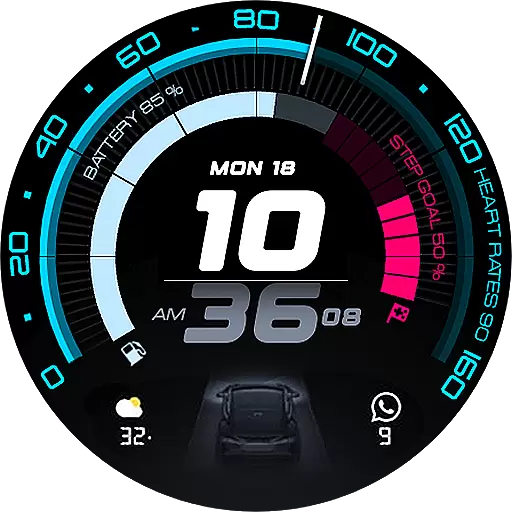
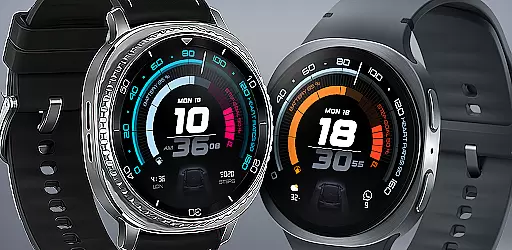
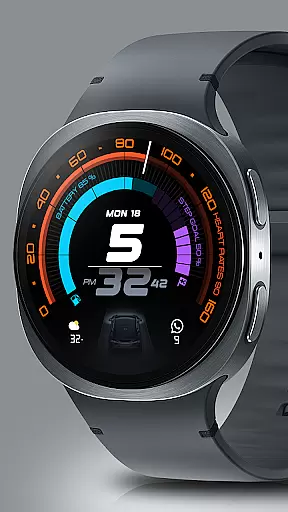
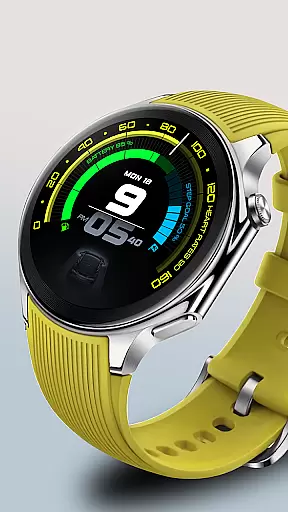
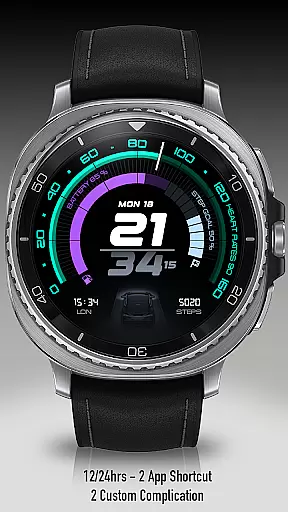
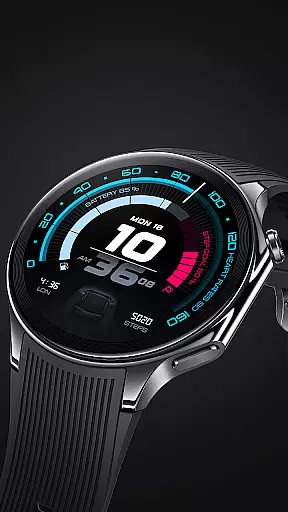
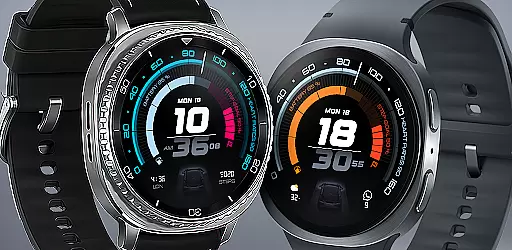
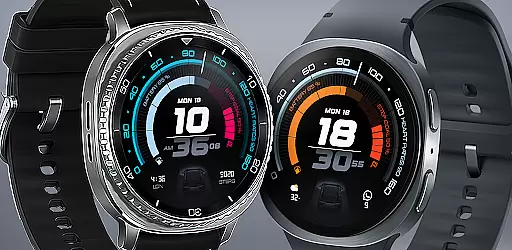
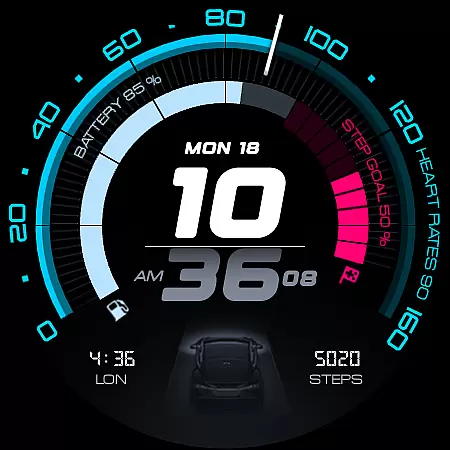
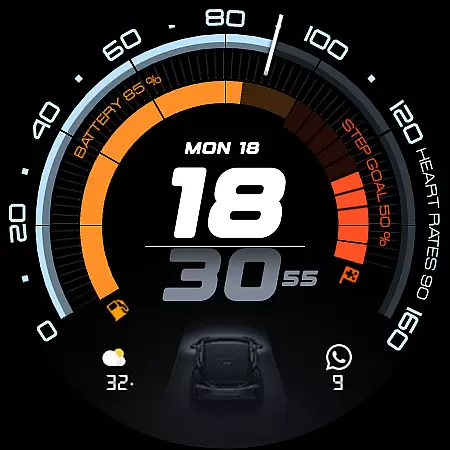
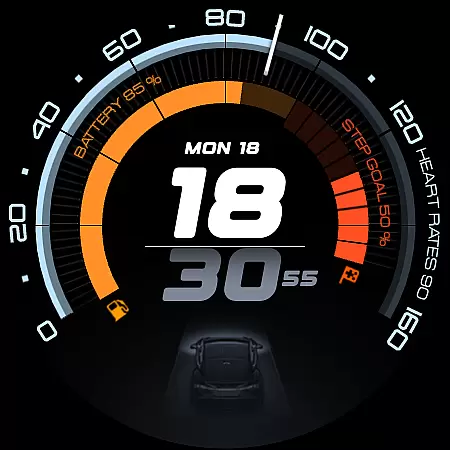
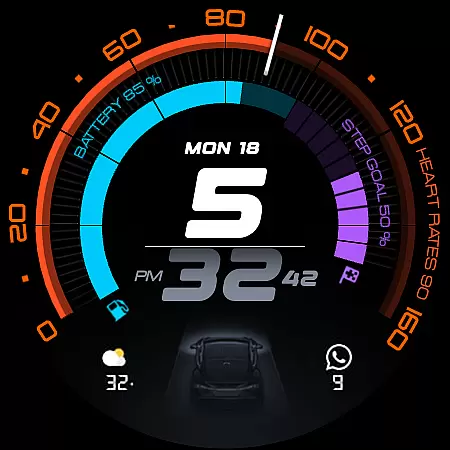
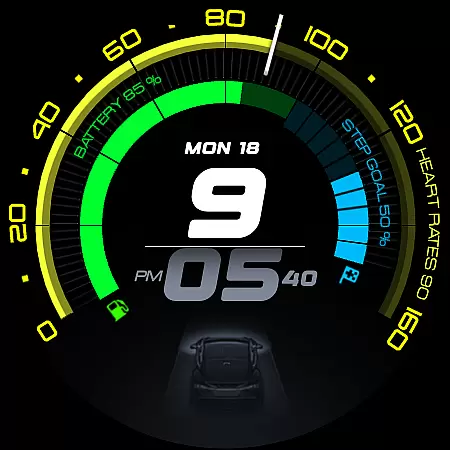
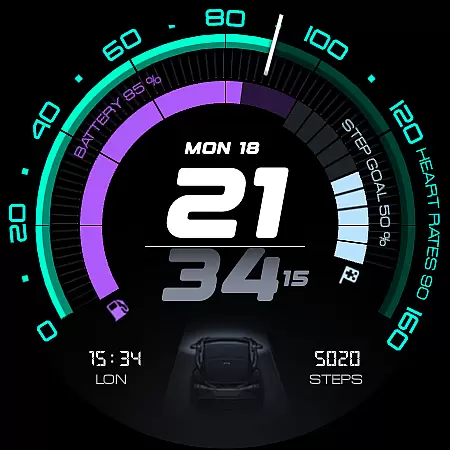
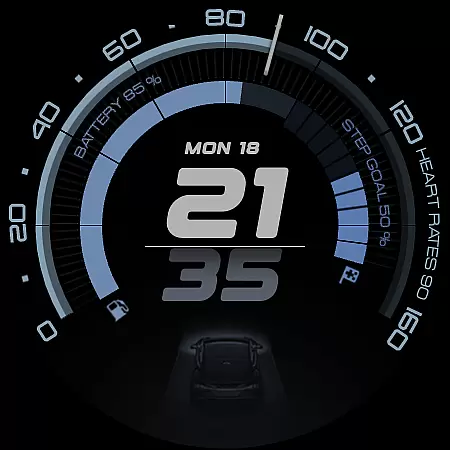
ARS Acceleration is a high-performance watch face designed for smartwatch users who value both style and functionality. It features a dynamic interface with bold digital time display, vibrant activity arcs, and essential health metrics like heart rate, step count, and battery level.
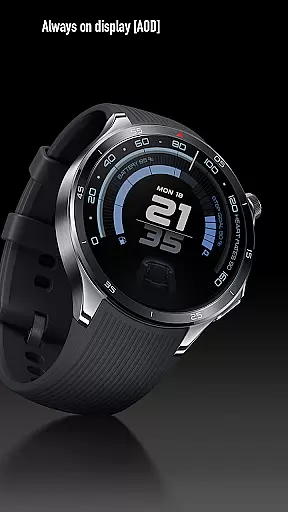
Inspired by automotive sports dials, this watch face offers real-time updates on weather and fitness tracking while maintaining an elegant Always-On Display. With customizable complications and dual app shortcuts, it ensures maximum convenience for users seeking precision and control in their daily lives.
ARS Acceleration stands out with its vibrant color-coded activity arcs and modern design inspired by high-performance sports dials. The watch face provides essential health and fitness tracking features such as heart rate monitoring, step counting, and battery status, all integrated into a sleek interface.
Users can enjoy additional functionalities like customizable complications, dual app shortcuts, and support for both 12/24-hour time formats. Whether you need a bold daytime look or a subtle Always-On Display, ARS Acceleration adapts seamlessly to your preferences, making it a versatile choice for everyday performance.
Companion app integration is essential for a seamless smartwatch experience. ARS Acceleration excels in this area by offering users the ability to sync and control their watch face directly from their smartphone. This ensures that all personalization options, such as color schemes and app shortcuts, are easily managed without interrupting the user's daily routine.
The ARS Acceleration companion app provides real-time updates on essential metrics like heart rate, step count, and battery level. These features allow users to stay informed about their fitness progress and device status with minimal effort. The intuitive interface of the companion app makes it simple to adjust settings and receive notifications, enhancing the overall utility of the smartwatch.
By integrating advanced functionalities such as weather updates and customizable complications, ARS Acceleration ensures that users have all necessary information at their fingertips. This comprehensive approach not only improves convenience but also enriches the user experience by maintaining a consistent and responsive connection between the smartphone and the watch.
Ensuring compatibility across various devices and operating systems is crucial for any wearable technology. ARS Acceleration is meticulously designed to support a wide range of Wear OS devices, providing users with a versatile and reliable performance regardless of their smartwatch model. This broad compatibility allows more users to enjoy the dynamic and modern interface that ARS Acceleration offers.
The watch face supports both 12 and 24-hour time formats, catering to different user preferences and regions. Its adaptive design adjusts seamlessly between bold daytime looks and subtle Always-On Displays, ensuring optimal visibility and style in any situation. This flexibility enhances user satisfaction by accommodating diverse lifestyles and needs.
ARS Acceleration also integrates effortlessly with essential health and fitness tracking features, making it a powerful tool for everyday performance. By prioritizing compatibility and functionality, ARS Acceleration transforms any Wear OS device into a high-performance instrument, delivering speed, precision, and style tailored to each user's demands.
High-performance design
Vibrant activity arcs
Real-time health tracking
Customizable complications
Sleek automotive-inspired interface
Limited to Android Wear
Requires compatible device
Premium features may cost extra
Complex customization options
Battery consumption may increase

"PER27 Galaxy Digital" is a digital Wear OS watch face designed by PERSONA
 4.10
4.10
A watch face that fuses motorsport precision with contemporary smartwatch design
4.1
Kia Access makes getting your vehicle information easier than ever
4.60
Real-time results, stats, schedules and player profiles for all leagues
4.60
Professional weather radar and more
3.90
Minimalistic design modern digital watch face.
4.5
Stylish, Energizing and Modern Watch Face crafted by Dominus Mathias.
4.50
Retro digital watch face with customizable colors and a unique lighting effect
4.60
Viewer for Wyze/Yi/Eufy/Arlo/ONVIF/RTSP/P2P IP cams w/ adv. features & DIY DVR
4.00
Beautiful, colorful and practical watch face. For Wear OS devices.
5.00
Hyperlocal rain alerts by MyRadar using patent-pending technology, radar & more
4.80
Nutrition, Macro tracker: Food, fitness & healthy diet tracking for weight loss
4.60
Fast and smart typing with Emojis, GIFs, and more
4.50
Bold weather Digital watchface with forecast & optional animated background
4.40
Find EV charging stations
4.30
The ultimate destination for kids ages 3-8 to explore the Marvel Universe!
4.30
sleep, alarm, snoring, stress, healing, focus, sound therapy, circadian rhythm
4.10
Your local weather forecast, storm tracker, radar maps & live weather news
3.40
Contemporary digital watch face with five complications
4.5


User Reviews