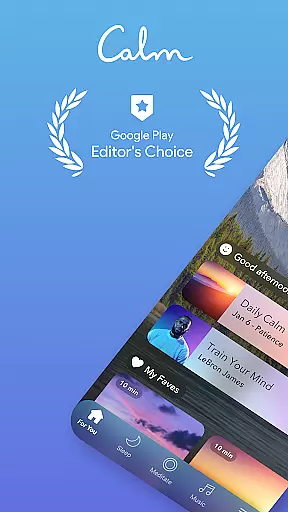
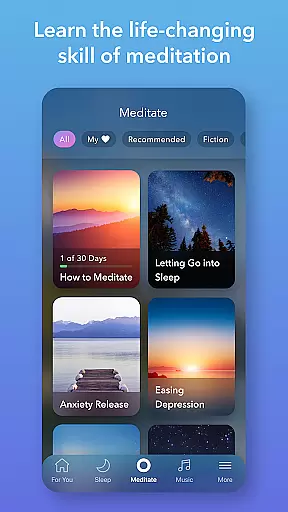
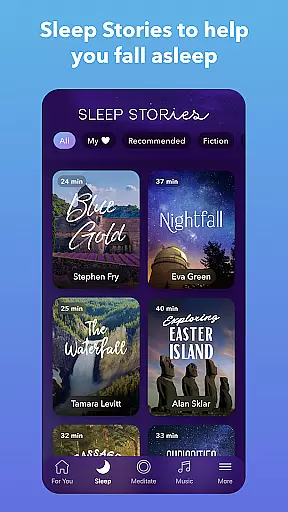
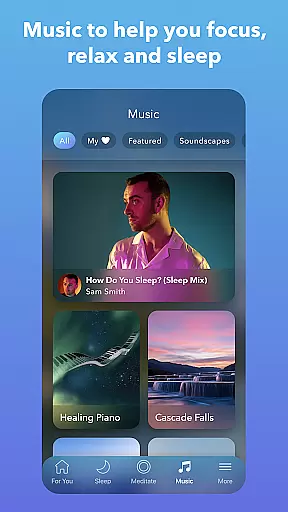
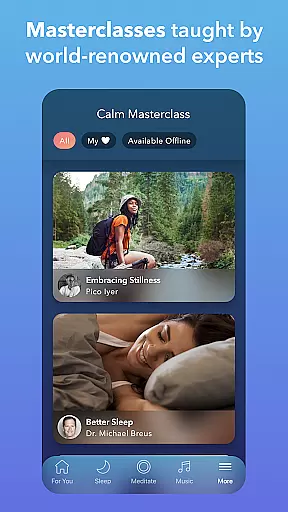
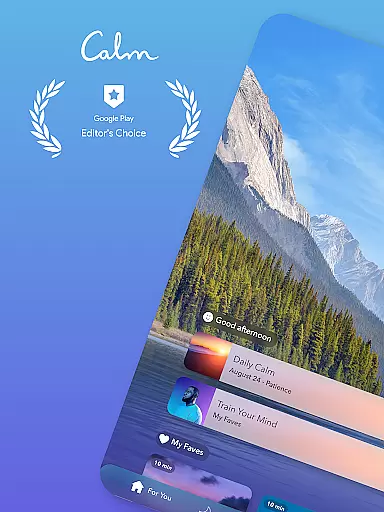
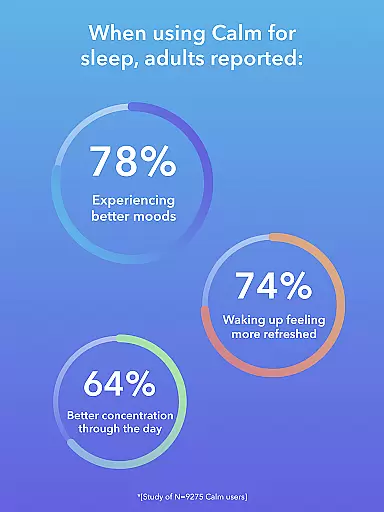
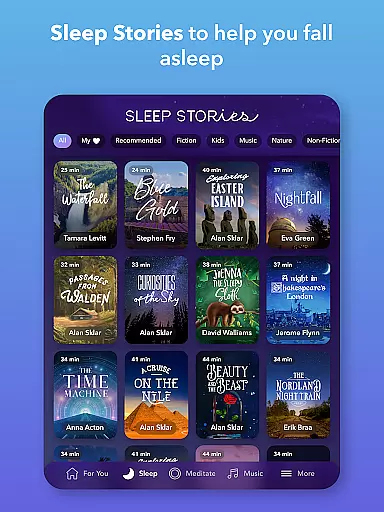
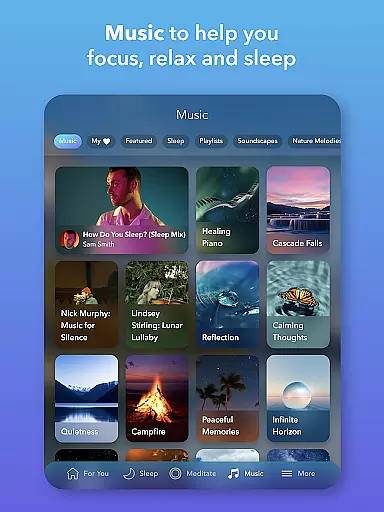
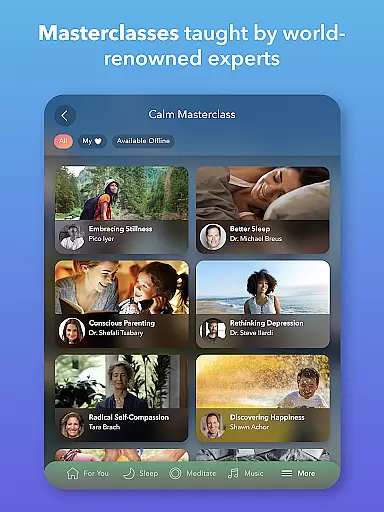
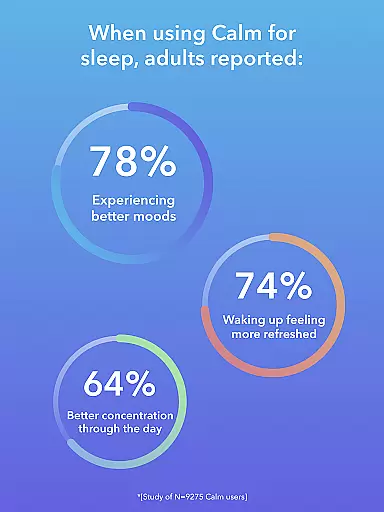
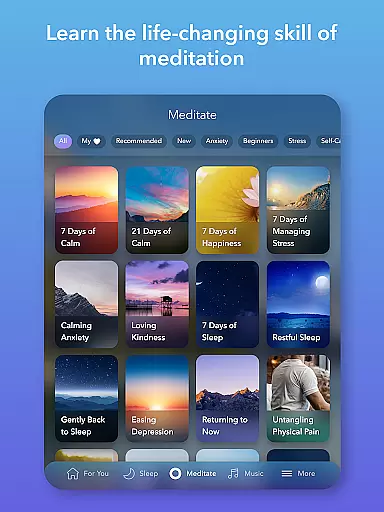
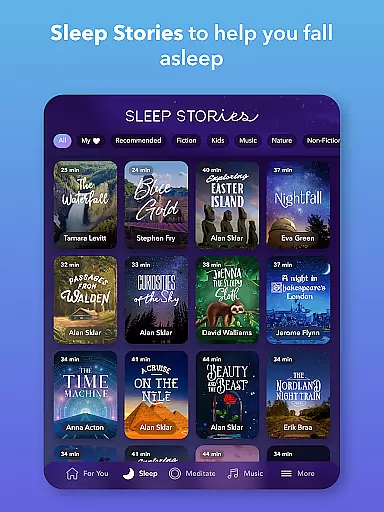
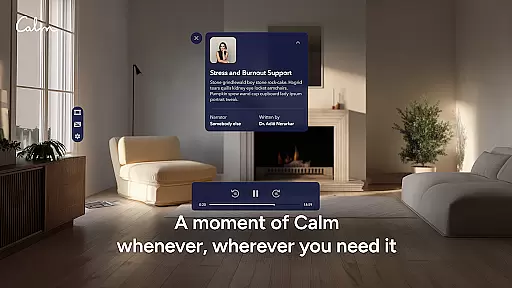
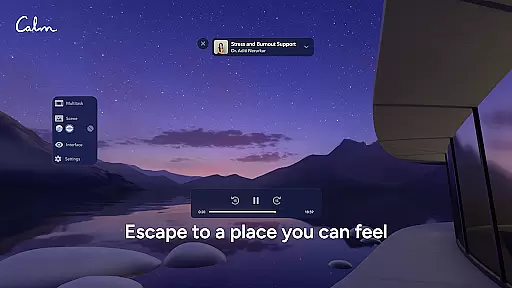
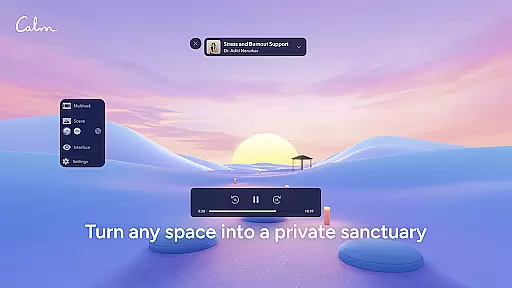
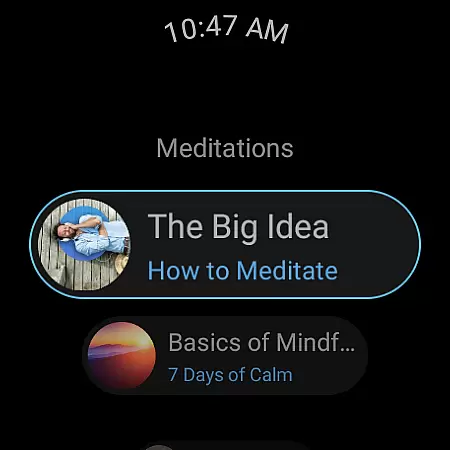
Calm is the leading application for sleep enhancement, meditation, and relaxation, designed to help users manage stress, stabilize their moods, and improve focus. The app offers a rich library filled with guided meditations, Sleep Stories, soundscapes, breathwork exercises, and stretching routines. Whether you're new to meditation or an experienced practitioner, Calm provides tools that cater to your mindfulness needs while promoting better sleep patterns and overall well-being.
One of the standout features of Calm is its Sleep Stories—bedtime narratives voiced by renowned personalities—which assist in achieving restful slumber. Additionally, the app includes specialized content such as anxiety-relief programs, breathing techniques, and mood-balancing exercises. These resources collectively empower users to prioritize self-care and mental health within their daily lives.
Designed for both Android and Wear OS devices, Calm ensures accessibility across multiple platforms. Its integration with wearable technology allows quick access to breathing exercises and meditation tracking, making it easier than ever to incorporate mindfulness into even the busiest schedules. With over 100 million global users, Calm continues to redefine modern mental healthcare through innovative digital solutions.
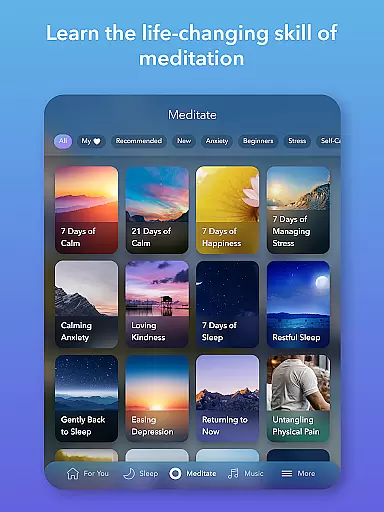
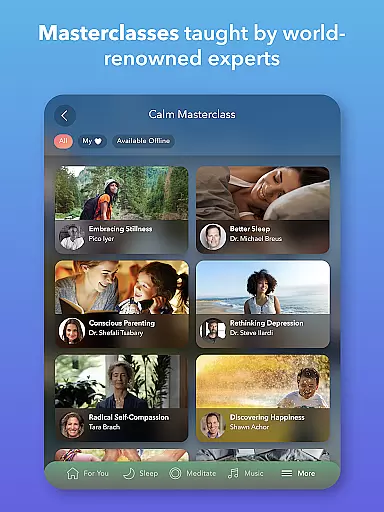
Calm boasts an extensive array of features tailored to enhance mental wellness and relaxation. At its core, the app provides guided meditations led by seasoned experts, suitable for all experience levels. Users can explore various mindfulness topics such as deep sleep, anxiety reduction, focus improvement, habit-breaking strategies, and more. This diversity ensures that each user finds content aligned with their specific goals.
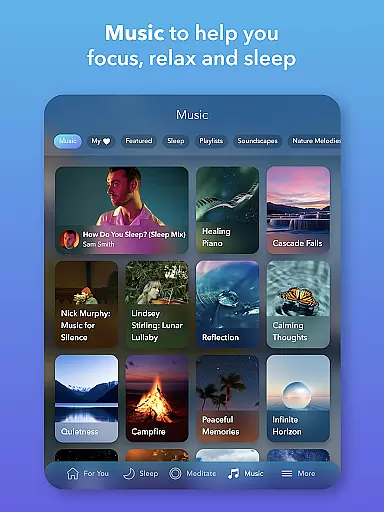
In addition to meditation, Calm excels in offering unique audio experiences like Sleep Stories, calming music, and immersive soundscapes. These elements are particularly beneficial for those struggling with insomnia or seeking tranquility during stressful times. New musical tracks are added weekly, featuring top artists, ensuring fresh and engaging content regularly. Furthermore, the app promotes physical relaxation through mindful movement exercises known as Daily Move sessions.
Calm also incorporates practical tools such as emotion trackers via Daily Streaks and Mindful Minutes, alongside structured programs ranging from 7 to 21 days. These initiatives encourage consistent practice and measurable progress in personal growth journeys. By combining these comprehensive features with seamless Wear OS compatibility, Calm delivers a holistic approach to mental health care accessible anytime, anywhere.
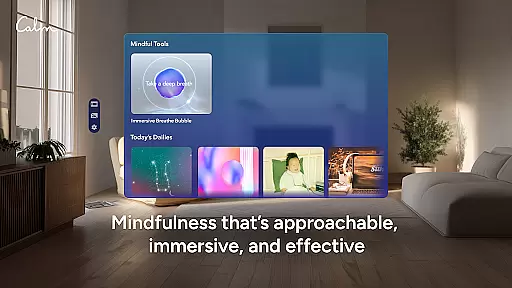
Companion app integration is a crucial feature for wearable devices, ensuring seamless synchronization between the main application and its wearable counterpart. Calm's Wear OS app exemplifies this by offering users quick access to essential features through dedicated tiles and complications.
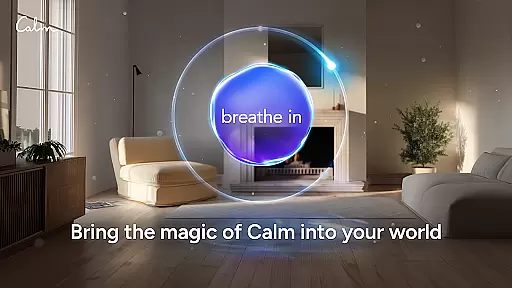
The Calm Wear OS app allows users to start breathing exercises instantly, providing immediate stress relief without needing to reach for their phone. This instant accessibility enhances the overall user experience, making mindfulness practices more convenient and attainable throughout the day.
Additionally, the app includes complications that help track meditation sessions directly from the watch face. This functionality not only simplifies monitoring progress but also encourages consistent usage by keeping mindfulness at the forefront of the user's attention.
By integrating these features, Calm ensures that users can maintain their mental well-being on the go, leveraging the full potential of their wearable devices to support a balanced lifestyle.
Wear OS and device compatibility are vital for ensuring that applications like Calm function optimally across various smartwatch models. Calm's compatibility with Wear OS guarantees that users can enjoy a wide range of features tailored specifically for wearable technology.
The app supports different devices running Wear OS, allowing users to access guided meditations, breathing exercises, and sleep aids regardless of their specific smartwatch model. This broad compatibility ensures that more users can benefit from Calm's comprehensive suite of mindfulness tools.
Moreover, Calm's optimization for Wear OS means that users experience minimal lag or performance issues, even when using resource-intensive features such as soundscapes or Sleep Stories. This reliability enhances user satisfaction and promotes regular engagement with the app.
Ultimately, Calm's commitment to Wear OS compatibility underscores its dedication to providing accessible and effective mental health solutions, empowering users to prioritize their well-being wherever they are.
User-friendly interface
Extensive library of content
Guided meditations for all levels
Unique Sleep Stories feature
Integration with Wear OS
Premium subscription required
Limited free content
Occasional app crashes
High cost for full access
Some features may feel repetitive

Christmas watch face. For Wear OS devices.
 4.30
4.30
Christmas and New Year - Themed Watchface
4.0
Snowflake Rose Gold Watch Face - Digital, modern, & sleek with GYRO effect.
4.10
A heartwarming Christmas scene featuring a cute image of Santa and Rudolf
4.4
Digital, flexibly customizable watch face. For Wear OS 5.0, API 34+ and later.
5.00
Stylish digital watch face for Wear OS devices with customizable features
4.5
The ultimate destination for kids ages 3-8 to explore the Marvel Universe!
4.30
The Chevron App allows you to pay for fuel from the comfort of your car!
4.80
Viewer for Wyze/Yi/Eufy/Arlo/ONVIF/RTSP/P2P IP cams w/ adv. features & DIY DVR
4.00
The most customizable hybrid watch face. For Wear OS 5.0, API 34+ and later
4.70
Your second brain for organizing your life: to-do, calendar, reminder.
4.70
Walking app for weight loss: walk & step tracker, pedometer, indoor treadmill
4.60
Real-time results, stats, schedules and player profiles for all leagues
4.60
Simple, helpful messaging by Google
4.60
Ideal for surviving in the wasteland left after nuclear fallout
4.50
Animated Watch Face and Customizable with 24 Backgrounds. Perfect for Christmas!
3.90
Structured watch face with seven complications and modular UI elements
3.90
Watch face designed for Thanksgiving Day. 7 Background Styles included.
3.20
Wear Os Watch Face - Animated Snow - Sesonal for Christmas & Winter
4.4


User Reviews