
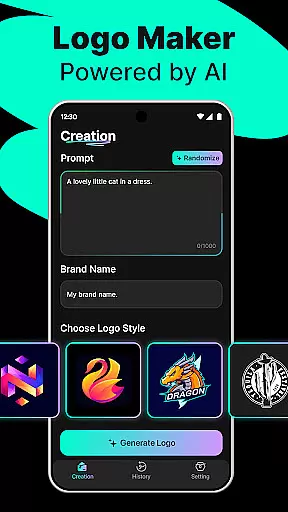
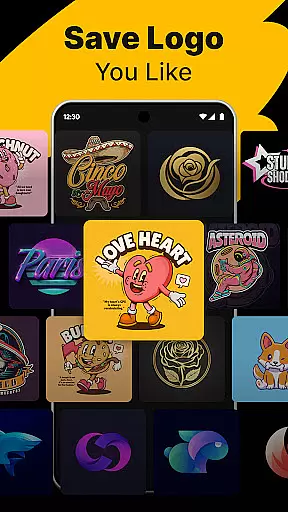
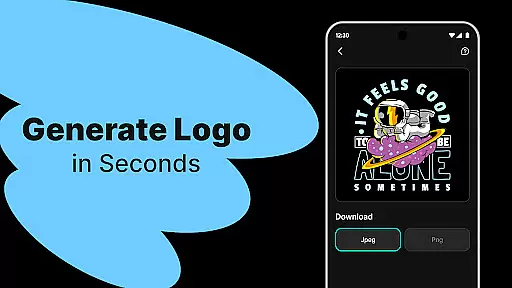
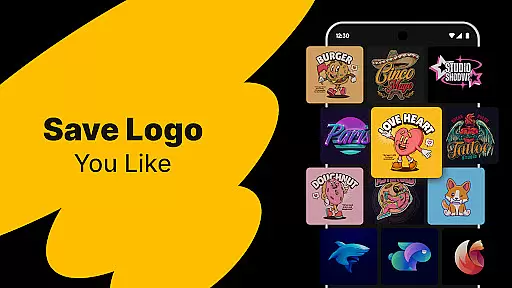
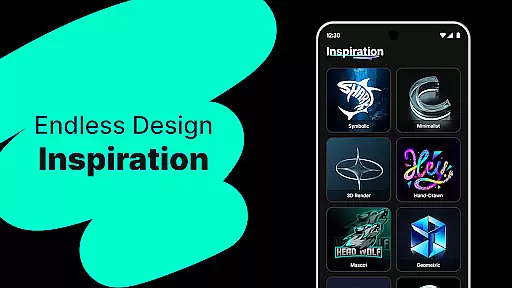
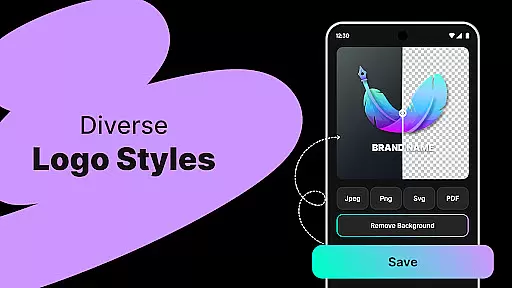
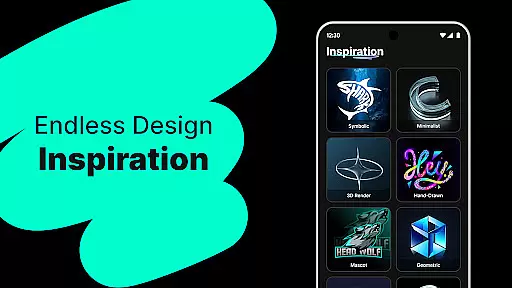
Logo Maker is an AI-powered logo design tool that enables users to create professional logos effortlessly. The app's core functionality lies in its ability to generate unique and customizable logo designs based on user input, such as brand name and keywords. This makes it particularly useful for entrepreneurs, small businesses, and content creators who need a strong visual identity without the complexity of traditional design processes.
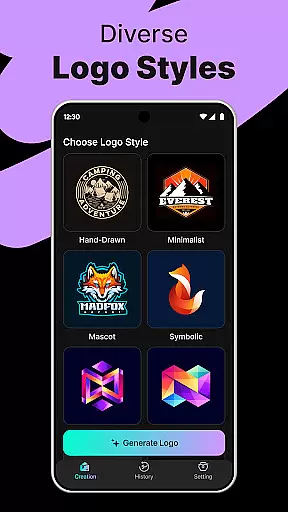
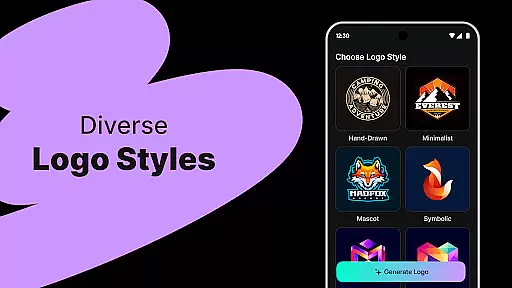
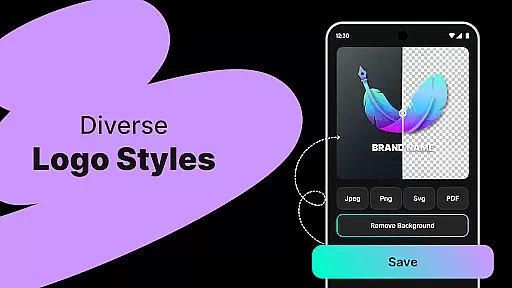
The application offers hundreds of templates across various styles including modern, minimalist, vintage, and hand-drawn themes. Users can easily customize these templates using a user-friendly editor that requires no prior design experience. Additionally, Logo Maker supports high-quality exports in multiple formats like PNG and JPG, making it suitable for both digital and print media.
Whether you're launching a startup, managing social media channels, or organizing an event, Logo Maker provides a fast, budget-friendly solution to establish a professional brand presence quickly and efficiently.
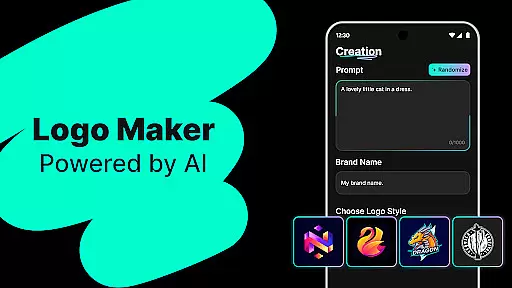
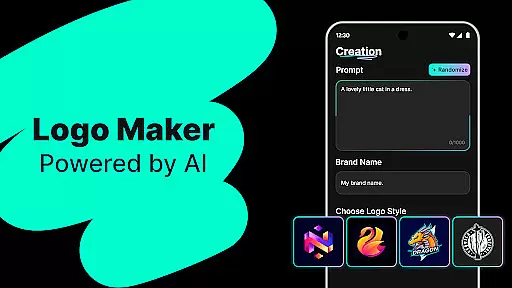
Logo Maker stands out with its powerful AI-driven logo generation capabilities. Upon entering your brand name and relevant keywords, the app instantly generates multiple unique logo concepts tailored to your specifications. This feature not only saves time but also ensures that each design aligns closely with your branding vision.
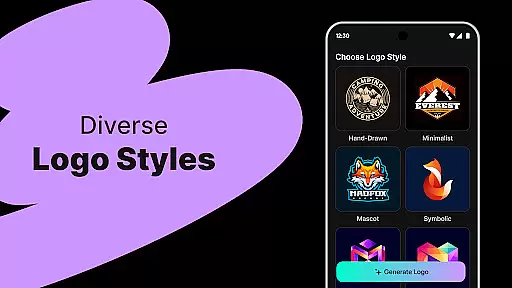
In addition to AI-generated logos, the app boasts hundreds of professionally designed templates. These templates span a wide range of styles from sleek and modern to classic and vintage aesthetics. Each template is fully customizable through an intuitive drag-and-drop editor, allowing users to adjust colors, fonts, and layout elements with ease.
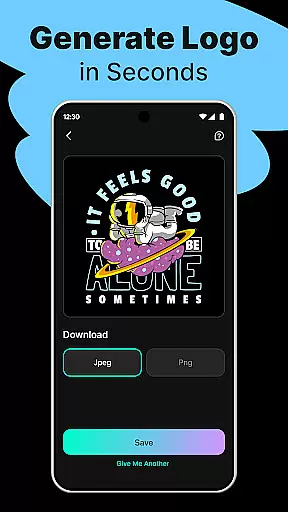
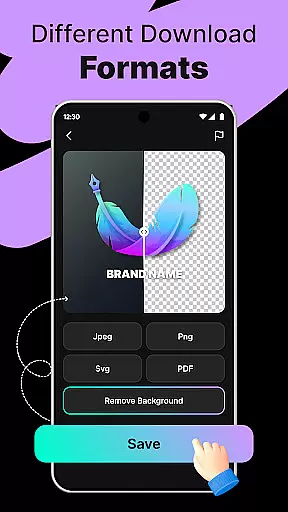
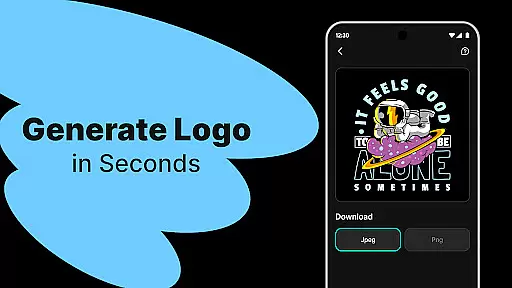
Another notable feature is the high-quality export options available within Logo Maker. Users can download their final logo designs in industry-standard formats such as PNG and JPG, ensuring compatibility across various platforms including websites, business cards, and social media profiles. This versatility makes Logo Maker an indispensable tool for anyone looking to elevate their brand's visual identity.
Logo Maker offers a comprehensive suite of creative tools that cater to both novice and experienced designers. The AI-powered logo generation allows users to input their brand name and keywords, instantly receiving multiple unique logo designs. This feature eliminates the need for extensive design skills, making professional-quality logos accessible to everyone.
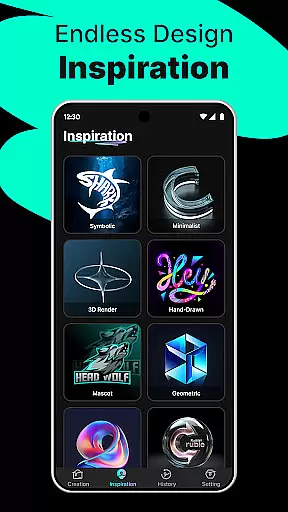
In addition to the AI-driven logo creation, the app provides hundreds of customizable templates. These templates span various styles including modern, minimalist, vintage, and hand-drawn designs. Such diversity ensures that users can find a template that perfectly aligns with their brand identity, providing endless possibilities for customization.
The user-friendly editor enhances the creative process by allowing users to drag, drop, and modify elements with ease. This intuitive interface ensures that even those without prior design experience can create stunning logos effortlessly. The combination of AI assistance and manual editing options makes Logo Maker a versatile tool for all your branding needs.
One of the standout features of Logo Maker is its canvas and format flexibility, which empowers users to create logos for various applications. Whether you need a logo for your website, business cards, social media profiles, or print materials, this app has got you covered. The high-quality export options allow you to download your logos in PNG and JPG formats, ensuring they look great on any platform.
The app's flexible canvas options enable users to experiment with different sizes and layouts. This adaptability is crucial for creating logos that maintain their integrity across diverse mediums, from digital screens to large-scale prints. With Logo Maker, you can be confident that your logo will always appear crisp and professional, regardless of where it's displayed.
Moreover, the ability to customize every aspect of your logou2014from colors and fonts to layout and spacingu2014ensures that your final design is truly unique. This level of control not only enhances creativity but also helps in building a strong, cohesive brand presence. Whether you're a startup, freelancer, or content creator, Logo Maker's canvas and format flexibility make it an indispensable tool for all your branding projects.
User-friendly interface
AI-powered design
Customizable templates
High-quality exports
Budget-friendly pricing
Limited advanced tools
Fewer export formats
No live support
Basic typography
Template dependency

Art of Combination Wear OS Watch faces
 4.1
4.1
Sketch, trace and master AR drawing with awesome anime art!
3.30
Easy 3D drawing design maker & creator. Model designing, Sculpting. Create&paint
4.00
Meet the magic aı 3d photo generator and smart AI video generator app.
3.20
Create stylish invitation cards using templates for weddings, birthdays & RSVP.
4.20
Image resizer to resize, crop, rotate, flip, change dpi photo or picture in bulk
4.60
Photo stitcher for automatically screenshot stitching into a long screenshot
4.70
Retouch photos. Create or edit images. Endless capabilities.
2.70
Draw, fidget, and spin glow art! Relax and express your creativity with a finger
4.60
Logo Generator powered by AI: Create stunning logos effortlessly!
4.70
Draw glowing spinners, relax, and spin your creative art
4.60
Get an overview over all your embroidery threads, projects and more.
4.60
Draw anime & manga drawing, art with templates to create stunning picture!
4.50
Create color palette from Image, RGB & RYB Color wheel harmonies, Color Scheme
4.50
Draw Trace image sketch by, AR art projector app, Easy to trace any image.
4.50
Draw, make movies & animate cartoons easily with our 2D animation maker app
4.40
800+ Drawing, Painting Lessons App to Practice, Sketch & Paint Art.
4.30
Bring One UI 8.5 Icons to life -elegant dark icons with a modern, premium touch.
4.30
AI Assistant, powered by ChatGPT GPT-4 & GPT-4o. Your intelligent companion.
3.50


User Reviews