
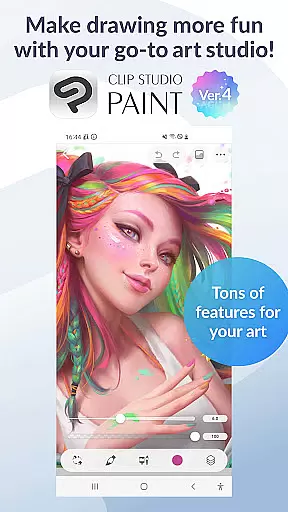
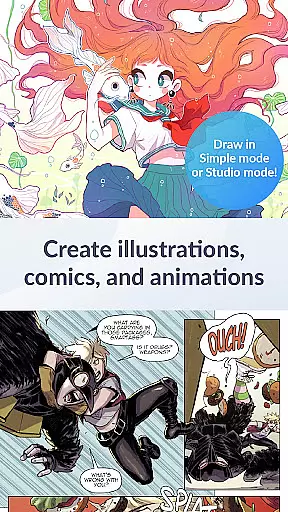
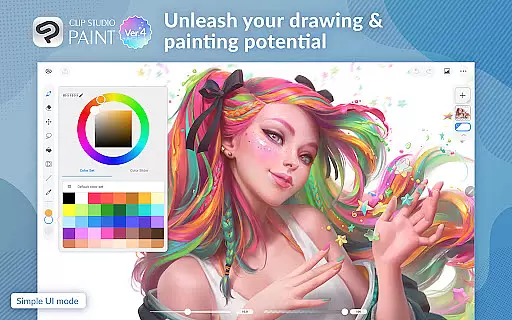
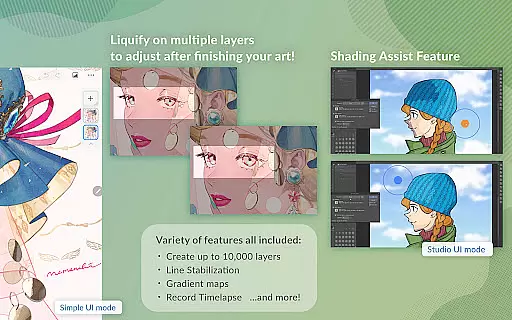
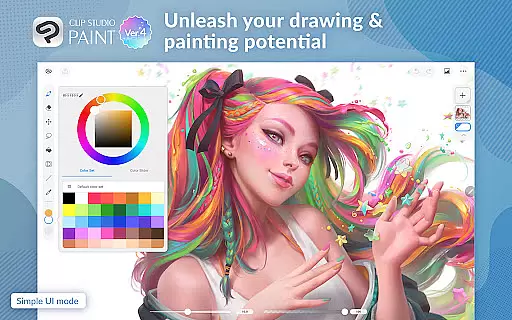
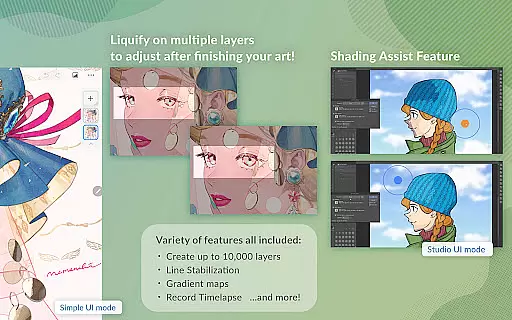
Clip Studio Paint is a premier digital art application designed for artists and creators who want to bring their ideas to life. This app offers a comprehensive suite of drawing and painting tools, including the ability to create detailed artwork with up to 10,000 layers, pose 3D models, and adjust line art and color instantly using Liquify on multiple layers.
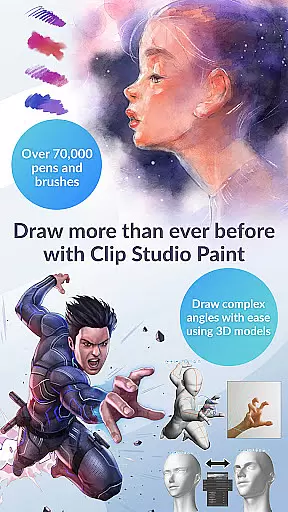
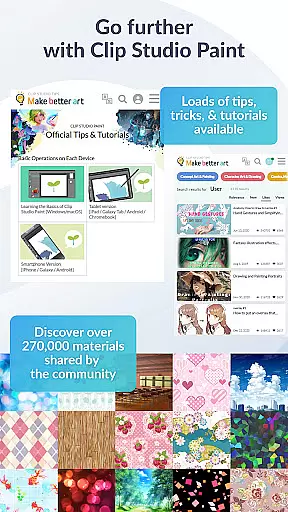
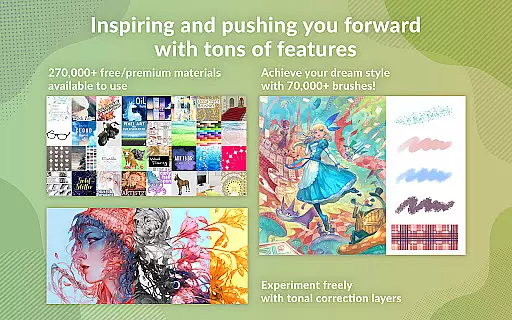
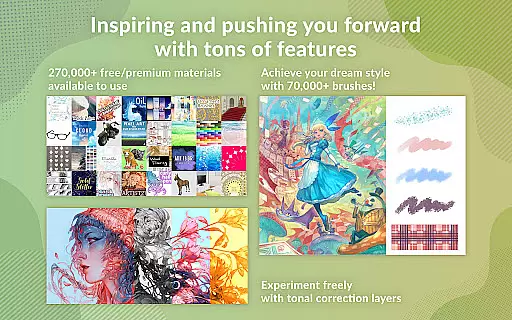
With features like Gradient maps, Puppet warp, and snap functionalities, users can have greater control over their creations. The app also provides access to over 270,000 free or premium materials and 70,000 brushes crafted by artists worldwide, ensuring that every artist finds the perfect tool for their style.
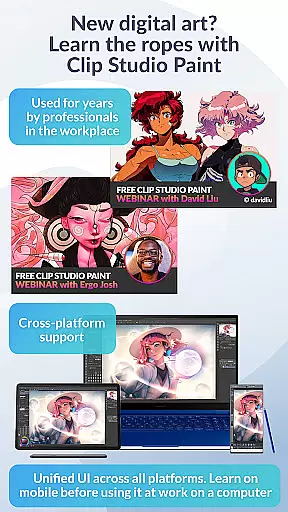
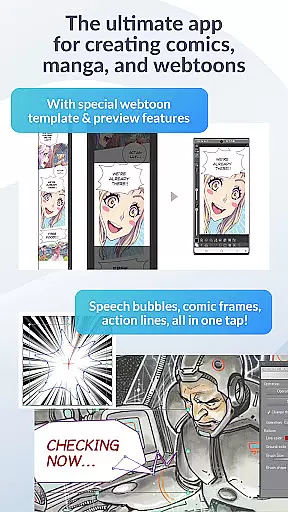
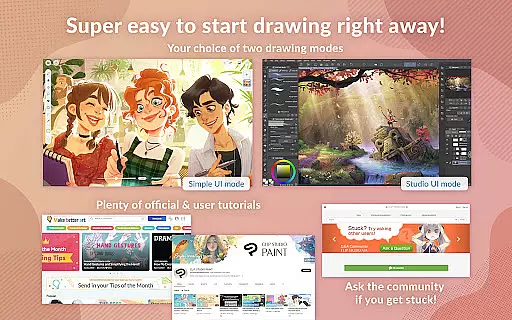
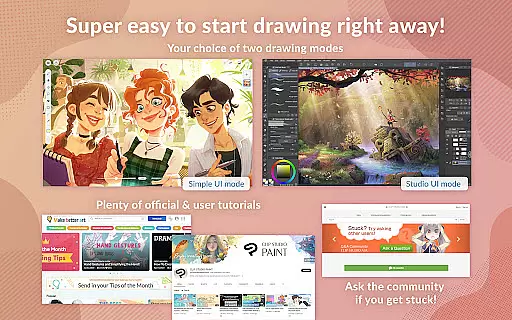
Whether you're a beginner or a professional, Clip Studio Paint caters to all skill levels with its intuitive interface and powerful features such as vector painting, perceptual color mixing, and traditional drawing modes. Ideal for creating comics, manga, webtoons, and animations, this app is available on both tablets and smartphones, offering flexible subscription plans tailored to your creative needs.
Clip Studio Paint stands out with its extensive feature set tailored for digital artists. One of its key highlights is the robust layer system, allowing users to create complex artworks with precision. The app supports advanced techniques such as Liquify, which enables instant adjustments to line art and colors across multiple layers, and Gradient maps for superior color control.
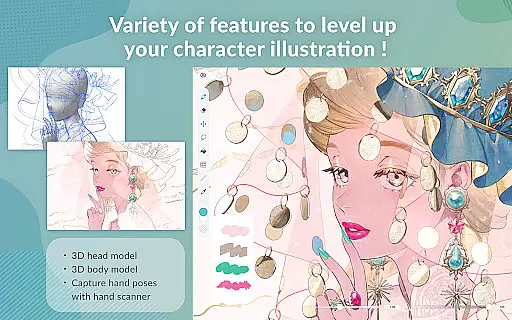
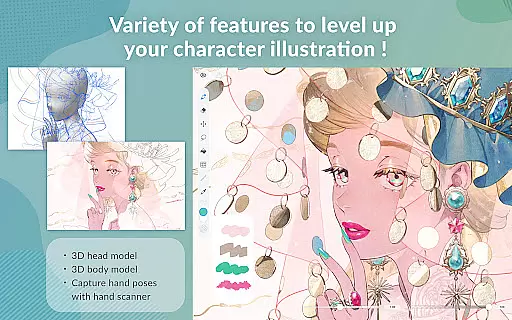
The app's brush engine is another standout feature, providing access to thousands of customizable brushes. Users can download additional materials from a vast library created by other artists, enhancing their creative possibilities. With options like 3D primitives for quick layout ideas and live video capture for reference, Clip Studio Paint ensures that artists have all the tools they need to experiment and innovate.
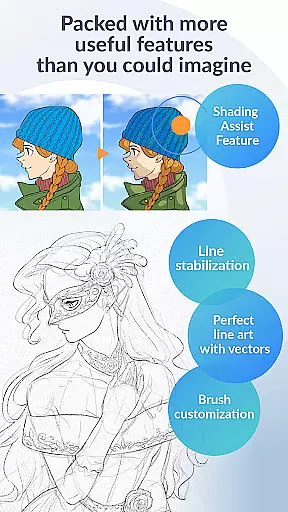
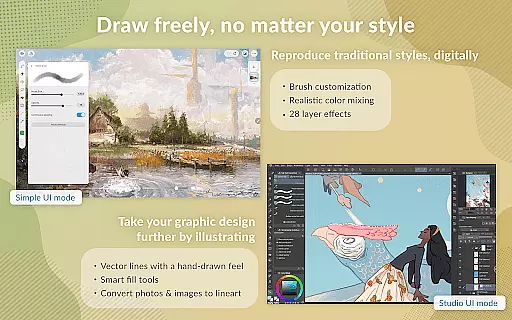
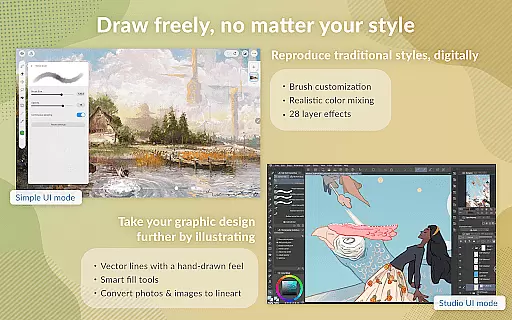
Additional features include vector painting for scalable artwork, 28 layer effects for fine-tuning, and specialized modes for comics and animations. Whether you're working on detailed character designs or multi-page comics, Clip Studio Paint offers the flexibility and power needed to produce professional-quality work on the go.
Creative tool completeness is a crucial aspect of any art and design application, and Clip Studio Paint excels in this area. The app provides an extensive array of features that cater to both amateur artists and professionals. With access to over 70,000 brushes crafted by artists globally, users can find the perfect brush for their needs. These brushes are available through the dedicated Assets store, with both free and premium options.
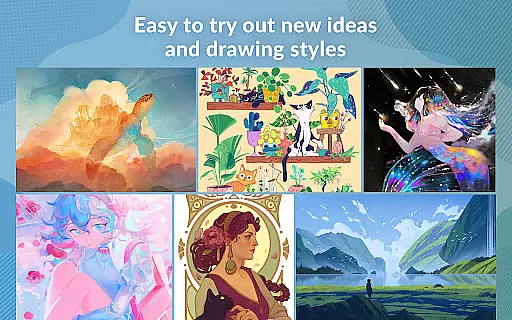
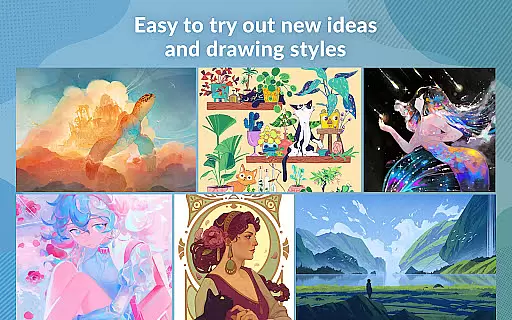
Moreover, Clip Studio Paint offers more than just a vast brush library; it includes 28 layer effects for art touch-ups and perceptual color mixing that mimics real paint blending. Artists can also enjoy painting in vectors, allowing them to scale their artwork without any loss in quality. This level of creative control ensures that users can experiment with new ideas and drawing styles while having all the necessary tools at their disposal.
The inclusion of 3D primitives for fast layout and perspective creation, alongside customizable brush settings, empowers artists to bring their visions to life efficiently. Whether capturing complex hand poses with live video references or using Puppet Warp for adjustments, Clip Studio Paint equips creators with supercharged drawing tools designed to inspire and facilitate the artistic process.
Canvas and format flexibility in Clip Studio Paint allows artists to adapt their workspace according to their specific project requirements. The application supports creating up to 10,000 layers, which is essential for detailed artwork where precision and complexity are key. This layering capability gives artists immense flexibility in managing different elements of their work separately while maintaining overall coherence.
In addition to handling numerous layers, Clip Studio Paint enables users to liquify multiple layers simultaneously, making instant adjustments to line art and color. Such responsiveness is vital when refining pieces or experimenting with different visual effects. The ability to use gradient maps further enhances control over coloring techniques, providing artists with advanced tools for shading and highlighting.
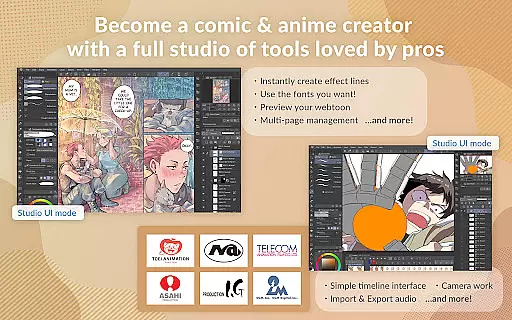
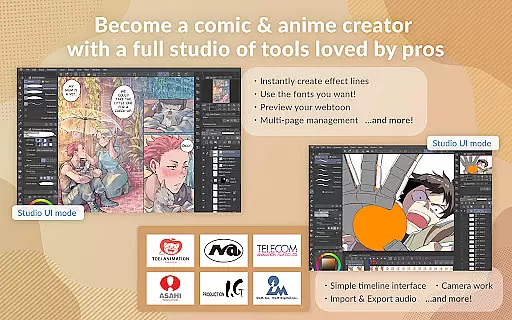
Clip Studio Paint's versatility extends beyond static images as it caters to animators too. Creators can produce anything from simple GIFs to full-length animations enriched with sound, camera movements, and tweening effects. By accommodating various formats and ensuring smooth transitions between them, the app becomes a one-stop solution for diverse artistic endeavors, whether crafting comics, manga, webtoons, or animated stories.
User-friendly interface
Extensive brush library
Powerful layer system
Versatile drawing tools
Regular updates
Subscription required
High learning curve
Limited offline features
Occasional bugs
Resource-intensive

Download now for a stylish and functional timepiece
 4.4
4.4
Stylish letters, Stylish Keyboard, Symbols, Emojis, Cool nickname
4.40
Create stylish invitation cards using templates for weddings, birthdays & RSVP.
4.20
Logo Generator powered by AI: Create stunning logos effortlessly!
4.70
Passport size photo maker, create ID photo and visa photo in seconds
4.80
Create stunning video, photo & magic from text with FlixAI GPT video generator.
3.10
Android 14 style widgets and wallpapers app.
4.0
Inky runs Inkscape on Android devices and Chromebooks
2.90
Explore future self face age filter & remove background image for a unique look.
3.50
Mobile pixel art editor. Simple. Fast. Portable.
4.80
Draw on screen: FP sDraw is a simple and lightweight drawing app
4.70
Get an overview over all your embroidery threads, projects and more.
4.60
Customizable Outlined Fonts. Watch Face Format. Battery friendly Digital Clock.
4.20
Turning simple sketches into captivating tales filled with life and motion
3.90
AI Face Swap, Video Effects Editor, Realtime Morph, Funny Video FX,AI Filters
3.70
Create sweet, cool and unique couple avatars easily, in just a few steps!
3.40
Sketch, trace and master AR drawing with awesome anime art!
3.30
Retouch photos. Create or edit images. Endless capabilities.
2.70
Your Essential Color Theory Guide: Red, Yellow, Blue (RYB)
4.1


User Reviews