
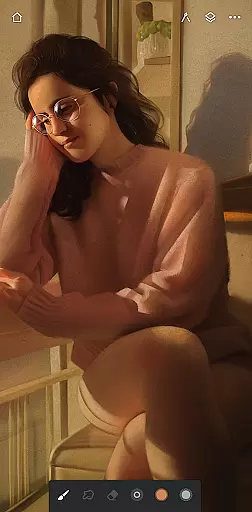
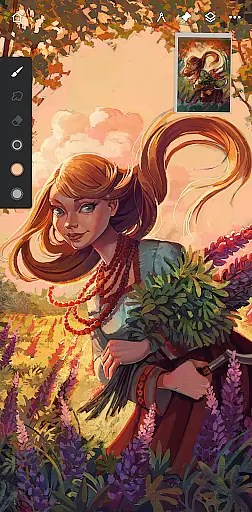
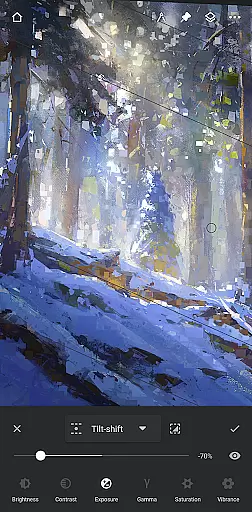
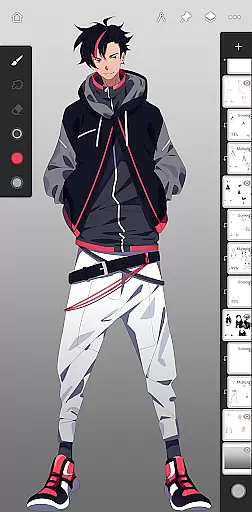
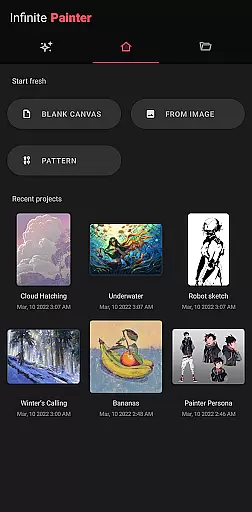
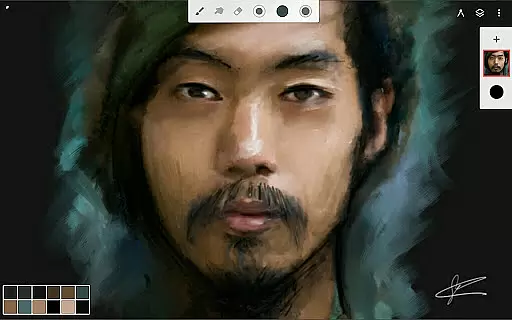
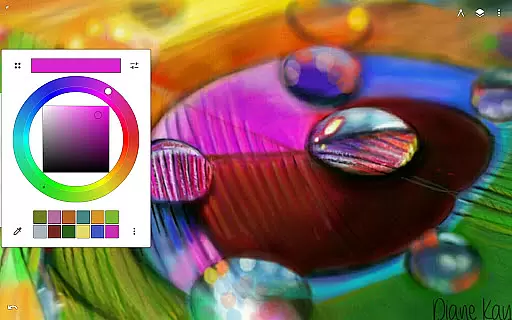
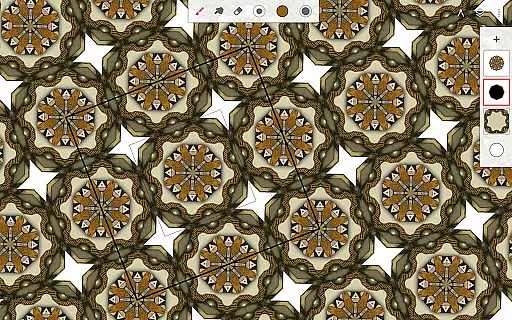
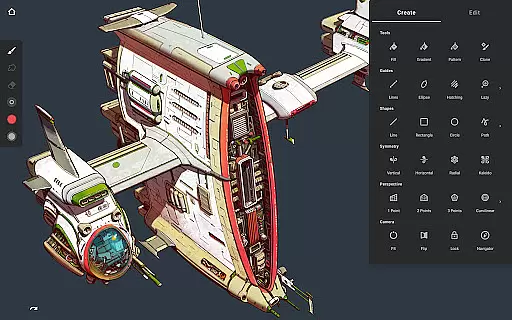
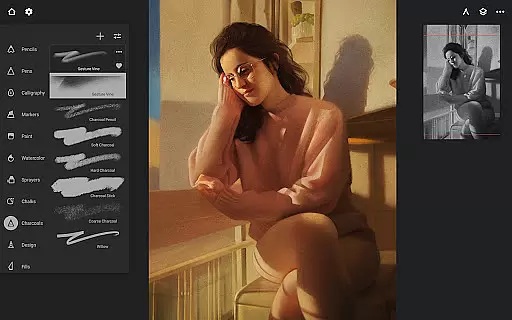
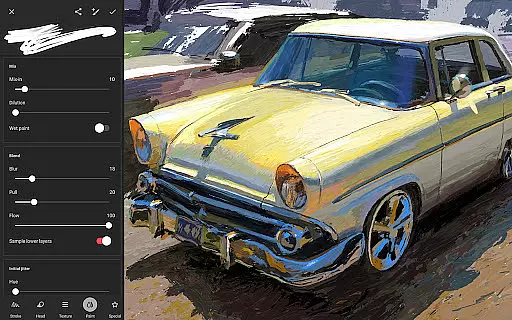
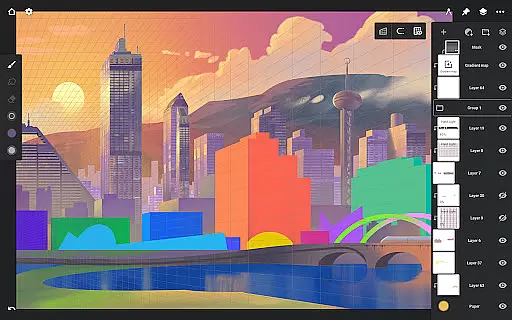
Infinite Painter is a premier digital art application designed for artists seeking professional-grade tools on their mobile devices. This award-winning app offers an extensive suite of features including hundreds of customizable brushes, advanced layer support with 30 blend modes, and industry-leading color correction tools.
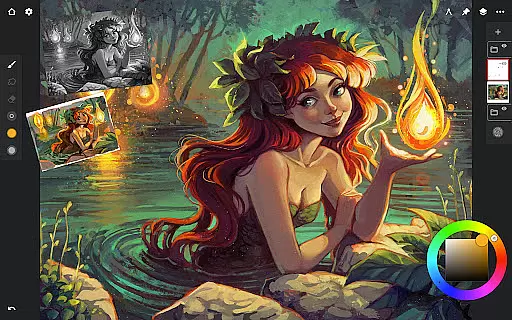
The app provides a seamless creative experience with its intuitive interface and robust toolset. Artists can enjoy realistic brush-to-canvas interactions, create complex symmetrical designs, and utilize perspective guides for precise drawings. Infinite Painter also supports high-resolution canvases and professional workflows, making it suitable for both hobbyists and professional artists.
Infinite Painter stands out with its comprehensive set of artistic tools. The app includes hundreds of built-in brushes with over 100 customizable settings, allowing users to create unique strokes and textures. Its powerful layer system supports masks, clipping masks, and various blend modes, providing unparalleled control over digital artwork.
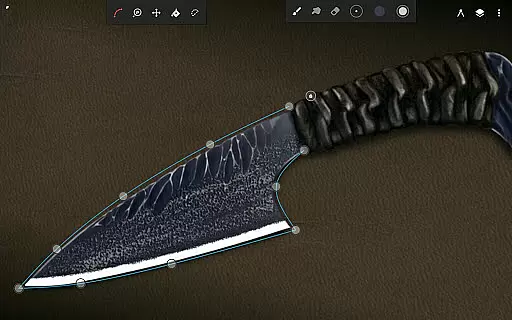
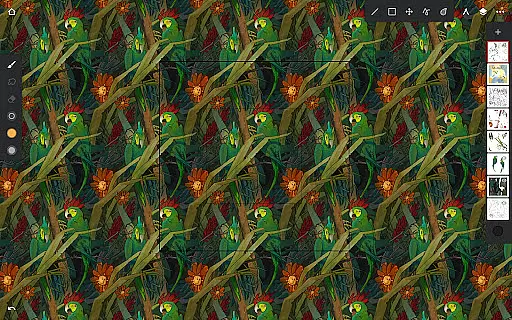
One of the key innovations is the ability to convert brush strokes into editable shapes and apply real-time color adjustments. The app also offers advanced transformation tools, pattern creation features, and perspective guides that help artists maintain accurate proportions. With support for stylus devices and gesture controls, Infinite Painter ensures a natural and efficient drawing experience.
Infinite Painter offers an extensive suite of creative tools that cater to both amateur and professional artists. The app includes hundreds of built-in brushes with realistic brush-to-canvas interaction, offering over 100 customizable settings. This allows users to fine-tune their drawing experience according to their preferences and needs.
For those who work with stylus devices, Infinite Painter is designed to support full pressure and tilt functionality, ensuring every stroke translates accurately from the hand to the digital canvas. Artists can also apply real-time color adjustments and live effects to any brush, providing a dynamic range of artistic expression.
The application further enhances creativity by enabling users to convert brush strokes into editable shapes and import or export custom brushes and brush sets. Such features ensure that artists are only limited by their imagination, not by the tools at their disposal.
Flexibility in canvas and format options is where Infinite Painter truly shines. Users can enjoy a clean, customizable interface that maximizes the visible canvas while minimizing clutter. This adaptability extends to assigning finger functions separately from the stylus, allowing for a seamless transition between different drawing techniques.
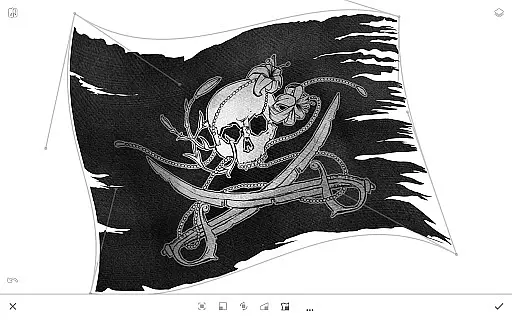
Infinite Painter supports industry-leading transformations and enables users to manipulate multiple layers simultaneously. With gradient and pattern fill tools, artists can experiment with various visual effects on separate layers or across all layers, enhancing their creative possibilities.
Exporting artwork is versatile as well; users can save their creations in several formats including JPG, PNG, WEBP, ZIP, layered PSD files, or as Painter projects. This ensures compatibility with other software and makes sharing or printing artwork straightforward and hassle-free.
Extensive brush library
Intuitive user interface
Powerful layer management
Realistic drawing experience
Professional color tools
Steep learning curve
Pro features subscription
High device requirements
Occasional performance issues
Limited free version

Easy 3D drawing design maker & creator. Model designing, Sculpting. Create&paint
 4.00
4.00
Photo blender app to create overlay photos & double exposure.
4.40
See Color, Paint Color
4.90
Unleash Your Creativity with Draw Cartoon - AR Drawing App
4.10
Your AI soulmate — meaningful chats, and unique emotional moments
4.70
Mobile pixel art editor. Simple. Fast. Portable.
4.80
Get an overview over all your embroidery threads, projects and more.
4.60
Just trace a projected picture on paper and color! Draw & Paint with AR drawing
4.40
Sketch and paint on your device with the feel and freedom of drawing on paper
4.00
Make your phone cooler and have a fantastic experience
4.80
Draw Trace image sketch by, AR art projector app, Easy to trace any image.
4.50
Create and Design Custom Logos in Seconds with AI-Powered Tools!
4.40
Turning simple sketches into captivating tales filled with life and motion
3.90
Apply cartoon, caricature, and portrait effects to make your photos stand out!
3.60
AI Assistant, powered by ChatGPT GPT-4 & GPT-4o. Your intelligent companion.
3.50
Create trending AI photos & videos with powerful effects and 3D styles.
3.20
Create stunning video, photo & magic from text with FlixAI GPT video generator.
3.10
Art of Combination Wear OS Watch faces (for Wear OS 5+ devices)
3.00
Download now for a stylish and functional timepiece
4.2


User Reviews