
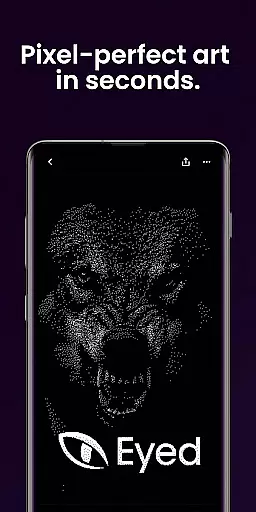
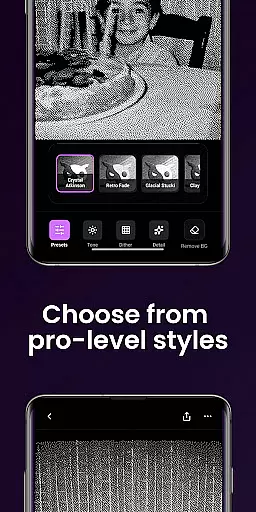
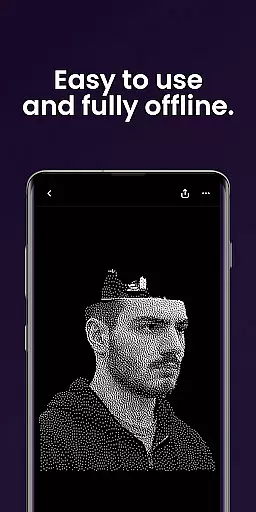
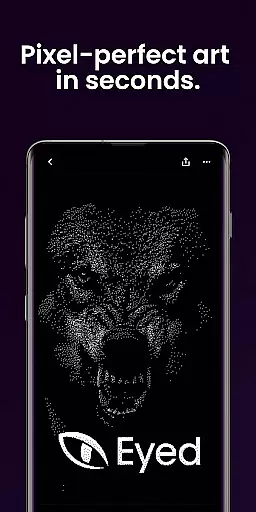
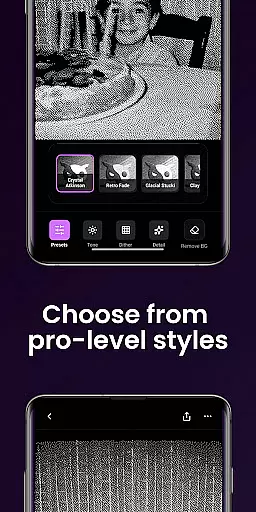
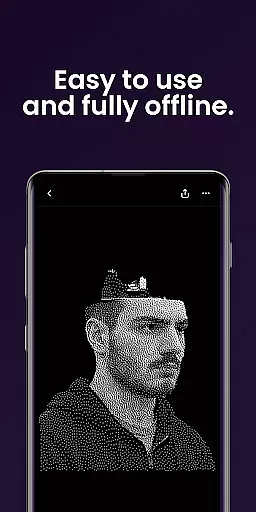
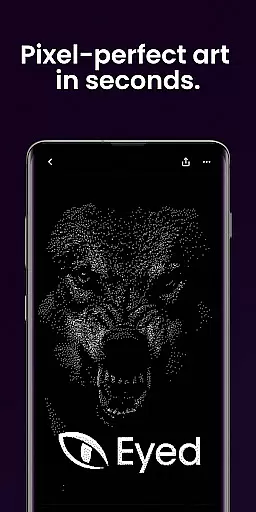
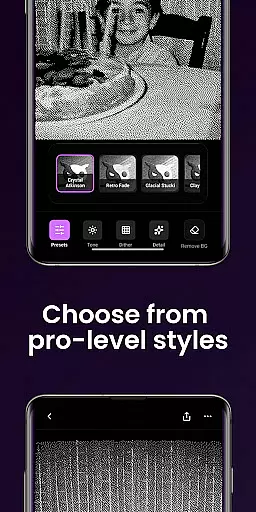
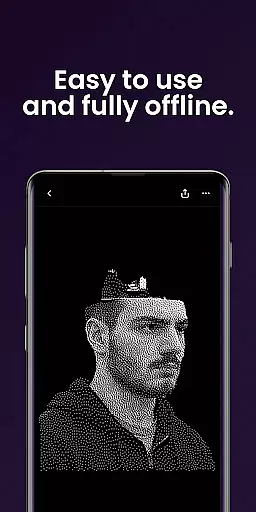
Dither By Eyed is a photo editor app designed to transform your images into print-inspired artwork with expressive results in seconds. It offers iconic processing methods like Floyd-Steinberg, Atkinson, and Stucki, along with curated looks such as Retro Fade and Warm Grain that deliver instant character.
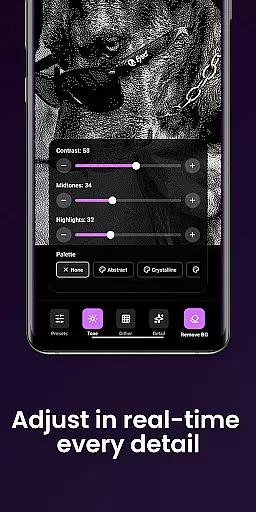
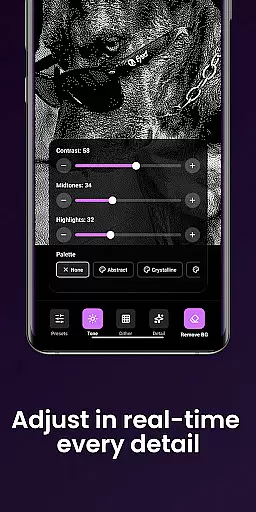
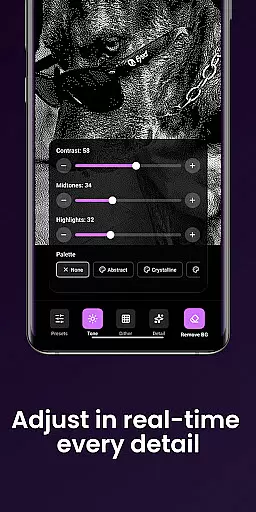
Users can fine-tune contrast, midtones, highlights, blur, scale, and threshold with real-time previews. The app also allows isolating subjects cleanly and exporting high-quality results ready for print or social media sharing.
Thoughtfully designed for creators, Dither By Eyed supports importing from the photo library or capturing with the camera. Its clean interface is optimized for both phones and tablets, making it easy to create without needing an account.
Dither By Eyed provides a rich set of features tailored for artistic photo editing. Users can explore various dithering techniques including blue-noise patterns and Bayer matrices which add authentic texture and structure to their photos.
The app includes one-tap curated looks like Crystal Atkinson and Frozen Bayer that instantly give images unique character. Creators have precise control over adjustments such as contrast, midtones, highlights, blur, scale, and threshold through responsive real-time previews.
Additional functionalities include background removal for crisp compositions, pinch-to-zoom capability while working on details, support for common image formats, and optimization for both phone and tablet use.
In the realm of digital artistry, having a comprehensive suite of creative tools is essential for transforming simple images into masterpieces. Dither By Eyedu2122 offers an impressive array of features that cater to both novice and experienced artists alike.
With iconic processing methods such as Floyd-Steinberg, Atkinson, Stucki, Bayer, and blue-noise patterns, users can explore authentic textures and structures that harken back to classic computer graphics while still feeling contemporary. These algorithms provide the structural foundation upon which striking visual narratives are built.
Beyond these foundational elements, Dither By Eyedu2122 also includes curated one-tap looks like Crystal Atkinson, Retro Fade, Warm Grain, Glacial Stucki, and Frozen Bayer. These presets imbue photos with instant character and style without requiring deep technical knowledge from the user.
For those seeking precision in their edits, real-time previews allow for responsive adjustments to contrast, midtones, highlights, blur scale, and threshold settings. This ensures every modification aligns perfectly with the creator's vision, making it not just complete but exceptionally versatile.
The ability to work flexibly across various formats and canvas sizes is crucial for modern digital artists who need their work to be versatile and adaptable. Dither By Eyedu2122 excels in providing this flexibility, ensuring that creators can produce artwork suitable for multiple platforms and mediums.
Users have the freedom to import images directly from their photo library or capture new ones using the camera within the app. This seamless integration allows artists to start creating immediately without any cumbersome file transfers or conversions.
Additionally, Dither By Eyedu2122 supports common image formats, facilitating easy input and output processes. Whether you're preparing your piece for print, web publication, or sharing on social media, the app ensures high-quality results every time.
Optimized for both phones and tablets, its clean and focused interface lets users pinch to zoom and pan while working. Such intuitive controls enable precise adjustments regardless of screen size, enhancing productivity and creative flow. With no account required, opening up the app leads straight into creation modeu2014making it effortlessly accessible for everyone looking to craft unique pieces quickly.
User-friendly interface
Real-time preview functionality
Wide range of dithering options
No account registration needed
High-quality export capabilities
Limited advanced editing tools
No desktop version available
Premium features may require payment
Occasional performance lags
Learning curve for beginners

Discover Cartoon Dream : Unleash Your Creativity with CuttingEdge AI
 4.50
4.50
Draw anime easily with AR guidance, sketch templates & trace tools!
3.10
Nano Banana AI Image Generator, Anime Filter, AI Portrait, AI Photo Generator
4.30
Novices can also easily complete diamond painting masters
4.70
Art of Combination Wear OS Watch Faces
3.30
Get an overview over all your embroidery threads, projects and more.
4.60
Experience next-gen icons with a modern liquid glass look.
3.60
Sketch and paint on your device with the feel and freedom of drawing on paper
4.00
Unleash your inner artist! Sketchar: AR Drawing for Limitless Creativity
4.40
Minecraft & Roblox Clothes
4.70
Create neon drawing with magic doodle and fun doodle art effects!
4.50
Draw Trace image sketch by, AR art projector app, Easy to trace any image.
4.50
Kling AI is an image and video generation and editing studio powered by AI.
4.50
Draw, make movies & animate cartoons easily with our 2D animation maker app
4.40
Bring One UI 8.5 Icons to life -elegant dark icons with a modern, premium touch.
4.30
Digital Drawing: Draw & Paint
4.10
Get creative and make art with your Sesame Friends!
4.00
Vidu is an AI video generator made for creators and aspiring makers.
3.30
Art of Combination Wear OS Watch faces
4.3


User Reviews