![[KNA017] RETRO](https://cdn.linksharehub.com/ocp/?u=https%3A%2F%2Fl1.fancapitalize.com%2Fimages%2F2025%2F12%2Fbcfa0218032e2e821c877c72827d41eb.jpg&t=webp)
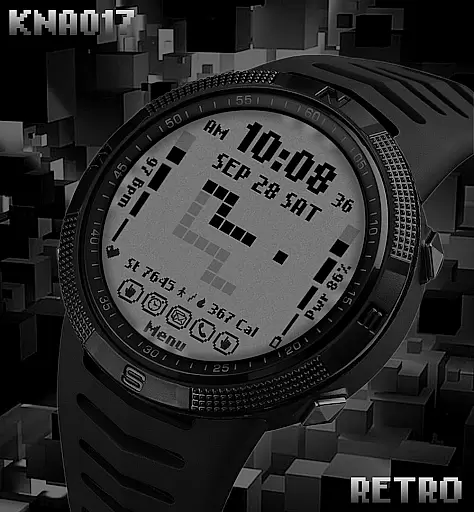
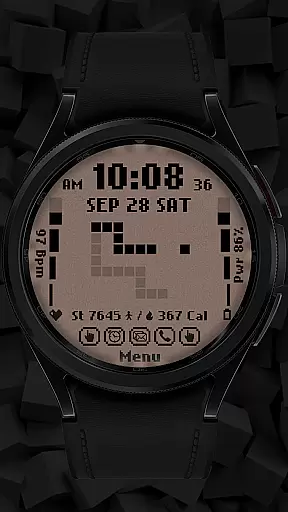
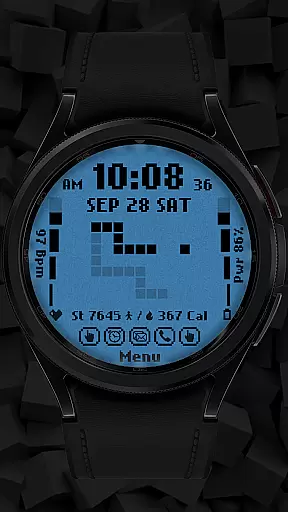
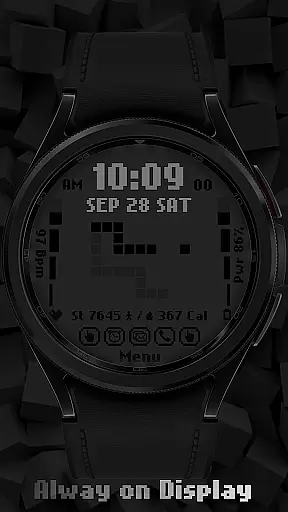
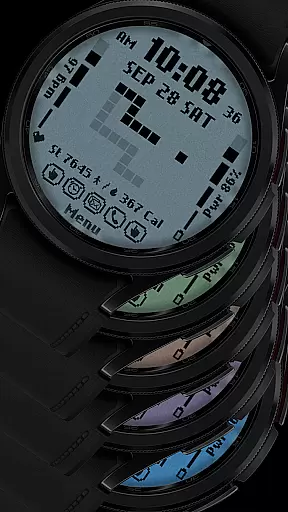
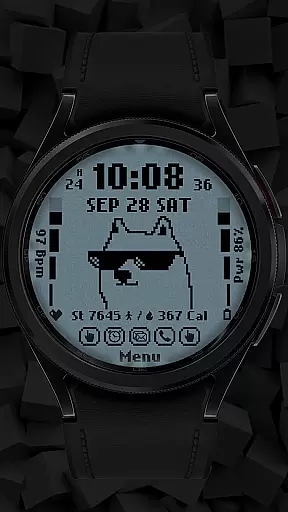
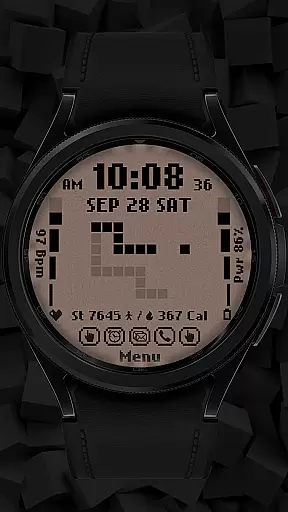
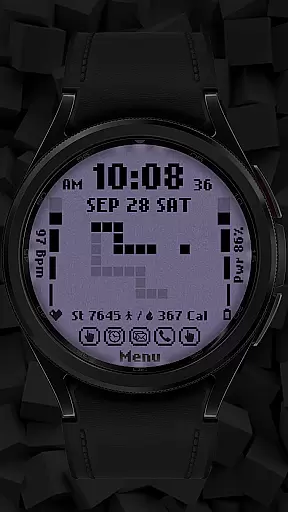
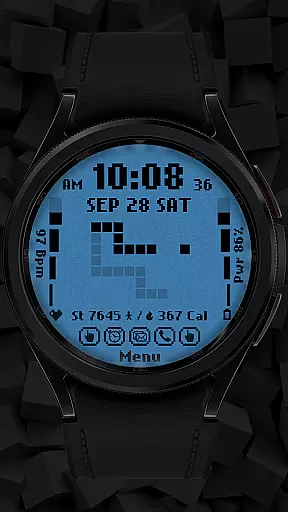
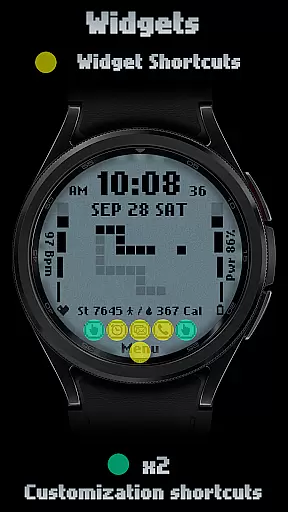
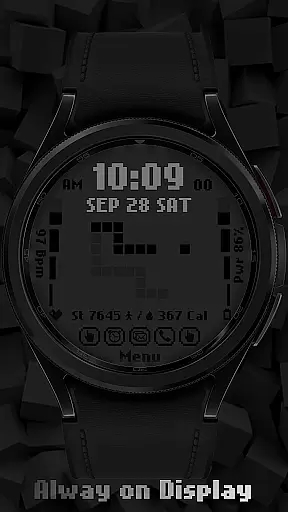
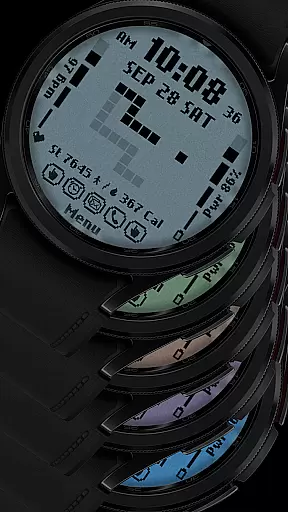
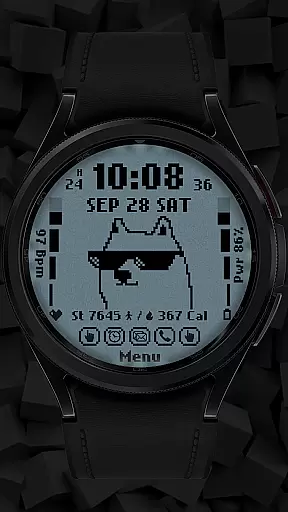
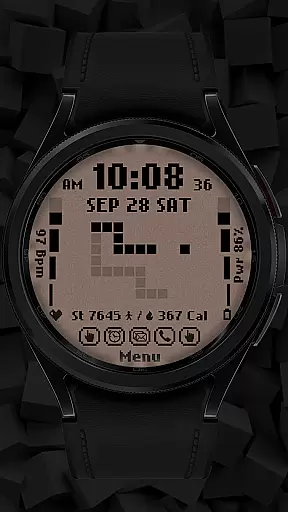
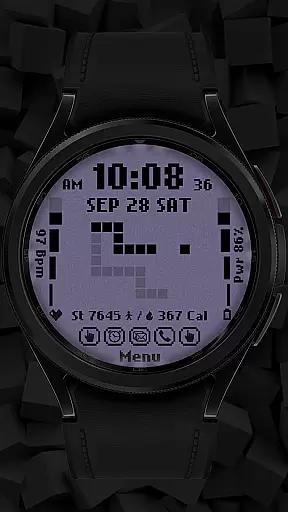
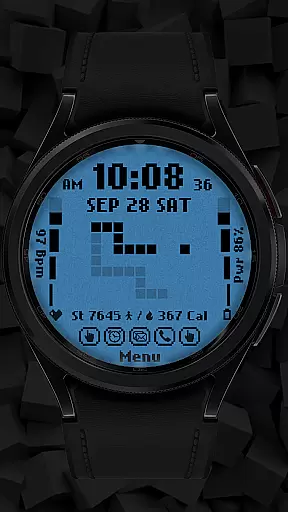
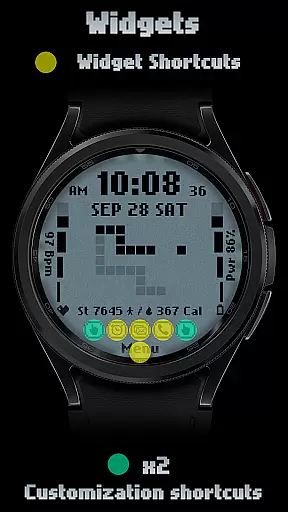
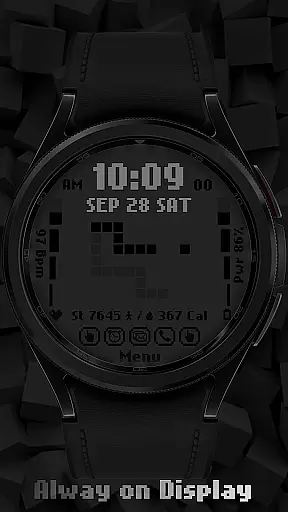
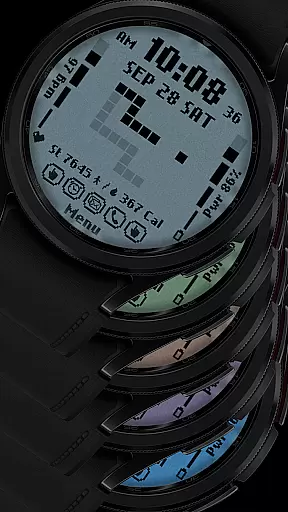
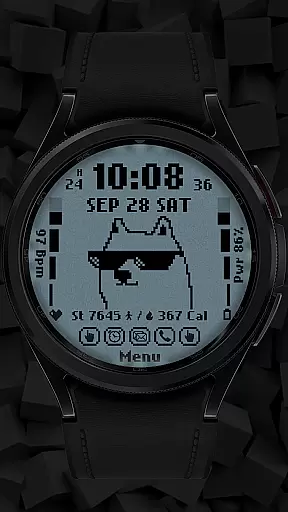
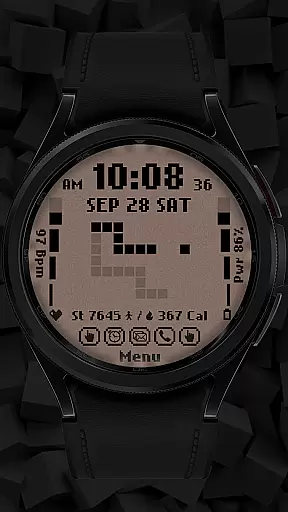
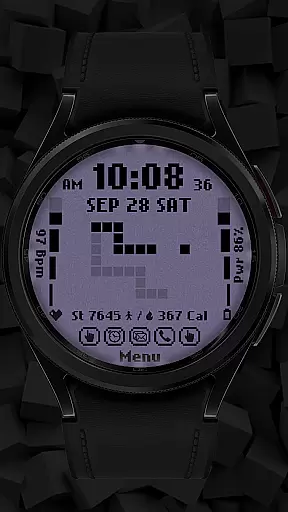
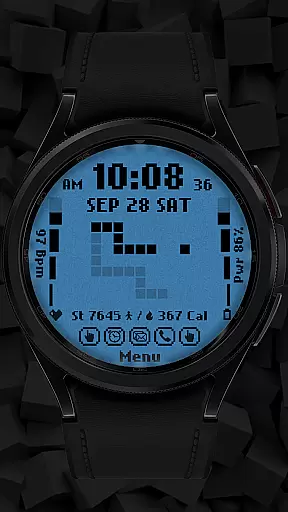
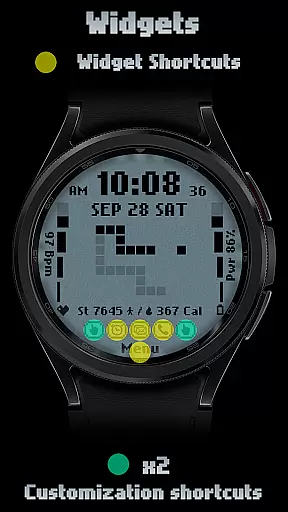
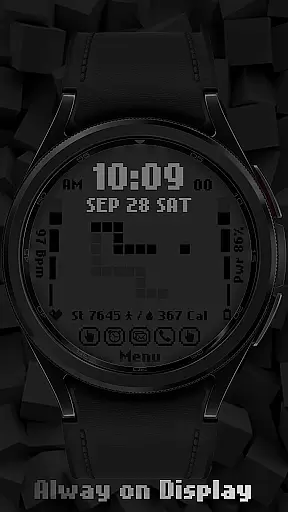
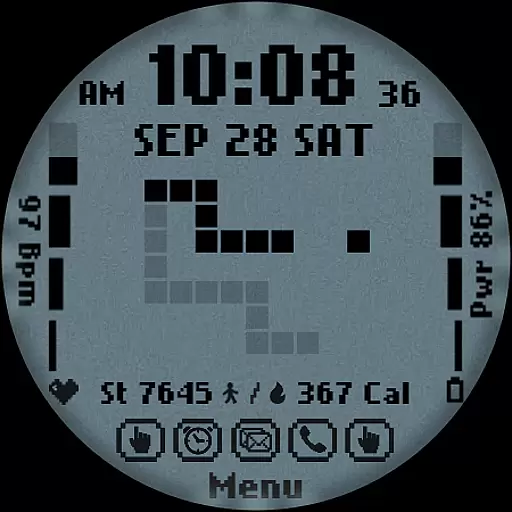
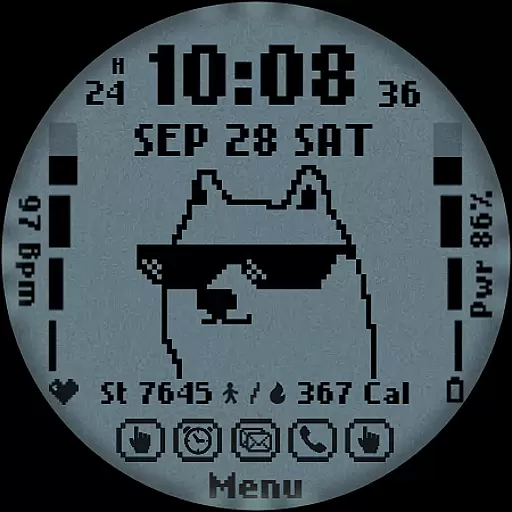
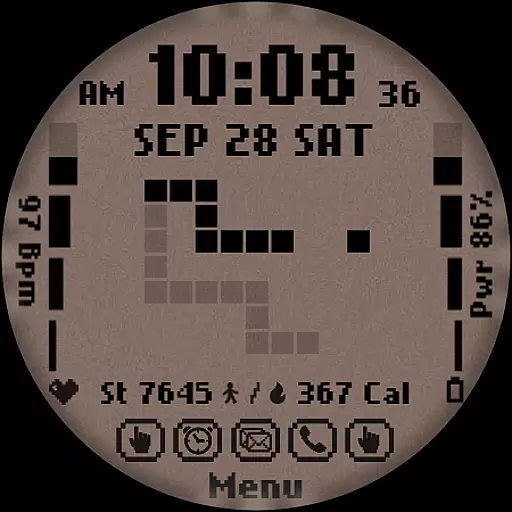
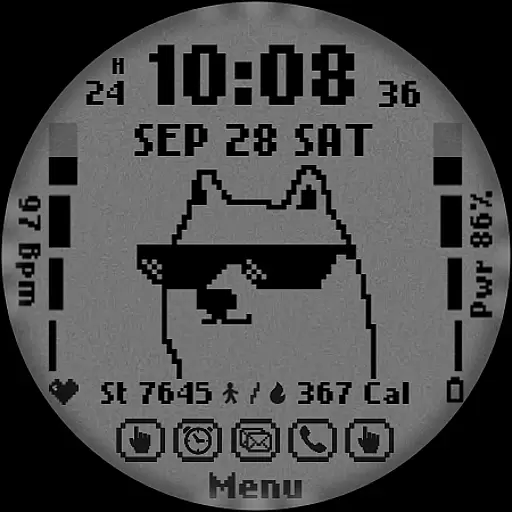
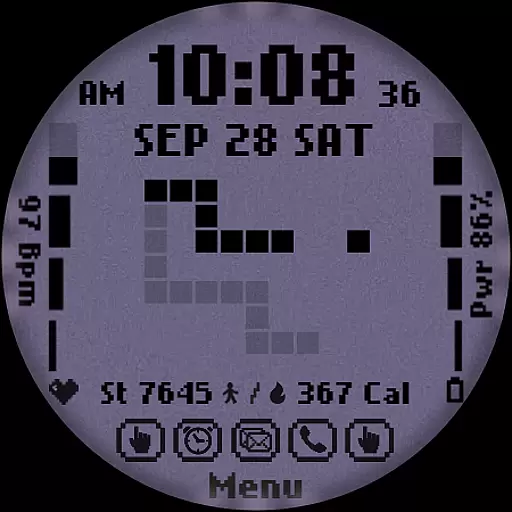
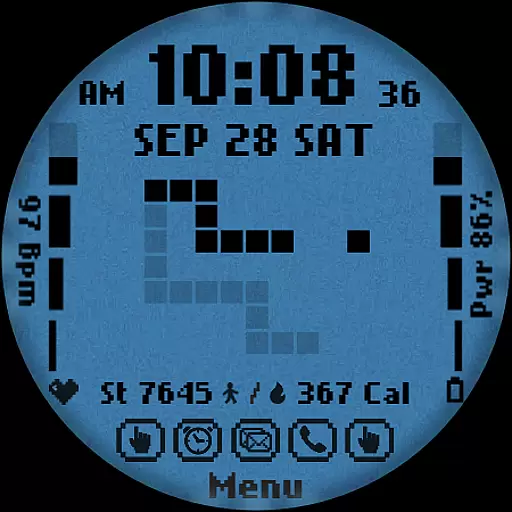
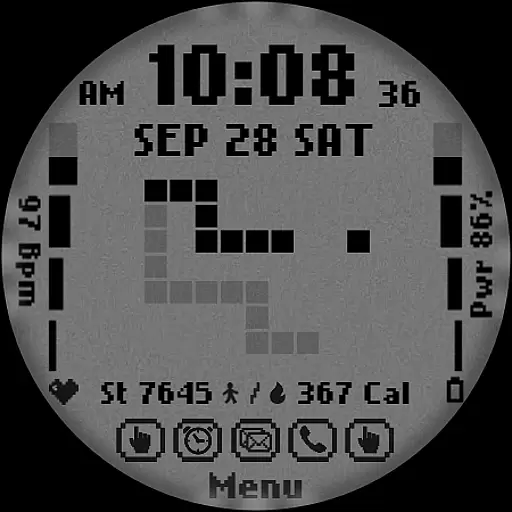
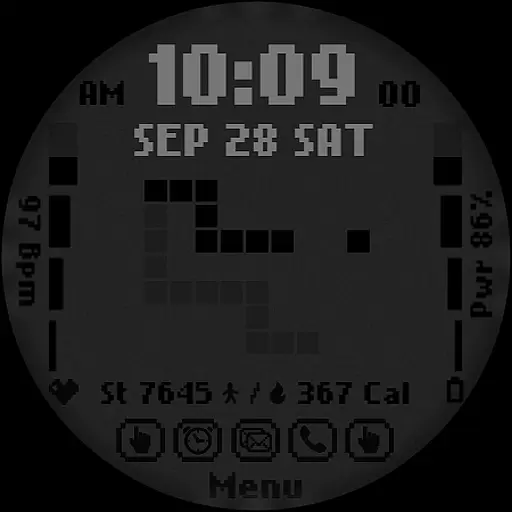
[KNA017] RETRO is a customizable watch face designed specifically for Wear OS devices, offering users a retro-style digital interface with modern functionality. Compatible with API level 30+ devices such as Google Pixel and Galaxy Watch 4, 5, 6 series, this watch face brings both aesthetic appeal and practical utility to your smartwatch.
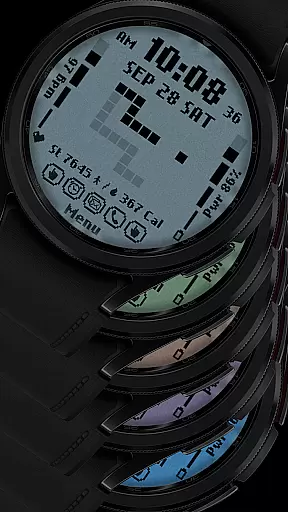
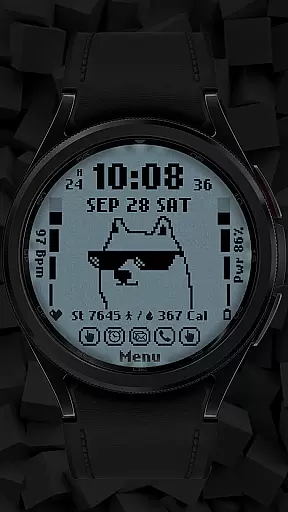
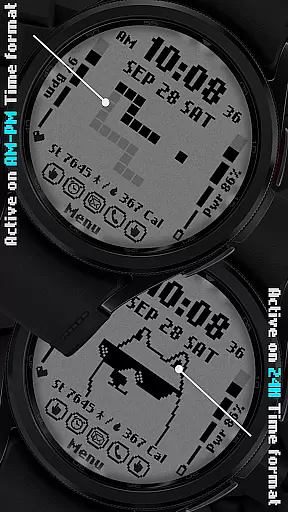
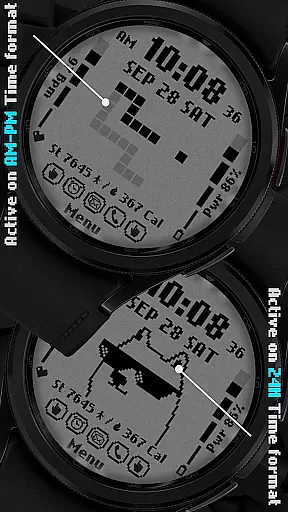
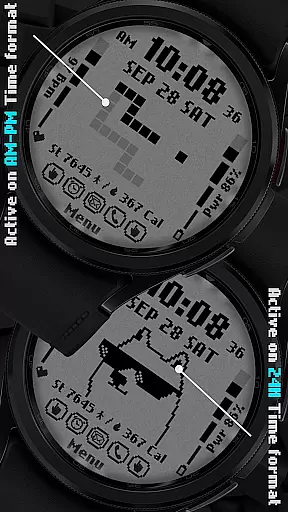
The watch face features multiple display options including 12/24 hour time formats, date, day of the week, and month. It also provides health and fitness tracking elements like step count, heart rate, battery level, and calorie calculation. With six color and style variations, users can personalize their watch face to match their preferences while enjoying animated transitions that change based on the time format.
One of the key strengths of [KNA017] RETRO is its support for customizable complications, allowing users to add widgets for weather, world clock, sunrise/sunset times, and more. This makes it not only a stylish accessory but also a functional tool for everyday use, particularly suited for individuals who value both design and utility in their wearable technology.
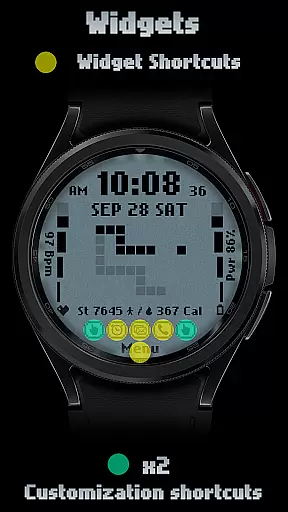
[KNA017] RETRO stands out with its versatile feature set tailored for Wear OS users. The watch face offers two customizable shortcuts along with six unique color and style combinations, giving users flexibility in personalizing their device's appearance. Its digital styles support both 12-hour and 24-hour time formats, catering to different user preferences across the globe.
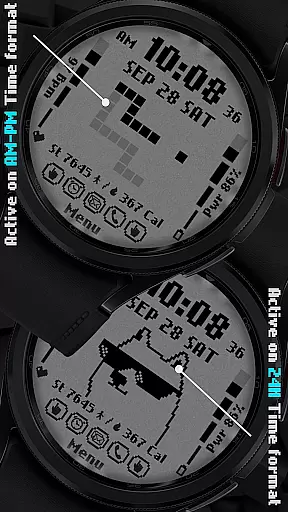
In addition to visual customization, the watch face integrates essential health and activity tracking metrics such as step count, heart rate monitoring, battery status, and calorie calculation. These features are presented within an animated retro-style interface that dynamically changes based on the selected time format (AM-PM or 24-hour), providing a visually engaging experience without compromising usability.
Users can further enhance their experience by customizing complications—widgets that display additional information like weather updates, world clocks, and barometric readings. While some advanced features may vary depending on the specific Wear OS device, this level of adaptability ensures that [KNA017] RETRO remains a top choice for those seeking a blend of vintage aesthetics and contemporary functionality.
In the realm of digital art and design, having a comprehensive set of creative tools is essential for unleashing one's artistic potential. The [KNA017] RETRO Wear OS Watch Face stands out by offering an impressive array of features that cater to both casual users and design enthusiasts. With its diverse selection of customizable complications, this watch face allows users to tailor their timepieces with various data points such as weather, world clock, and more.
Boasting six unique colors and styles, the [KNA017] RETRO ensures that personal expression is not only possible but encouraged. Users can choose between different digital styles in either 12 or 24-hour formats, ensuring compatibility with individual preferences and regional standards. Furthermore, practical information like steps count, heart rate, battery level, and calories burned are seamlessly integrated into the design.
The inclusion of two customizable shortcuts adds another layer of functionality, enabling quick access to frequently used apps or features directly from the watch face. This thoughtful design aspect enhances user interaction without compromising aesthetic appeal. Animation Retro style changes based on time format provide a dynamic visual experience throughout the day.
Flexibility in canvas and format options is crucial for accommodating diverse design needs and ensuring optimal display across various devices. The [KNA017] RETRO Wear OS Watch Face excels in this area by providing extensive customization capabilities that adapt to different screen sizes and resolutions. Before installation, it's important to verify device compatibility; however, popular models such as Google Pixel watches and Galaxy Watch series 4, 5, and 6 are supported.
Setting up the desired configuration involves a simple process: users need to touch and hold the display, then tap on the customize option to access a range of settings. Here, they can modify elements including date, day of the week, month, and even specific complications tailored to their preferences. Such versatility guarantees that each user can craft a personalized interface reflecting their unique style.
Moreover, while some advanced features might not be available on every compatible device due to hardware limitations, the core functionalities remain robust and reliable. Whether opting for a minimalist look or a feature-rich layout filled with interactive widgets, the [KNA017] RETRO delivers consistent performance and visual clarity. This adaptability makes it an ideal choice for those seeking a balance between form and function on their smartwatches.
Highly customizable
Retro animations
Health tracking
Versatile complications
Multiple color options
Limited device support
No automatic apply
Some features unavailable
Requires latest Android
Complication setup needed

Vidu is an AI video generator made for creators and aspiring makers.
 3.30
3.30
Transform photos into amazing monochrome dither art with professional algorithms
4.2
Paint with oils and sketch with natural tools on a realistic virtual canvas.
3.80
Photo blender app to create overlay photos & double exposure.
4.40
Create stunning art with AI.
4.80
AR Anime Drawing: How to draw anime with AR drawing & sketching apps!
4.00
Kling AI is an image and video generation and editing studio powered by AI.
4.50
Draw, fidget, and spin glow art! Relax and express your creativity with a finger
4.60
Sketch and paint on your device with the feel and freedom of drawing on paper
4.00
Your AI soulmate — meaningful chats, and unique emotional moments
4.70
Digital, Abstract, Classic - all types of color wheels in one app!
4.60
Image resizer to resize, crop, rotate, flip, change dpi photo or picture in bulk
4.60
Get creative and make art with your Sesame Friends!
4.00
Design unique, funny and adorable cat stickers that reflect your own style!
3.80
Create sweet, cool and unique couple avatars easily, in just a few steps!
3.40
Sketch, trace and master AR drawing with awesome anime art!
3.30
Draw anime easily with AR guidance, sketch templates & trace tools!
3.10
Retouch photos. Create or edit images. Endless capabilities.
2.70
Download now for a stylish and functional timepiece
4.0


User Reviews