
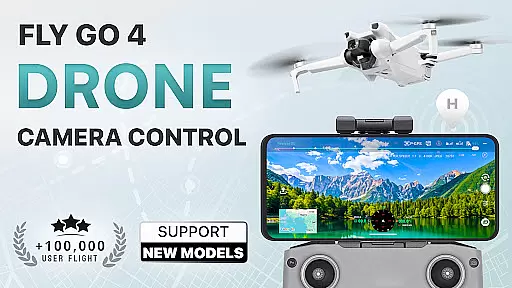
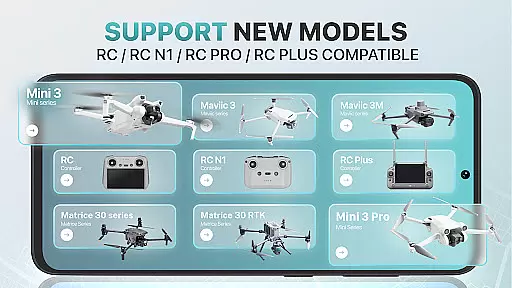
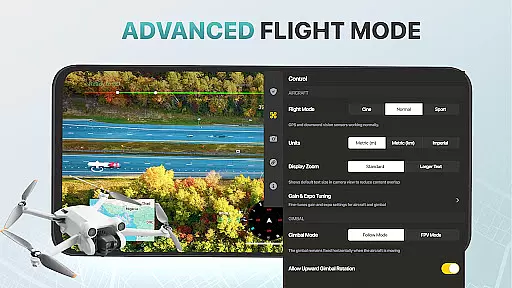
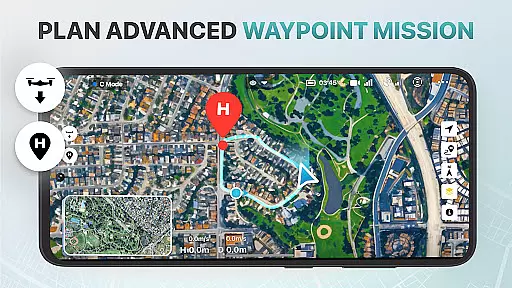
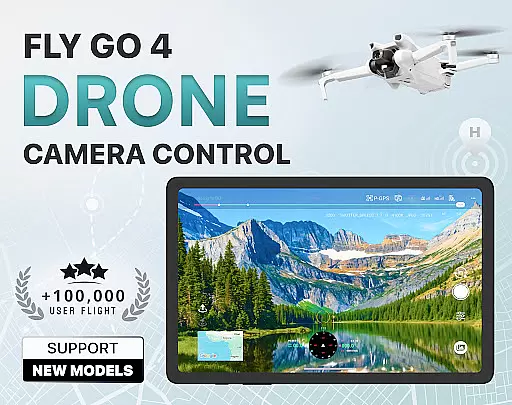
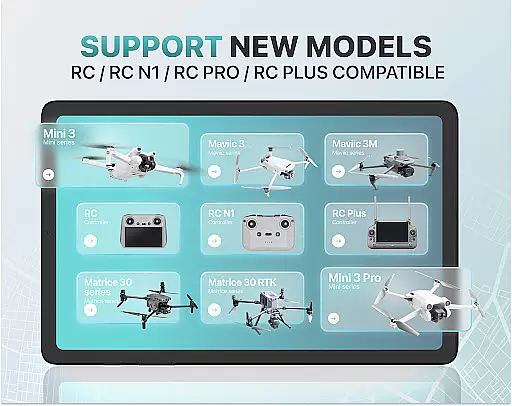
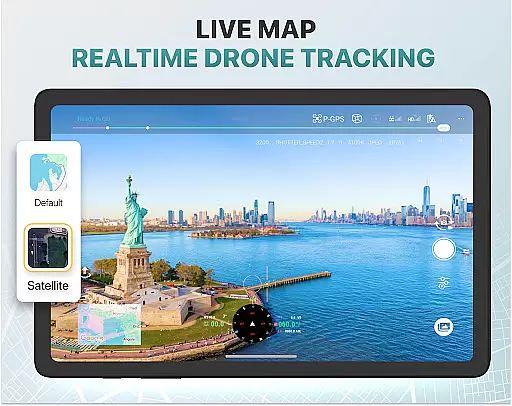
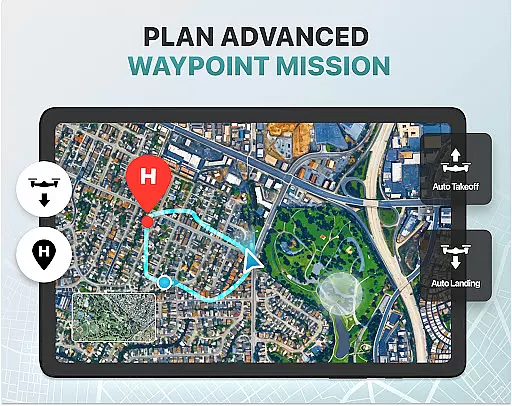
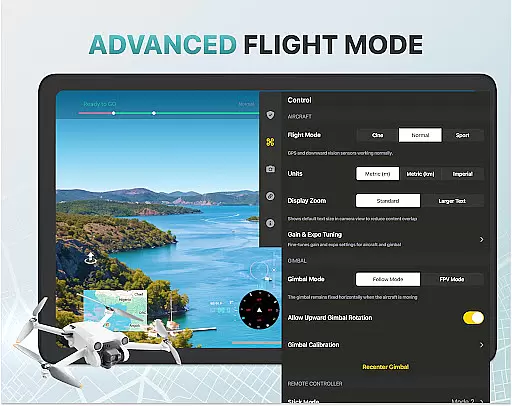
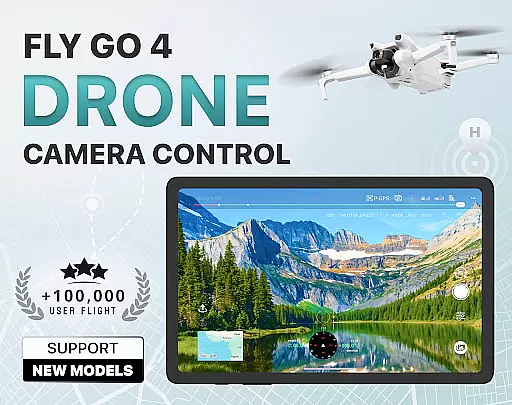
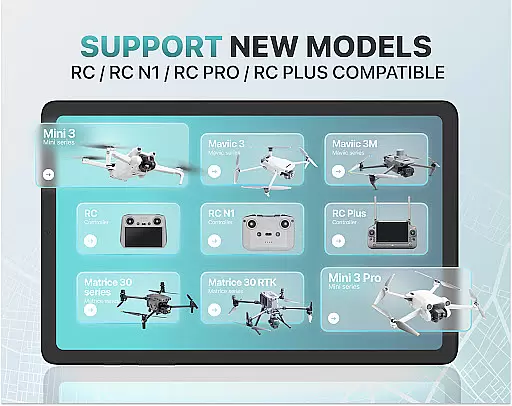
Fly Go 4 Drone Camera Control is a comprehensive drone management app designed for both amateur and professional drone pilots. The app offers seamless compatibility with a wide range of drones, flycams, and UAVs, including popular models like Matrice 350 RTK, DJI Mini 3, and DJI Mavic 3 Enterprise Series. With its intuitive interface, users can effortlessly control their drones directly from their mobile devices.
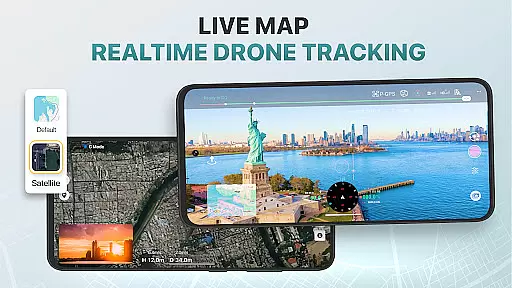
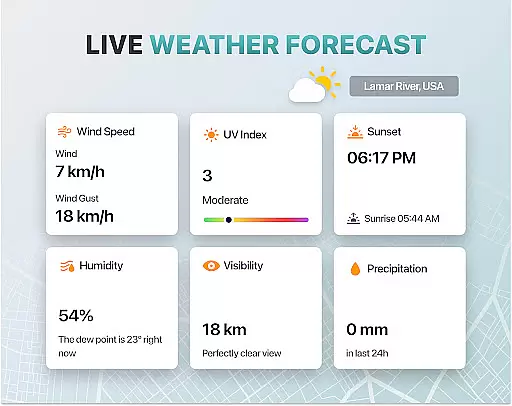
Key features include real-time camera feed, drone panorama photography, and advanced gimbal direction adjustment. The app also provides essential tools such as UAV weather forecasts, no-fly zone alerts, and smart media export options. Whether you're capturing stunning aerial footage or tracking your drone's location using GPS, Fly Go 4 ensures optimal performance and safety.
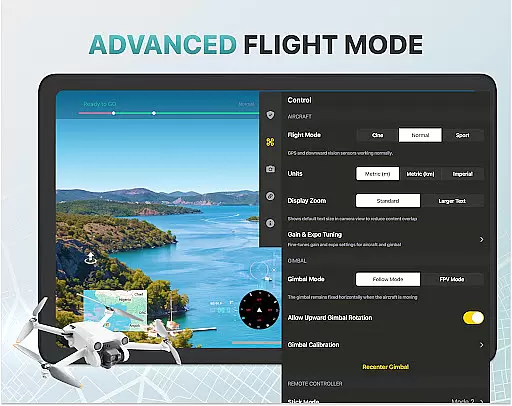
This app is particularly useful for content creators, photographers, and drone enthusiasts who need precise control over their aerial photography and videography projects. By offering detailed tutorials and intelligent flight modes, it caters to both beginners and experienced pilots, making drone flying accessible and enjoyable for everyone.
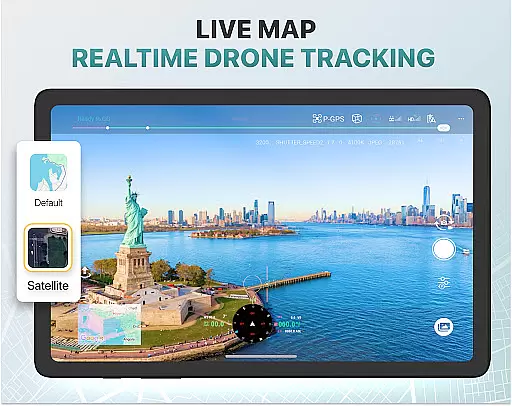
The Fly Go 4 Drone Camera Control app stands out with its extensive feature set tailored for drone enthusiasts. One of the standout features is the real-time camera feed, which allows users to view lag-free video streams directly on their phone screens. This enables precise control over the drone's camera positioning and accurate capture of breathtaking aerial footage.
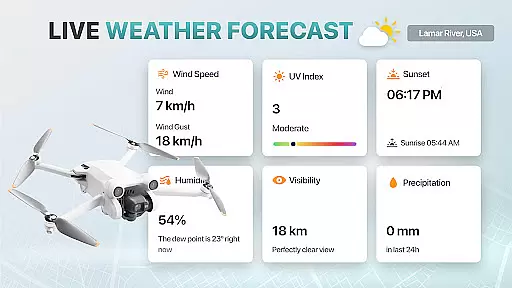
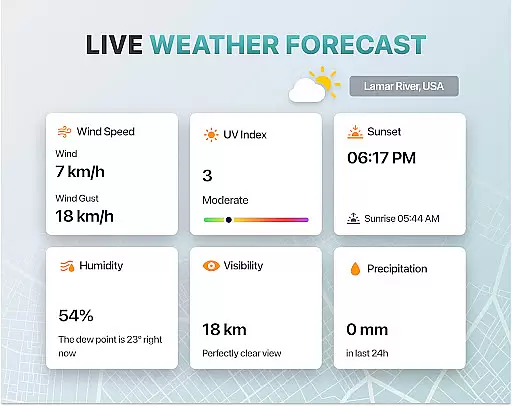
Another key aspect is the app's support for drone panorama photography. Users can capture stunning panoramic images and videos, enhancing their creative possibilities. Additionally, the UAV weather forecast tool provides real-time updates, ensuring safe flying conditions. The no-fly zone alerts keep pilots informed about restricted airspaces, helping them avoid legal issues and potential hazards.
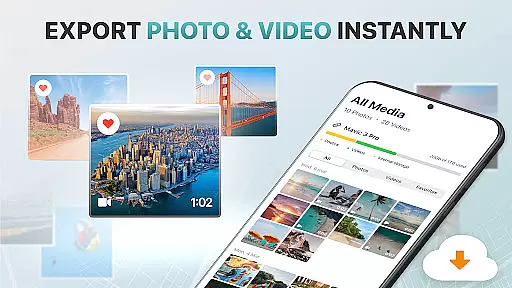
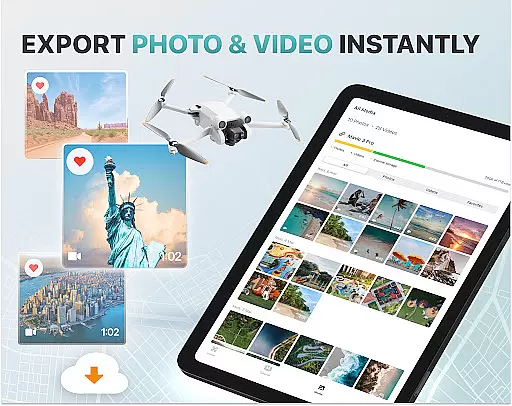
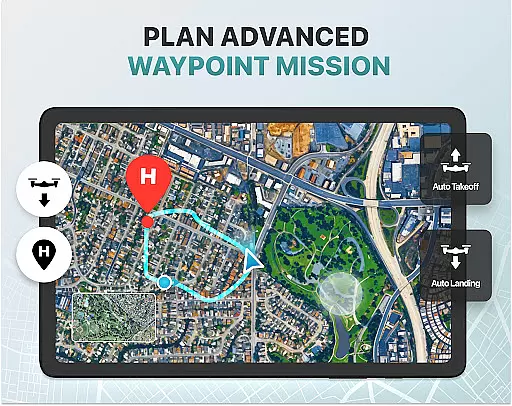
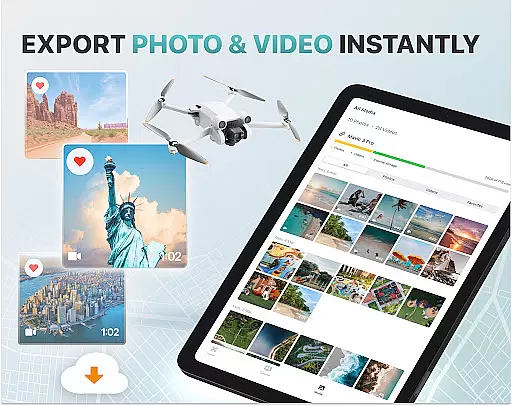
For convenience, the app includes smart media export options that support various high-quality file formats, making sharing and editing captured footage effortless. The find my drone feature uses built-in GPS tracking to help locate lost drones quickly. Moreover, the home point functionality ensures that the drone returns to a safe landing spot in case of low battery or signal loss, providing peace of mind during flights.
Real-time capture and preview functionality is essential for drone photography, allowing users to see exactly what the drone's camera is capturing as it happens. The Go Fly Drone Controller Pro app excels in this area by providing a seamless live video feed directly to your phone screen.
This feature ensures that users can make real-time adjustments to their drone's position and camera settings, resulting in perfectly framed shots every time. With minimal lag, the app delivers a smooth streaming experience, making it easier to capture dynamic scenes and avoid missing critical moments.
The ability to monitor the drone's camera feed in real time also enhances safety. Pilots can keep an eye on potential obstacles and navigate complex environments with greater confidence. This level of control is particularly beneficial for both amateur and professional photographers who rely on precision and timing.
By offering such a reliable real-time capture and preview system, the Go Fly Drone Controller Pro app empowers users to push creative boundaries while ensuring they never miss an opportunity to capture stunning aerial footage.
While primarily focused on drone control, the Go Fly Drone Controller Pro app incorporates AI beauty and enhancement features that ensure captured images and videos maintain a natural look. These enhancements are subtle yet effective, preserving the authenticity of the original footage while elevating its overall quality.
The AI algorithms work by analyzing each frame and making intelligent adjustments to aspects like color balance, exposure, and sharpness. This process helps bring out the best in every shot without over-processing, which is crucial for maintaining the natural aesthetics of landscapes and other subjects.
For users, this means less time spent on post-production editing and more time enjoying high-quality content straight from their drones. The app's smart media export function further simplifies sharing these enhanced visuals, supporting various file formats that retain the improved quality.
Ultimately, the AI beauty and enhancement features in the Go Fly Drone Controller Pro app strike a perfect balance between technological sophistication and artistic integrity, delivering results that feel both polished and genuine.
User-friendly interface
Wide device compatibility
Real-time camera feed
Comprehensive weather updates
Efficient media export
Premium subscription required
Limited free trial period
No iOS support
Occasional connectivity issues
Not an official manufacturer app

A collection of tools and reference tables for DPs, ACs, DITs and Operators.
 4.70
4.70
Effortlessly organize, view and share your photos & videos with Gallery app!
4.40
Viewfinder, Light meter, Reciprocity failure time, DOF & Bellows Extension
4.60
Create collages easily! Nice pic collage maker & background eraser for Instagram
4.50
Photo editor: AI filters, photo enhancer, pic collage maker, AI art generator.
4.80
Professional photography on your mobile phone
4.20
AI photo enhancer with Sora 2! Enhance, descratch, and colorize your old photos.
4.50
Discover & download millions of art for The Frame TV or Hisense CanvasTV
4.60
Try an anime version, cartoon yourself, and generate AI hug or aging videos!
3.70
Find time and duration of different sunlight phases at any location
4.90
Gallery show photo, video, slideshow, is perfect 3D effect private photo albums.
4.80
Perfect body tune & face app - photo retouch, makeup, slim body & beautify face.
4.80
See your baby AI baby face generator AI baby maker Face generator babymaker fun!
4.70
Transform photos into videos! Create realistic or anime-style images easily!
4.50
Transform Photos: Edit, Beautify and Craft Memories & Make Collages!
4.10
Photobooth mini FULL app will allow you to add more fun to your parties
4.00
Superimpose one photo on top of another using the original Superimpose app!
3.20
An interval timer to automate photo taking process for timelapse
2.90
Add a dreamy vibe to your selfies and videos with soft style filters
4.2


User Reviews