
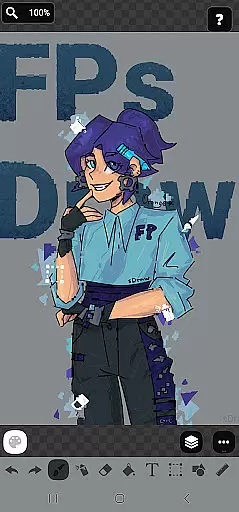
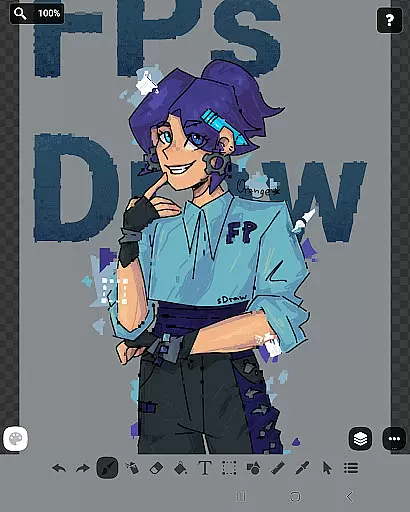
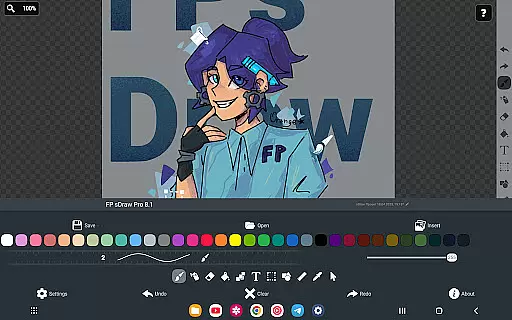
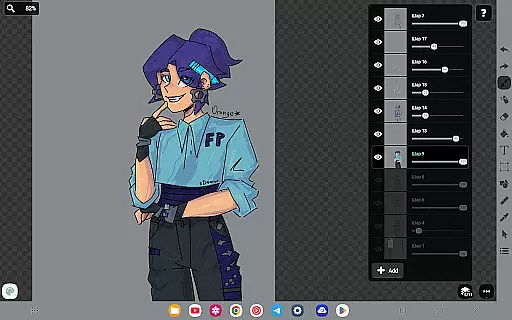
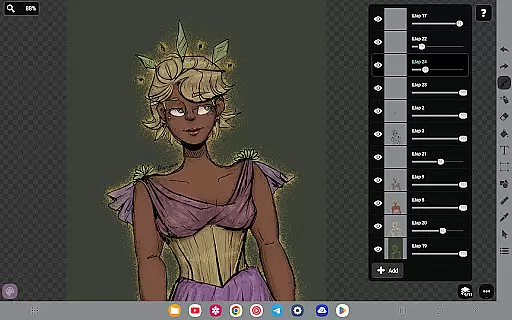
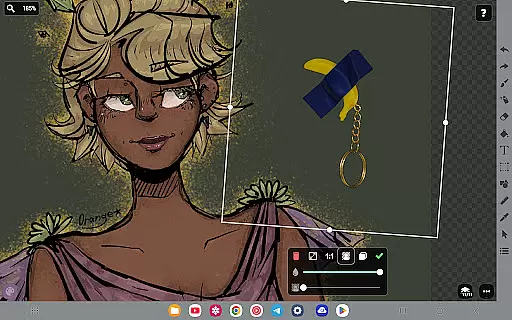
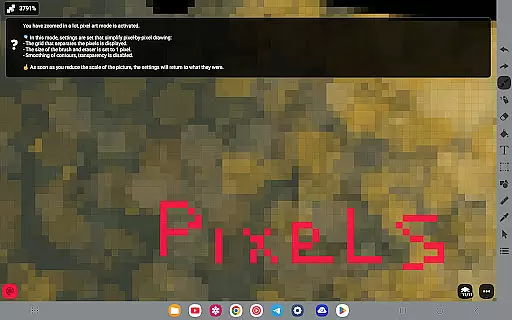
FP sDraw Pro is a streamlined drawing application tailored for users who need a simple yet powerful tool for creative tasks. Designed with minimalism in mind, this app allows users to quickly sketch ideas, annotate images, and experiment with various drawing styles without any distractions.
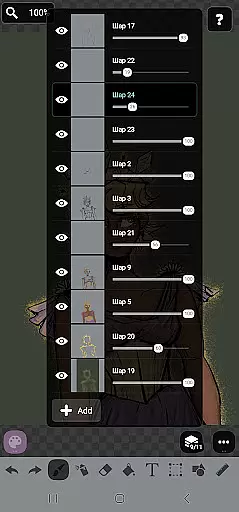
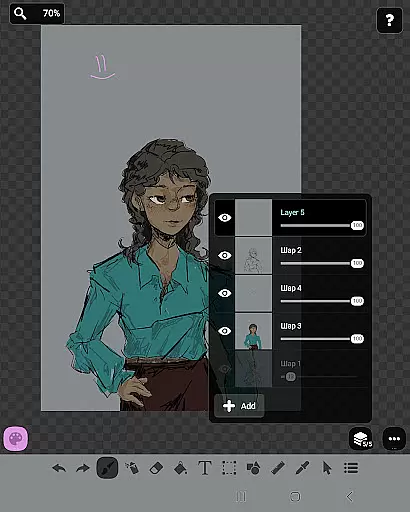
The app stands out with its lightweight design, occupying less than 1MB of space, and offering instant startup. It supports advanced features like layers, airbrushing, text insertion, and stylus compatibility, making it suitable for both quick edits and more detailed artwork. With automatic backups and customizable UI elements, FP sDraw Pro ensures both safety and personalization for its users.
Perfect for artists on the go or professionals needing quick diagramming tools, FP sDraw Pro combines functionality with simplicity, ensuring that even users with older devices can create impressive visuals effortlessly.
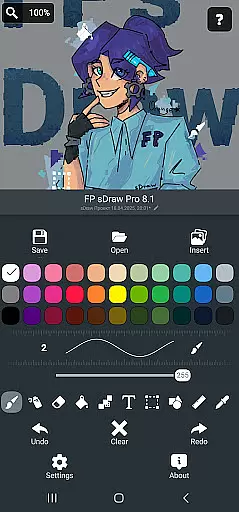
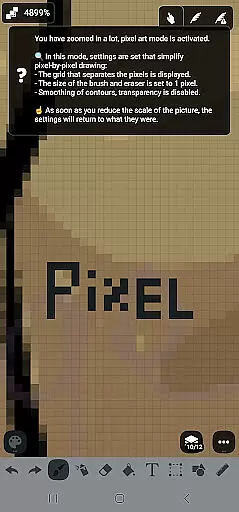
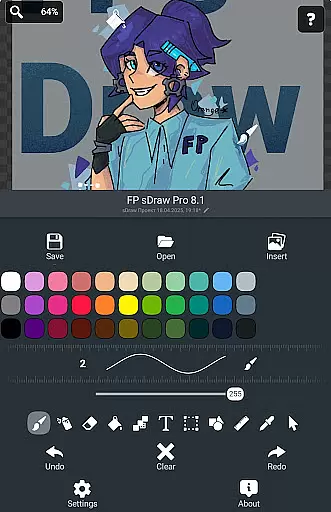
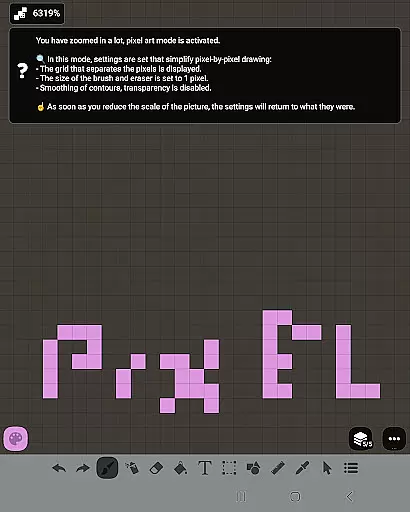
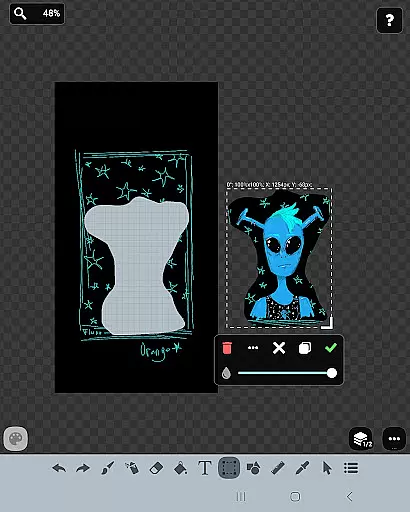
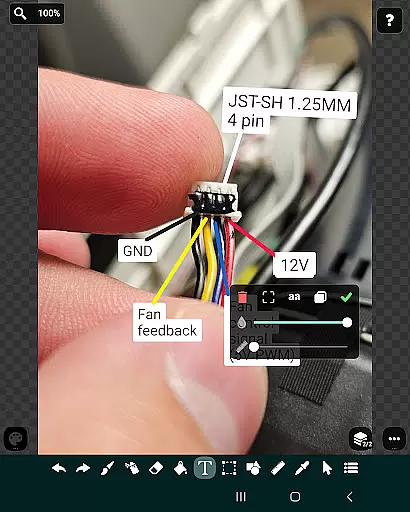
FP sDraw Pro offers an extensive range of features designed to enhance the drawing experience. The app includes essential tools such as brush, eraser, airbrush, fill, text insertion, and shape creation, alongside advanced options like layers and precision brushes. These features allow users to organize complex sketches and achieve professional results.
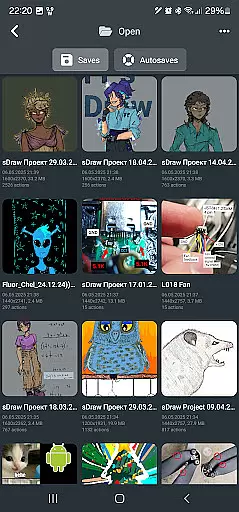
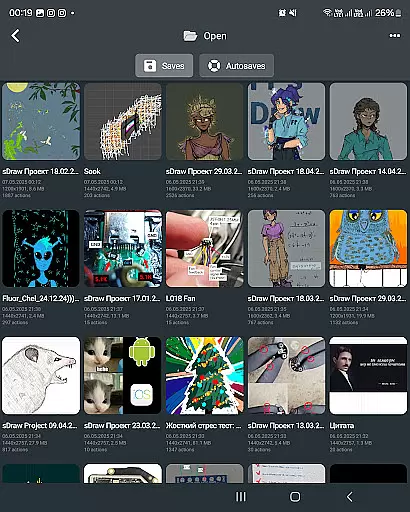
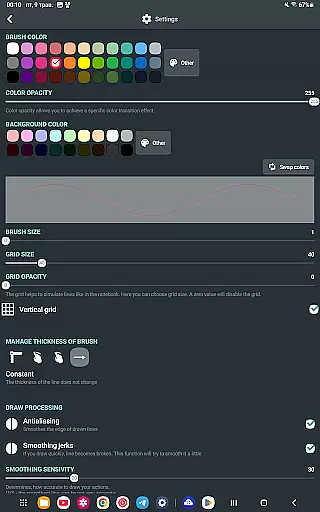
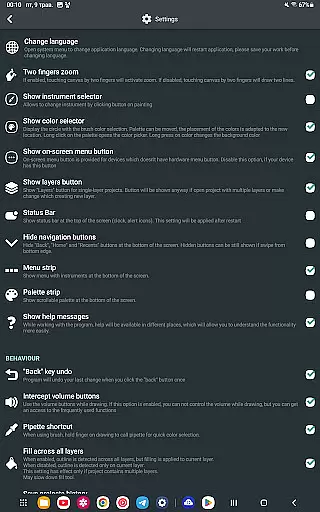
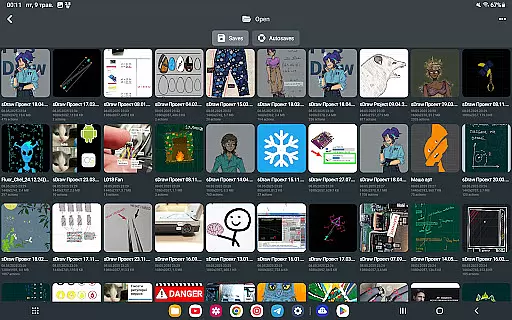
One of the standout aspects of FP sDraw Pro is its flexibility. Users can customize the interface, including button shapes, and utilize helpful tips that appear only when needed. The app also supports automatic backups, ensuring that projects are never lost. Additionally, the inclusion of stylus support for devices like sPen and Active Pen makes it versatile for different hardware setups.
While the free version is fully functional, the Pro version adds extra benefits such as the ability to remove branding from saved images and eliminate promotional reminders. This makes FP sDraw Pro not just a tool for creativity but also a reliable companion for professional use.
FP sDraw Pro offers a comprehensive suite of creative tools that cater to both casual doodlers and serious artists. The application includes essential features such as layers for organizing complex sketches, a brush and eraser for traditional drawing techniques, and an airbrush for more nuanced shading effects.
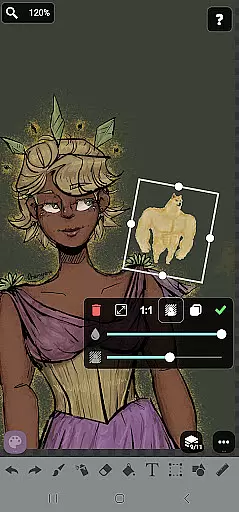
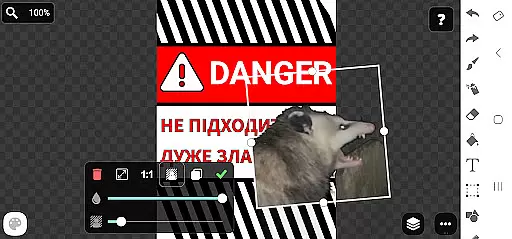
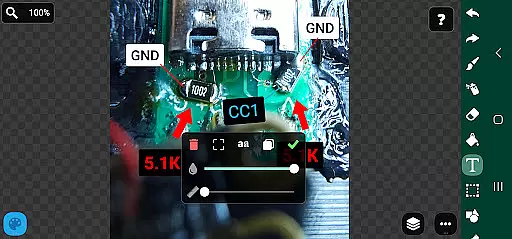
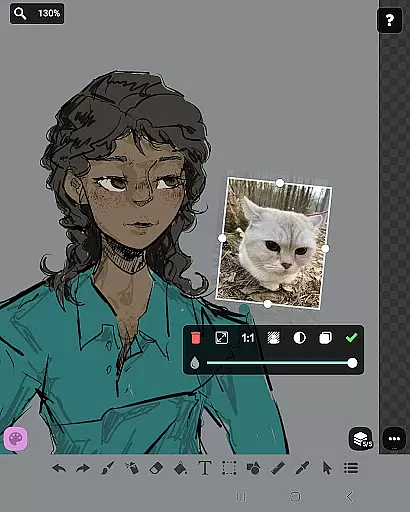
In addition to the basic tools, FP sDraw Pro supports inserting images from the gallery, applying text directly onto your creations, and using a precision brush for fine details. These features ensure that users have everything they need to experiment with different styles and bring their artistic visions to life without any limitations.
The availability of advanced options like fill, shapes, ruler, eyedropper, mosaic, and selection tools further enhances the creative process. This wide array of instruments allows users to refine their work with professional-grade functions while maintaining an intuitive interface that is accessible even on older devices.
One of the standout features of FP sDraw Pro is its canvas and format flexibility, which empowers users to customize their workspace according to specific project requirements. Whether you're sketching a quick diagram or working on detailed artwork, the app provides adaptable solutions tailored to various needs.
Users can adjust canvas sizes and orientations freely, ensuring optimal comfort and efficiency during the creation process. Furthermore, FP sDraw Pro's support for styluses like sPen and Active Pen adds another layer of precision, making it ideal for artists who prefer tactile control over digital tools.
With seamless compatibility across different devices and operating systems, including very old phones, this application guarantees consistent performance regardless of hardware constraints. Such versatility not only broadens accessibility but also reinforces FP sDraw Prou2019s commitment to delivering a reliable and flexible drawing experience for everyone.
User-friendly interface
Lightweight and fast
No ads or distractions
Customizable UI elements
Automatic project backup
Limited advanced tools
Basic UI design
Fewer filters
No cloud sync
Small user community

The ultimate tool for creating animations
 4.60
4.60
Download now for a stylish and functional timepiece
4.1
Digital Drawing: Draw & Paint
4.10
Powerful home decoration & house design that allows you to design dream home.
3.80
Photo stitcher for automatically screenshot stitching into a long screenshot
4.70
Create Logos, Tattoos, AI Art & more with our AI Photo Generator & Design Editor
4.20
Draw, fidget, and spin glow art! Relax and express your creativity with a finger
4.60
Sketch and paint on your device with the feel and freedom of drawing on paper
4.00
How to draw anime step by step for beginner easily by AR drawing sketch & paint.
3.60
Minecraft & Roblox Clothes
4.70
Your AI soulmate — meaningful chats, and unique emotional moments
4.70
Castle is social media for creating and playing games!
4.60
Turn your drawings into flipbook-style animations with simple creative tools
4.60
Draw Trace image sketch by, AR art projector app, Easy to trace any image.
4.50
Video AI: Revolutionize Your Content Creation with Advanced Video Generation
4.50
Photo blender app to create overlay photos & double exposure.
4.40
AI Art Generator transforms your words into AI generated art & paintings.
3.70
Vidu is an AI video generator made for creators and aspiring makers.
3.30
Pose and morph realistic male and female models! 3D poser app
3.00


User Reviews