
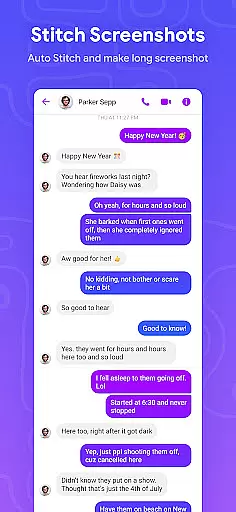
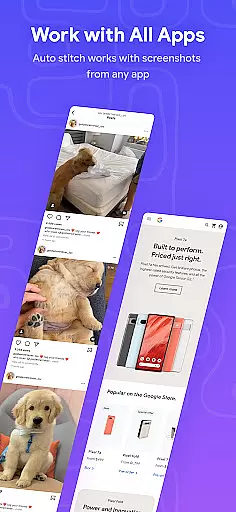
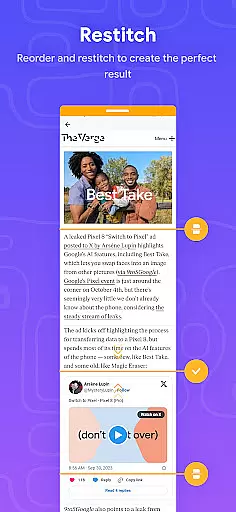
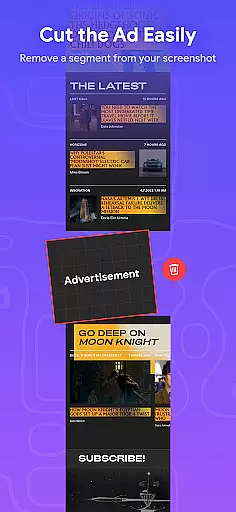
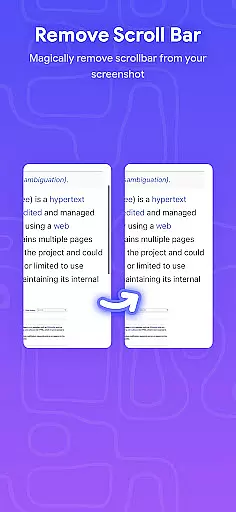
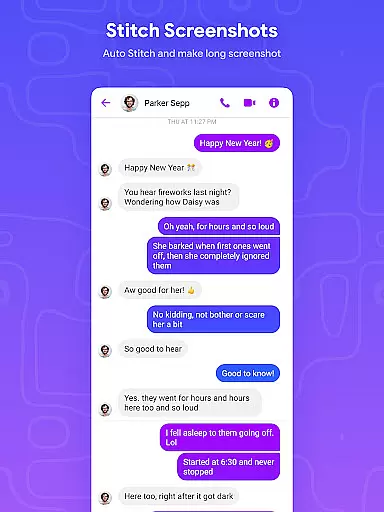
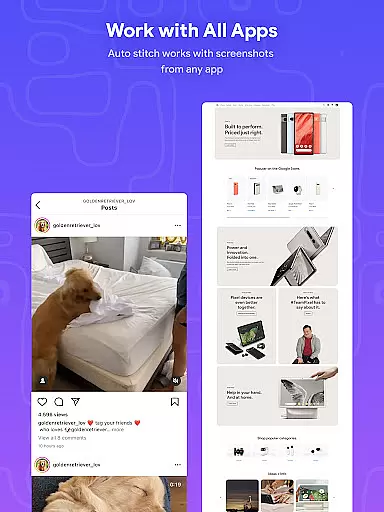
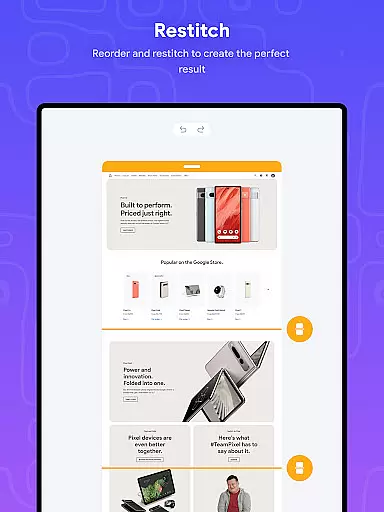
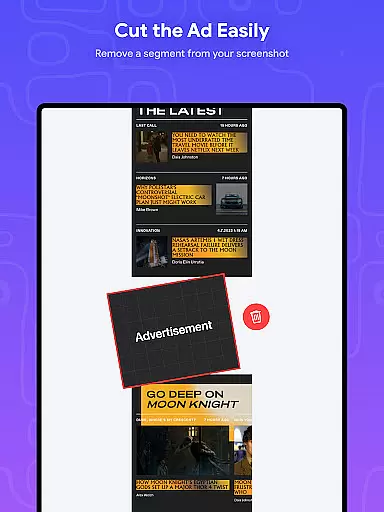
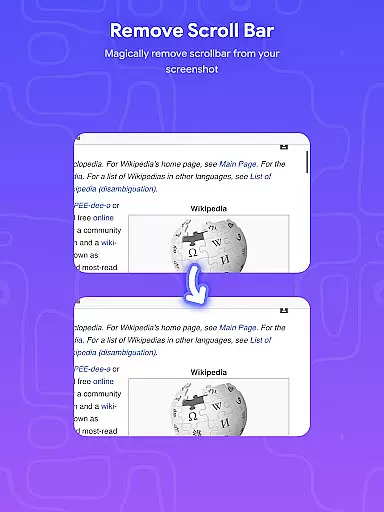
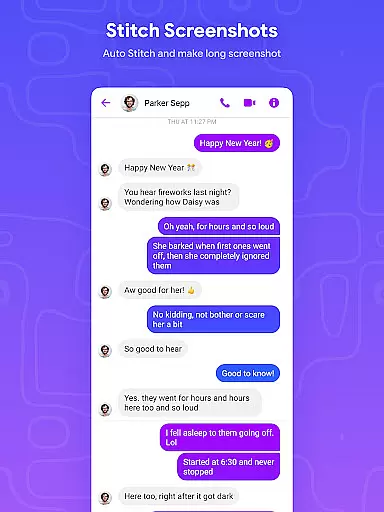
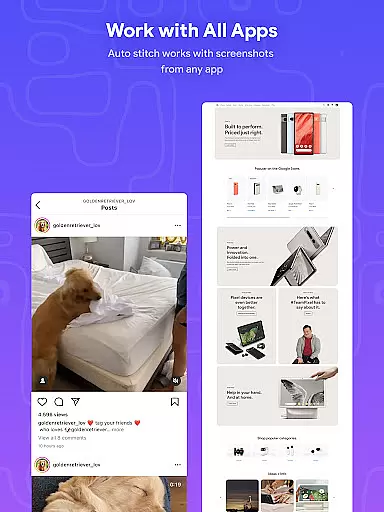
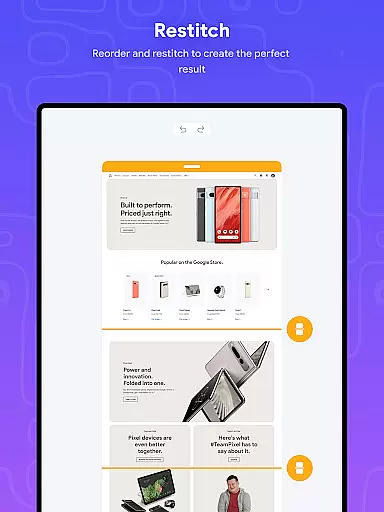
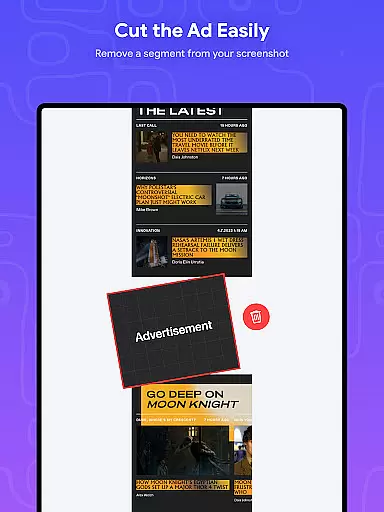
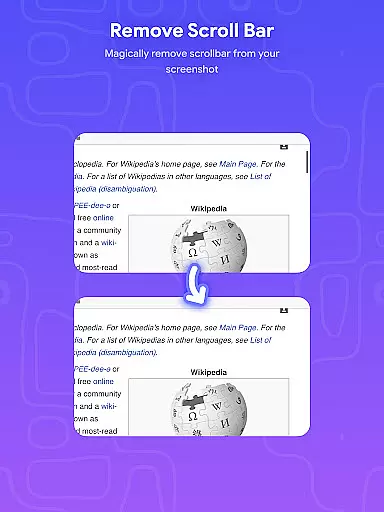
Stitch Photos is an innovative photo stitching app designed for users who want to create seamless panoramas and document scans with ease. Powered by advanced AI technology, the app automatically recognizes and stitches screenshots or long website captures both vertically and horizontally.
The app's standout feature is its ability to flawlessly stitch images together, whether you're capturing majestic landscapes or creating long screenshots of web pages. With a user-friendly interface, Stitch Photos ensures a hassle-free experience while delivering high-resolution results. Perfect for designers, photographers, and casual users alike, this app helps you tell compelling visual stories without missing any details.
Stitch Photos offers a variety of powerful features that make photo stitching effortless and efficient. One of its key capabilities is the automatic stitching of photos both vertically and horizontally, allowing users to create flawless panoramas with minimal effort. The app also supports high-resolution saving, ensuring your final images retain their quality.
In addition to its core functionality, Stitch Photos provides a seamless experience when stitching long screenshots or entire websites. Its intuitive interface eliminates the need for manual alignment, enabling users to generate perfectly stitched images in just one touch. Whether you're working on creative projects or simply organizing content, Stitch Photos delivers professional-grade results every time.
In the realm of digital creativity, having access to comprehensive tools is essential for bringing artistic visions to life. Stitch Photos rises to this occasion by offering a suite of creative features that cater to both amateur and professional artists alike. The app's AI-powered technology allows users to automatically stitch photos both vertically and horizontally, creating seamless panoramas or document scans with ease.
One of the standout tools within Stitch Photos is its ability to flawlessly combine long screenshots or website captures into a single cohesive image. This feature not only saves time but also enhances productivity by eliminating the need for manual alignment. Additionally, the app supports high-resolution saving, ensuring that every detail is preserved in its finest form.
The user-friendly interface further complements the robust toolset, providing a hassle-free photo stitching experience. Artists can focus on their creative process without being bogged down by complex operations. With Stitch Photos, you have everything you need to transform ordinary images into extraordinary works of art.
Flexibility in canvas and format options is crucial for artists who wish to express their creativity without limitations. Stitch Photos understands this need and offers unparalleled versatility in its approach to photo stitching. Whether you're looking to capture majestic landscapes or create detailed document scans, the app provides the flexibility to work with various image formats and sizes.
Users can effortlessly stitch photos both vertically and horizontally, allowing for the creation of panoramic views or elongated images that tell a story. The app's support for high-resolution outputs ensures that your final creations maintain their quality, regardless of the intended use or display medium.
Moreover, Stitch Photos makes it easy to share your artwork directly via social media or other platforms. This seamless integration empowers artists to reach wider audiences and showcase their talents without being constrained by technical barriers. Experience the freedom of unlimited canvas possibilities with Stitch Photos today.
AI-powered stitching
User-friendly design
High-resolution output
Seamless panorama creation
Effortless screenshot merging
Limited customization
Few filter options
No offline support
Occasional glitches
Premium feature costs

Sketch, plan, take notes and illustrate on an infinite canvas.
 4.20
4.20
Apply cartoon, caricature, and portrait effects to make your photos stand out!
3.60
AI Face Swap, Video Effects Editor, Realtime Morph, Funny Video FX,AI Filters
3.70
Text to Image, Image to Video & AI Chat
4.20
AI Art Generator transforms your words into AI generated art & paintings.
3.70
Nano Banana AI Image Generator, Anime Filter, AI Portrait, AI Photo Generator
4.30
Design unique, funny and adorable cat stickers that reflect your own style!
3.80
AR Anime Drawing: How to draw anime with AR drawing & sketching apps!
4.00
Unleash your inner artist! Sketchar: AR Drawing for Limitless Creativity
4.40
Learn how to draw with step-by-step tutorials, fun lessons & multiplayer drawing
4.70
Draw on screen: FP sDraw is a simple and lightweight drawing app
4.70
Your AI soulmate — meaningful chats, and unique emotional moments
4.70
The ultimate tool for creating animations
4.60
Share the joy of painting with ibis Paint! Drawing anime and manga art.
4.50
Custom Character Creator & PFP Maker!
4.20
Art of Combination Wear OS Watch faces (for Wear OS 5+ devices)
3.90
Resize photos and print photos in exact size with our powerful photo printer!
3.80
Sketch, trace and master AR drawing with awesome anime art!
3.30
Android 14 style widgets and wallpapers app.
4.4


User Reviews