
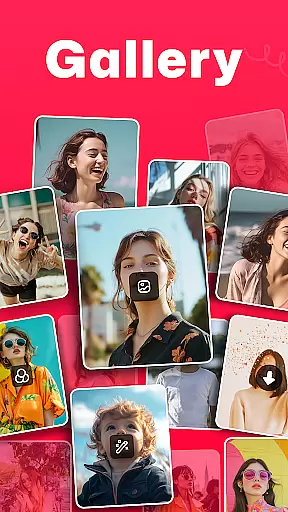
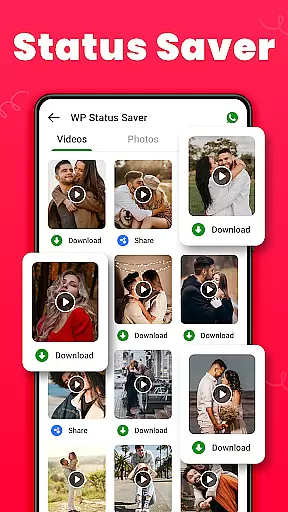
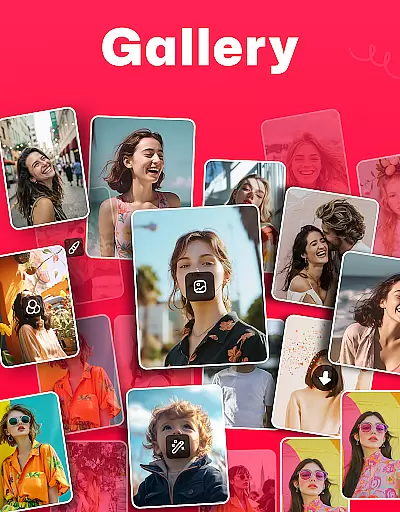
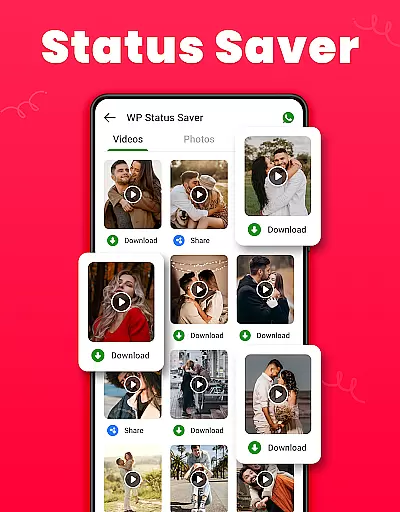
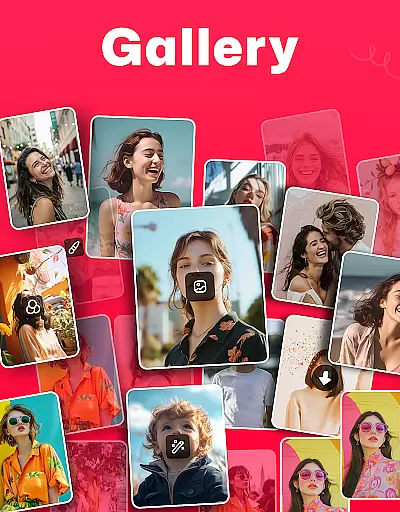
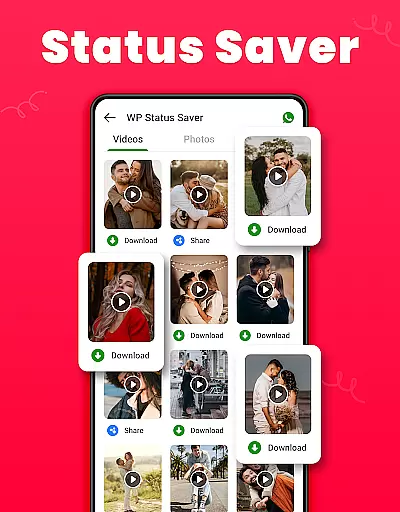
Gallery is a comprehensive offline photo and video management app designed for Android users. This app allows you to organize, edit, and share your media files effortlessly. With features like WA status saving, photo editing tools, and a secure gallery lock, it ensures both convenience and privacy. The app automatically categorizes your media files, making it easy to find and manage photos and videos. Its user-friendly interface and powerful functionalities, such as recovering deleted media and setting wallpapers, make it an essential tool for anyone looking to efficiently manage their digital memories.
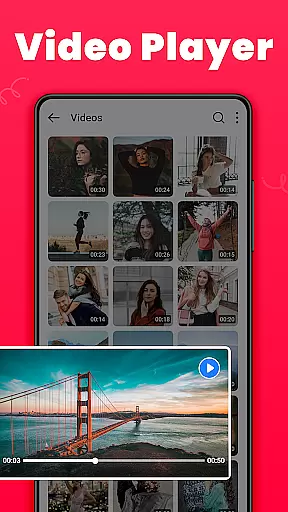
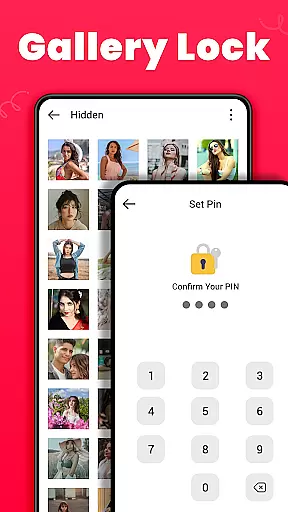
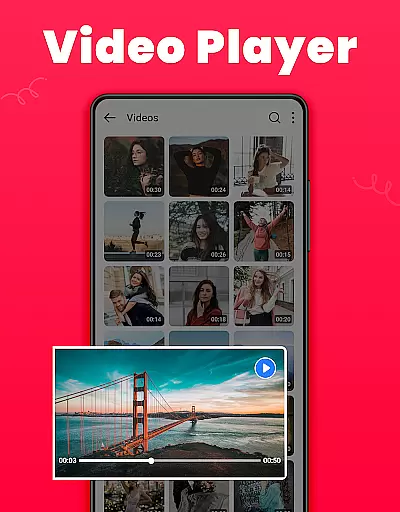
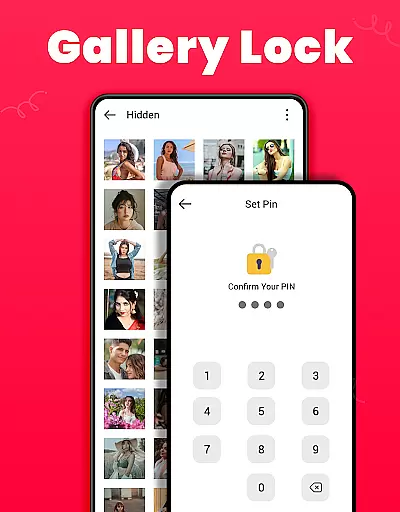
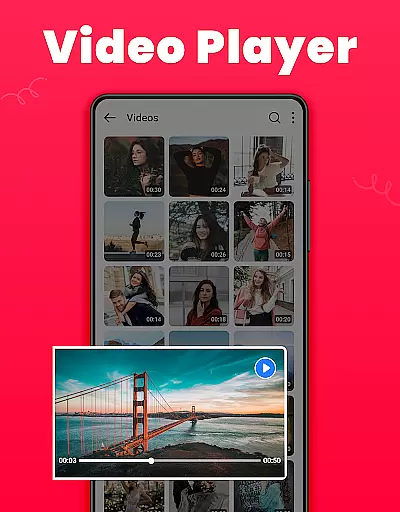
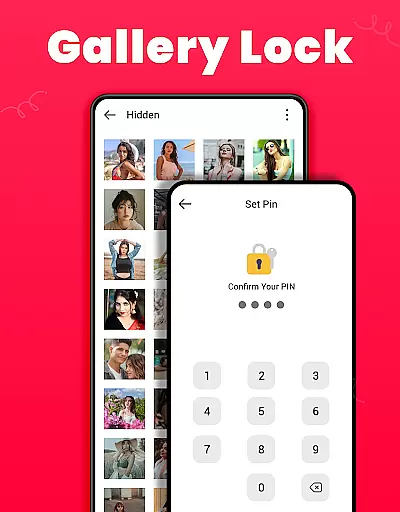
One of the standout features of Gallery is its ability to safeguard your private content through a secure vault protected by a PIN or password. Additionally, the app supports HD video playback and offers various customization options, including light and dark modes. Whether you're looking to create albums, sort media files, or share your favorite moments on social media, Gallery provides all the necessary tools in one sleek package. Its small size and offline capabilities ensure that you can manage your media without consuming unnecessary resources or requiring an internet connection.
Gallery boasts an impressive array of features tailored to enhance your media management experience. One of its key functionalities is the Gallery Lock, which secures sensitive photos and videos in a protected vault, ensuring they remain private and inaccessible to unauthorized users. This feature is particularly useful for Android 11 users who need to enable MANAGE_EXTERNAL_STORAGE permission to utilize advanced functions like file encryption and management. The app also includes a Recycle Bin where deleted media files are temporarily stored, allowing users to recover them if needed or permanently delete them from the device.
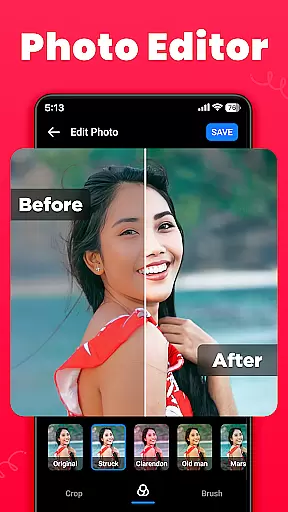
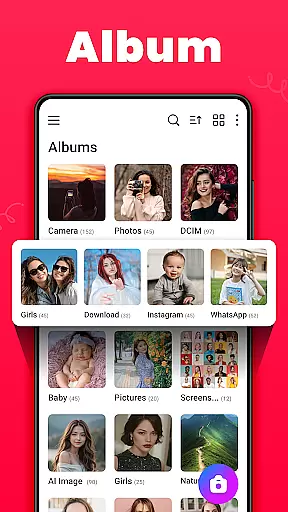
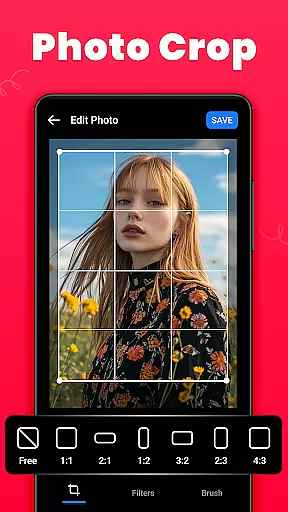
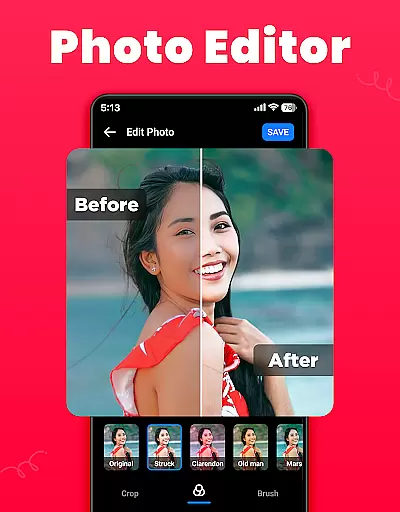
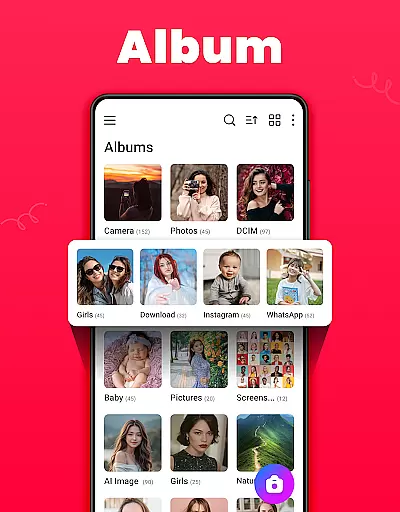
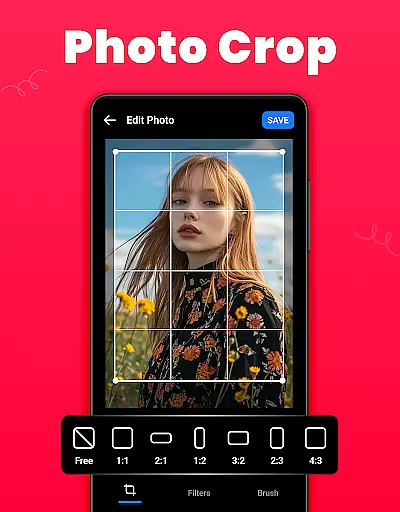
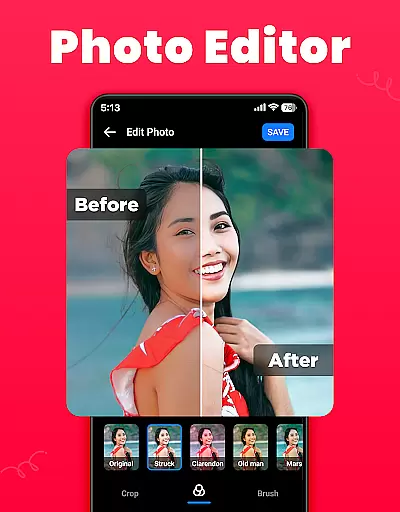
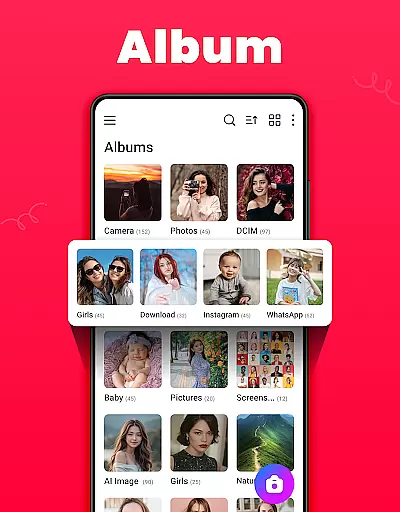
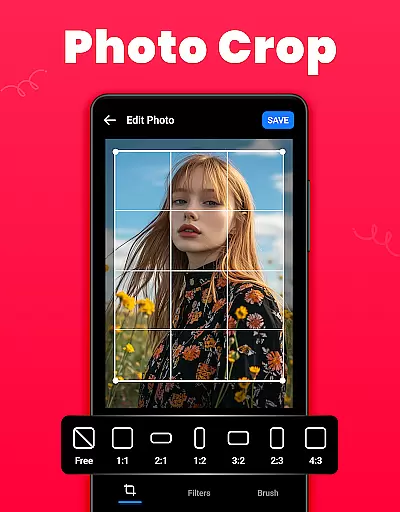
In addition to security features, Gallery offers robust organizational tools. Users can create and manage albums, sort media by name, date, or path, and view files in either list or grid view. The app's photo editor provides various tools such as crop, filter, and brush options, enabling users to customize their images with ease. Furthermore, Gallery supports HD video playback and allows users to set their favorite pictures as wallpapers or share them on social media platforms. These features collectively make Gallery a versatile and indispensable tool for managing your digital media library effectively.
Real-time capture and preview functionality is essential for any photography app as it allows users to frame and adjust their shots accurately before capturing. The Gallery app excels in this area by providing a responsive and intuitive camera interface.
This application ensures that what you see on the screen is exactly what you get in your photo, with accurate color representation and exposure adjustments. Users can easily switch between front and rear cameras, apply filters, and even set timers without experiencing any lag or delay.
The benefit of real-time preview extends beyond just taking photos; it also enhances the video recording experience. With smooth playback and precise controls, creators can capture high-quality videos with confidence, knowing that each frame will be captured as intended.
By offering such a seamless real-time capture and preview experience, the Gallery app empowers users to take better pictures and videos, thus preserving their cherished memories in the best possible way.
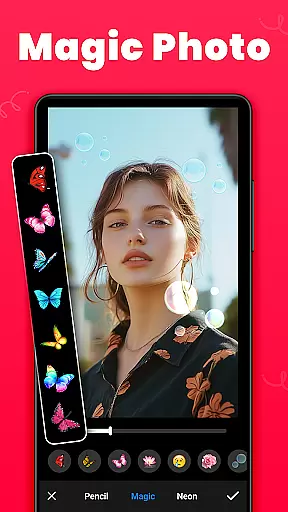
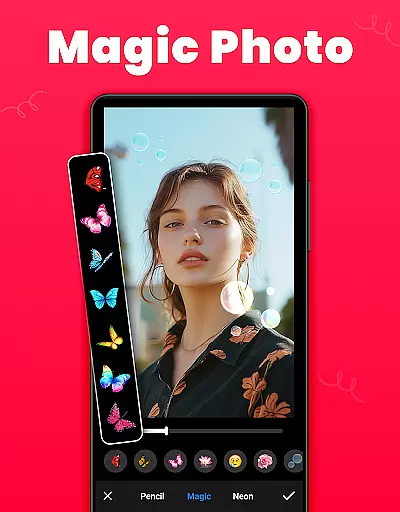
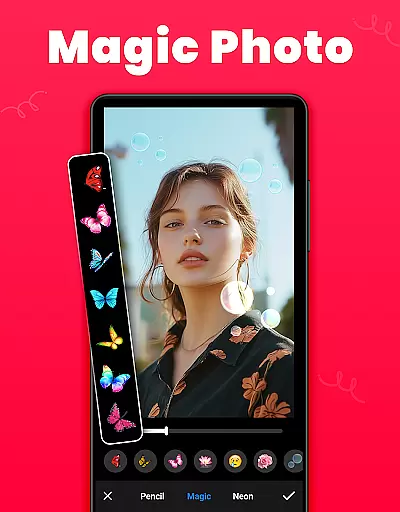
AI beauty and enhancement features have become increasingly popular in photography apps, allowing users to refine and beautify their images instantly. The Gallery app incorporates advanced AI algorithms to ensure these enhancements look natural and pleasing.
With this app, users can apply various effects that intelligently smooth skin tones, brighten eyes, and enhance facial features while maintaining a realistic appearance. This is particularly useful for selfies and portrait photography where subtle improvements can make a significant difference.
Beyond just beautification, the AI also assists in optimizing overall image quality. It can automatically adjust lighting conditions, sharpen details, and balance colors, ensuring every photo looks its best without appearing overly processed.
Ultimately, the AI beauty and enhancement capabilities within the Gallery app provide users with professional-grade tools at their fingertips, enabling them to create stunning yet authentic-looking photographs effortlessly.
User-friendly interface
Secure gallery lock
HD video playback
Offline functionality
Comprehensive editing tools
Limited to Android
Requires permissions
No cloud backup
Ads in free version
Occasional bugs

AI portrait generator and polaroid AI selfie, fun AI generated AI photo creator!
 4.30
4.30
How would you look like with a differently shaped nose, chin or lips?
3.90
How old age camera Gender Swap App Face Shape Hairstyle App Hair Styler App fun!
4.00
Edit like a pro with Hypic. Apply filters, AI effects, & magic touch.
4.40
Be your best in every shot! Fix, edit and retouch your face in selfies & photos.
3.70
Turn your phone into a professional camera - full DSLR manual photography
4.30
A reflected light meter with spot metering and incident light metering.
4.40
Create AI photos & videos with Enhancer; restore, fix, beautify, enhance photos
4.50
Your Family Calendar + Photos. Manage your Skylight Calendar and Skylight Frame.
4.40
Collage your moments in one tap: 1000+ layouts, filters, stickers, and texts.
4.90
Your personal guide to the sun and moon. Plan ahead, visualize and predict!
4.70
A must-have app for landscape photographers
4.60
AI photo editor with hair editor, retouch tools, hair color changer & filters!
4.50
HD Camera Pro with HD Video shooting, Panorama, Photo editor , Beauty Camera.
4.50
Movie camera, supports pro recording settings for filming. Try it and be amazed!
4.50
What celebrity do you look like? Celebs will find your celebrity match!
4.10
Transform Photos: Edit, Beautify and Craft Memories & Make Collages!
4.10
live datamoshing
4.00
Remote control the phone camera shutter from your smartwatch and take a picture
1.60


User Reviews