
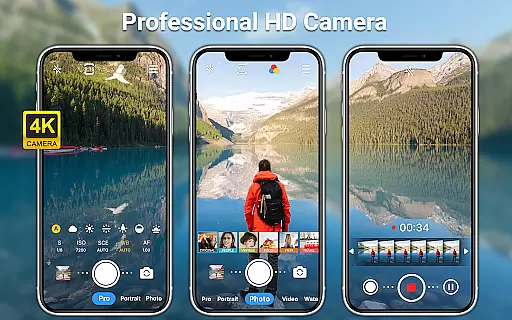
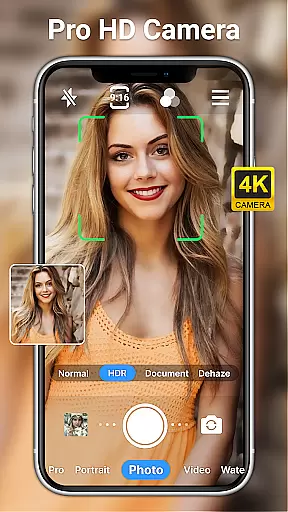
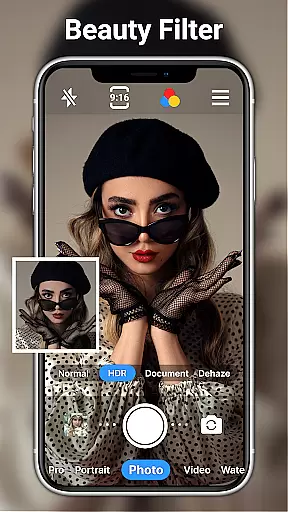
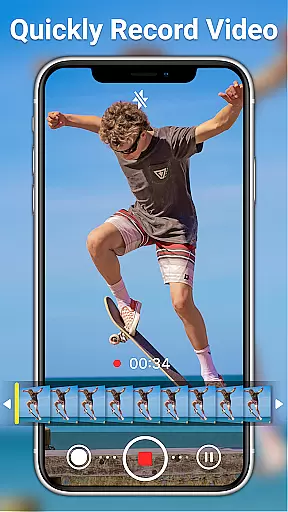
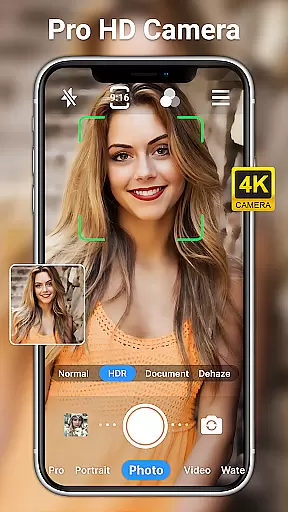
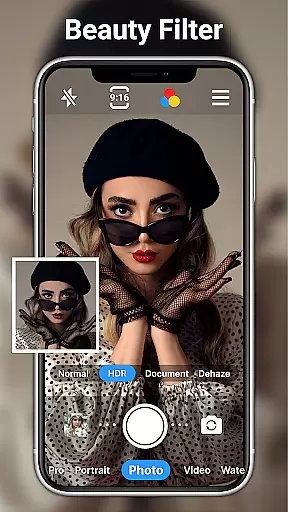
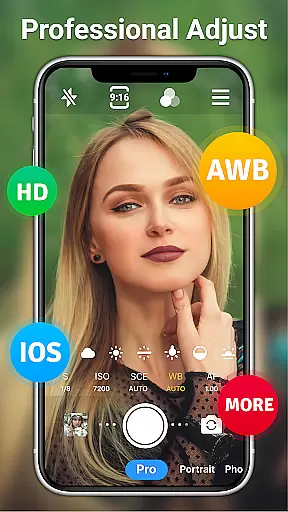
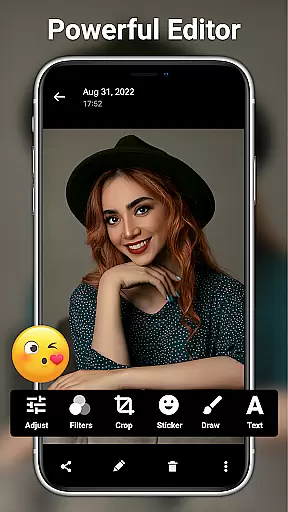
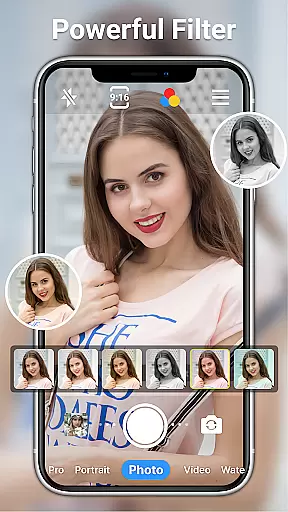
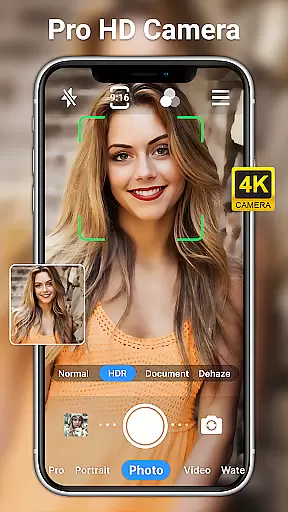
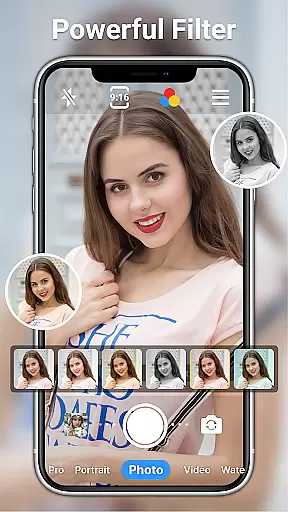
HD Camera for Android is a professional-grade photography app that empowers users to capture high-definition photos and videos with ease. The app supports full HD 1080p resolution, ensuring every shot exhibits stunning clarity and vibrant colors.
With an array of advanced features such as real-time filters, optical/digital zoom, and various scene modes, this app caters to both amateur photographers and professionals. Its intuitive interface allows users to toggle between front and rear cameras, apply photo editing tools, and utilize professional shooting modes to create visually captivating content.
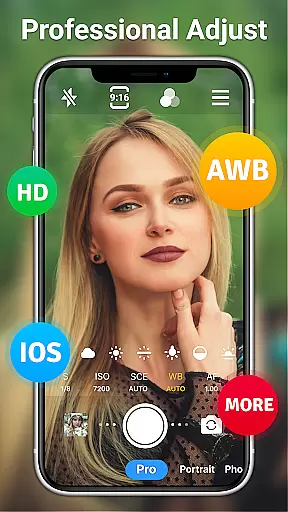
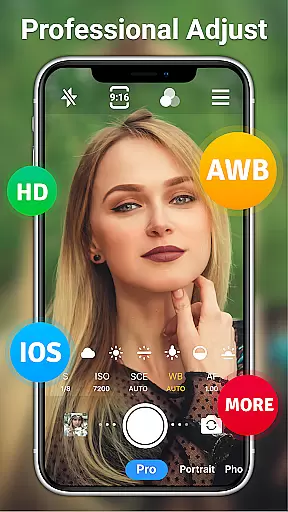
Whether capturing moments during the day or night, HD Camera for Android ensures optimal performance. Users can take advantage of manual controls like ISO, shutter speed, and white balance adjustments to fine-tune their shots. This makes it an ideal tool for anyone looking to elevate their mobile photography experience.
HD Camera for Android offers an extensive suite of features designed to enhance mobile photography. One standout capability is its support for professional shooting modes, including options for sports, night, sunset, party, and HDR scenes. These modes allow users to adapt to different lighting conditions and scenarios effortlessly.
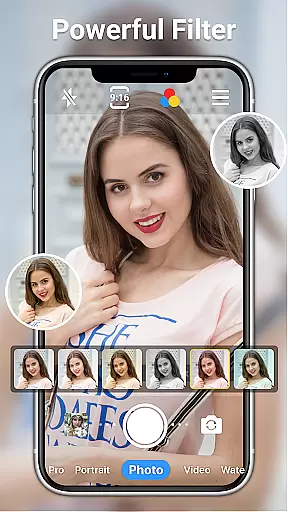
The app also includes advanced functionalities such as steady shooting, pinch-to-zoom, timer settings, grid overlays, and time-lapse photography. Additionally, users can leverage 20+ creative filters and AI-powered restoration tools to edit their photos directly within the app. With adjustable brightness, contrast, saturation, and exposure settings, users have complete control over their image output.
For convenience, HD Camera provides multiple shooting methods, including touch-to-capture and volume key controls. Selfie enthusiasts will appreciate features like selfie mirror mode and one-click facial retouching. Overall, these robust features make HD Camera for Android a versatile tool for creating professional-quality visuals on the go.
Real-time capture and preview functionality is essential for ensuring that every photo or video taken meets the user's expectations immediately. HD Camera for Android excels in this area by providing a seamless experience where users can see exactly what the camera captures before taking a shot.
This application leverages 1080p full HD mode, allowing users to capture images with stunning clarity and vibrant colors. The real-time preview ensures that even the smallest details are visible, enabling photographers to adjust their shots accordingly for optimal results.
With features like optical and digital zoom, tap to focus, and steady shooting, users can fine-tune their photography experience. These tools help stabilize the image, focus on specific subjects, and zoom in without losing quality, making it easier than ever to take professional-grade photos.
The inclusion of various filters and effects further enhances the real-time capture experience. Users can apply different styles to their photos and videos instantly, giving them creative control over the final output. This combination of high-quality preview and customizable options ensures that every capture is both accurate and personalized.
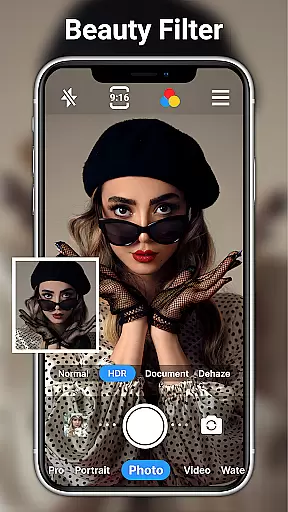
AI beauty and enhancement features have become increasingly popular in photography apps, offering users the ability to enhance their photos naturally. HD Camera for Android incorporates advanced AI algorithms to provide enhancements that maintain the authenticity of the original image while improving its overall appeal.
This app offers one-click facial retouching, which intelligently smooths skin tones and reduces blemishes without creating an artificial look. The AI technology analyzes each face individually, applying adjustments that preserve natural features and expressions, resulting in more genuine-looking portraits.
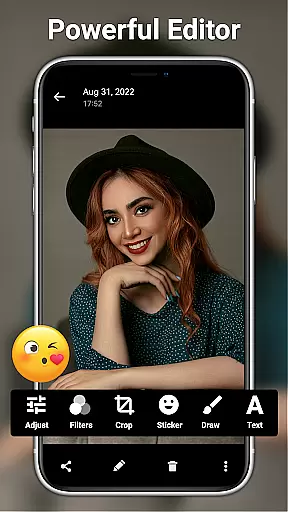
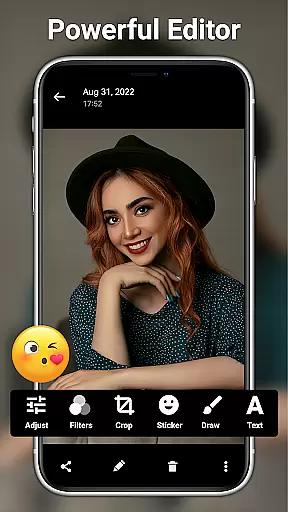
In addition to facial retouching, the app includes a range of editing tools such as brightness, contrast, saturation, and exposure adjustments. These tools allow users to tweak their photos further, ensuring that every detail looks perfect. With over 20 photo filters available, users can choose from a variety of styles to suit their preferences.
HD Camera also supports adding text, stickers, and other markup elements, enhancing creativity without compromising the natural feel of the photo. By combining powerful AI capabilities with intuitive editing features, this app ensures that every enhancement feels organic and true to life, empowering users to create stunning visuals effortlessly.
User-friendly interface
Full HD 1080p support
Real-time filters
Professional shooting modes
AI-powered editing tools
Occasional bugs reported
Ads in free version
Heavy on storage
Drains battery quickly
Complex for beginners

Trendy TikTok time warp scan funny filter app brings you unique photos & videos.
 4.40
4.40
Create funny photos and videos with the popular Time Warp Scan filter.
4.90
How old age camera Gender Swap App Face Shape Hairstyle App Hair Styler App fun!
4.00
All-in-One Editor & AI Photo Enhancer, Collage, Cartoonify, Funny Stickers & BGS
4.10
Luminar: Photo Editor - easy picture editing with AI
4.20
Use AI Video Generator to turn your words to ai generated videos.
4.50
Enhance, upscale, and transform your images — on your device, without limits
4.70
A unique animation app. Powerful, easy to use, and lots of fun.
4.30
Welcome to ProShot, the most powerful camera app on Android.
4.20
A collection of tools and reference tables for DPs, ACs, DITs and Operators.
4.70
Android Native system HD camera app. Never been so simple and faster.
4.70
Effortlessly organize, view and share your photos & videos with Gallery app!
4.40
All-in-One Editor & AI Photo Enhancer, Beautify & Retouch, Collage, Cartoonify
4.20
A light meter for true photographers.
4.20
Photobooth mini FULL app will allow you to add more fun to your parties
4.00
Professional quality photo edits with the new Snapseed.
4.00
Professional video recording application with manual controls for filmmakers!
2.80
Long exposure camera with computational photography
2.60
HD Photo gallery and photo manager to edit, hide private photos, videos & albums
4.1


User Reviews