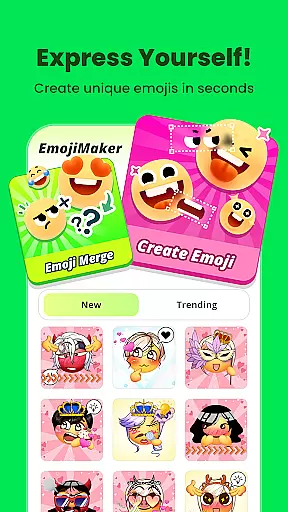
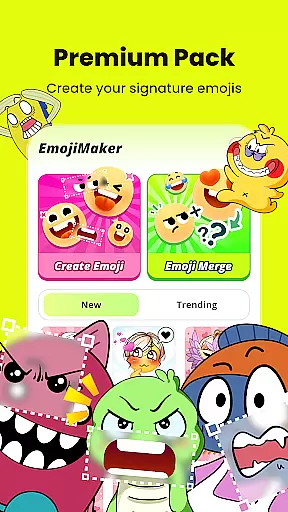
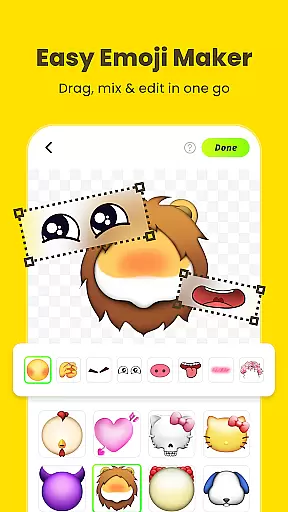
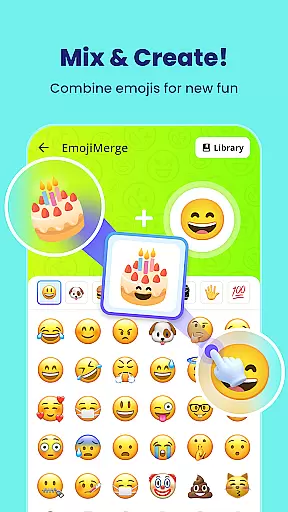
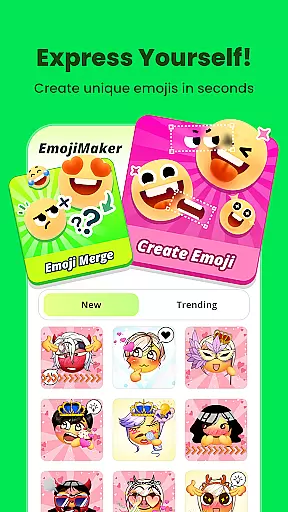
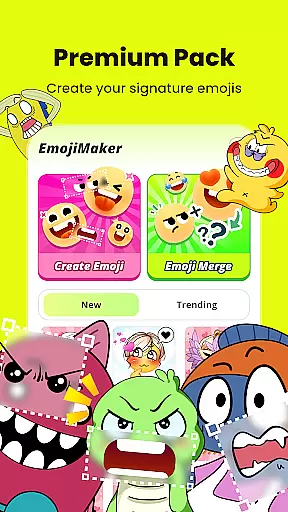
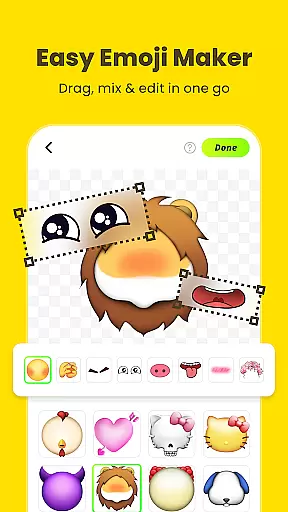
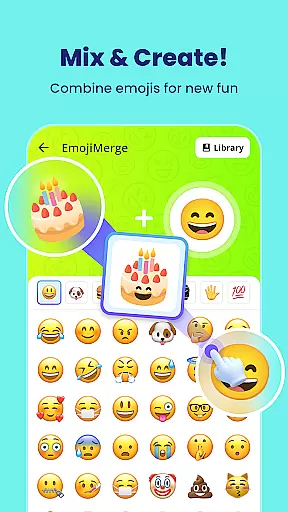
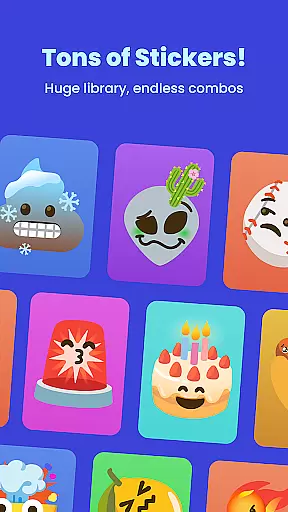
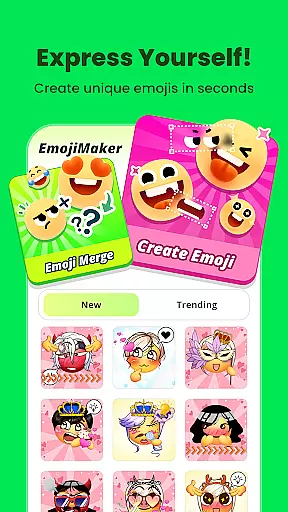
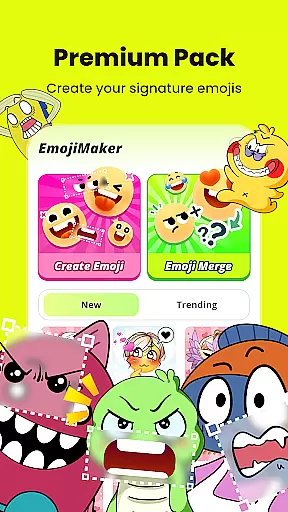
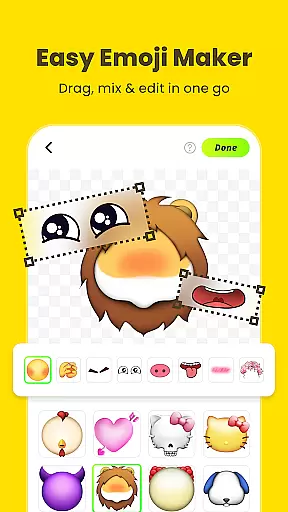
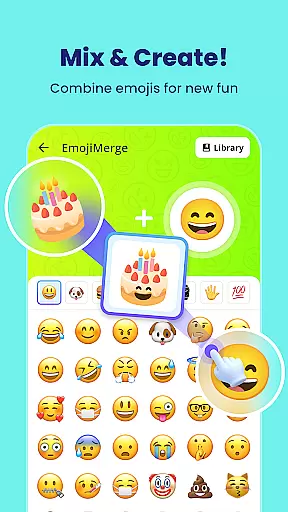
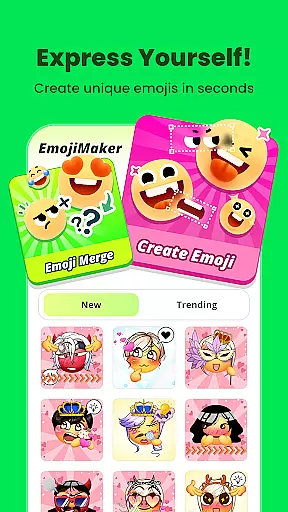
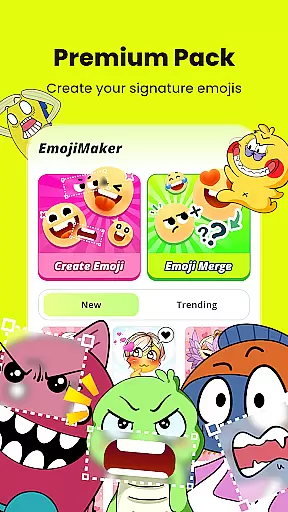
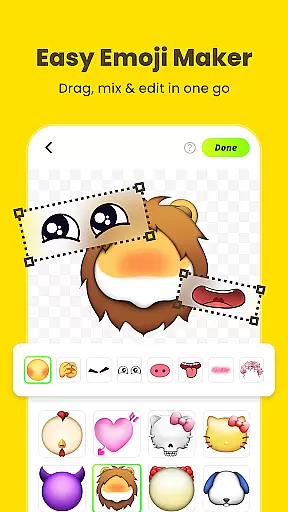
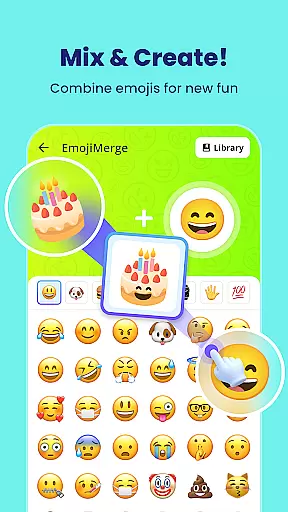
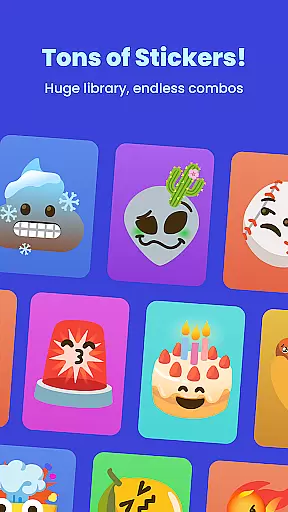
Gemoji is a creative emoji maker app that allows users to design personalized emojis and stickers. With an extensive library of components, the app enables users to mix and match various elements such as eyes, mouths, and accessories to create unique emojis for different moods and occasions.
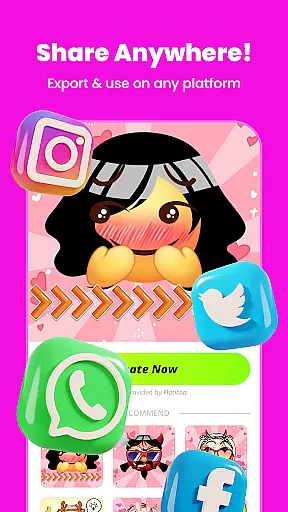
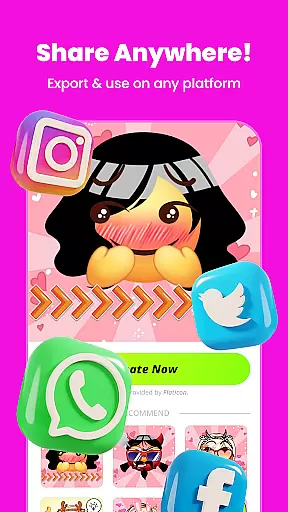
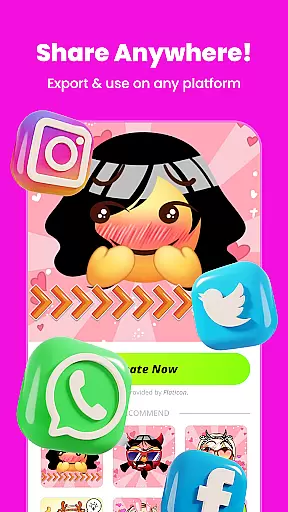
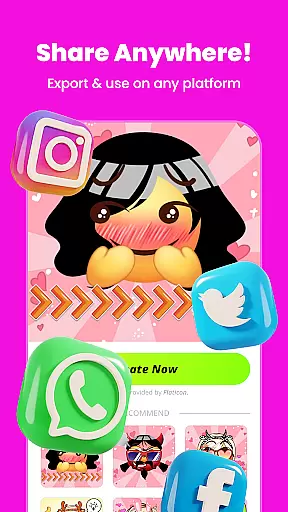
The app stands out with its easy-to-use interface that provides real-time customization and layering options. Users can save their creations as stickers or images and share them across messaging platforms. Gemoji is perfect for those who want to express themselves uniquely in chats and keep their conversations fun and engaging.
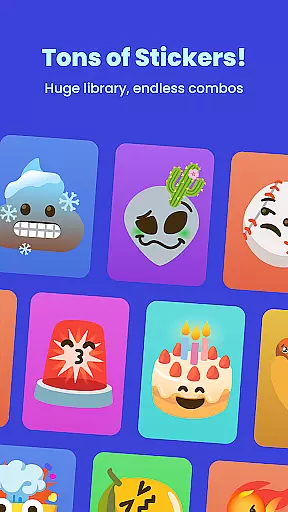
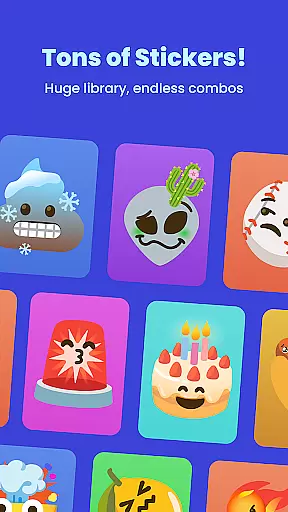
Gemoji offers a rich set of features designed to enhance user creativity. The app includes a vast collection of professionally crafted emoji components, allowing users to experiment with vibrant colors and playful expressions. Its intuitive design lets users see changes in real time, making the customization process seamless and enjoyable.
One of the standout features is the ability to transform custom emojis into messaging stickers. This functionality not only enhances personal communication but also allows sharing creations with friends and family. Frequent updates with new components and seasonal themes ensure that users always have fresh content to work with, keeping the emoji-making experience exciting and new.
Customization is at the heart of Gemoji, allowing users to express their unique style and creativity through emojis. With a vast array of components including eyes, mouths, accessories, and more, users can mix and match elements to create truly personalized emojis.
The app offers an extensive selection of colors and design elements, ensuring that every creation can be tailored to fit any mood, season, or special occasion. This level of customization empowers users to craft emojis that are not just unique but also deeply personal.
Gemoji's real-time customization feature lets users see their changes instantly, making the process intuitive and engaging. Whether you're designing cute characters, quirky faces, or unique stickers, Gemoji provides the tools needed to bring your vision to life with ease.
Gemoji ensures seamless theme compatibility, enabling users to create emojis that align perfectly with various themes and aesthetics. The app includes professionally designed emoji elements that combine stunning effects, making each creation visually striking.
With frequent updates introducing new components and seasonal themes, Gemoji keeps its library fresh and exciting. Users can explore different themes, from holidays to special occasions, ensuring their emojis remain relevant and fun.
This commitment to theme compatibility and regular updates means users always have access to the latest design trends, empowering them to stay unique in their chats and communications. Gemoji's versatility makes it perfect for any occasion, enhancing personal expression through beautifully crafted emojis.
User-friendly interface
Vibrant color options
Real-time customization
Extensive component library
Frequent content updates
Limited advanced tools
Occasional bugs
In-app purchases
High memory usage
Ads present

3D, live, and moving wallpapers & themes in 4K and HD for your device.
 4.50
4.50
Shimeji adds cute animated characters to your screen, lively and fun.
4.70
Try creating your own keyboard with "Keyboard theme for android" app now!
4.50
Nothing Icon pack with more than 3750+ highly crafted icons.
4.70
Organize and manage your photos and videos effortlessly with Photo Gallery
4.20
Unleash Your Creativity and Connect with Loved Ones with Lockscreen Drawing!
4.20
Handcrafted pixel art icons, widgets & wallpapers
4.60
400+ Beautifully crafted widgets inspired by NOTHING.
4.70
Transform your phone with stunning video wallpapers and a unique, personal touch
3.80
Dark icon pack based on One 8
4.80
Wallpaper HD 4K Live - Thousands of high-quality Anime backgrounds for you.
4.80
Enjoy a variety of amazing live wallpapers and colorful EDGE lighting borders!
4.80
Vertically oriented rectangular icons
4.70
Beautiful realistic hybrid watch face with numerous customization options.
4.50 4.50
4.50
Vibrant Adaptive Icons with Material You and Enhanced Monet Colors.
4.50
Launcher OS™ Pro without ads help make your phone simple and pretty
4.30 3.50
3.50
Adorable pets roam and play right on your phone screen!
3.30


User Reviews