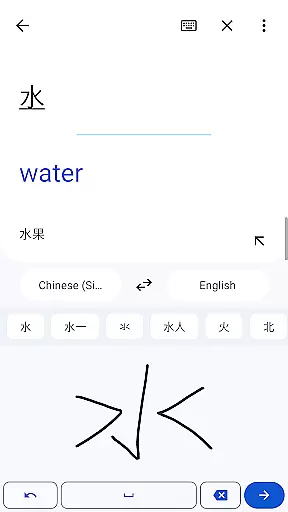
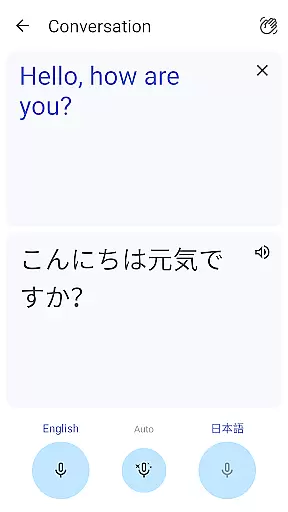
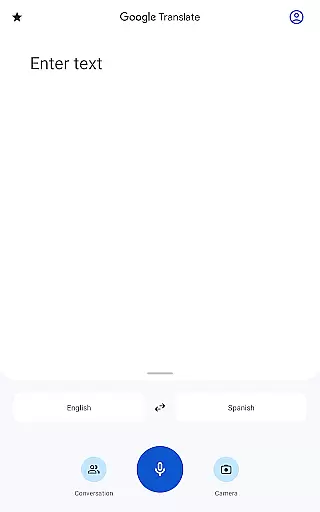
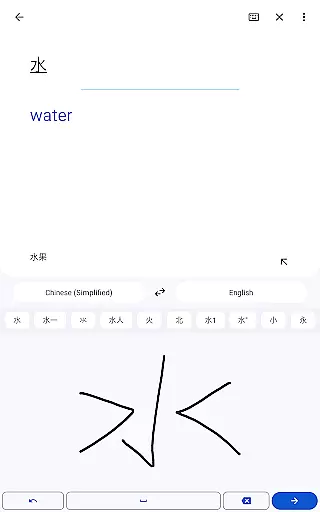
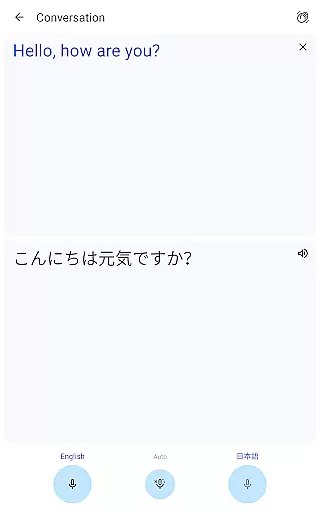
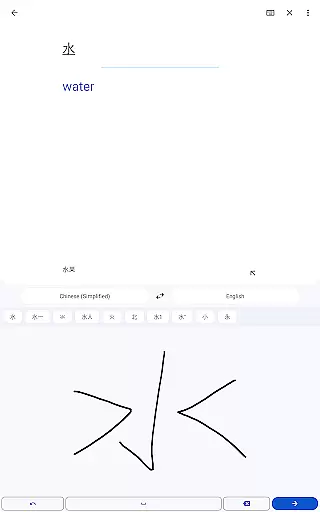
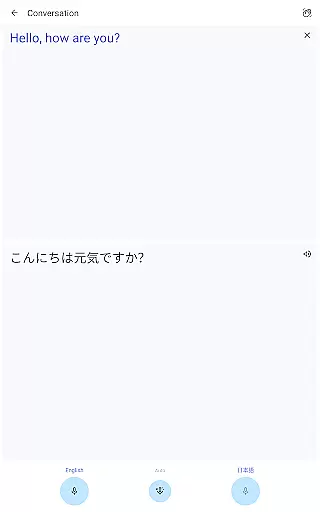
Google Translate is a versatile translation tool that supports text translation between 108 languages. The app offers multiple ways to translate, including typing, tapping to translate copied text, and even translating spoken language in near real-time through its Transcribe feature. With offline translation available for 59 languages and instant camera translation for 94 languages, it ensures usability even without an internet connection. Its comprehensive features like bilingual conversation mode, handwriting recognition, and phrasebook functionality make it an essential companion for travelers, students, or professionals working across language barriers.
The app also provides advanced capabilities such as photo-based translations for improved accuracy and cross-device syncing of saved phrases. Whether you're looking to communicate with someone speaking a different language or need to understand foreign text in images, Google Translate delivers a seamless experience across platforms.
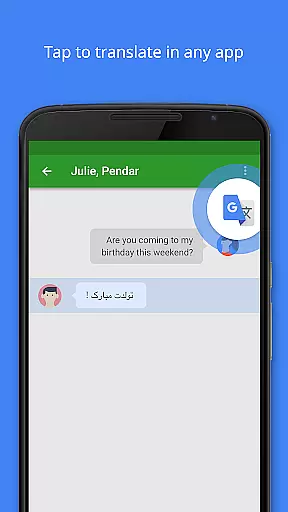
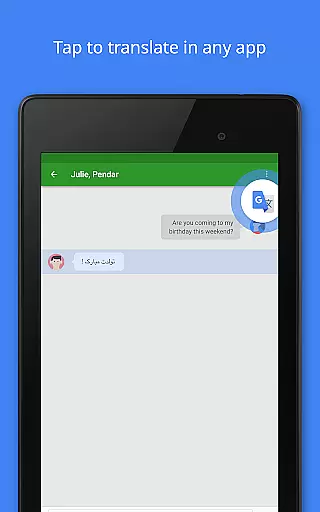
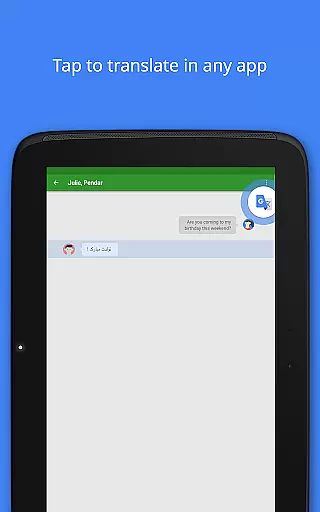
Google Translate stands out with its diverse range of translation methods tailored to various user needs. One of its key features is Tap to Translate, which allows users to copy text from any app and instantly see the translation without leaving the app. Offline translation is another highlight, enabling users to download language packs for use in areas with no internet connectivity. This is particularly useful for travelers visiting regions where network access might be limited.
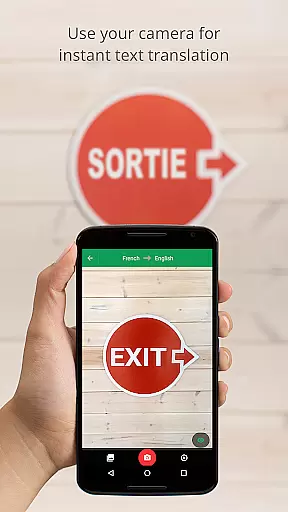
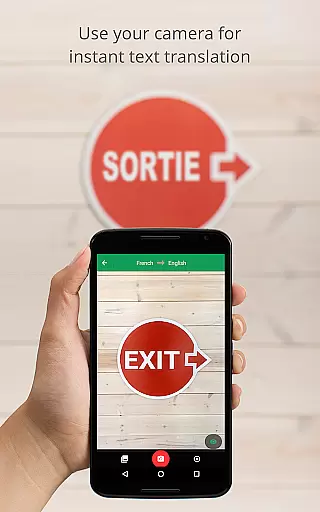
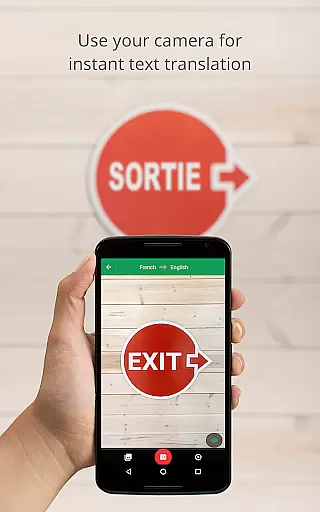
For visual learners, the Instant Camera Translation feature translates text within images by simply pointing the camera at signs, menus, or documents. Additionally, the app's Transcribe function offers real-time transcription of spoken language, making it invaluable during meetings or lectures conducted in foreign languages. These innovative tools ensure that communication barriers are minimized regardless of the medium—text, voice, or image.
Google Translate stands out for its core function accuracy and effectiveness, providing users with reliable translations across 108 languages. This vast language support ensures that no matter the linguistic barrier, communication remains seamless and accurate.
The app employs advanced translation technologies, including machine learning models, to deliver precise text translations. Whether you are translating a simple phrase or complex sentences, Google Translate maintains context and meaning, enhancing cross-cultural communication.
Offline translation capabilities further underscore its effectiveness, allowing users to translate in 59 languages without an internet connection. This feature is particularly beneficial while traveling or in areas with limited connectivity, ensuring that language assistance is always at hand.
With features like instant camera translation and photo translations, the app effectively bridges language gaps in real-time, making it an indispensable tool for both casual users and professionals who require quick and accurate translations.
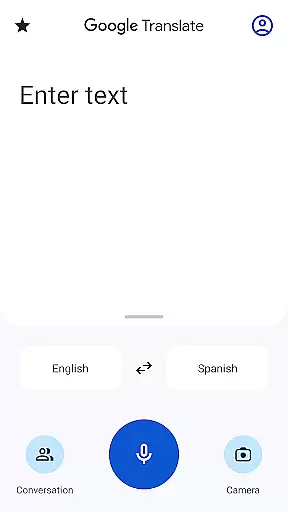
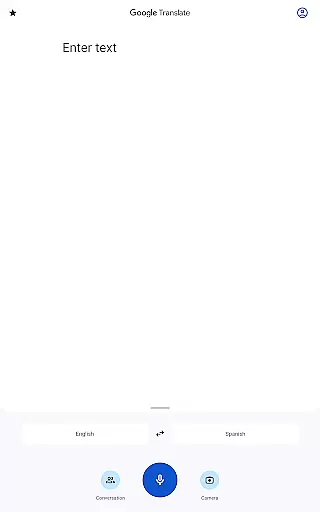
The interface of Google Translate is designed with simplicity and intuitiveness in mind, ensuring that users of all technical backgrounds can navigate and utilize its features effortlessly. The straightforward layout allows users to quickly access the translation functions they need without any steep learning curve.
Key functionalities such as text translation, voice input, and camera translation are easily accessible from the main screen. This strategic placement of features reduces the number of steps required to perform translations, thus enhancing user experience by saving time and effort.
Moreover, the tap to translate feature exemplifies the app's intuitive design. By simply copying text in any app and tapping the Google Translate icon, users can obtain translations instantly. This seamless integration into daily digital activities makes language translation more accessible than ever.
Overall, the app's commitment to maintaining an uncluttered and user-friendly interface significantly contributes to its widespread adoption and user satisfaction, proving that powerful tools can also be simple and intuitive to use.
Wide language support
Offline functionality
Real-time transcription
Camera-based translation
User-friendly interface
Limited offline languages
Occasional inaccurate translations
Requires storage space
Premium features locked
Dependent on internet for best results

Quickly switch to an encrypted DNS server on Android TV
 4.50
4.50
A convenient photo, video, and file recovery tool.
4.00
Remote for Roku, Fire TV, Samsung TV, LG TV, Android TV, Chromecast and VIZIO TV
4.20
Family Locator, Share location, StayConnect with your family in real time
3.90
card-reader app
2.20
Amateur Radio app for APRS: Track friends, exchange messages, get tactical info.
3.90
A non-root local ADB shell client. READ BELOW!
3.40
WiFi Signal Strength Meter help you detect WiFi Signal Strength in real time.
4.80
Pro Emulator is an easy to use game console emulator for a range of consoles.
4.40
Connect wirelessly to your computer to watch movies, browse the web, play games
5.00
Best leveling tool for your Android device. Hang paintings like a pro.
4.90
Small and simple app to Verify Root Access and BusyBox Install!
4.70
App to pay for FUTO Keyboard
4.60
Planner and Tracker for Stardew Valley
4.60
The Ultimate Bluetooth Keyboard & Mouse. Securely control your PC, Mac, and more
4.50
An easy-to-use calculator designed to save time calculating and bending conduit
4.30
App that Recover your pictures, videos or files after you delete them.
4.20
View detailed information about your Nissan Leaf the dealer never shows you.
4.10
Unlock your Essential Key. Create custom shortcuts to your favorite apps!
4.3


User Reviews