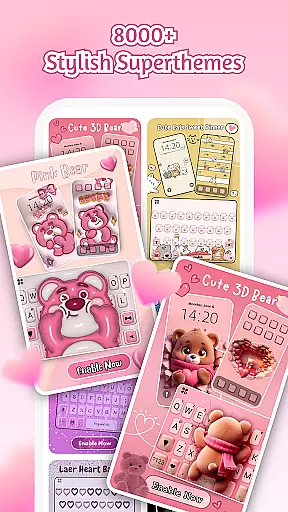
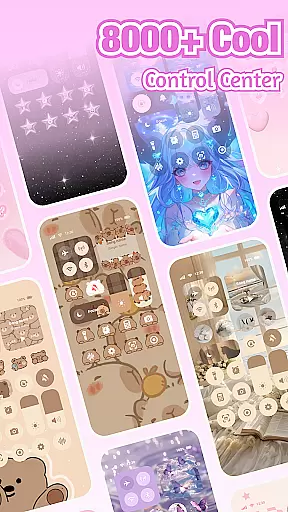
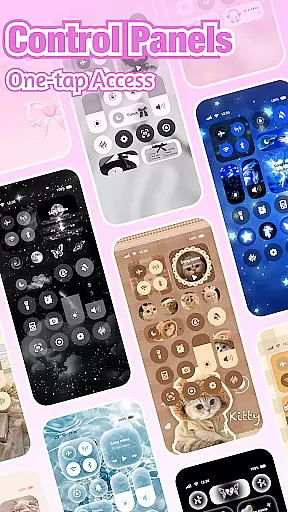
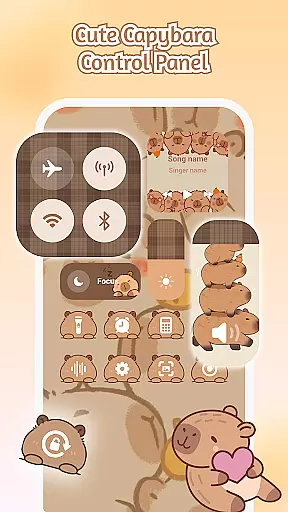
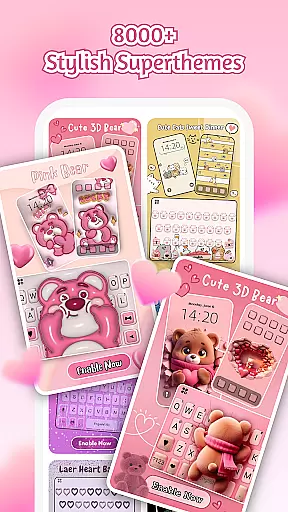
iControl: Easy Widgets Themes is a feature-rich personalization app designed to transform your Android experience. This professional-grade application allows users to customize their device with aesthetic control packs, keyboard themes, and unified design elements that redefine smartphone aesthetics.
The app's core functionality revolves around three main areas: Control Center customization, keyboard personalization, and privacy-conscious design implementation. Users can adjust essential phone settings through stylish control widgets while creating unique keyboard themes that reflect their personality. The app particularly appeals to those who value both form and function in their mobile devices.
Whether you're looking to optimize your daily workflow or simply want to express your individuality through your device, iControl offers practical solutions. From brightness adjustment to multi-language typing support, the app combines utility with creative freedom, making it especially valuable for users seeking comprehensive personalization options.
The app distinguishes itself through an impressive array of features that cater to different personalization needs. Its Control Center provides practical tools like brightness adjustment, dark mode switching, and connectivity management, all wrapped in an attractive interface design.
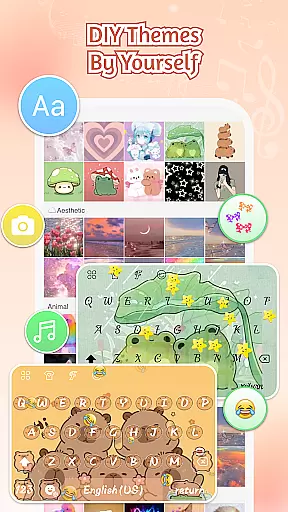
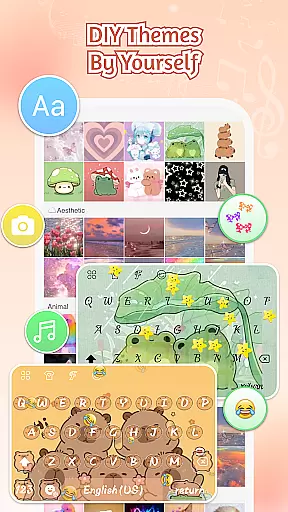
iControl's keyboard customization capabilities are particularly noteworthy. Users can create exclusive keyboard themes using personal photos, custom colors, unique sound effects, and specialized fonts. Advanced typing features include multi-clipboard support, gesture typing, contextual prediction, and cloud-based next-word suggestions.
What sets this app apart is its commitment to accessibility and privacy. While offering sophisticated design tools, it maintains strict privacy standards by not collecting personal information or storing background images. The inclusion of AI-generated art and one-tap activation makes professional-level design accessible to all users, regardless of their technical expertise.
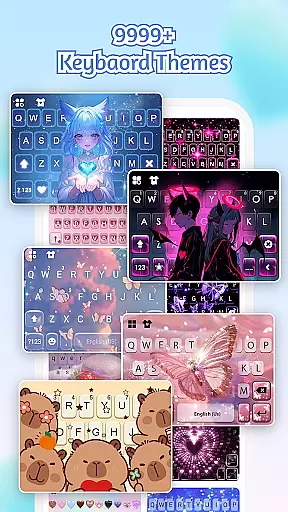
Customization is at the heart of iControl, allowing users to tailor their Android devices to match their personal style. With a wide array of control packs and keyboard themes, this app offers unmatched versatility in personalizing your phone's appearance and functionality.
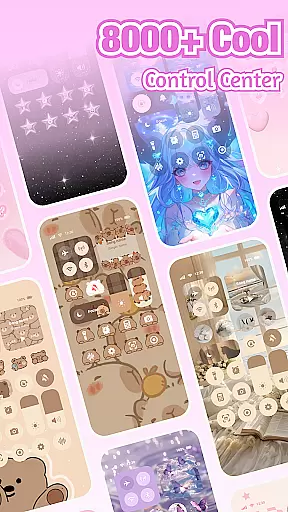
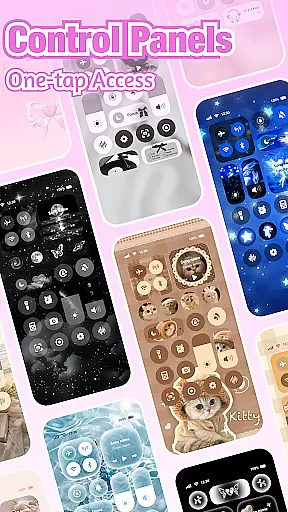
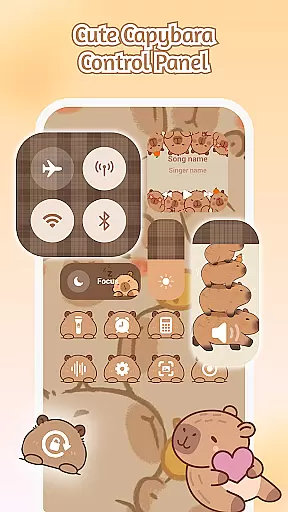
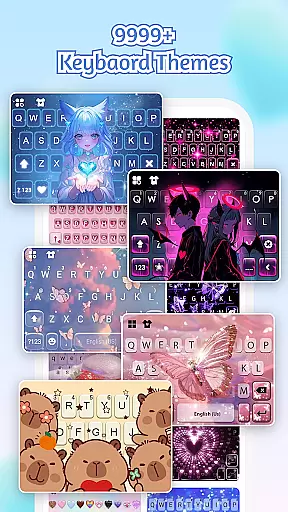
The app provides an extensive selection of aesthetic themes that cater to various preferences, whether you're into simple, trendy, or unique styles. The Control Center feature not only enhances the visual appeal but also brings smart tools such as brightness and volume adjustment, dark mode switch, Wi-Fi & Bluetooth connectivity options, Do Not Disturb settings, screen rotation lock, airplane mode activation, and flashlightu2014all designed with stylish aesthetics.
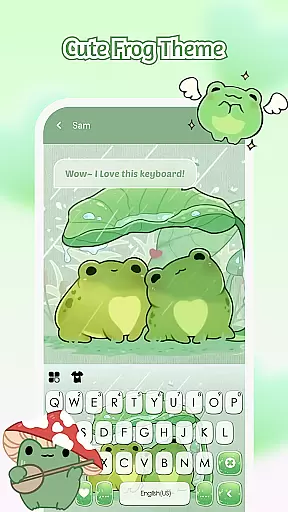
Moreover, iControl stands out by offering custom keyboard themes where users can choose photos or pictures for exclusive keyboard backgrounds. It supports customization of colors, sounds, effects, fonts, and layout, ensuring every aspect of typing experience aligns with individual tastes. This level of detail empowers users to be creative designers of their home screens.
iControl ensures seamless integration across different device interfaces through its Theme Compatibility feature. By providing over 500 designer templates updated daily, it guarantees that each theme will work harmoniously on your Android device without compromising performance or visual quality.
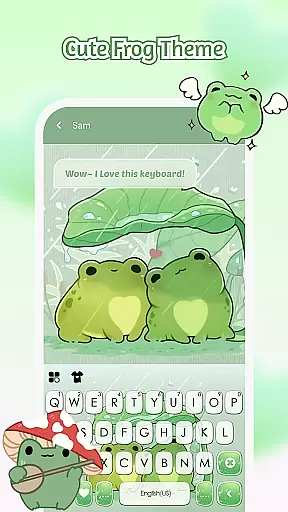
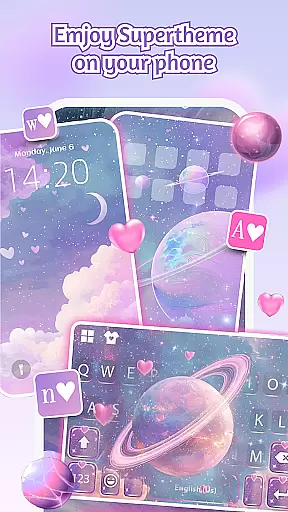
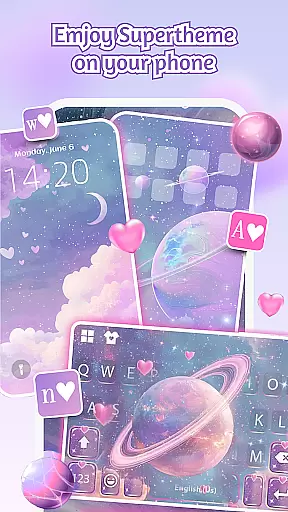
The SuperTheme option redefines unified aesthetics by enabling elements like galaxy keyboards to mirror starry themes, creating celestial trails with every tap. Similarly, sakura keys blend beautifully into forest-themed backgrounds, demonstrating how well these designs are thoughtfully crafted for consistency.
With zero-skill DIY capabilities, everyone from novices to experts can create professional-level designs effortlessly. Users have the freedom to reshape keys, tweak transparency levels, add touch effects/sounds using AI-generated art, making sure their creations come alive instantly upon application. Such comprehensive support makes certain that all personalized adjustments remain fully compatible while maintaining optimal usability.
User-friendly interface
Extensive customization options
Advanced typing features
Strong privacy protection
Multi-language support
May drain battery life
Some features require premium
Occasional performance lag
Complex for beginners
Limited iOS compatibility

Beautiful realistic hybrid watch face with numerous customization options.
 4.50
4.50
Art & Emoji Keyboard with Cool Fonts, Cute Themes and Custom Designs.
4.40
Romantic Kiss Stickers App. Start romantic messaging now!
4.30 4.10
4.10
Color phone with cool effects for call screen, flash alert & ringtones music
4.50
Stylish Pink Cute Hippo keyboard with 10000+ customized keyboard themes!
4.60
200+ Material Inspired Widgets
4.50
Modern Glass Icon Pack with glossy icons, clean minimal theme & aesthetic style
4.0
Install amazing sticker packs: endless styles, always cool.
4.70
Only for Wear OS devices!
4.90
Dark icon pack based on One 8
4.80
A Colorful and Minimal icon pack in an Outline Style - Over 13,600 icons!
4.70
Ultimate Gallery Lock App - Hide Pictures, Videos and Lock Apps Instantly!
4.60
Customizable screen pets that play, climb, and keep you company.
4.50
Organize and manage your photos and videos effortlessly with Photo Gallery
4.20
Transfer your live wallpapers from Windows to Android using Wallpaper Engine!
4.00
Ultimate widget creator. Design custom widgets for a truly unique home screen!
3.90
Your go to Weather App & Home Screen. Get your weather at a swipe of a finger!
3.80
⭐ OneUI inspired Fluffy Icon Pack – Soft. Stylish. Standout. ⭐
4.1


User Reviews