
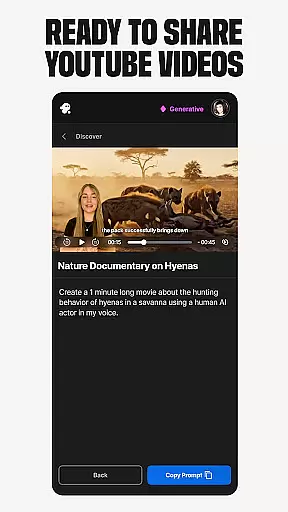
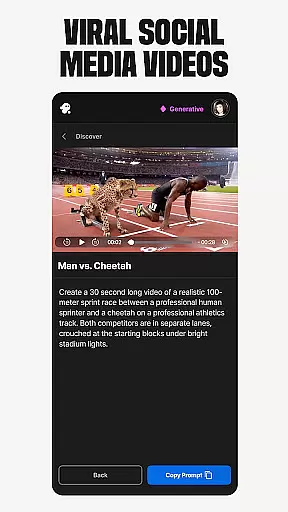
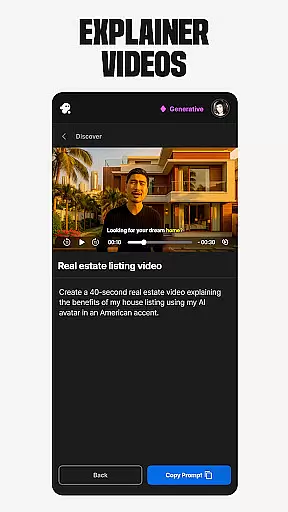
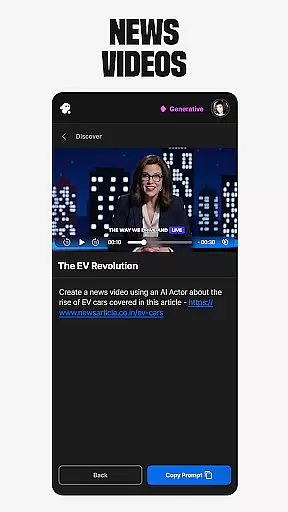
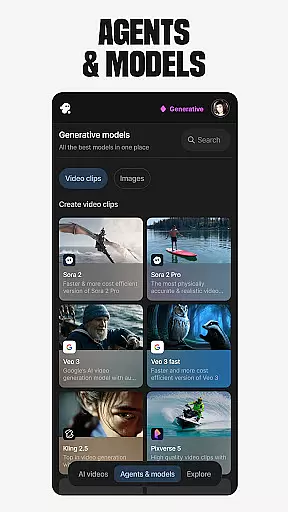
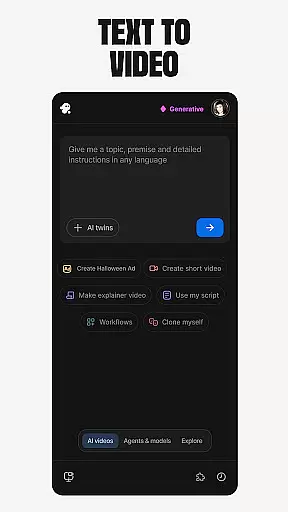
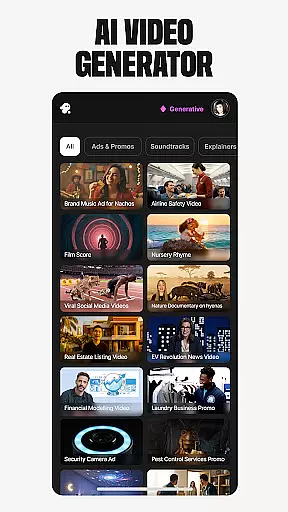
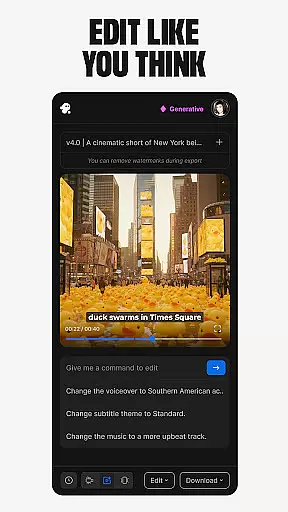
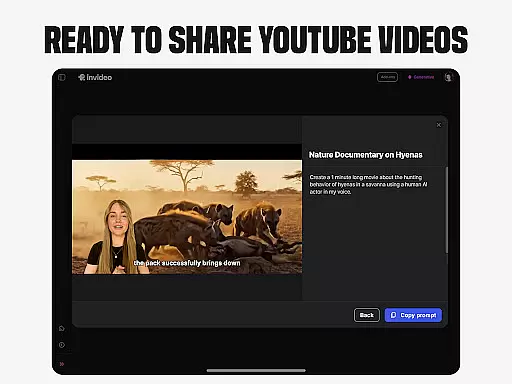
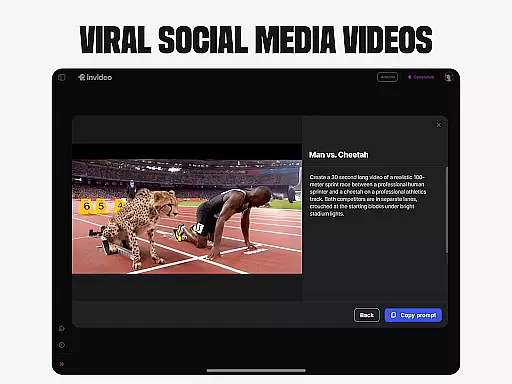
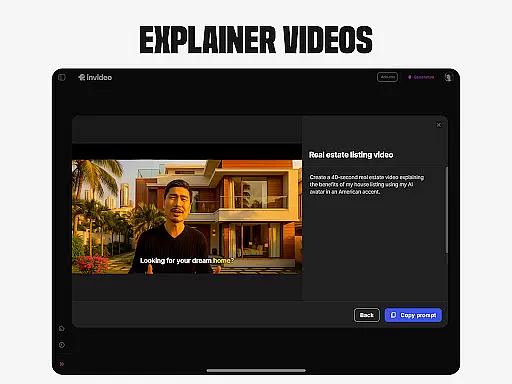
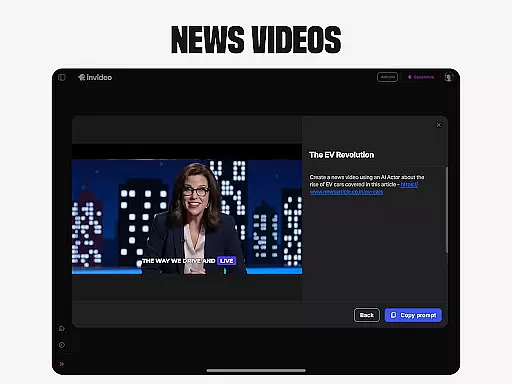
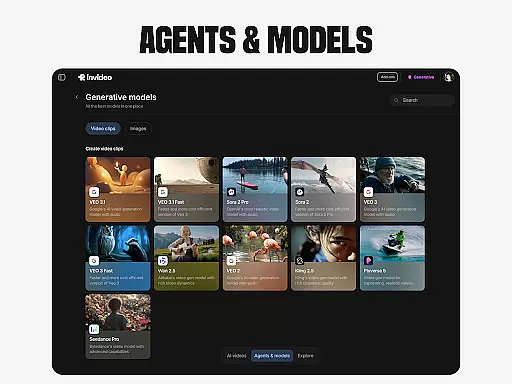
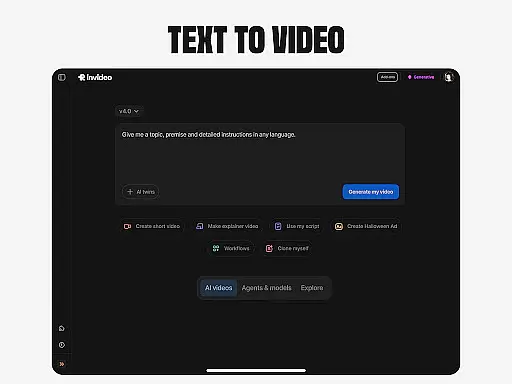
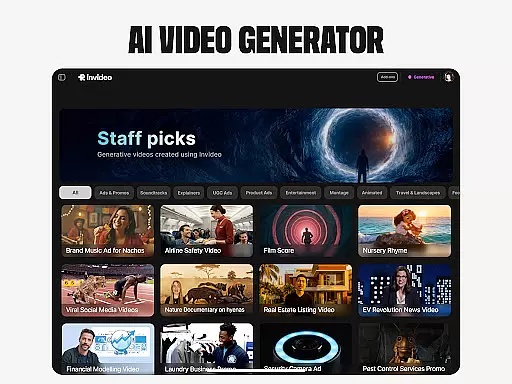
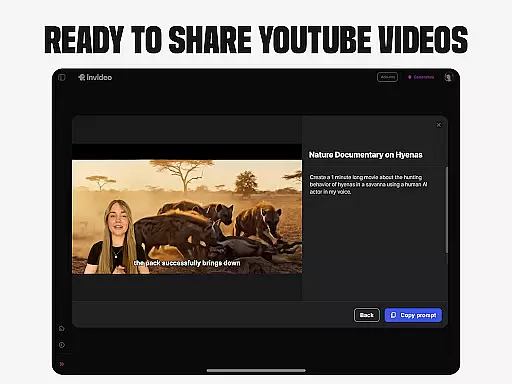
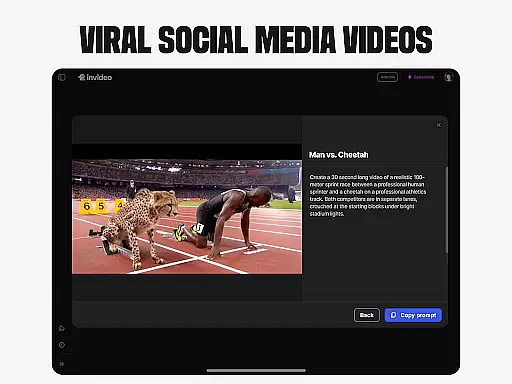
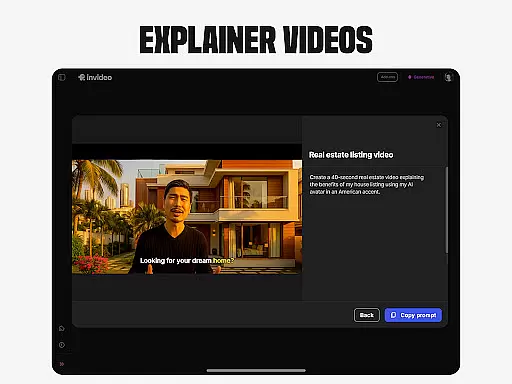
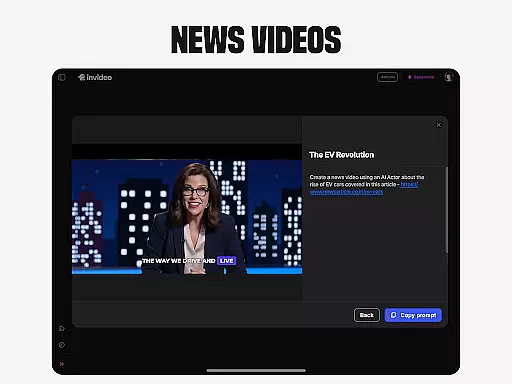
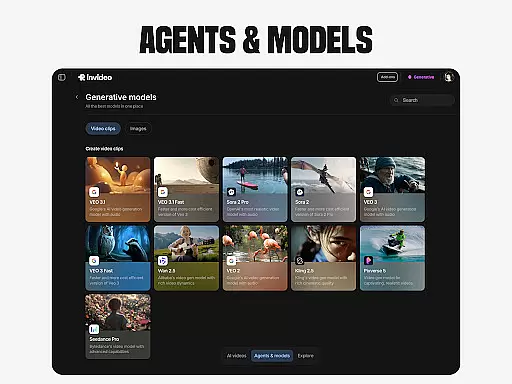
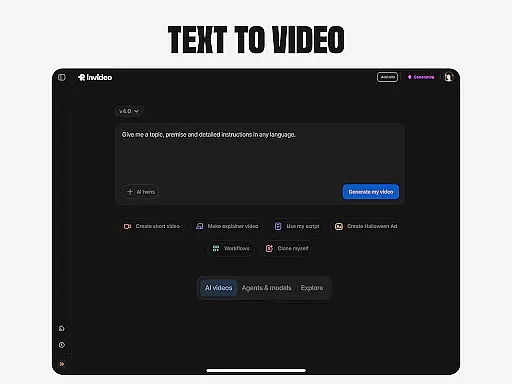
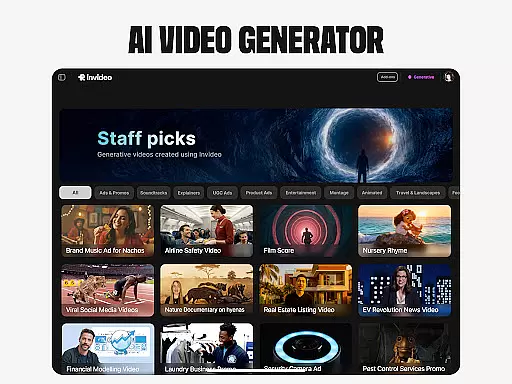
Invideo AI is a revolutionary video creation platform that empowers users to produce professional-quality videos without requiring technical expertise. The app's core functionality lies in its powerful AI-driven tools that automate the entire video production process.
Key features include AI video generation, movie creation, text-to-video conversion, and avatar creation. These capabilities make it suitable for both beginners and experienced creators. Whether you're producing marketing content, educational materials, or creative projects, Invideo AI streamlines the process through its comprehensive suite of automated features.
The application's value extends beyond simple video creation, offering advanced capabilities like voice cloning, image-to-video conversion, and virtual product demonstrations. This makes it particularly valuable for e-commerce businesses and content creators looking to enhance their digital presence while saving time and resources.
Invideo AI distinguishes itself through its comprehensive feature set designed for diverse video creation needs. The platform's AI video generator creates complete video packages including scripts, media elements, captions, voiceovers, and music across 50+ languages, making it ideal for international content creation.
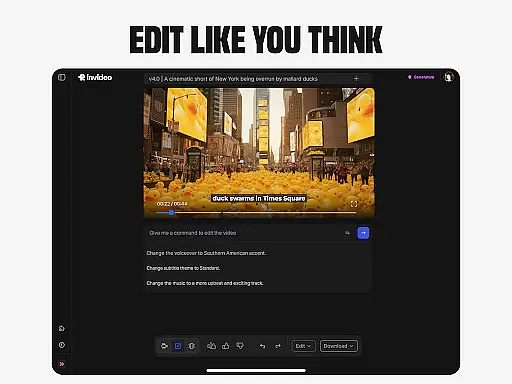
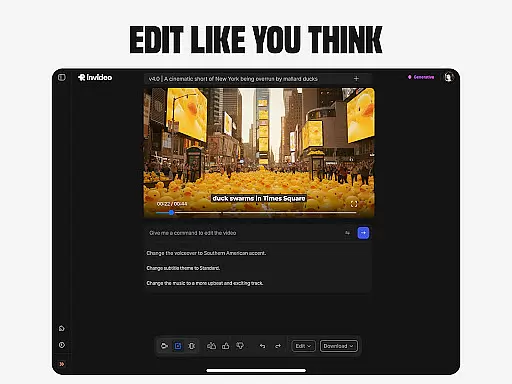
A standout capability is its AI avatar technology, allowing users to create digital twins for various applications such as training videos and product explainers. The AI-powered editing tools enable seamless modifications through simple text commands, eliminating the need for complex video editing software.
Additional innovative features include virtual try-on solutions for e-commerce, AI-driven movie creation tools, and user-generated content capabilities with realistic human avatars. These features collectively provide a complete ecosystem for creating professional-grade video content efficiently and cost-effectively.
Invideo AI stands out in the realm of video creation by offering extensive video format compatibility, ensuring that creators are not limited by format restrictions. This powerful AI video maker supports over 50 languages and enables the production of full-length videos complete with scripts, generative media, captions, voiceovers, music, and effects.
The application's versatility is further enhanced by its ability to convert prompts into full scenes and visualize scripts through AI script-to-video capabilities. Whether you're creating explainers, promos, ads, or stories, Invideo AI accommodates a wide array of formats to suit your needs.
For users looking to push creative boundaries, Invideo AI also offers tools for generating AI films and documentaries in various styles. The platform's flexibility extends to supporting AI avatars, voice cloning, and image-to-video conversions, making it an all-encompassing solution for diverse video creation requirements.
Invideo AI revolutionizes video editing with its AI-powered editing features, allowing users to change scenes, edit music, refine tone, and swap voiceovers effortlessly. Unlike traditional timeline-based editing apps, Invideo AI simplifies the process with straightforward text commands, eliminating the steep learning curve often associated with video editing.
This innovative approach empowers creators to focus on their content rather than the technicalities of editing. With capabilities such as ultra-realistic testimonial videos, spokesperson clips, and selfie-style user-generated content, Invideo AI provides a seamless editing experience that caters to both beginners and professionals.
Moreover, the platform facilitates virtual product try-ons and lets users generate content with AI-generated humans, enhancing e-commerce stores without the need for models or complex logistics. By leveraging Invideo AI's advanced editing features, users can produce high-quality, engaging videos efficiently and effectively.
User-friendly interface
Comprehensive feature set
Multilingual support
Time-saving automation
Professional output quality
Subscription costs may be high
Learning curve for beginners
Internet connection required
Limited offline functionality
Advanced features need payment

Kodi media center, a free and open source cross-platform entertainment hub
 3.60
3.60
Fast, private downloading, video saving, social media
4.50
Watch a large amount of high-definition short drama content
4.60
Cast to Chromecast, Xbox, Fire Stick, Roku, DLNA, Smart TV & No Feature Limited!
4.50
KineMaster, Your Ultimate Video Editor!
4.40
Live TV, anywhere in your home
3.80
Movie maker & video editing app with AI effects and green screen
4.30
Video Downloader, Multiple Resolution Options, Video Player
4.50
Find, download, and play torrents with the official BitTorrent® Pro app
4.70
All in one HD video downloader & player for multiple formats with full privacy
4.70
Video Player - Unlimited features, 30 days money back guarantee.
4.60
?100% FREE! Download & save videos? safely in this app. All formats supported.
4.60
VLC Remote lets you control your VLC Media Player on Mac, PC or Linux.
4.60
Auto video maker with music & exclusive filters. Video editing made simple.
4.50
AirMirror Receiver - Screen mirroring/cast web videos to Android TV by AirPlay.
4.40
Browser for Samsung TV to stream webvideos, online movies and livestreams in HD
4.10
IPTV-Smarters Player Pro M3U - Watch Live Stream TV Channels with Chromecast
4.00
Capture images & record videos for USB Camera, Webcam, Microscopes, Endoscopes
3.80
Save photos and videos from social apps in one tap.
3.60


User Reviews