
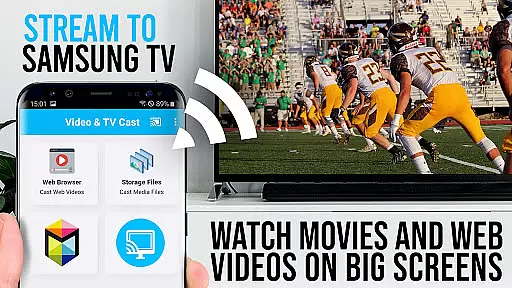
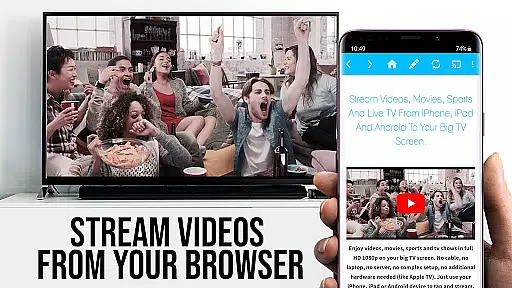
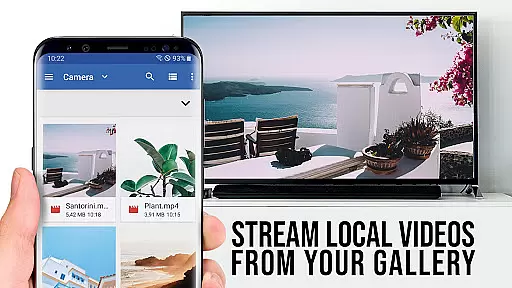
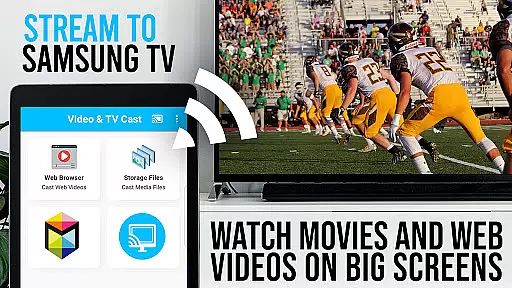

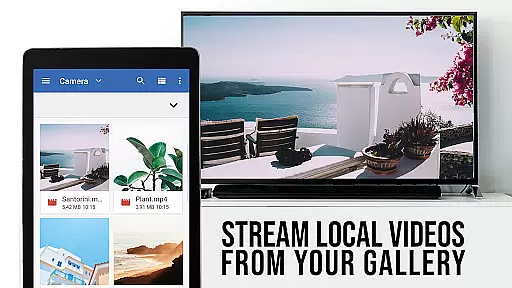

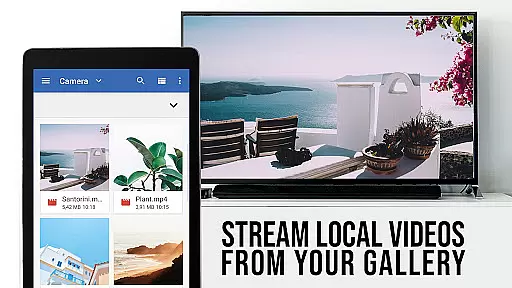
TV Cast Pro for Samsung TV is a premier application designed to enhance your home entertainment experience by streaming web videos, online movies, livestreams, and live-TV shows directly to your Samsung Smart TV or Blu-ray Player. This app eliminates the need for additional streaming hardware, supporting formats like mp4, m3u8, hls livestreams, and video over https, with Full HD quality.
The PRO edition offers all premium features unlocked, catering to Samsung Smart TV models from 2010 (C series) to 2017 (new M/MU/Q series) and Blu-ray Players equipped with Smart Hub or VEWD. With Video & TV Cast, users can browse the web and cast any video content to their TV with ease, provided the free 'TV Cast' companion app is installed via the Samsung App Store.
TV Cast Pro stands out with its comprehensive feature set tailored for seamless media streaming. The app allows users to browse websites and cast embedded videos to their Samsung TV or Blu-ray Player effortlessly. A unique aspect is the necessity to enter the Android device's IP address using the Samsung Remote, ensuring a secure and direct connection.
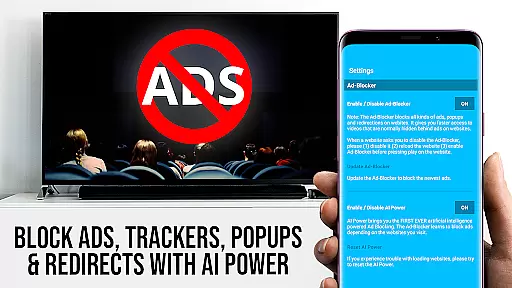
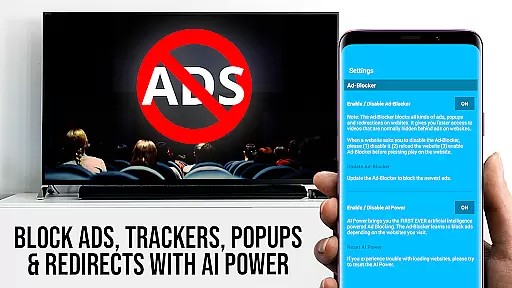
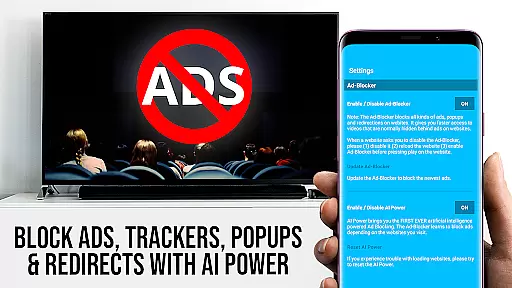
Among its standout features are the Remote Playbar for advanced video control, an Ad-Blocker for an uninterrupted viewing experience, Bookmarks for easy access to favorite sites, Desktop Mode to view desktop versions of websites, and customizable Homepage settings. These features collectively ensure a user-centric experience that prioritizes convenience, quality, and personalization in media streaming.
Video format compatibility is a crucial feature for any video player, ensuring that users can enjoy content in various formats without technical hindrances. TV Cast Pro for Samsung TV supports an extensive range of video formats including mp4, m3u8, and hls livestreams, making it versatile for different types of web videos, online movies, and live streams.
The app's ability to handle video over https and Full HD support enhances the viewing experience on Samsung Smart TVs and Blu-ray Players. This ensures that whether you're streaming high-definition content or standard videos, the app maintains quality and performance.
For users, this means freedom and flexibility in choosing what to watch. You can easily enter or paste the full video-url in the browser address bar and play it directly on your Samsung TV or Blu-ray Player. The app simplifies the process of accessing diverse content, eliminating the need for additional streaming boxes.
By supporting such a wide array of formats, TV Cast Pro not only meets but exceeds user expectations, providing a seamless and enjoyable entertainment experience. Whether you're watching web series, sports events, or movies, the app ensures that all your content plays smoothly and efficiently.
AI-powered editing features are revolutionizing how we interact with video content by offering smart tools that enhance both the creation and viewing experience. While TV Cast Pro for Samsung TV focuses primarily on streaming, its intelligent browsing and casting capabilities act as powerful aids in managing and enjoying video content.
The app allows users to browse through websites and cast any discovered video with a single tap to their Samsung TV or Blu-ray Player. This streamlined process is akin to AI-driven editing, where the app intelligently detects video links and prepares them for casting, saving users time and effort.
Additionally, the PRO version offers advanced features like the Remote Playbar, which provides control over video playback including scrubbing, forward, rewind, play, pause, and stop functions. These controls mimic sophisticated editing tools, giving users more power over how they consume media.
With the Ad-Blocker feature, users can enjoy an uninterrupted viewing experience by blocking ads and popups on most websites. This creates a cleaner, more focused environment similar to using professional editing software, enhancing overall satisfaction and engagement with the content.
User-friendly interface
Wide format compatibility
Ad-free experience
Remote play functionality
Customizable settings
Requires companion app
Limited DRM support
Device restarts needed
No full device mirroring
Premium version costly

Auto video maker with music & exclusive filters. Video editing made simple.
 4.50
4.50
You can play SWF format file!
2.50
Create photo video with music & template. AI video maker for stunning slideshow.
4.60
This app was created to edit the metadata of music files.
4.20
An easy-to-use and all-round screen recorder with audio
4.80
Play and download HD videos from all sources — fast, simple, and all-in-one.
4.0
Browser for Sony TV to stream web videos, online movies and live tv
3.20
All in one multi protocols stream receiver for AirPlay, Cast and DLNA.
3.60
Powerful video player with advanced hardware acceleration and subtitle supports
4.20
Tik & Story Saver-Download ALL social media videos, photos & reels no watermark.
4.80
?100% FREE! Download & save videos? safely in this app. All formats supported.
4.60
Fast & easy HD video downloader for all formats, support 4K playback & download.
4.60
Watch IPTV on your Android device
4.60
HD video maker with no watermark, no ads & vlog maker with music, PIP, text
4.50
Fast & Private HD Video Downloader with Built-in Proxy Browser and Video Player.
4.50
Video player, file manager for all formats, 4K/HD media player supports subtitle
4.30
Turn your phone into a wireless camera!
4.20
Connect 2 UVC devices for recording and broadcast video/audio stream
3.90
Livestream, news, & gaming content. Watch, chat, and upload. Join Rumble today!
3.80


User Reviews