
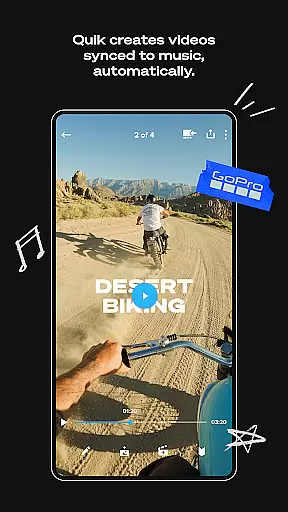
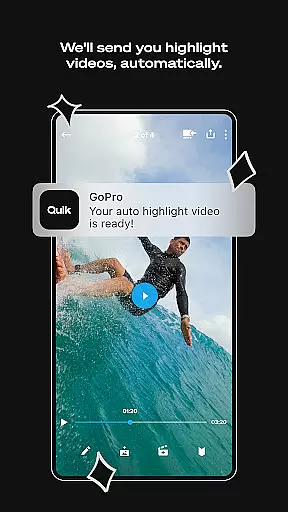
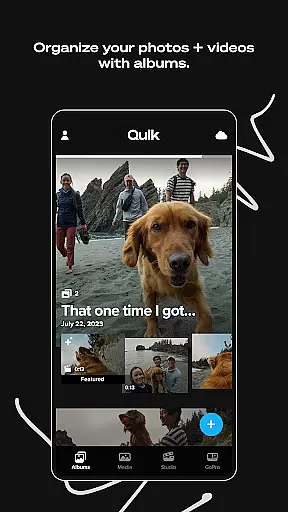
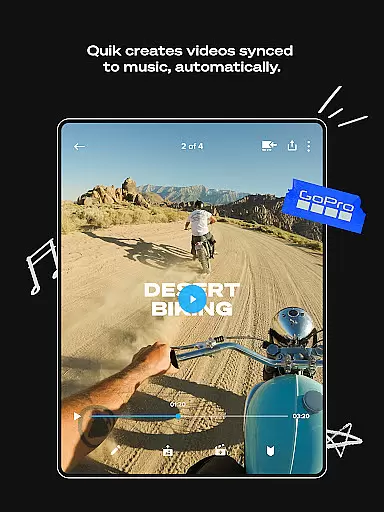
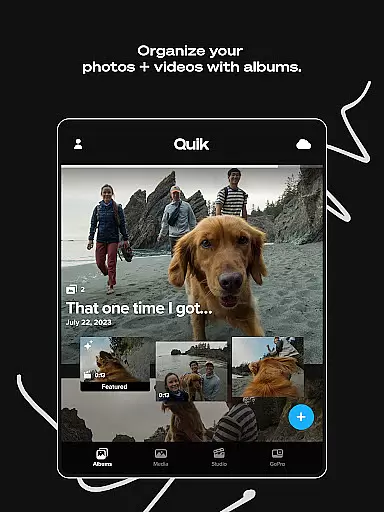
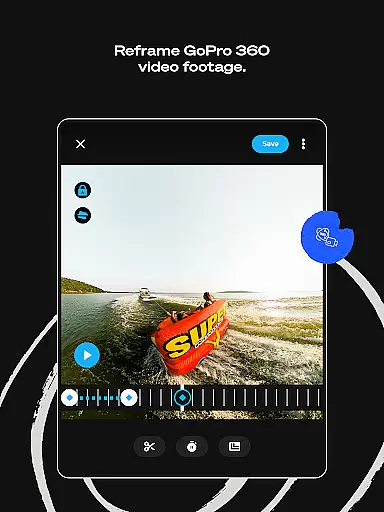
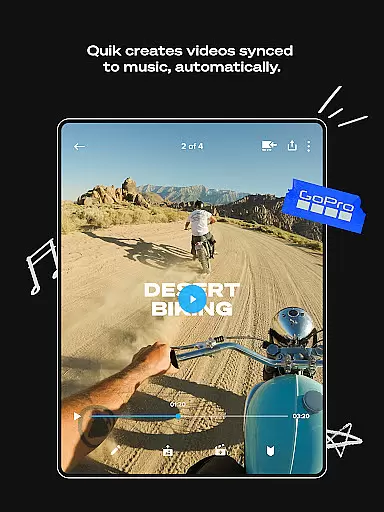
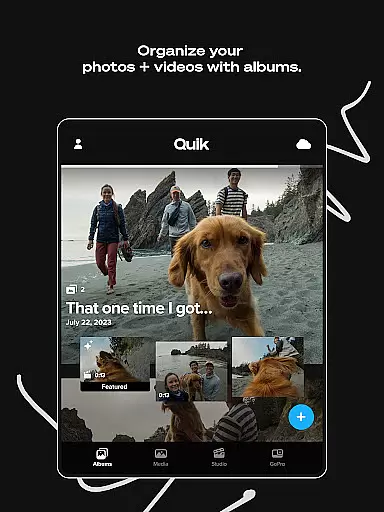
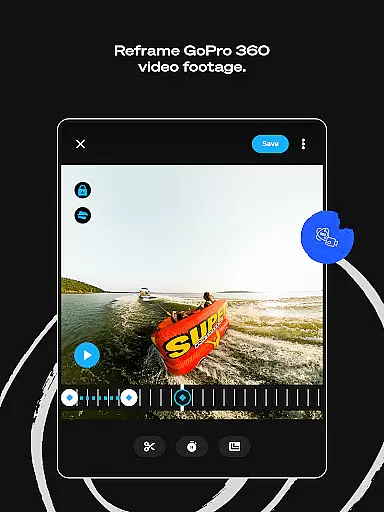
GoPro Quik is a powerful video editing application designed to simplify the process of creating professional-quality videos. The app automatically generates highlight videos by analyzing your footage, syncing clips to music, and adding polished transitions. With its cloud integration, users can access their media library from any device, ensuring seamless editing on-the-go. The application is particularly well-suited for action camera enthusiasts who need a reliable tool to organize, edit, and share their adventure footage.
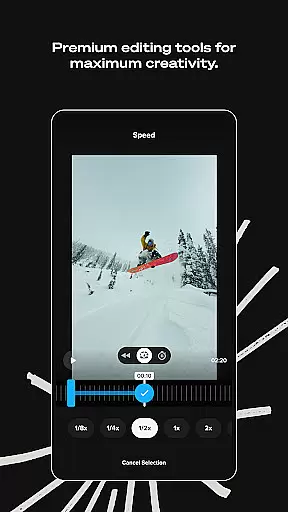
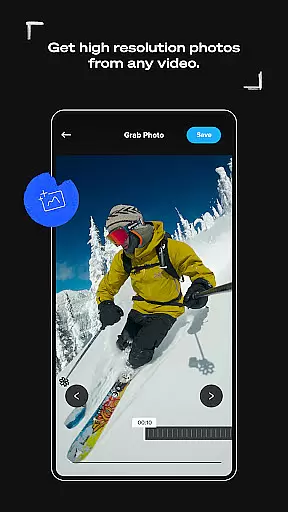
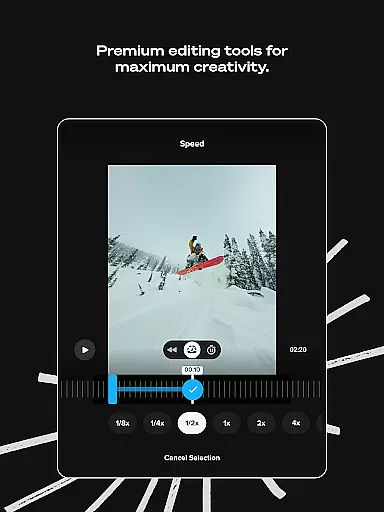
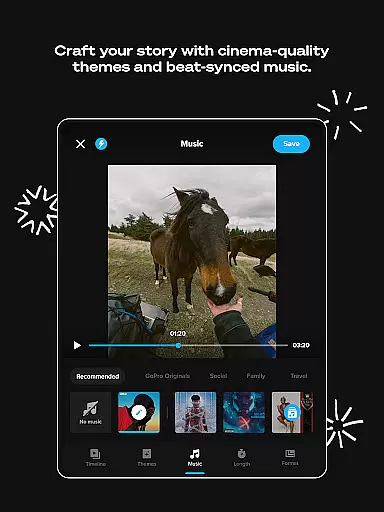
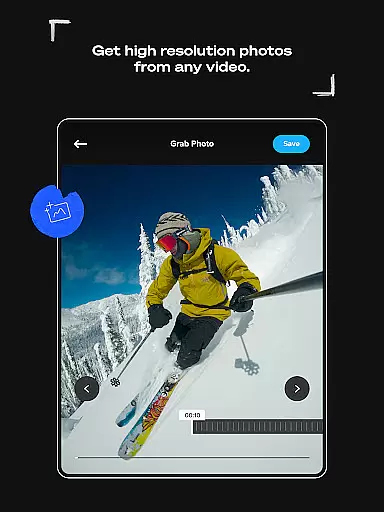
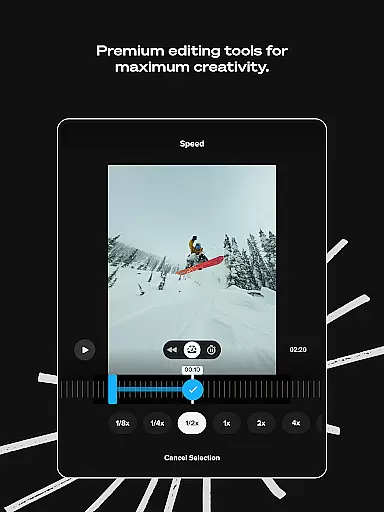
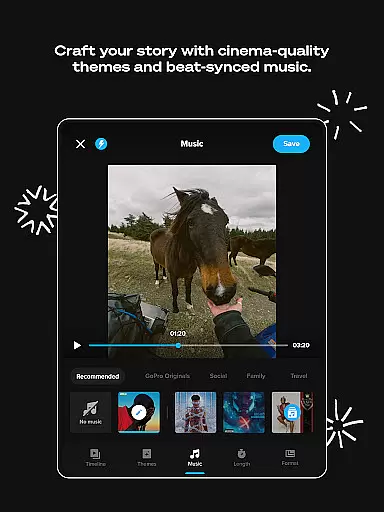
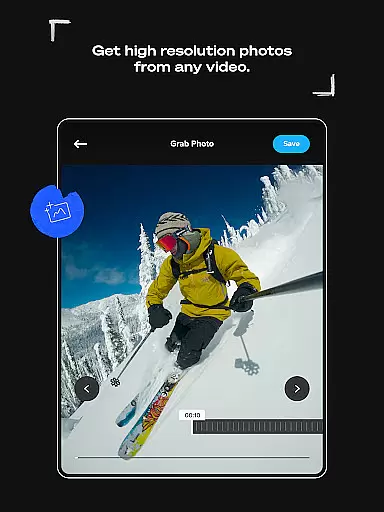
Beyond basic editing, GoPro Quik offers advanced features such as beat-synced transitions, customizable themes, and precise frame adjustments. These tools allow creators to produce unique, cinematic content that stands out on social media platforms. Whether you're looking to capture high-resolution stills from videos or apply specialized filters optimized for different environments, this app provides the resources needed to elevate your storytelling.
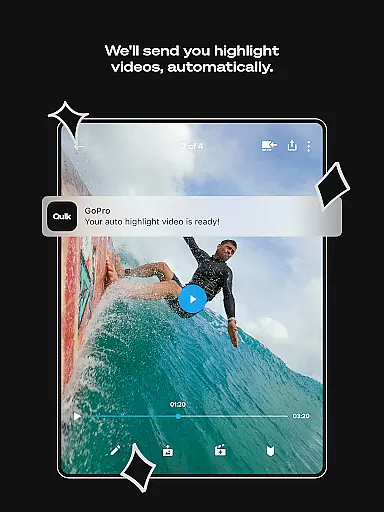
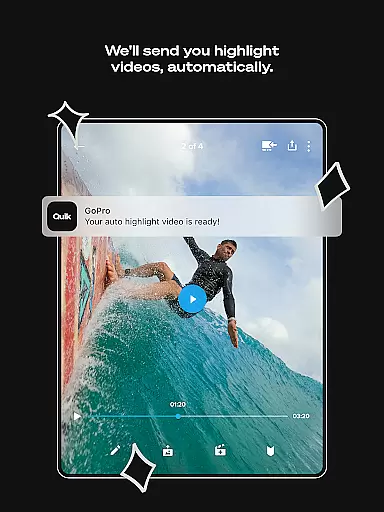
GoPro Quik distinguishes itself through an impressive suite of editing tools tailored for both casual users and serious content creators. One standout feature is Automatic Highlight Videos, which intelligently selects key moments from your footage, syncs them to music beats, and applies dynamic transitions without requiring manual input. This makes it easy even for beginners to create engaging videos quickly.
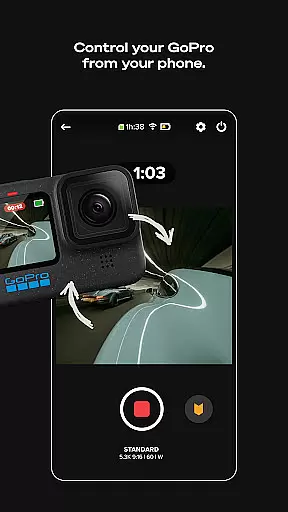
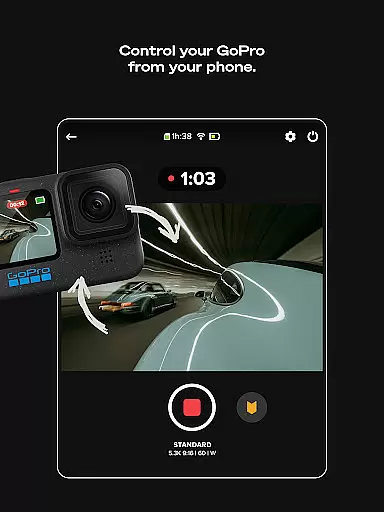
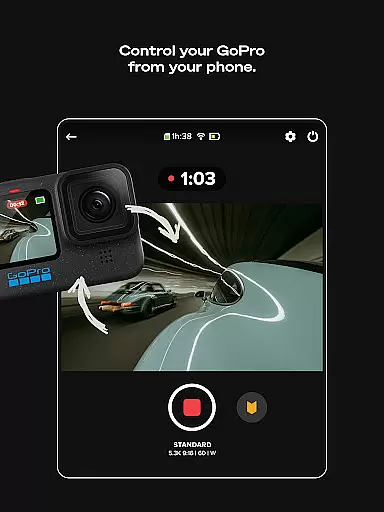
The app also includes premium functionalities like unlimited cloud storage at full quality, cross-device synchronization, and advanced editing options such as color correction, trimming, and text overlays. For GoPro camera owners, additional perks include automatic detection and transfer of footage, preview capabilities, and robust content management systems. These features collectively ensure that whether you're editing on mobile or desktop, your workflow remains efficient and your creative possibilities are virtually limitless.
GoPro Quik supports a wide range of video formats, ensuring that users can import and edit footage from various devices seamlessly. The app is optimized to handle files captured by GoPro cameras as well as other popular camera models, making it versatile for different user needs.
The application's compatibility extends to high-resolution videos, including 4K content, allowing creators to work with premium-quality footage without worrying about format restrictions. This flexibility ensures that whether you're editing action-packed sports clips or cinematic travel vlogs, the app maintains the original quality of your recordings.
Additionally, GoPro Quik offers cross-device synchronization, enabling users to access their projects on multiple platforms without losing any video quality. This feature is particularly beneficial for those who switch between mobile devices and desktops while working on their edits.
By supporting both GoPro-exclusive formats and general file types, the app provides a comprehensive solution for video enthusiasts who demand high performance and reliability in their editing tools.
GoPro Quik incorporates advanced AI-powered editing features that streamline the video creation process. One standout capability is Automatic Highlight videos, where the app intelligently identifies the most compelling moments from your footage and compiles them into a polished video ready for sharing.
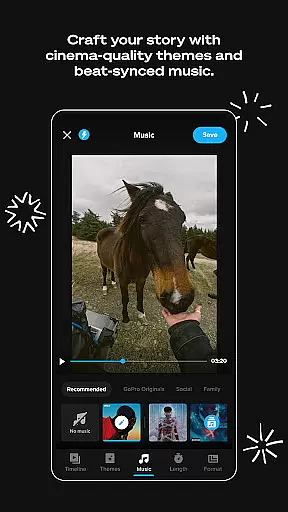
The Beat Sync functionality further enhances this experience by automatically aligning transitions, effects, and clips to the rhythm of selected music tracks. This creates dynamic, professional-looking edits without requiring manual adjustments, saving users significant time and effort.
For users seeking more creative control, the app also includes customizable themes, filters, and text overlays. These tools are powered by intelligent algorithms that optimize settings based on the environment or subject matter, such as snow or water scenes, enhancing visual storytelling.
With its combination of automated editing and customizable options, GoPro Quik empowers both novice and experienced editors to produce engaging content efficiently, leveraging artificial intelligence to elevate their storytelling capabilities.
User-friendly interface
Automatic video editing
Unlimited cloud backup
Premium customization tools
Cross-platform sync
Paid subscription required
Limited free storage
Advanced features locked
Occasional bugs reported
High system requirements

Watch a large amount of high-definition short drama content
 4.60
4.60
Play ALL formats in 4K & HD. Video downloader, MP3 player, Chromecast & more.
4.80
HD video maker with no watermark, no ads & vlog maker with music, PIP, text
4.50
Stream high quality video from your camera over NDI protocol
4.2
Cast movies, tv shows and live streams to Chromecast, Roku, DLNA, Fire TV & more
4.60
AI Video Editor with Music, Filter, Slideshow, Effect, Merge & Trim Video.
4.80
Download Hub, easy and private way to download and enjoy your videos offline
4.80
VLC for Android is the best open source video and music player, fast and easy!
4.10
Enjoy your favorite videos and channels with the official YouTube app.
3.90
#1 Torrent App on Android ** No Ads Ever + Battery Saver **
4.80
Find, download, and play torrents with the official BitTorrent® Pro app
4.70
Video Downloader, Multiple Resolution Options, Video Player
4.50
Create & edit videos with AI
4.30
Turn your phone into a wireless camera!
4.20
LumaFusion: The Ultimate Storytelling Experience for Video Editing
4.10
Manage your IPTV live channels and VOD playlists (no playlist included)
3.80
Livestream, news, & gaming content. Watch, chat, and upload. Join Rumble today!
3.80
AirMirror is Receiver for Screen Mirroring and Casting from Apple Devices.
3.60
The smartest M3U IPTV Player your playlists have ever seen.
4.3


User Reviews