
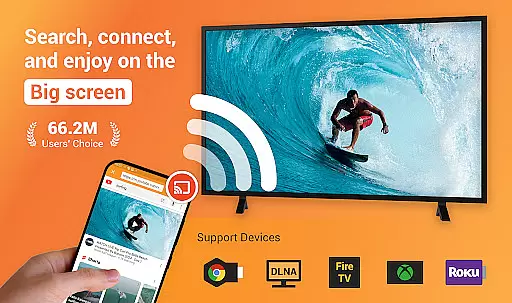


Cast to TV is a versatile media casting application that allows users to stream online videos, live streams, local videos, music, and images to various devices including TVs, Chromecast, Roku, Amazon Fire Stick, Xbox, Apple TV, and other DLNA-enabled devices. The app serves as an all-in-one solution for media casting needs, providing seamless streaming experiences across different platforms.
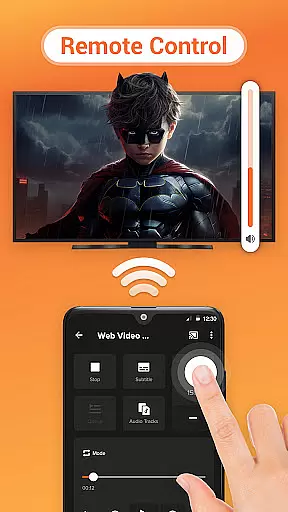
One of the standout features of Cast to TV is its ability to control playback directly from your phone, offering functions such as pause, volume adjustment, forward/rewind, and track navigation. This makes it particularly useful for users who want to enjoy their multimedia content on a larger screen without the hassle of managing playback through the TV interface.
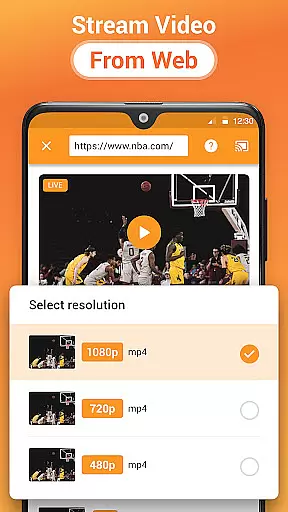
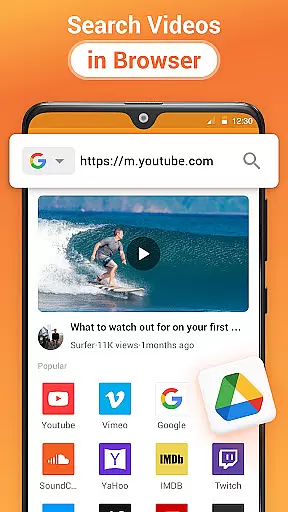
The app's built-in browser enables web video casting, while its automatic file identification system ensures that all media files on your device or SD card are easily accessible. Whether you're looking to cast personal media collections or stream online content, Cast to TV provides a comprehensive solution that enhances home entertainment systems.
Cast to TV offers a rich set of features designed to enhance the media streaming experience. One key feature is the intuitive remote control functionality, allowing users to manage TV playback directly from their smartphones. This includes essential controls like play/pause, volume adjustment, forward/rewind, and track navigation, making it convenient to control media sessions without needing multiple remotes.
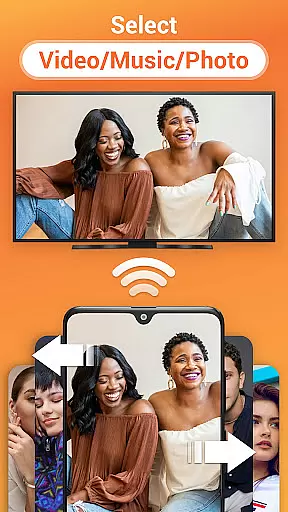
The application supports casting of both local and online content, including videos, music, and photo slideshows. Its built-in browser facilitates web video casting, while the auto-search function quickly identifies available casting devices. Users can create custom Play Queues for their local media, with options for shuffle, loop, and repeat modes, providing flexibility in how content is presented.
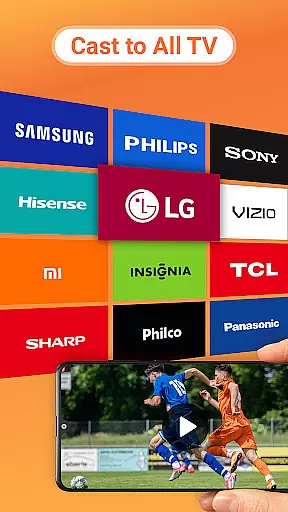
Another notable aspect is its broad compatibility with various devices, including Chromecast, Smart TVs from major manufacturers, Xbox consoles, Amazon Fire TV, Apple TV, Roku devices, and other DLNA receivers. This extensive support ensures that users can connect and stream to virtually any modern entertainment system, making Cast to TV a valuable tool for enhancing home media experiences.
Video format compatibility is a crucial feature for any video player and editor application. Cast to TV, Chromecast & Roku supports an extensive range of video formats, ensuring that users can cast virtually any local video file to their TV or streaming device without encountering format incompatibility issues.
The app's automatic file identification system scans the user's device and SD Card, recognizing video files regardless of their format. This ensures that whether you're dealing with MP4, AVI, MKV, or any other popular video format, the app will detect and prepare it for casting.
Users benefit from this wide-ranging compatibility by experiencing seamless playback without the need for prior conversion or external codecs. The ability to cast web videos directly through the built-in browser also adds another layer of convenience, allowing users to stream online content straight to their TV.
Ultimately, the comprehensive video format support provided by Cast to TV enhances user satisfaction by offering flexibility and ease of use, making it simple to enjoy personal media collections on a larger screen.
AI-powered editing features represent the cutting edge of video player and editor applications, providing users with tools that not only enhance the viewing experience but also allow for creative expression. While Cast to TV, Chromecast & Roku focuses primarily on casting capabilities, it integrates several smart features that leverage AI technology to improve media management and playback.
One such feature is the app's ability to automatically organize media into playlists, using AI algorithms to analyze and categorize content based on type and user preferences. This simplifies navigation and allows users to quickly access desired media files.
Additionally, the app offers advanced playback options like shuffle, loop, and repeat modes which are intelligently managed to provide a customized listening and viewing experience. These features adapt to individual user habits over time, learning from past interactions to better predict future preferences.
By incorporating these AI-driven functionalities, Cast to TV not only facilitates effortless streaming but also empowers users with sophisticated tools that make managing and enjoying digital media more intuitive and engaging.
User-friendly interface
Wide device compatibility
Comprehensive media support
Remote control functionality
Efficient casting performance
Wi-Fi dependent performance
Limited offline functionality
Occasional connection issues
Device-specific limitations
Requires compatible formats

Save photos and videos from social apps in one tap.
 3.60
3.60
Snaptubè Video Downloader app allows to download videos and music in Snaptube. .
4.60
Full HD Video mp3 Player, MP4 player play 1080p, File manager, Video Downloader
4.40
Powerful HD video player with support for all formats & subtitles.
4.2
1)AirPlay/DLNA Mirroring/Streaming, up to 4 connections; 2)Samba/NAS/DMS Player.
4.00
Download website videos fast&privacy
4.40
Mix with Virtual DJ directly from your phone or tablet !
3.10
LumaFusion: The Ultimate Storytelling Experience for Video Editing
4.10
Photo editor & video maker with music and slideshows.
4.10
Download videos and play them offline
4.70
Find, download, and play torrents with the official BitTorrent® Pro app
4.70
Search & download videos from net with all video downloader, auto-detect & safe.
4.60
Seamlessly connect and control your smart devices, anytime, anywhere with ease.
4.60
Watch IPTV on your Android device
4.60
KineMaster, Your Ultimate Video Editor!
4.40
Live TV, anywhere in your home
3.80
Livestream, news, & gaming content. Watch, chat, and upload. Join Rumble today!
3.80
IPTV Player - Watch live TV from m3m & m3u8 playlist, stream IPTV on mobile
3.30
Play and download HD videos from all sources — fast, simple, and all-in-one.
4.4


User Reviews