
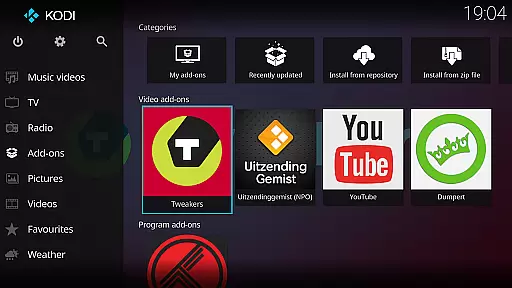
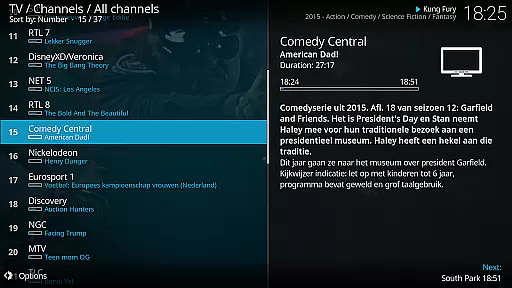
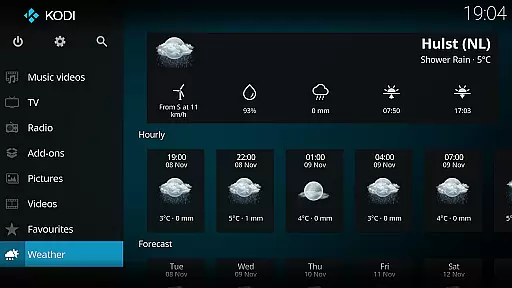
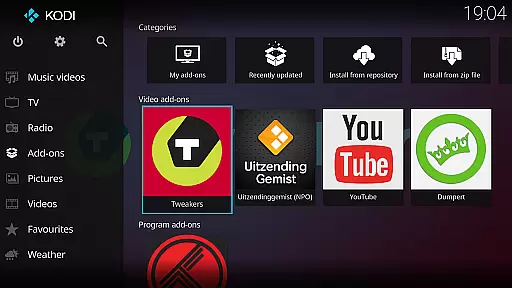
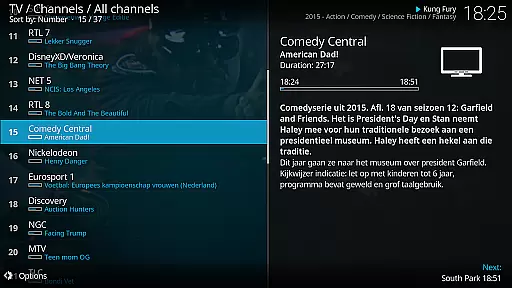
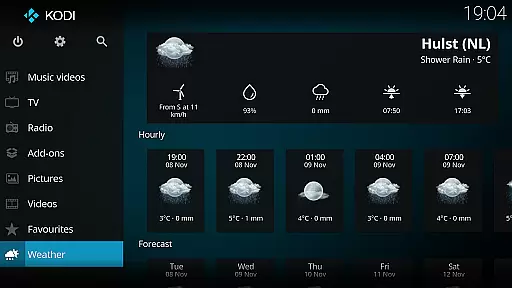
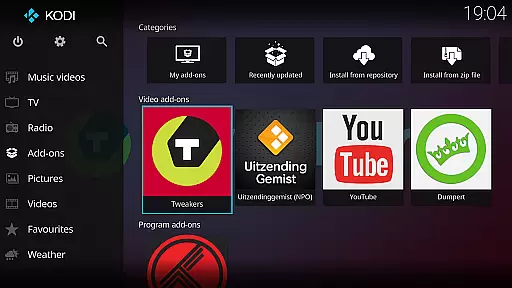
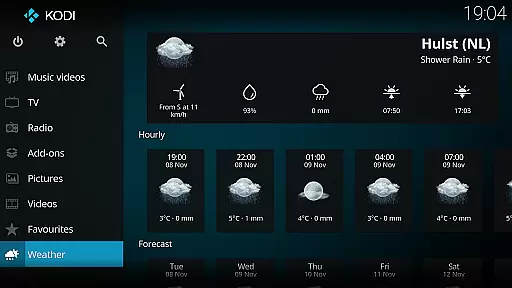
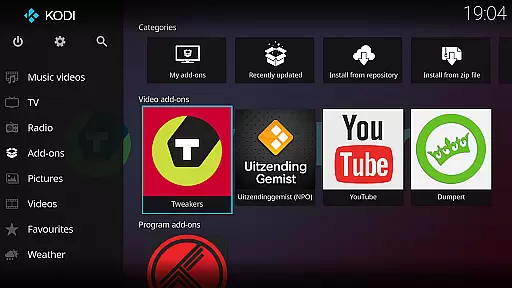
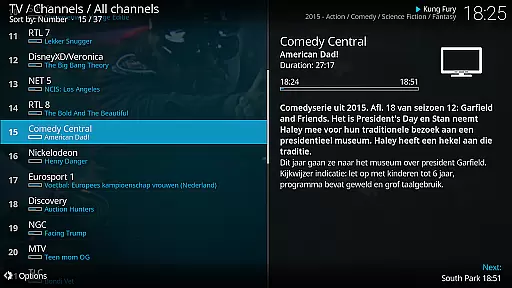
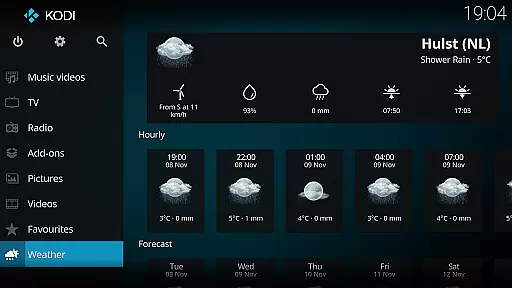
Kodi is an award-winning media player designed for home theater setups. It offers a 10-foot user interface, making it perfect for living-room entertainment with support for remote controls. Kodi allows users to access and manage digital media from various sources including hard drives, optical discs, local networks, and the internet.
With its powerful features, Kodi supports videos, photos, podcasts, and music playback. The platform-independent software also enables third-party plugins for additional functionality. Its graphical interface simplifies media browsing with minimal button presses, enhancing user experience.
Whether you're looking to create a dedicated media center or simply want a versatile media player, Kodi provides a comprehensive solution. Its open-source nature invites community contributions, ensuring continuous improvement and innovation in digital media management.
Kodi stands out with its cross-platform compatibility and extensive media support. It handles various media formats and sources, including local storage, network locations, and online streams. The inclusion of third-party plugins expands its capabilities, allowing access to a wide range of content.
The software's 10-foot UI is optimized for large screens, providing an intuitive navigation experience with a remote control. Kodi's default skin, Estuary, ensures fast and user-friendly interactions. For mobile devices, the Estouchy skin enhances usability on larger phones and tablets.
Kodi's open-source framework under GPLv2.0+ license encourages community-driven development. This has led to numerous enhancements and regular updates, maintaining its status as a leading media center solution. Users benefit from both official releases and community-contributed add-ons.
Video format compatibility is a crucial feature for any media player, ensuring that users can enjoy a wide range of video content without worrying about unsupported file types. Kodi excels in this area by supporting an extensive array of video formats, including popular ones like MP4, AVI, and MKV, as well as less common formats. This versatility allows users to play videos from various sources, whether they are stored locally on a hard drive, streamed from a network location, or accessed via optical discs.
Kodi achieves its broad format support through the integration of powerful codecs and libraries, which are included within the software itself. This means that users do not need to install additional codecs or worry about compatibility issues when switching between different devices or operating systems. The platform's cross-platform nature ensures that you get consistent performance regardless of whether you're using Windows, macOS, Linux, or even Android.
The benefit of such comprehensive video format compatibility is clear: users can focus on enjoying their media rather than troubleshooting playback issues. Whether you're watching high-definition movies, home videos, or online streams, Kodi provides a seamless experience that adapts to your content. This flexibility makes it an ideal choice for home theater setups, where simplicity and reliability are paramount.
Moreover, Kodi's commitment to open-source development means that its format support continues to evolve. Developers regularly update the software to include new codecs and improve existing ones, ensuring that Kodi remains at the forefront of media playback technology. This dedication to innovation and user satisfaction underscores why Kodi is a trusted solution for managing diverse digital media collections.
While primarily known for its media playback capabilities, Kodi also offers AI-powered editing features that enhance the user experience by providing intelligent tools for organizing and optimizing media libraries. These features leverage advanced algorithms to automatically tag, categorize, and enrich media files with metadata such as titles, descriptions, and artwork. This automation saves users significant time and effort, particularly when dealing with large collections of videos, music, or photos.
Kodi's AI-driven functionalities extend beyond simple tagging. The platform can analyze video content to generate smart playlists, recommend similar items based on viewing habits, and even optimize playback settings for different types of media. For instance, it might adjust display settings for better picture quality during movie nights or prioritize audio enhancements for music listening sessions. Such personalized adjustments ensure that every interaction with Kodi feels tailored to individual preferences.
Another advantage of these AI-powered editing features is their ability to integrate seamlessly with third-party plugins. Users can expand Kodi's functionality by installing add-ons that provide access to streaming services, weather updates, or news feeds. The AI components work harmoniously with these plugins to deliver a cohesive and intuitive interface, making it easy to navigate between local media and online content without missing a beat.
Ultimately, Kodi's AI-powered editing features represent a significant step forward in home entertainment technology. By combining robust media management tools with intelligent automation, the platform empowers users to create customized, efficient, and enjoyable multimedia experiences. Whether you're a casual viewer or a dedicated media enthusiast, Kodi's innovative approach to content organization and enhancement is sure to impress.
User-friendly interface
Wide format compatibility
Extensive plugin ecosystem
Cross-platform support
Active community development
No built-in content library
Complex setup process
Resource-intensive operation
Limited mobile device optimization
Potential legal concerns with plugins

Connect 2 UVC devices for recording and broadcast video/audio stream
 3.90
3.90
Cast to Chromecast, Xbox, Fire Stick, Roku, DLNA, Smart TV & No Feature Limited!
4.50
All format media Player, no need video converter any more!
4.00
Capture images & record videos for USB Camera, Webcam, Microscopes, Endoscopes
3.80
Video Downloader, Multiple Resolution Options, Video Player
4.50
Make your own Animations, Video and Photo Edits, Visual Effects, and more!
4.00
Mix with Virtual DJ directly from your phone or tablet !
3.10
LumaFusion: The Ultimate Storytelling Experience for Video Editing
4.10
Web Browser for LG TV to stream webvideos, online movies and livestreams in HD
4.20
An easy-to-use and all-round screen recorder with audio
4.80
#1 Torrent App on Android ** No Ads Ever + Battery Saver **
4.80
Download Hub, easy and private way to download and enjoy your videos offline
4.80
All in one HD video downloader & player for multiple formats with full privacy
4.70
Watch a large amount of high-definition short drama content
4.60
Fast & Private HD Video Downloader with Built-in Proxy Browser and Video Player.
4.50
Download website videos fast&privacy
4.40
KMPlayer Plus (Divx Codec) officially support Divx codec.
4.30
IPTV-Smarters Player Pro M3U - Watch Live Stream TV Channels with Chromecast
4.00
All in one multi protocols stream receiver for AirPlay, Cast and DLNA.
3.60


User Reviews