
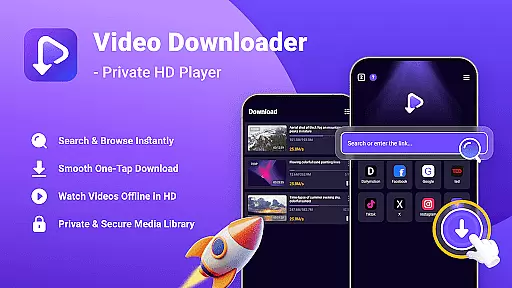

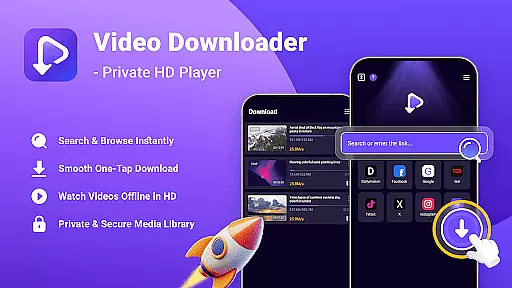

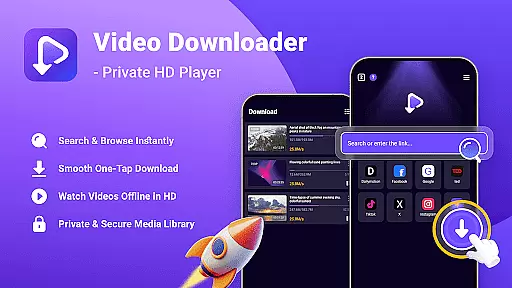

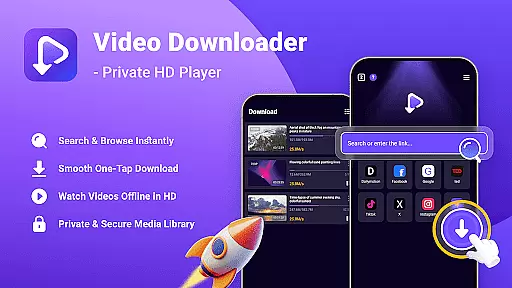

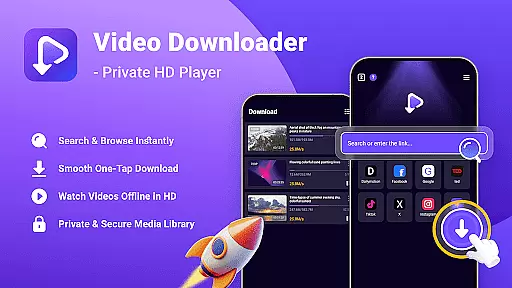

Video Downloader - Private HD Player is a versatile app designed for users who want to search, download, and play high-quality videos and audio files in one place. The app supports multiple file formats such as MP4, MP3, AVI, and more, making it an all-in-one solution for media management. With its built-in search feature, users can easily find content without leaving the app. Whether you're downloading videos for offline playback or organizing your media library, this app ensures privacy and security by allowing password protection and keeping files stored locally on your device.
One of the standout features of Video Downloader - Private HD Player is its ability to provide seamless offline playback. Users can enjoy HD video resolution and smooth audio streaming without needing an internet connection. This makes it ideal for travelers or anyone looking to conserve mobile data while still accessing their favorite content. Additionally, the app's intuitive interface and fast download speeds make it a reliable choice for managing your media efficiently and conveniently.
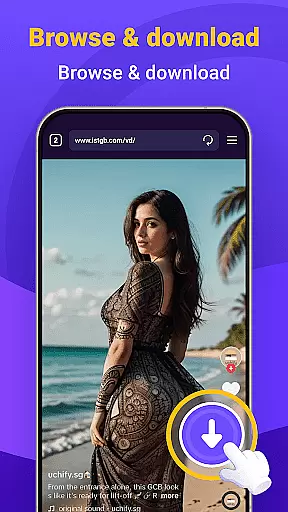
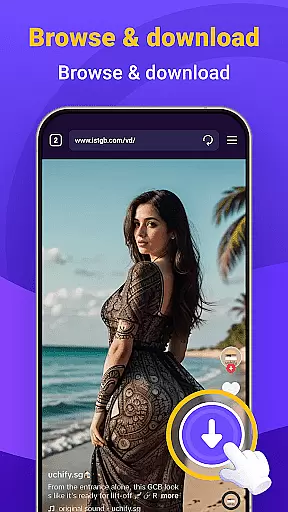
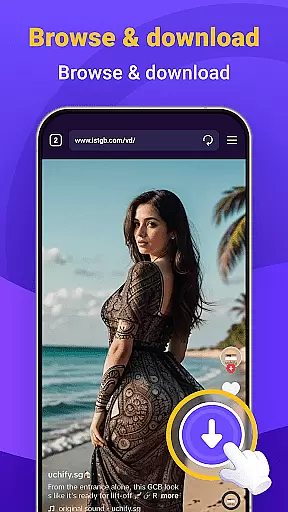
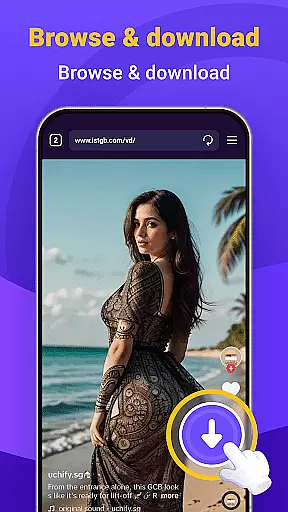
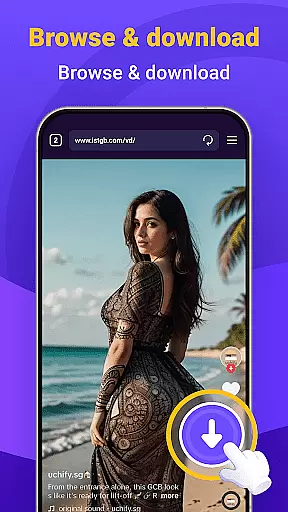
Video Downloader - Private HD Player offers several advanced features that enhance user experience. First, the app includes a powerful built-in search function that allows users to browse and open links directly within the platform. This eliminates the need to switch between different apps or browsers when searching for content. Another notable feature is the one-tap download option, which enables quick saving of HD videos, MP3s, and other file types from websites or apps you visit. This ensures that your media library remains organized and easily accessible at all times.
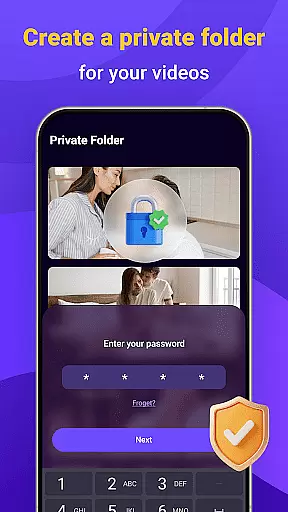
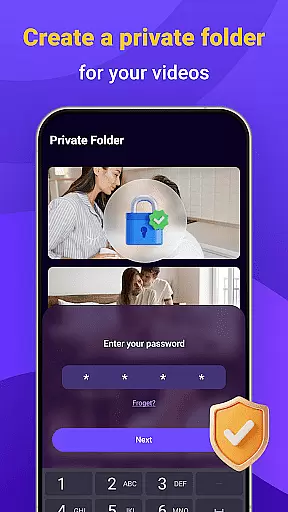
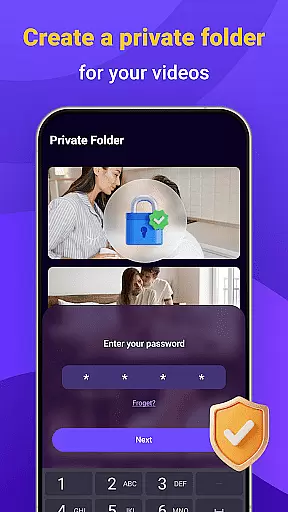
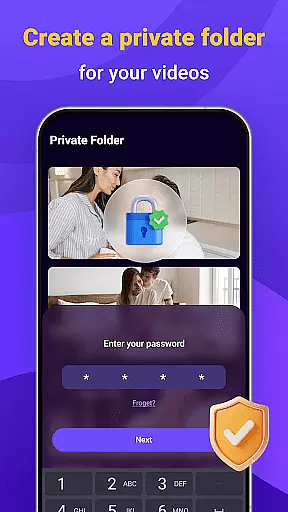
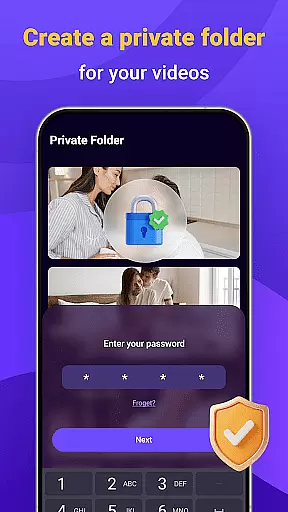
In addition to its robust download capabilities, the app provides exceptional privacy and security measures. Users can lock their media libraries with a secure password, ensuring complete control over who accesses their files. Furthermore, all downloaded content stays on the user’s device, preventing any unauthorized tracking of activity. With support for various file formats and smooth playback functionality, Video Downloader - Private HD Player stands out as a comprehensive tool for both casual viewers and power users alike.
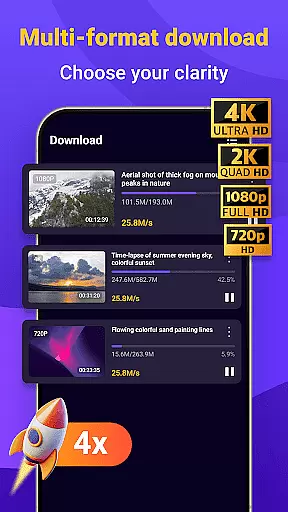
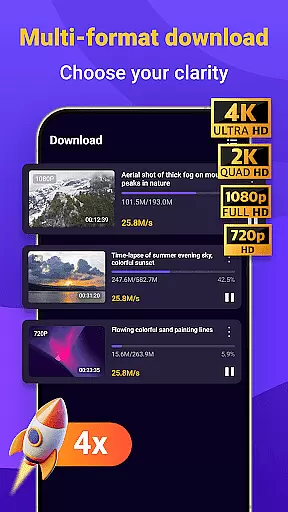
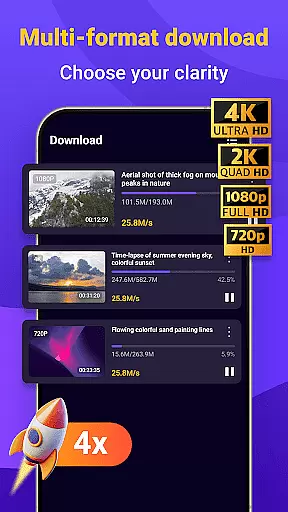
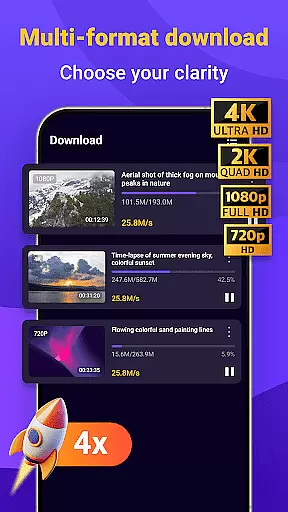
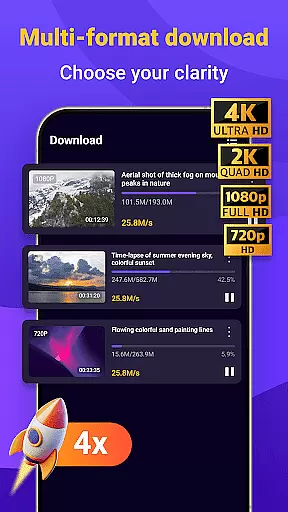
Video format compatibility is a crucial feature for any video player, and Video Downloader - Private HD Player excels in this area. The app supports a wide range of file formats including MP4, MP3, AVI, and more, ensuring that users can play nearly any video or audio file they download.
The importance of this feature lies in its ability to eliminate the need for additional conversion software. With Video Downloader - Private HD Player, you can directly download and play files from various sources without worrying about compatibility issues. This saves time and enhances the overall user experience.
Users benefit from smooth playback across multiple formats, which means no interruptions or quality loss when enjoying their media. Whether it's an HD video or an audio track, the app ensures optimal performance regardless of the file type.
This extensive format support makes Video Downloader - Private HD Player a versatile tool for managing your media library. You can confidently download content from different platforms knowing that the app will handle it seamlessly, providing a reliable and enjoyable viewing experience every time.
AI-powered editing features are transforming how users interact with their media, and Video Downloader - Private HD Player incorporates these advancements to enhance user experience. By leveraging artificial intelligence, the app offers smart tools that simplify video and audio editing tasks, making them accessible even to non-professionals.
These AI-driven capabilities include automatic format conversion, intelligent cropping, and optimized playback settings. Such features ensure that your media files are not only compatible but also visually appealing and easy to manage. The app intelligently adjusts parameters based on the content, delivering high-quality results without manual intervention.
For users, this means less time spent on technical adjustments and more time enjoying their media. The AI enhancements streamline workflows, allowing for quick edits and efficient organization of large media libraries. This boosts productivity and ensures that your content always looks its best.
By integrating advanced AI technologies, Video Downloader - Private HD Player sets itself apart as a cutting-edge solution for modern media management. Users gain access to powerful editing tools that improve both the functionality and aesthetic appeal of their videos and audio files, all within a single intuitive platform.
User-friendly interface
Fast download speeds
Wide format support
Secure password protection
All-in-one solution
Limited free features
Occasional ads
Requires storage space
No cloud integration
Premium version costs

Fast, private downloading, video saving, social media
 4.50
4.50
Video Downloader is an utility that can save videos and music from web sites
4.20
Fast video downloader & private browser. Save HD clips to watch offline.
4.40
IPTV Loader, loads your own Playlist. DOES NOT CONTAIN ANY LIST OR CHANNELS
4.60
Connect EasyCap or UVC devices for recording and broadcast video/audio stream
3.60
LumaFusion: The Ultimate Storytelling Experience for Video Editing
4.10
AI Video Editor with Music, Filter, Slideshow, Effect, Merge & Trim Video.
4.80
Video&Drama Player All Format is a HD video player, music player
3.00
Enjoy your favorite videos and channels with the official YouTube app.
3.90
Play ALL formats in 4K & HD. Video downloader, MP3 player, Chromecast & more.
4.80
Download videos and play them offline
4.70
Fast & Private Video Downloader App. Save all videos easily from the Internet.
4.40
Create & edit videos with AI
4.30
This app was created to edit the metadata of music files.
4.20
AI Video Editor:AI Music, Text to Video,Text to Speech,Auto Caption,Video Effect
4.00
Capture images & record videos for USB Camera, Webcam, Microscopes, Endoscopes
3.80
Manage your IPTV live channels and VOD playlists (no playlist included)
3.80
Kodi media center, a free and open source cross-platform entertainment hub
3.60
Video player with powerful streaming playback and various convenient features.
2.10


User Reviews