
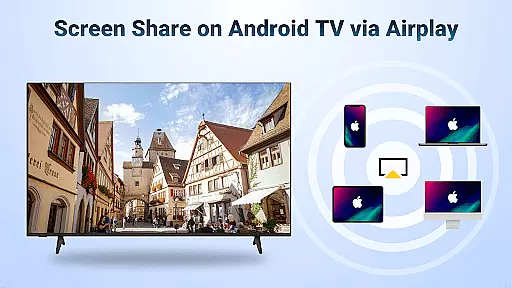
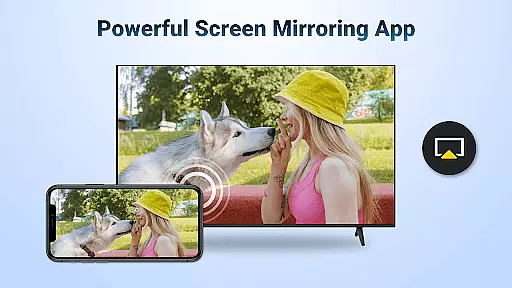
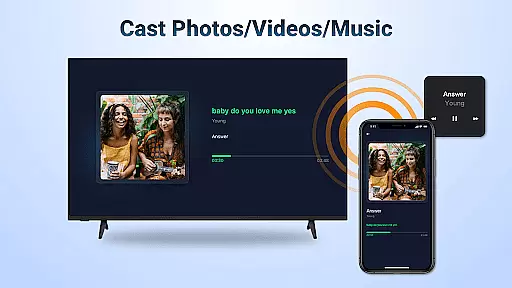
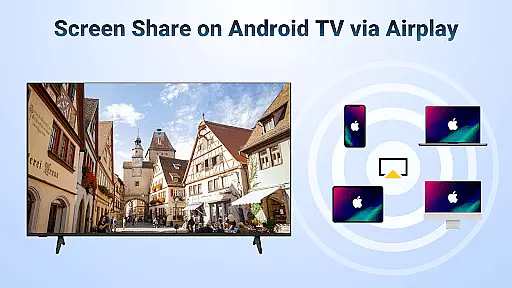

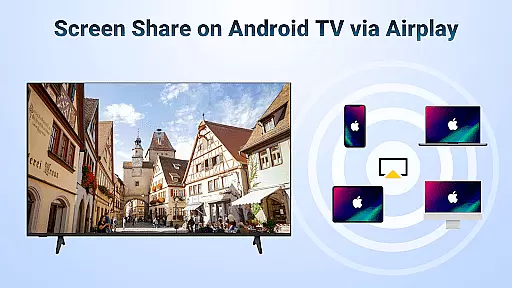

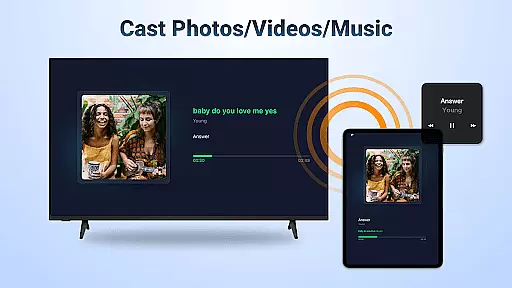
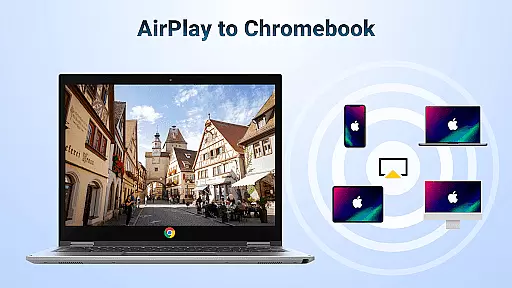
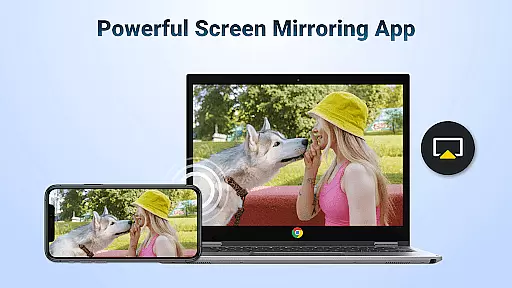
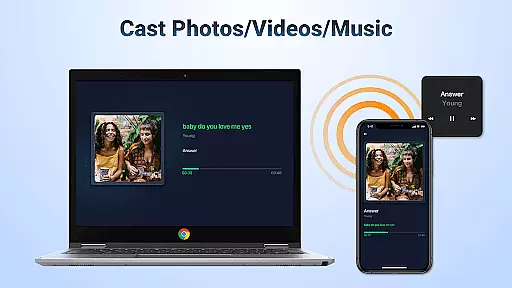
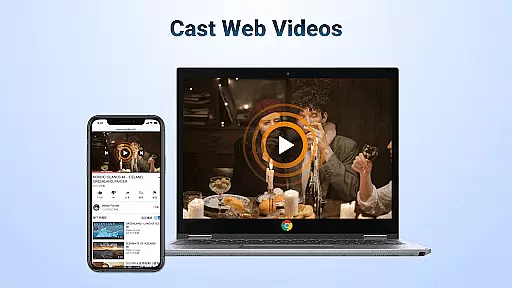
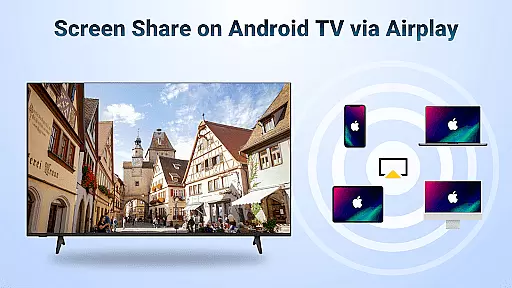

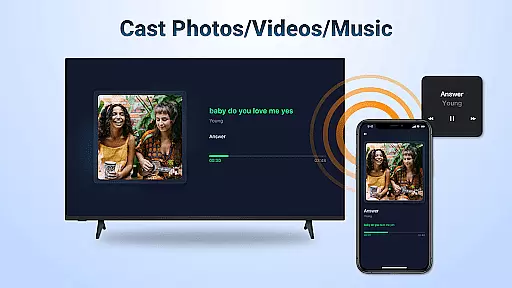
AirMirror is a wireless streaming receiver app that allows users to mirror and cast content from iOS devices to Android TV over WiFi. This innovative solution eliminates the need for switching between Apple and Android ecosystems or purchasing additional converters.
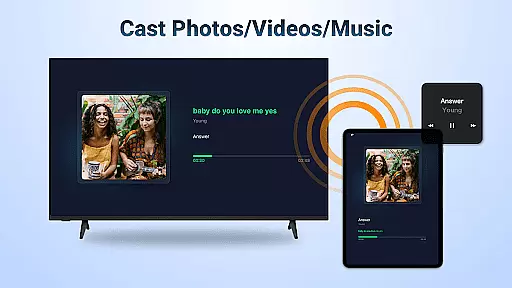
The application supports screen mirroring of photos, web videos, and audio, making it ideal for various scenarios such as business presentations, classroom teaching, gaming sessions, and family entertainment. Its seamless connectivity provides stable mirroring and casting experiences without interruptions.
With AirMirror, users can enjoy high-quality media streaming, including music and movies, on a larger display. The app's intuitive interface and straightforward setup process make it accessible for both personal and professional use, enhancing multimedia sharing across different platforms.
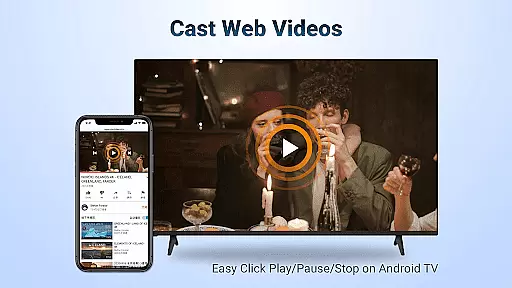
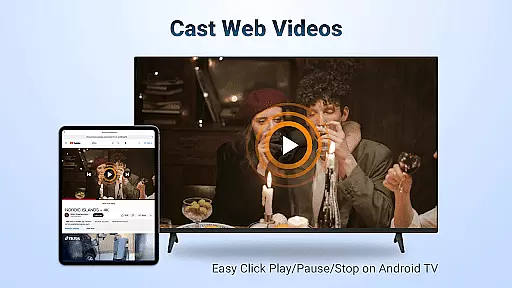
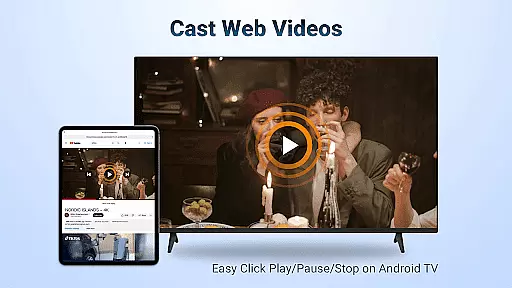
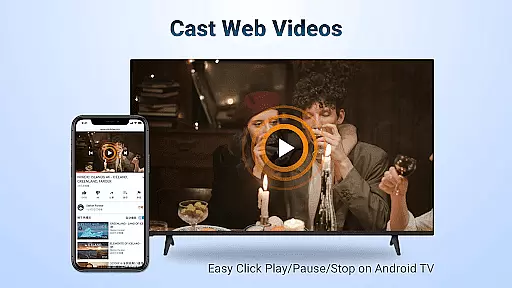
AirMirror offers an array of features designed to enhance user experience. It supports AirPlay-enabled devices, allowing users to stream audio, video, and photos effortlessly. The app facilitates smooth and fast casting of web videos while enabling playback controls directly on the receiving end.
One notable feature is the ability to switch between landscape and portrait orientations according to user preference. This flexibility ensures optimal viewing angles for different types of content. Additionally, AirMirror provides simple connectivity with stable mirroring and screen casting capabilities.
The app also enables users to mirror screens during presentations, share multiplayer gaming experiences, and stream fitness videos for interactive workouts. These functionalities highlight AirMirror's versatility in catering to diverse user needs, whether for leisure or professional purposes.
One of the core strengths of AirMirror is its extensive video format compatibility, ensuring users can cast a wide range of media content from their Apple devices to Android TV without worrying about format restrictions. This feature supports various popular formats including MP4, MOV, and MKV, making it versatile for both casual viewers and professional presentations.
The application achieves this through an optimized transcoding engine that works seamlessly in the background. When users initiate screen mirroring or casting, the app automatically detects the source format and converts it to a compatible output for Android TV. This process happens in real-time, maintaining smooth playback without noticeable lag or quality degradation.
For users, this means unparalleled convenience when sharing different types of video content. Whether you're conducting business presentations, teaching classes, or simply enjoying movies with family, you won't encounter frustrating format incompatibility issues. The app's intelligent system ensures all your videos play smoothly on the big screen.
This comprehensive format support significantly enhances user experience by eliminating technical barriers. It allows seamless sharing of diverse content types across devices, making AirMirror an essential tool for both entertainment and professional purposes.
AirMirror incorporates AI-powered editing features that enhance the content sharing experience between Apple devices and Android TV. While primarily a casting application, these intelligent tools help optimize video quality during transmission and provide basic editing capabilities directly on the receiving end.
The AI algorithms work to maintain optimal resolution and frame rate during streaming, automatically adjusting parameters based on network conditions. This ensures that even when network bandwidth fluctuates, the video quality remains consistently high. Additionally, the app offers basic editing functions like trimming and cropping, powered by machine learning models that understand user preferences.
Users benefit from these features through improved viewing experiences and time-saving conveniences. The automatic optimization eliminates manual adjustments, while basic editing tools allow quick modifications before presenting content on a larger display. These capabilities are particularly valuable for professionals who need to share polished presentations or educational materials.
The integration of artificial intelligence in AirMirror sets it apart from traditional casting applications. By combining smart optimization with practical editing tools, the app delivers a more refined and user-friendly content sharing solution that adapts to various usage scenarios.
User-friendly interface
Seamless cross-platform support
High-quality media streaming
Stable connectivity performance
Versatile usage scenarios
No DRM-protected content support
Occasional connection issues
Limited to same WiFi network
Requires device restarts for troubleshooting
Dependent on WiFi stability

Your media, on your terms.
 4.10
4.10
A Quick and Pro Video Editor
4.70
Search & download videos from net with all video downloader, auto-detect & safe.
4.60
Fast & easy HD video downloader for all formats, support 4K playback & download.
4.60
Download videos and play them offline
4.70
Cast movies, tv shows and live streams to Chromecast, Roku, DLNA, Fire TV & more
4.60
Download Hub, easy and private way to download and enjoy your videos offline
4.80
Video player with 4K & 1080P support, popup play, background play and subtitle.
4.20
Manage your YouTube channel on the go
4.40
All in one HD video downloader & player for multiple formats with full privacy
4.70
Watch a large amount of high-definition short drama content
4.60
Fast, private downloading, video saving, social media
4.50
Add date and time watermark to photos and videos
4.50
Full HD Video mp3 Player, MP4 player play 1080p, File manager, Video Downloader
4.40
Viddo: Generate Action Figure, AI Anime, AI kiss, AI hug Video from image & text
4.40
VLC for Android is the best open source video and music player, fast and easy!
4.10
Powerful, professional, versatile teleprompter. Developed by an active film crew
4.00
Live TV, anywhere in your home
3.80
A full editing room to accompany your Insta360 cameras and handheld gimbals.
3.30


User Reviews