

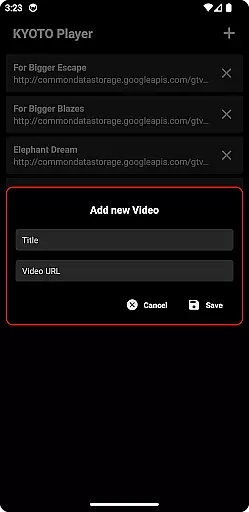

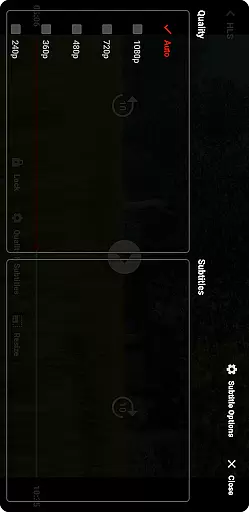

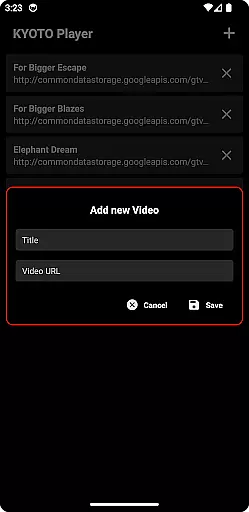

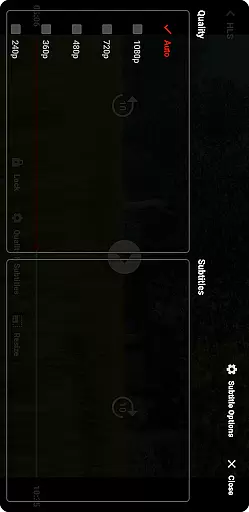

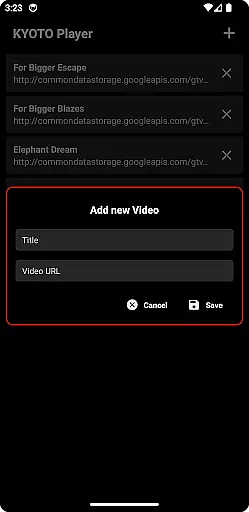

KYOTO Player is a versatile video player app designed for seamless playback of various online video formats. Supporting an extensive range of file types including MP4, HLS, DASH, and more, it ensures smooth streaming and playback without interruptions.
The app's key strength lies in its broad format compatibility, making it suitable for users who frequently access diverse multimedia content. Whether you're watching videos on the go or managing a media library, KYOTO Player provides a reliable viewing experience across Android devices.
One of KYOTO Player's standout features is its comprehensive support for multiple video and audio formats. From popular standards like MP4 and WebM to specialized formats such as MPEG-TS and FLV, the app caters to varied user needs.
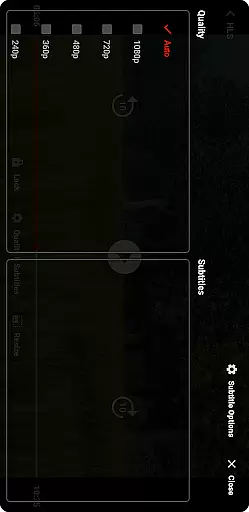
Beyond basic playback, KYOTO Player offers practical functionalities like customizable subtitles, adjustable playback speeds, and intuitive media controls. These features enhance the overall viewing experience while maintaining ease of use.
The app also includes advanced streaming capabilities, allowing users to enjoy high-quality video content directly from online sources with minimal buffering.
Video format compatibility is a crucial feature for any video player application. KYOTO Player excels in this area by supporting an extensive range of video formats including MP4, HLS, DASH, MP3, WebM, MKV, OGG, WAV, MPEG-TS, MPEG-PS, FLV, and more.
The ability to play such a wide variety of formats ensures that users can enjoy their media content without worrying about format restrictions. This flexibility makes KYOTO Player suitable for diverse user needs, whether they are streaming online videos or playing locally stored files.
By incorporating advanced decoding technologies, KYOTO Player delivers smooth playback across different devices and operating systems. The app's comprehensive format support eliminates the need for additional conversion software, saving users time and storage space.
Ultimately, KYOTO Player's robust video format compatibility enhances user experience by providing seamless access to their multimedia libraries regardless of file type or source.
While primarily a video player, KYOTO Player also incorporates AI-powered editing features that set it apart from conventional players. These intelligent tools utilize machine learning algorithms to enhance video processing capabilities beyond basic playback functions.
The AI-driven features include smart trimming, automatic subtitle generation, and intelligent scene detection. These functionalities enable users to quickly edit their video content without requiring professional editing skills or additional software installations.
Through sophisticated pattern recognition and data analysis, KYOTO Player's AI system can identify optimal cutting points, generate accurate subtitles based on audio tracks, and detect scene transitions with remarkable precision.
This integration of artificial intelligence into video playback creates a powerful combination of entertainment and productivity features, making KYOTO Player not just a media viewer but a complete multimedia solution for modern users.
User-friendly interface
Wide format support
Smooth streaming performance
Customizable playback options
Regular feature updates
Limited advanced editing tools
No built-in video downloader
Occasional compatibility issues
Basic audio enhancement features
Premium features require subscription

Fast, private downloading, video saving, social media
 4.50
4.50
Video Downloader is an utility that can save videos and music from web sites
4.20
Search & download videos from net with all video downloader, auto-detect & safe.
4.60
AirMirror is Receiver for Screen Mirroring and Casting from Apple Devices.
3.60
An easy-to-use and all-round screen recorder with audio
4.80
The essential companion to your Blue Iris PC software
2.50
Fast & Private HD Video Downloader with Built-in Proxy Browser and Video Player.
4.50
Viddo: Generate Action Figure, AI Anime, AI kiss, AI hug Video from image & text
4.40
Enjoy your favorite videos and channels with the official YouTube app.
3.90
High-Quality USB Camera Viewer & HDMI Display
4.70
HD Video player all format, HD Videos, Cast & Subtitle. No annoying ads.
4.60
Watch a large amount of high-definition short drama content
4.60
Support 1000+ Video Format, Subtitle Download, mp3 & Background Play, Cast On TV
4.60
IPTV Loader, loads your own Playlist. DOES NOT CONTAIN ANY LIST OR CHANNELS
4.60
Auto video maker with music & exclusive filters. Video editing made simple.
4.50
Browser for Fire TV to stream webvideos, online movies, livestreams in HD
4.40
Powerful Video Editor & Photo Editing App —— Quick Edits & Stunning Effects!
4.30
Fast private browser with secure, seamless access & supported video downloads!
4.00
Mix with Virtual DJ directly from your phone or tablet !
3.10


User Reviews