
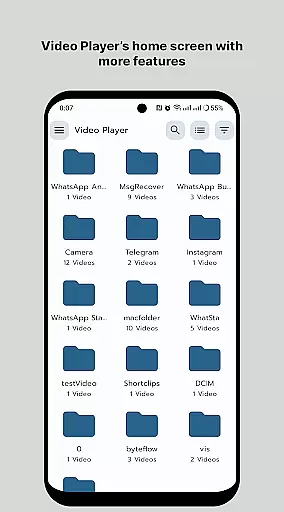
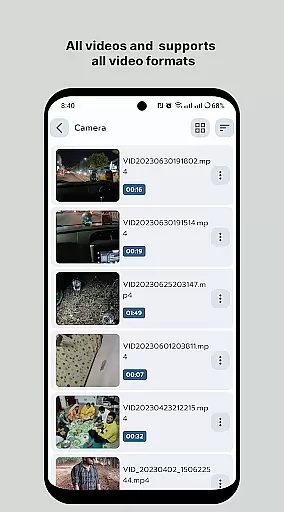
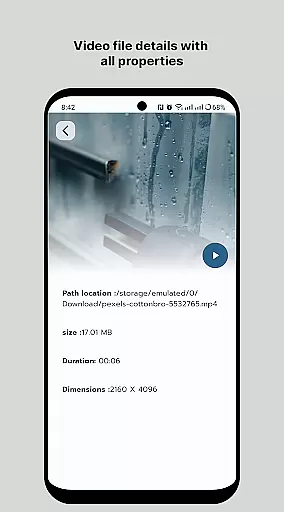
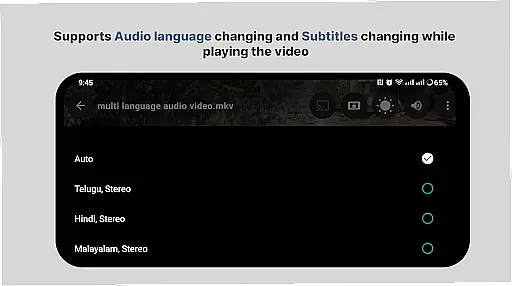
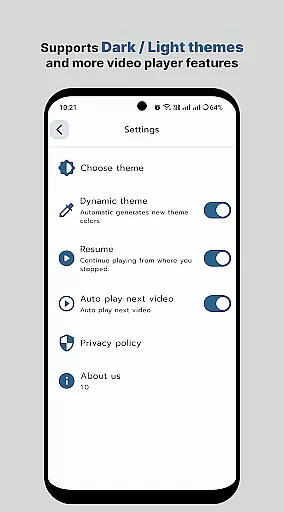
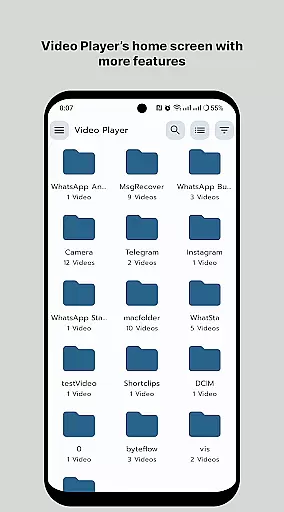
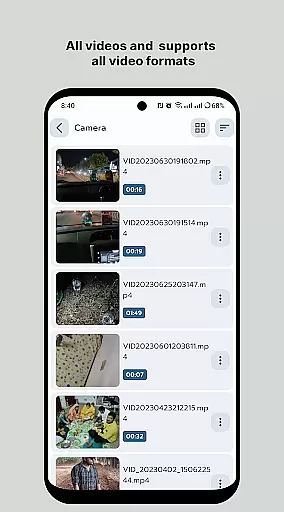
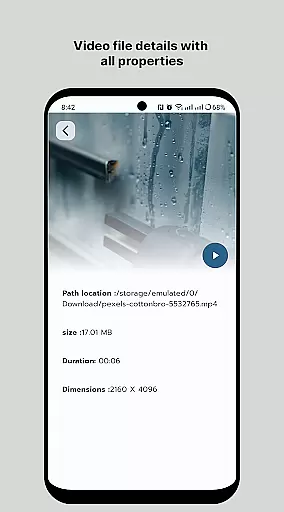
HD Video Player All Format is a versatile video player for Android devices, supporting all video formats with subtitle functionality and without intrusive ads. Designed to provide an ultimate viewing experience, this app plays 4K/Ultra HD videos with high-definition resolution, superior sound effects, and accurate subtitle rendering. The intuitive interface ensures quick start times and smooth playback, while smart media library features allow effortless organization and access to video files.
This application stands out by offering professional-grade features such as multi-track audio support, aspect-ratio adjustments, and gesture controls for volume and brightness. It also includes playback speed control and the ability to manage or share videos easily. Whether you're watching movies or personal recordings, HD Video Player All Format delivers a seamless experience across all Android phones and tablets.
Among its standout features, HD Video Player All Format offers comprehensive format compatibility, ensuring that users can play virtually any video file type without conversion. The app's small memory footprint and simplified operation make it accessible even on less powerful devices. Advanced functionalities like smart media libraries enhance user convenience by making it easier and faster to locate media files through direct folder browsing.
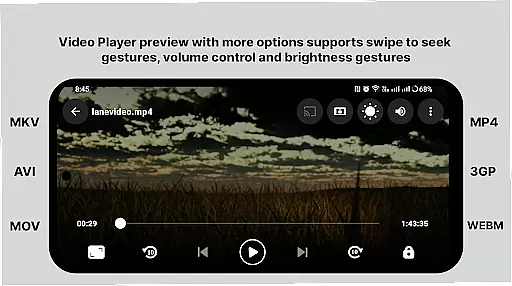
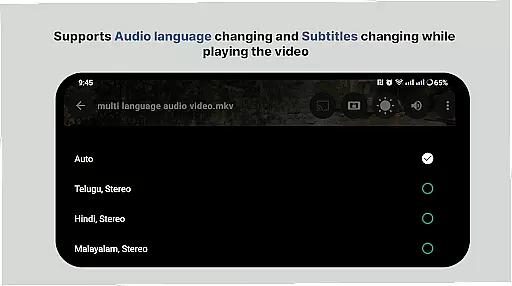
Additionally, the app provides sophisticated playback options including multi-track audio, subtitles, auto-rotation, and aspect-ratio adjustments. Gesture controls allow users to adjust volume and brightness intuitively, while playback speed settings cater to individual preferences. With Full HD capabilities and support for 4K video playback, this app guarantees a premium viewing experience characterized by smooth performance and high-quality visuals.
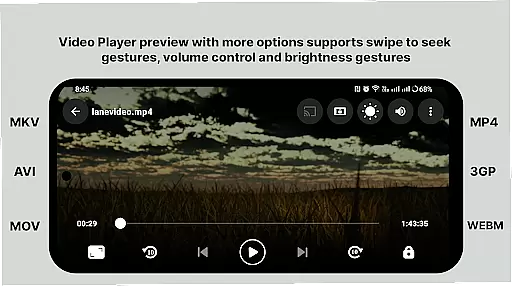
Video format compatibility is a crucial feature for any video player application, ensuring that users can play videos in various formats without the need for conversion. HD Video Player All Format supports an extensive range of video formats, including but not limited to MP4, AVI, MKV, and FLV. This versatility allows users to enjoy their video content without worrying about format restrictions.
The app's ability to handle 4K and ultra HD video files with high-definition playback is particularly noteworthy. Whether you're watching on a tablet or phone, the quality remains consistently impressive. The inclusion of subtitle support further enhances the viewing experience, making it accessible for a broader audience, including those who rely on subtitles for language translation or hearing impairments.
For users who have diverse media libraries, this comprehensive format support means they no longer need multiple apps to manage their video files. With HD Video Player, all your video content is easily accessible in one place, simplifying your media management process. The smart media library organizes your files efficiently, allowing for quick browsing and playback.
While HD Video Player All Format focuses primarily on video playback, its AI-powered editing features offer additional value to users looking to enhance their video content. Although not as robust as dedicated video editing software, these features provide basic tools that improve the overall user experience. For instance, the app includes options for adjusting aspect ratios and controlling multi-track audio, which are essential for creating professional-looking videos.
One standout feature is the support for gesture controls to adjust volume and brightness. This intuitive interface makes it easy for users to make real-time adjustments while watching or editing videos. Additionally, the playback speed control allows users to customize their viewing experience, whether they want to slow down to catch details or speed up to save time.
Despite being primarily a video player, HD Video Player ensures that users can manage and share their videos effortlessly. This functionality is particularly useful for content creators who need to quickly edit and distribute their work. By integrating these AI-powered features, the app provides a more versatile tool for both casual viewers and serious videographers, enhancing its appeal across different user segments.
User-friendly interface
High-definition playback
Comprehensive format support
Efficient media library
Gesture-based controls
Limited iOS availability
Occasional bugs reported
No cloud integration
Premium version costs
Heavy on older devices

Fast, private downloading, video saving, social media
 4.50
4.50
Video Player - Unlimited features, 30 days money back guarantee.
4.60
Watch a large amount of high-definition short drama content
4.60
Video player with powerful streaming playback and various convenient features.
2.10
Browser for Samsung TV to stream webvideos, online movies and livestreams in HD
4.10
#1 Torrent App on Android ** No Ads Ever + Battery Saver **
4.80
Powerful video player with advanced hardware acceleration and subtitle supports
4.20
Video&Drama Player All Format is a HD video player, music player
3.00
Capture the moment and Cut
3.40
Pro video editor app for Instagram, edit video with song, AI, effect & slowmo.
4.80
A Quick and Pro Video Editor
4.70
Find, download, and play torrents with the official BitTorrent® Pro app
4.70
IPTV Loader, loads your own Playlist. DOES NOT CONTAIN ANY LIST OR CHANNELS
4.60
Browser for Fire TV to stream webvideos, online movies, livestreams in HD
4.40
Viddo: Generate Action Figure, AI Anime, AI kiss, AI hug Video from image & text
4.40
Video player, file manager for all formats, 4K/HD media player supports subtitle
4.30
Turn your phone into a wireless camera!
4.20
Your media, on your terms.
4.10
Browser for Sony TV to stream web videos, online movies and live tv
3.20


User Reviews