
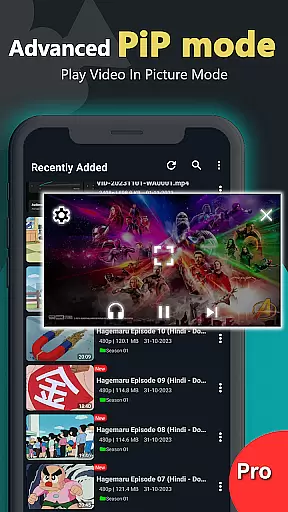
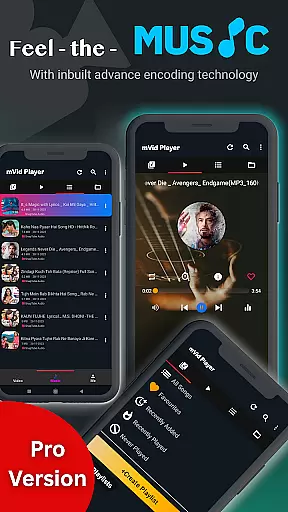
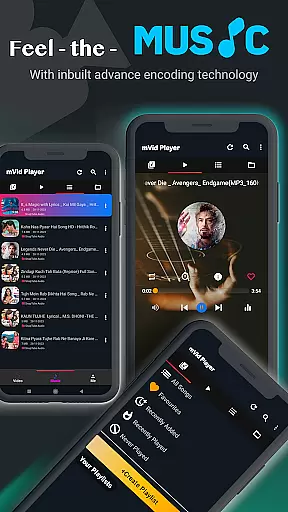
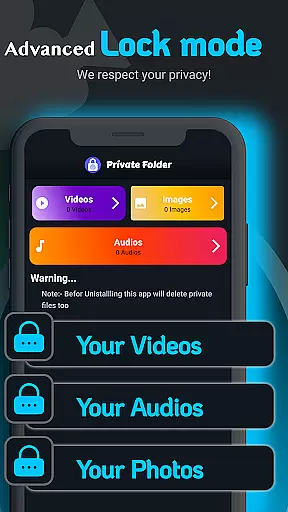
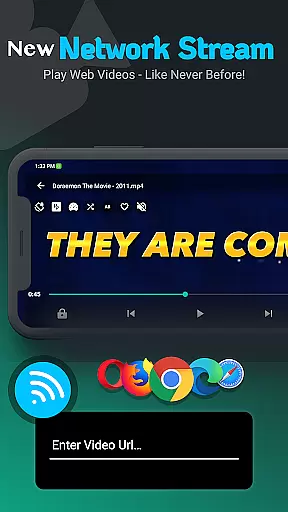
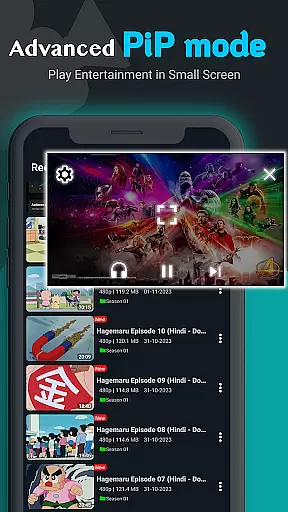
Zea Player Pro is a premium-grade video player designed for Android devices, offering an ad-free experience with support for all major video and audio formats. This includes high-resolution files up to 8K, making it ideal for movie enthusiasts and content creators who demand the best in video playback quality.
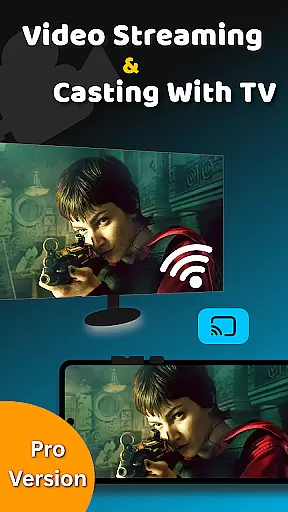
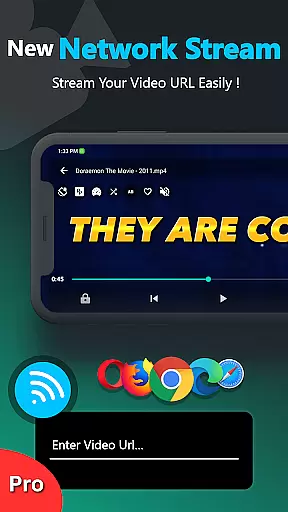
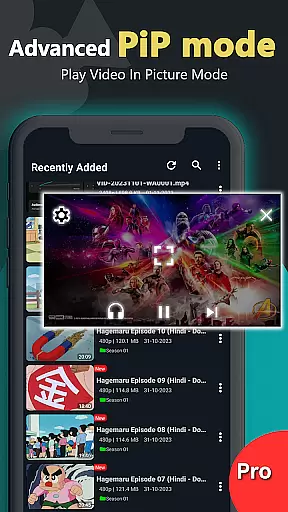
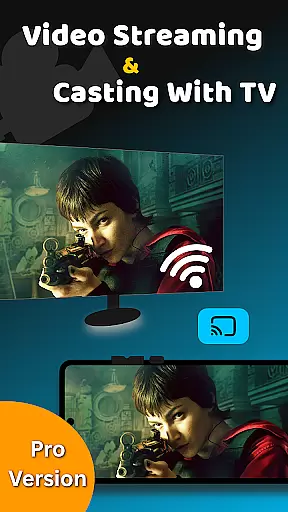
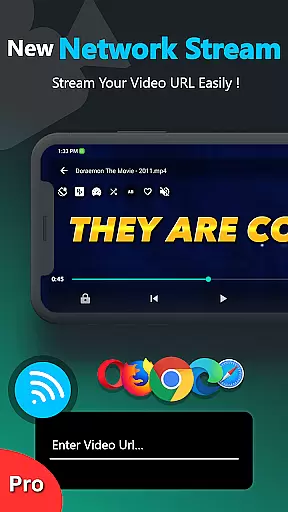
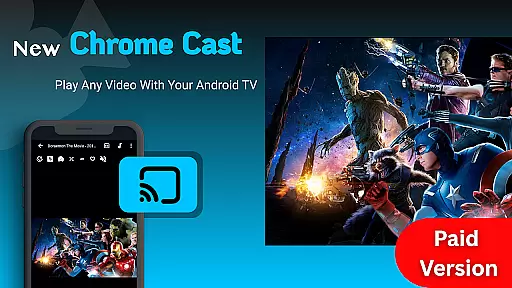
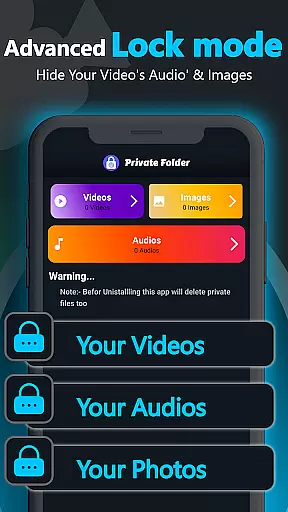
The app stands out with its advanced features such as dual audio tracks, online subtitle downloads, background play, and private folder capabilities to protect personal media. It also supports streaming via URL, volume boosting, and casting to Android TV, ensuring users have full control over their viewing experience.
Whether you're watching local files or streaming content, Zea Player Pro provides seamless playback and superior functionality that enhances your media consumption on both phones and tablets.
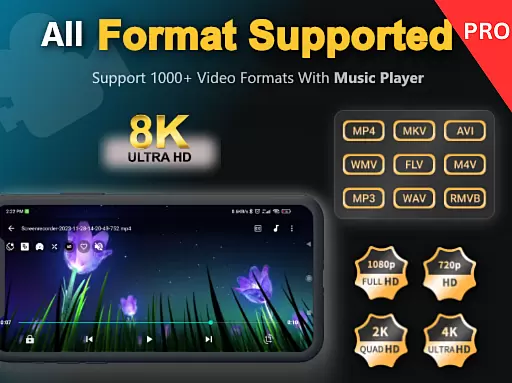
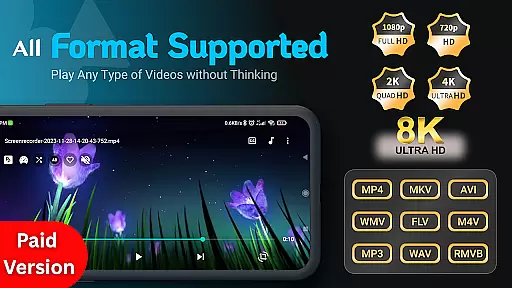
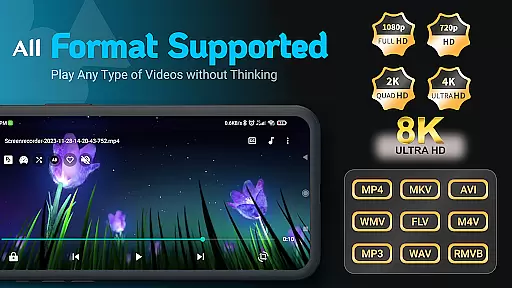
Zea Player Pro distinguishes itself through its comprehensive feature set tailored for high-quality media playback. The app supports all popular video formats including MKV, MP4, AVI, and FLV, along with ultra HD resolutions like 4K and 8K, ensuring no file is incompatible.
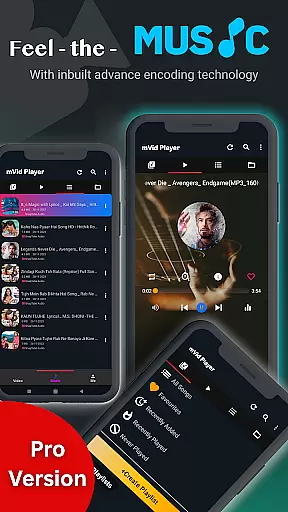
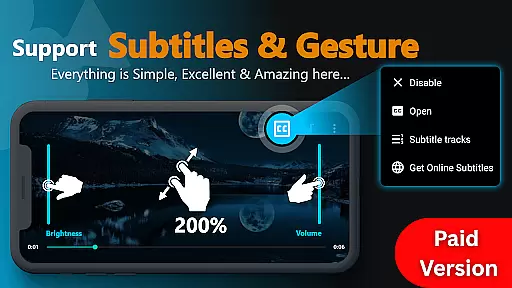
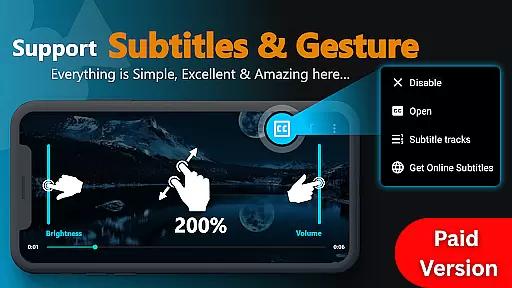
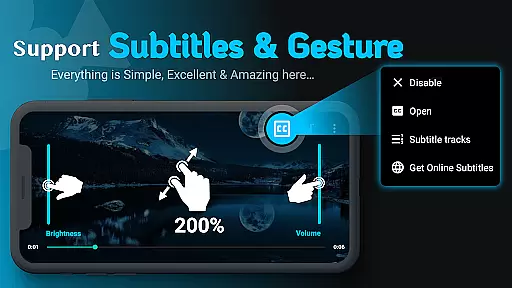
Among its standout functionalities are dual audio track support, customizable subtitles, and the ability to stream videos via URLs. Users can enjoy uninterrupted entertainment thanks to its ad-free design while benefiting from additional tools like zooming, brightness adjustment, and background music play.
For privacy-conscious users, Zea Player Pro offers password protection for private folders, safeguarding sensitive media from unauthorized access. These robust features make it one of the most versatile and powerful video players available today.
Video Player Pro Version stands out for its exceptional video format compatibility, ensuring users can enjoy a seamless playback experience across all major file types. The app supports an extensive range of formats including MKV, MP4, AVI, MOV, and even ultra-high-definition 4K and 8K videos.
This comprehensive support is made possible through advanced decoding technologies integrated into the player. Whether you're watching locally stored files or streaming content via URLs, the app ensures smooth, high-quality playback without any format restrictions.
For users, this means unparalleled flexibility in media consumption. You no longer need to worry about converting files or dealing with unsupported formats. The app's robust compatibility makes it the ultimate solution for movie enthusiasts, streamers, and audio lovers who require reliable performance across different video resolutions and codecs.
While primarily a video player, Video Player Pro Version incorporates AI-powered features that enhance the viewing experience beyond basic playback. The app utilizes intelligent algorithms to optimize video quality, automatically adjust subtitles, and enhance audio tracks based on content analysis.
These AI capabilities extend to smart playback features such as automatic scene detection, which helps in maintaining optimal brightness and volume levels throughout different scenes. The app also includes intelligent subtitle synchronization that adjusts timing based on user preferences and viewing patterns.
The implementation of these AI-powered features demonstrates the app's commitment to providing a premium-grade viewing experience. Users benefit from enhanced media control, personalized viewing settings, and automated optimization features that make their entertainment experience more enjoyable and hassle-free.
Ad-free playback
Supports 4K & 8K
Private folder feature
Subtitle downloader
Dual audio tracks
Paid version only
No free trial
Occasional bugs
High system requirements
Limited customer support

Video player, file manager for all formats, 4K/HD media player supports subtitle
 4.30
4.30
Fast video downloader & private browser. Save HD clips to watch offline.
4.40
Video player with powerful streaming playback and various convenient features.
2.10
AirMirror Receiver - Screen mirroring/cast web videos to Android TV by AirPlay.
4.40
Play and download HD videos from all sources — fast, simple, and all-in-one.
4.1
Web Browser for LG TV to stream webvideos, online movies and livestreams in HD
4.20
Fast & Private HD Video Downloader with Built-in Proxy Browser and Video Player.
4.50
Download Hub, easy and private way to download and enjoy your videos offline
4.80
Video player with 4K & 1080P support, popup play, background play and subtitle.
4.20
Play ALL formats in 4K & HD. Video downloader, MP3 player, Chromecast & more.
4.80
A Quick and Pro Video Editor
4.70
Find, download, and play torrents with the official BitTorrent® Pro app
4.70
HD Video player all format, HD Videos, Cast & Subtitle. No annoying ads.
4.60
HD video maker with no watermark, no ads & vlog maker with music, PIP, text
4.50
Photo and Music Video Creator into Stunning Videos—Effortlessly
4.40
AI Video Editor:AI Music, Text to Video,Text to Speech,Auto Caption,Video Effect
4.00
Fast private browser with secure, seamless access & supported video downloads!
4.00
Mix with Virtual DJ directly from your phone or tablet !
3.10
Powerful HD video player with support for all formats & subtitles.
4.2


User Reviews