
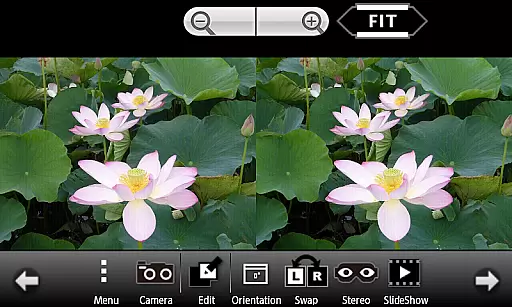
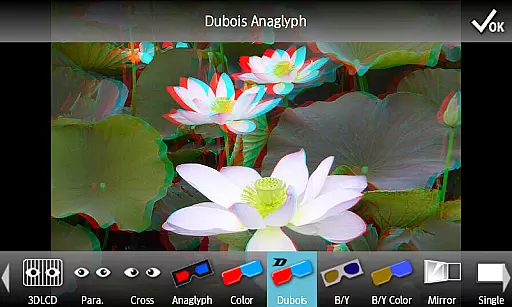
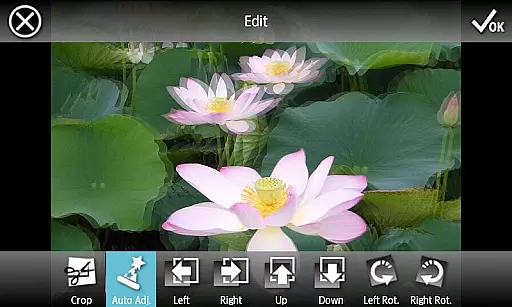
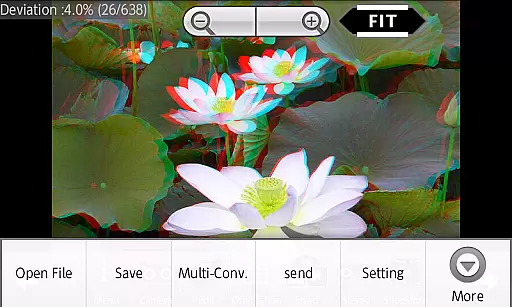
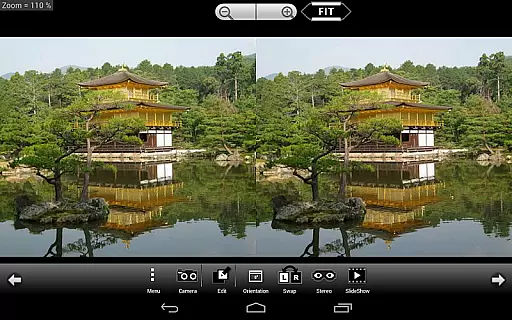
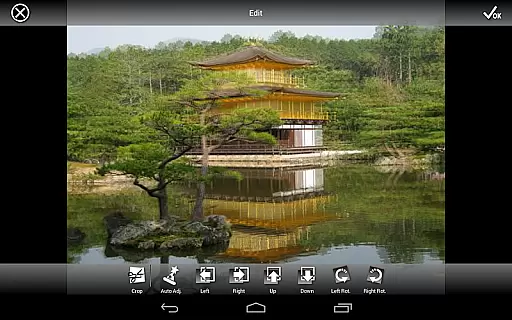
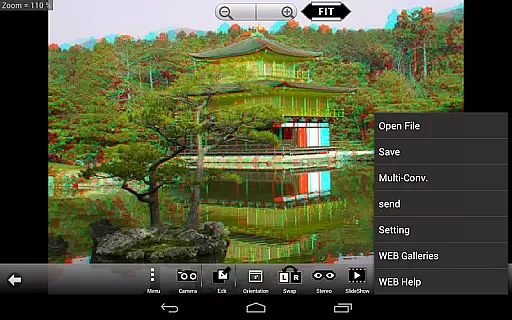
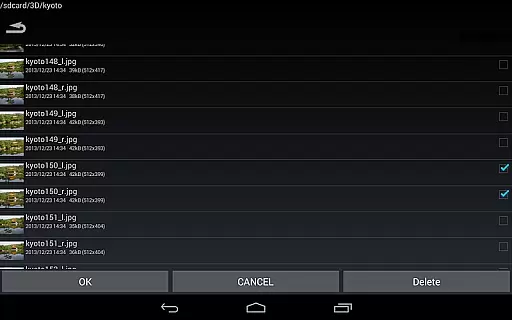
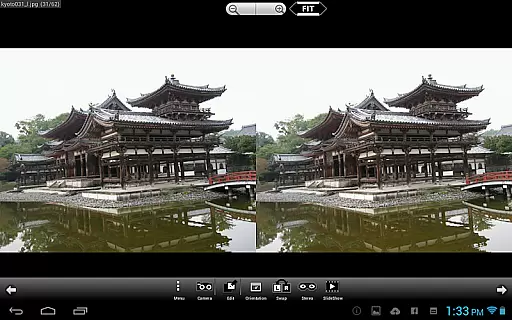
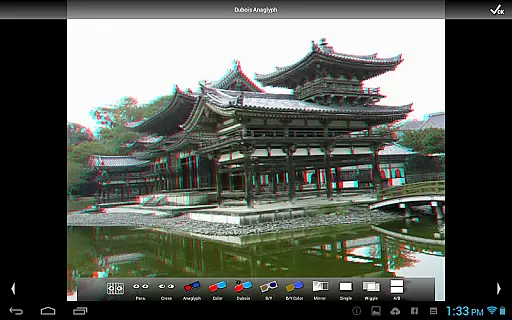
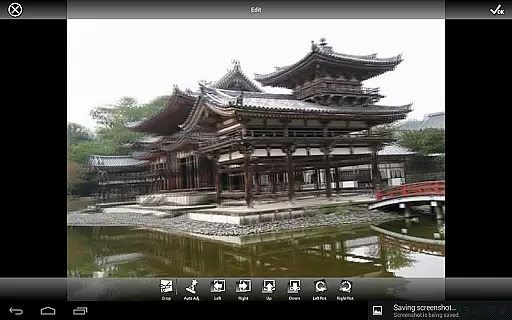
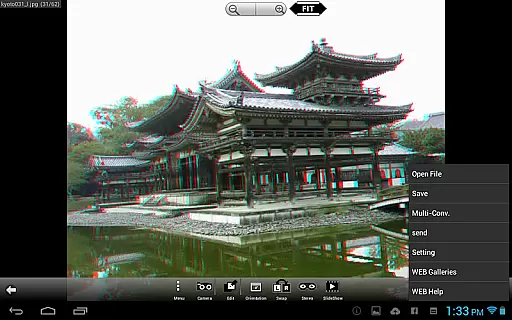
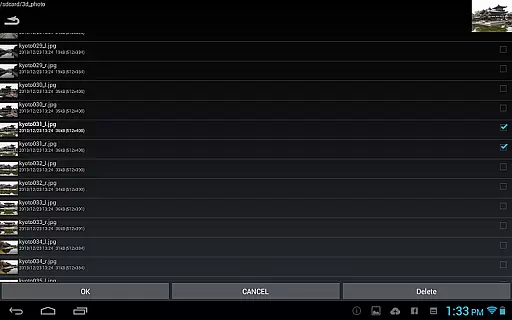
3DSteroid Pro is a premium stereoscopic application designed for Android devices, offering advanced 3D image editing and viewing capabilities. The app supports various input formats including L/R independent, SBS (side-by-side), and MPO files, making it versatile for different types of 3D content. With the ability to auto-align L/R images and adjust positions, rotation, and size errors, users can achieve precise control over their 3D imagery.
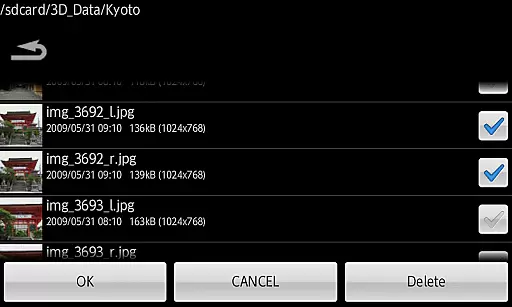
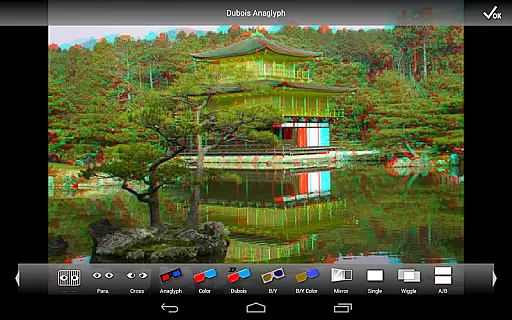
This professional version stands out with exclusive features such as saving edited images, batch conversion, and access to an extensive web gallery with over 1000 images. It also provides multiple display methods like 3D LCD, SBS, Mirror, Wiggle, 2D, and Anaglyph, catering to diverse viewing preferences. Ideal for photography enthusiasts and professionals, 3DSteroid Pro enhances the stereoscopic image experience on compatible devices.
3DSteroid Pro boasts a comprehensive set of features tailored for stereoscopic image processing. One of its key strengths is the Auto-Alignment function for L/R images, which simplifies the editing process by automatically adjusting misalignments. Additionally, the app offers advanced customization options, allowing users to fine-tune L/R image positions, correct rotation and size discrepancies, and take L/R pictures using the internal camera.
The Pro version includes exclusive functionalities such as saving edited images and performing batch conversions, significantly boosting productivity. Users can enjoy a versatile viewing experience with support for various display methods including 3D LCD, SBS, Mirror, Wiggle, 2D, and Anaglyph. Furthermore, the app grants access to a vast web gallery containing over 1000 images, providing ample resources for inspiration and reference.
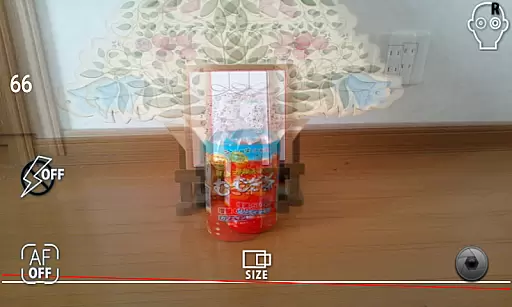
Real-time capture and preview functionality is essential for ensuring that users can accurately capture stereoscopic images without any discrepancies. 3DSteroid Pro offers a specialized internal camera feature that allows users to take left/right (L/R) pictures with precision.
The application provides real-time feedback on the captured images, enabling users to make immediate adjustments. This ensures that the final saved image meets the user's expectations in terms of alignment and quality.
With this app, photographers have control over L/R image positions, rotation error, and size error, which are crucial for creating high-quality stereoscopic images. The ability to adjust these parameters in real time significantly enhances the overall imaging experience.
While 3DSteroid Pro does not focus on AI beauty enhancements like some photography apps, it excels in providing natural and authentic stereoscopic image enhancement. The core of its enhancement capabilities lies in its Auto-Alignment of L/R images, which ensures that the final output looks as natural as possible.
Users can adjust various parameters such as image positions, rotation, and size errors to enhance the natural feel of the stereoscopic images. These features ensure that the depth and realism of the images are preserved without artificial alterations.
By focusing on genuine stereoscopic effects rather than superficial beautification, 3DSteroid Pro caters to professionals and enthusiasts who value authenticity and precision in their photographic works.
Advanced 3D tools
Batch conversion
Extensive gallery
Versatile display
Precise adjustments
No MPO support
Limited device
Complex UI
High cost
Fewer filters

Photo Album Watch Face shows your favorite pictures as a Watchface.
 1.90
1.90
HD Photo gallery and photo manager to edit, hide private photos, videos & albums
4.4
Application for remote controlling DSLR
3.00
Create Business Headshots, Polaroid Filter, Retake Photos,Profile Pics,AI Photos
4.50
Snap photos remotely using your Garmin watch as the camera trigger
4.2
Your personal guide to the sun and moon. Plan ahead, visualize and predict!
4.70
Enhance, upscale, and transform your images — on your device, without limits
4.70
Effortlessly make high-quality GIFs from images & videos without any watermarks.
4.70
Try an anime version, cartoon yourself, and generate AI hug or aging videos!
3.70
Gallery show photo, video, slideshow, is perfect 3D effect private photo albums.
4.80
Perfect body tune & face app - photo retouch, makeup, slim body & beautify face.
4.80
Light-weight Media Gallery app for Android made with Jetpack Compose
4.60
Add Watermark - Sign your pictures with a text or logo. Effective, quick, easy!
4.50
Photo Exif Editor allows to view, add and modify EXIF data of multiple photos
4.50
AI portrait generator and polaroid AI selfie, fun AI generated AI photo creator!
4.30
Turn your phone into a professional camera - full DSLR manual photography
4.30
The #1 app for B&W film developing featuring an advanced darkroom timer.
4.10
live datamoshing
4.00
Add a dreamy vibe to your selfies and videos with soft style filters
4.3


User Reviews