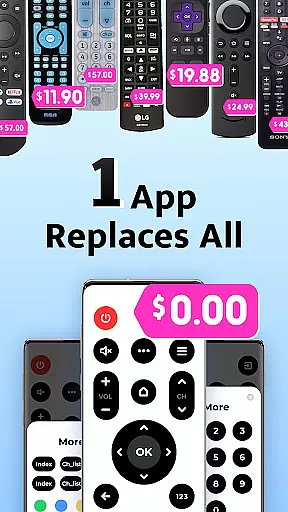
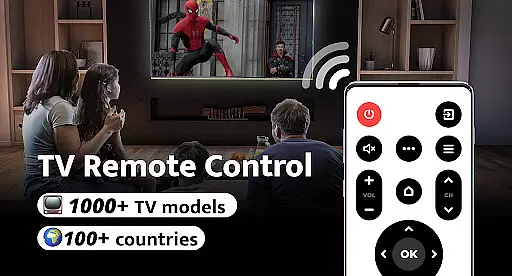
Remote Control for TV is a universal remote control application designed to replace traditional TV remotes. It supports over 1000 TV models across 100+ countries, offering an all-in-one solution that is both free and user-friendly. The app addresses common frustrations such as lost remotes, fast-draining batteries, and unresponsive controls.
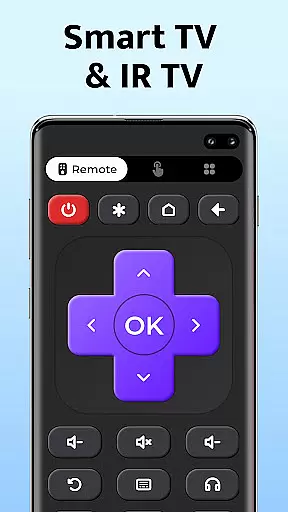
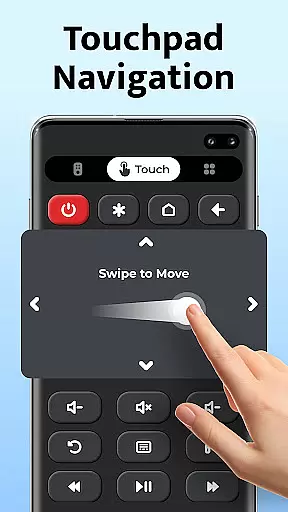
The app transforms your smartphone into a comprehensive remote control, providing power, volume, mute, channel switching, and navigation controls. Its intuitive interface ensures easy setup and seamless connectivity with major TV brands like Samsung, LG, and Sony. Remote Control for TV simplifies the way users interact with their televisions, enhancing convenience and accessibility.
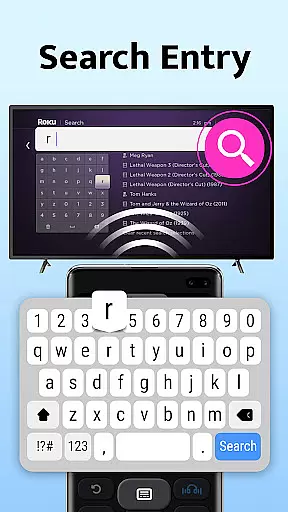
Remote Control for TV boasts a range of features designed to enhance user experience. Key functionalities include power control, volume adjustment, mute options, channel digit buttons, menu access, and navigation controls. These features collectively ensure that users can operate their TVs effortlessly through their smartphones.
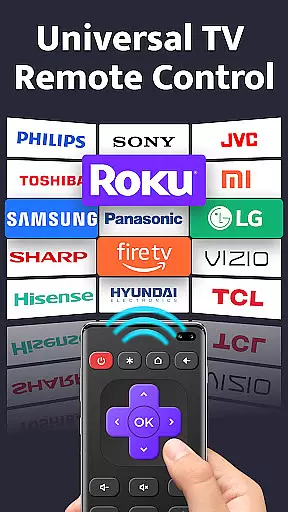
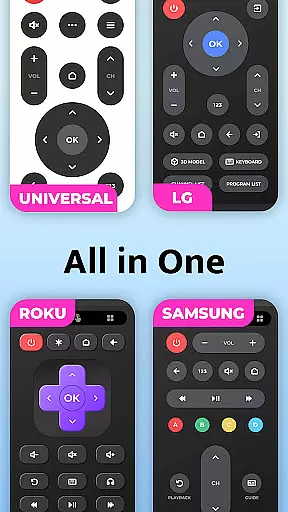
In addition to basic controls, the app offers specialized functions such as AV/TV mode switching and compatibility with numerous TV brands including Roku, Panasonic, and Toshiba. The straightforward setup process requires just one click to connect to your TV, thanks to its simple and user-friendly interface. This makes it an indispensable tool for modern living rooms, streamlining interactions with various television models.
For a universal TV remote control app, core function accuracy and effectiveness are paramount to ensure seamless interaction between the user and their television. This app provides precise power control, volume adjustments, channel changes, and navigation functionalities that respond directly to user inputs.
The application supports over 1000 TV models across more than 100 countries, which speaks volumes about its extensive compatibility and dedication to accuracy. Users can expect each button press on the app to deliver the intended result on their TV with precision, making it an effective replacement for traditional remotes.
By transforming a smartphone into a powerful remote control, this app offers convenience and reliability. The ease of setup and one-click connectivity ensures that users can quickly start controlling their TVs without any hassle. Such immediacy and reliability in function execution provide significant value by streamlining the way we interact with our televisions.
A straightforward and instinctive interface is crucial for tools like a universal TV remote control app. This app boasts a simple and user-friendly interface that allows users to effortlessly navigate through its features. With clearly labeled buttons and intuitive design, even those who aren't tech-savvy can use it without confusion.
The layout includes essential controls such as power, volume, mute, channel digits, menu access, and directional navigationu2014all easily accessible at the touch of a button. By consolidating these critical functions into an all-in-one platform, the app eliminates the need for multiple physical remotes cluttering up living spaces.
Ultimately, the simplicity and intuitiveness of this app's interface enhance user experience by providing quick access to necessary TV functions while maintaining an uncluttered and organized digital space on your mobile device. This thoughtful design leads to increased efficiency when managing entertainment systems from your smartphone.
User-friendly interface
Wide device compatibility
Comprehensive remote functions
Free to use
Easy setup process
Requires built-in IR blaster
Limited to supported devices
No voice command feature
Dependent on phone battery
Occasional connectivity issues

 4.50
4.50
Change your GPS location instantly. Simulate routes anywhere in the world.
4.90
PDF Reader - Document Viewer: Read, Manage & Organize Your Documents
3.10
Enjoy smooth gameplay with Game Booster
4.90
View detailed information about your Nissan Leaf the dealer never shows you.
4.10
Planner and Tracker for Stardew Valley
4.60
Play your X-Box games remotely in 1080p with any controller and zero latency
4.60
Create your own custom widget with endless possibilities
3.90
Clean up large files and similar photos, fast and easy to use
4.40
Unit and currency converter with easy and simple UI.
4.80 4.50
4.50
eXtended Permission Manager - a small app to manage permissions and AppOps
4.50
Universal TV remote control all TVs, Roku, LG, Samsung, Fire, Vizio, Sony, TCL.
4.40
PC precision for mobile gaming: dominate with keyboard and mouse!
4.30
Quickly & easily calculate the spacing of handrail balusters
4.20
Smart and comfortable browsing experience.
3.80
Safely recover deleted photos, videos, and files with a single easy tap.
3.70
Unlock your Essential Key. Create custom shortcuts to your favorite apps!
4.0
Save any video in HD - paste the link, download fast and watch offline.
4.5


User Reviews