
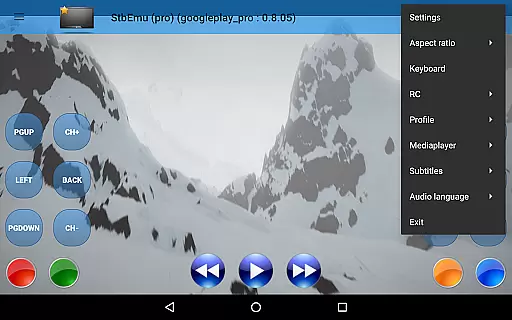
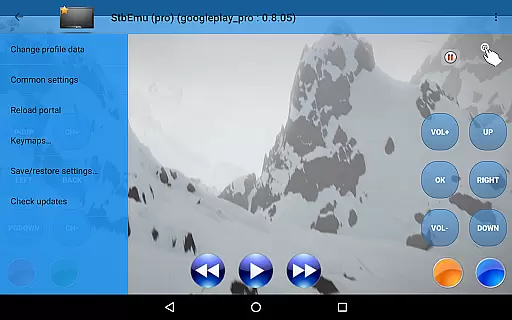
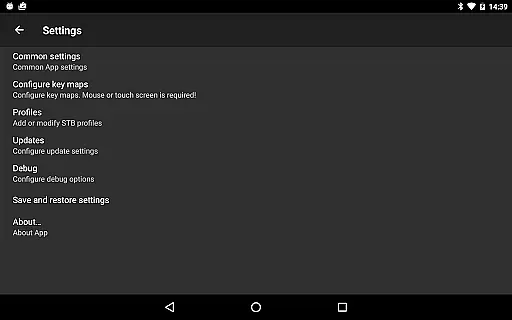
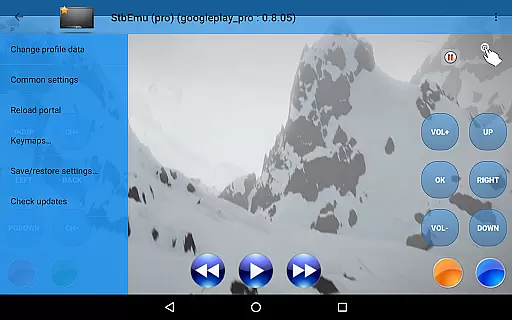
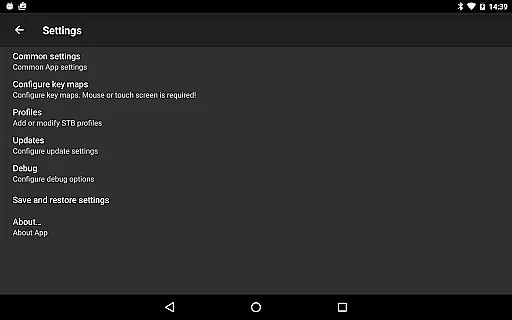
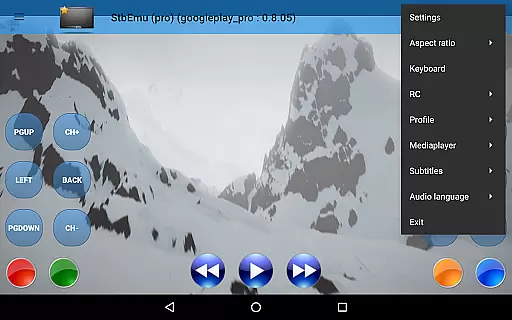
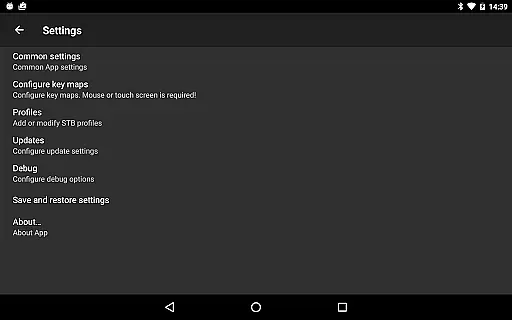
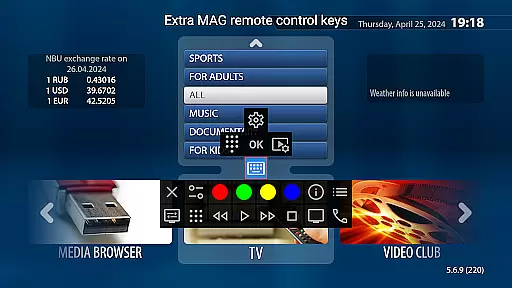
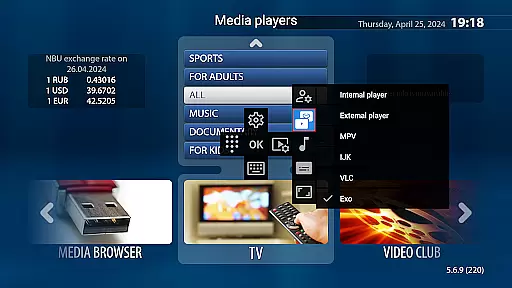
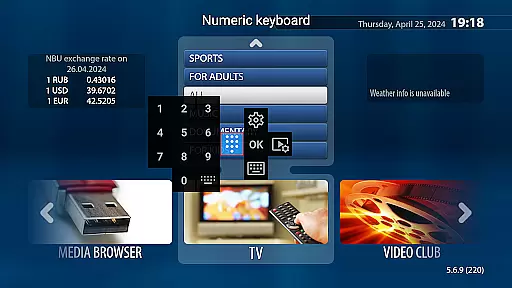
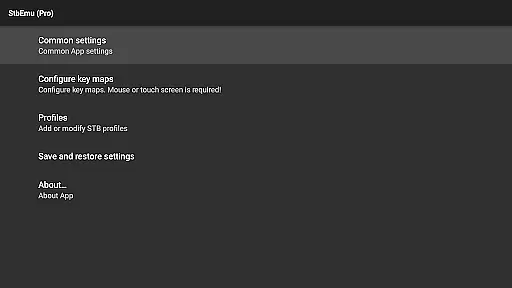
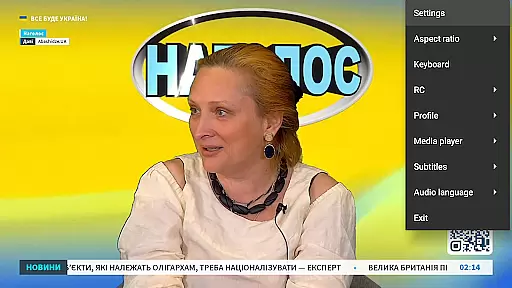
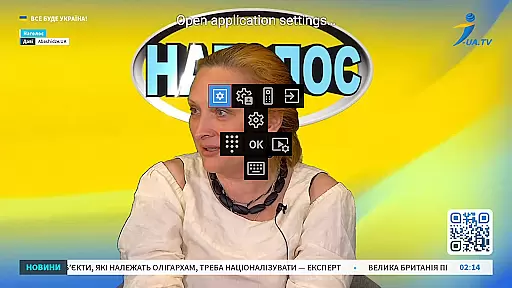

StbEmu (Pro) is a specialized video player application designed for advanced IPTV services. This app allows users to emulate set-top box functionalities on their mobile devices, providing access to various IPTV content.
The core feature of StbEmu (Pro) is its ability to connect to specific IPTV portals, enabling users to stream live TV channels and on-demand content. It requires configuration tailored to the user's IPTV provider, making it highly customizable but also more complex than standard video players.
This application is particularly useful for users who already have an IPTV subscription and want to integrate their service with a mobile application. By configuring the app correctly, users can enjoy seamless streaming experiences directly on their smartphones or tablets.
StbEmu (Pro) offers several distinctive features that set it apart from regular video players. The app provides advanced network settings that allow fine-tuning of streaming parameters, ensuring optimal performance even under varying network conditions.
One notable characteristic is its support for multiple streaming protocols, though it doesn't support m3u playlists. The app includes detailed configuration options for network timeouts, buffering settings, and codec preferences, giving experienced users complete control over their streaming experience.
These technical features make StbEmu (Pro) especially valuable for users who require precise control over their IPTV streaming setup. While the configuration process may be challenging, the resulting customization capabilities offer significant advantages for those who need them.
Video format compatibility is a crucial feature for any video player application like StbEmu Pro. This functionality ensures that the app can support a wide range of video formats, allowing users to play various types of media files without encountering issues related to unsupported formats.
StbEmu Pro has been designed with advanced decoding capabilities to handle different video codecs and containers. Whether you are streaming content or playing local files, the app provides reliable playback for formats commonly used in IPTV services. However, it's important to note that while the app does not support m3u playlists, its core strength lies in its ability to work seamlessly with supported IPTV portals after proper configuration.
For users who have correctly set up the app according to their IPTV provider's specifications, they will experience smooth video playback across multiple formats. This eliminates the need for additional conversion tools or plugins, thus enhancing the overall user experience by providing flexibility and convenience when accessing multimedia content through the application.
While StbEmu Pro focuses primarily on IPTV playback rather than video editing, AI-powered editing features typically refer to intelligent tools within an application that assist users in modifying videos efficiently. Although this specific app may not include traditional editing functions such as cutting or merging clips, it leverages smart technology for optimizing stream quality based on network conditions.
The primary 'editing' aspect in StbEmu Pro involves configuring settings tailored to individual IPTV providersu2019 requirements. Users must adjust parameters related to streaming protocols and server connectionsu2014tasks which require technical knowledge but ultimately enhance viewing performance akin to tweaking video attributes in editors.
By fine-tuning these configurations using insights from system diagnostics and adaptive algorithms, even though indirect, one could argue thereu2019s an element of AI involvement ensuring optimal delivery of live TV streams over internet connections. Thus, while not conventional editing per se, these adjustments ensure high-quality visual output customized specifically for each useru2019s unique IPTV setup.
Highly customizable settings
Advanced network configuration
Professional-grade features
Excellent streaming quality
Regular updates and improvements
Complex setup process
No m3u playlist support
Requires technical knowledge
Limited beginner-friendly features
Potential compatibility issues

HD Video player all format, HD Videos, Cast & Subtitle. No annoying ads.
 4.60
4.60
Tik & Story Saver-Download ALL social media videos, photos & reels no watermark.
4.80
KineMaster, Your Ultimate Video Editor!
4.40
Fast video downloader & private browser. Save HD clips to watch offline.
4.40
This app was created to edit the metadata of music files.
4.20
AirMirror is Receiver for Screen Mirroring and Casting from Apple Devices.
3.60
Play and download HD videos from all sources — fast, simple, and all-in-one.
4.4
Video&Drama Player All Format is a HD video player, music player
3.00
Create, Publish & Maximize
4.70
Flud is a simple and beautiful BitTorrent client for Android.
4.80
Play ALL formats in 4K & HD. Video downloader, MP3 player, Chromecast & more.
4.80
VLC Remote lets you control your VLC Media Player on Mac, PC or Linux.
4.60
IPTV Loader, loads your own Playlist. DOES NOT CONTAIN ANY LIST OR CHANNELS
4.60
Auto video maker with music & exclusive filters. Video editing made simple.
4.50
Fast, private downloading, video saving, social media
4.50
Add date and time watermark to photos and videos
4.50
Download website videos fast&privacy
4.40
LumaFusion: The Ultimate Storytelling Experience for Video Editing
4.10
IPTV-Smarters Player Pro M3U - Watch Live Stream TV Channels with Chromecast
4.00


User Reviews