
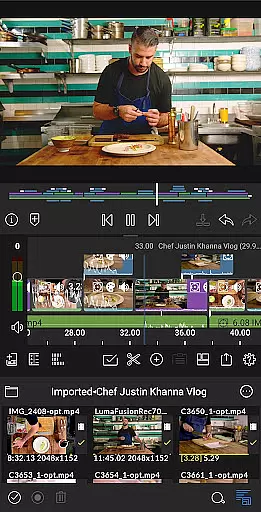
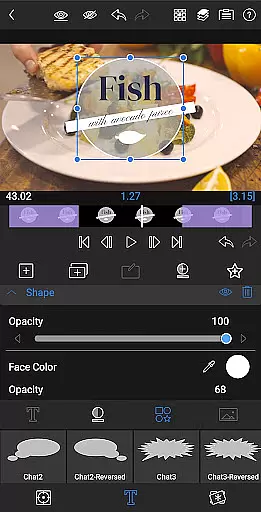
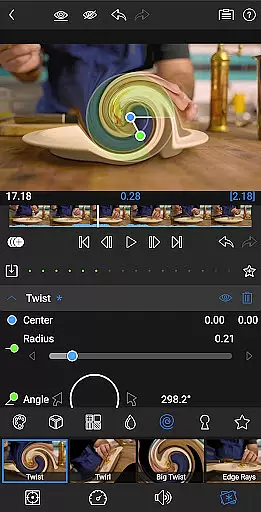
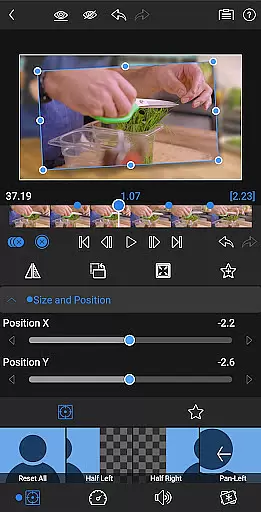
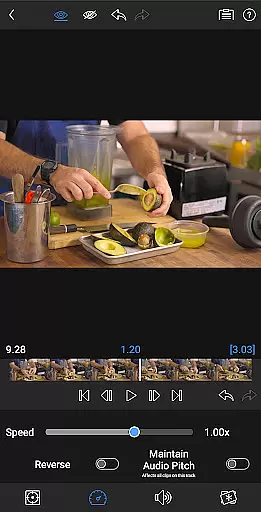
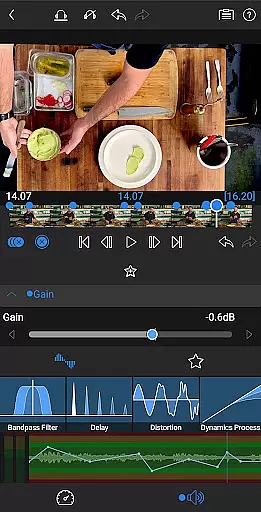
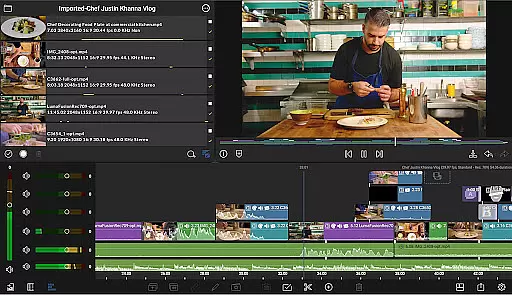
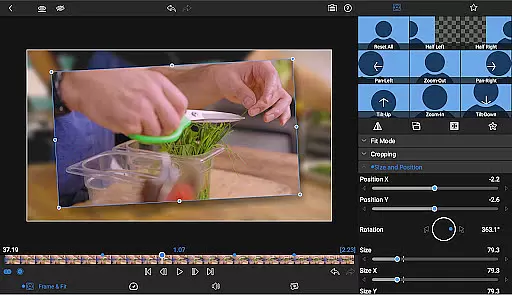
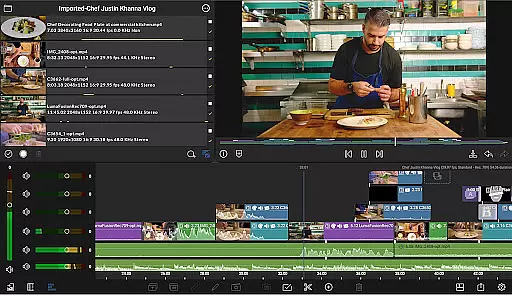
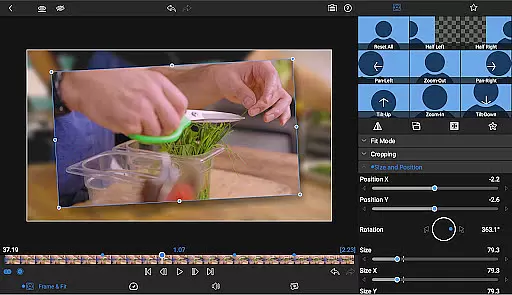
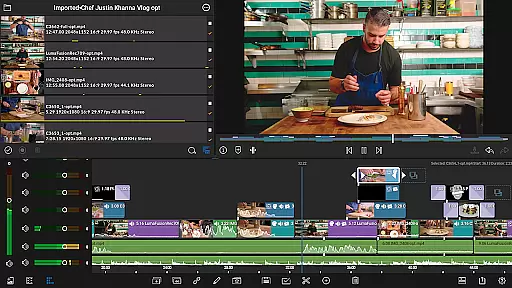
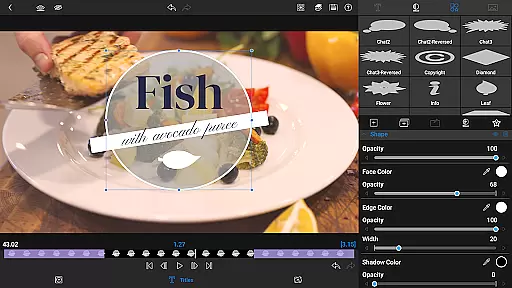
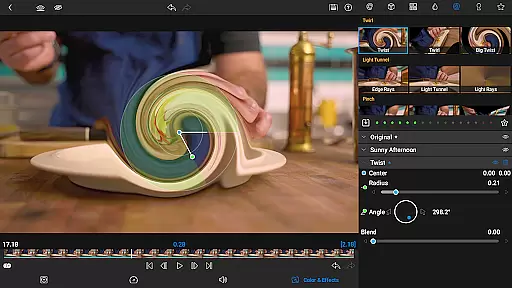
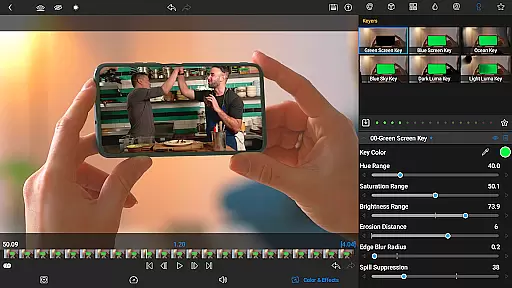
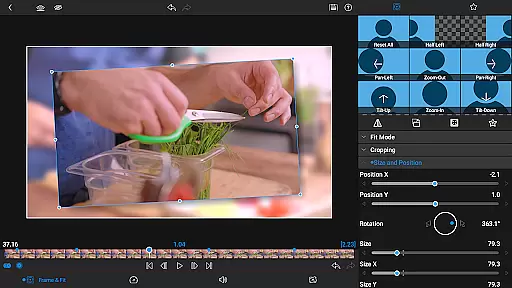

LumaFusion is the gold standard for storytellers, offering a fluid, intuitive touch-screen editing experience. With professional editing tools, it supports up to 4K media and provides six video-with-audio or graphic tracks alongside six additional audio-only tracks. Its flexible timeline, Dex Mode capabilities, and advanced audio controls make it ideal for creating high-quality video content.
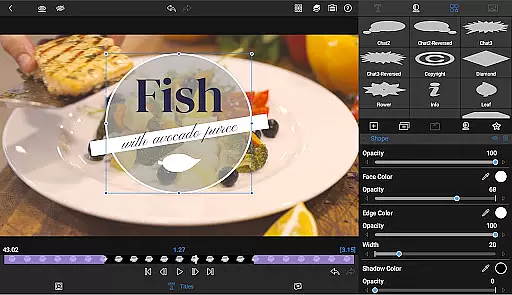
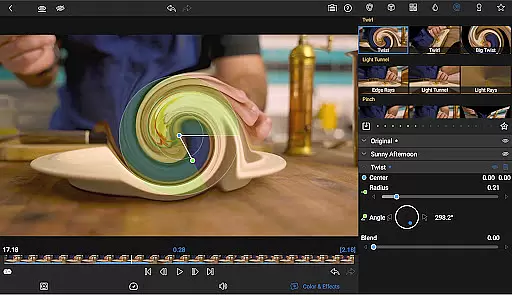
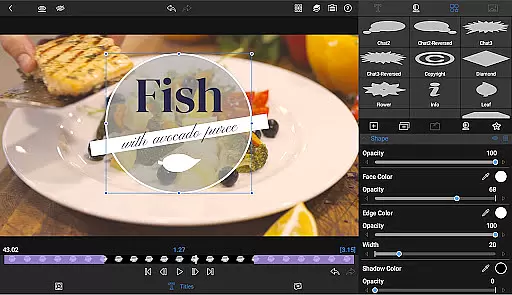
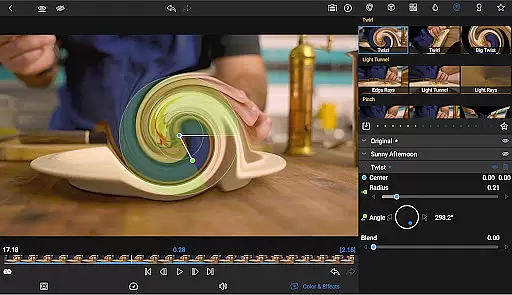
The app includes layered effects, color correction tools, and multilayer text options, allowing users to create visually stunning videos. It also offers project flexibility with various aspect ratios and frame rates, seamless media library access, and effortless sharing options to social media or cloud storage. Suitable for both beginners and professionals, LumaFusion empowers creators to produce polished, professional-grade videos on mobile devices.
LumaFusion stands out with its comprehensive feature set tailored for video editors. The app provides a robust six-track timeline for video and graphics, complemented by six dedicated audio tracks, enabling complex edits with ease. Editors can utilize transitions, markers, tags, and notes to organize projects efficiently while leveraging voiceover recording capabilities directly within the app.
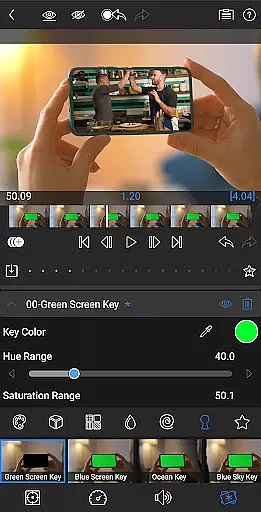
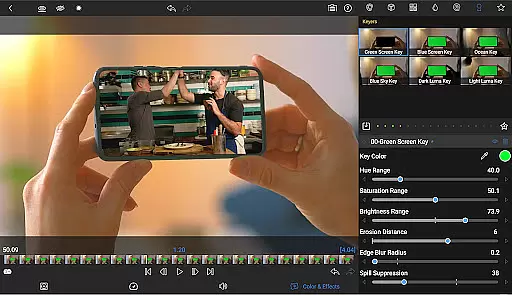
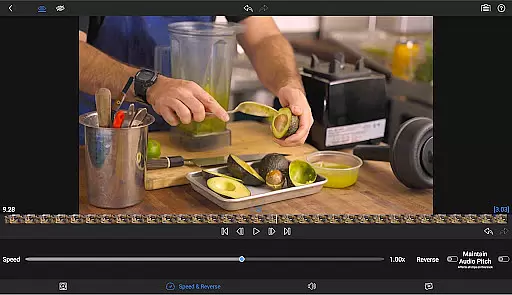
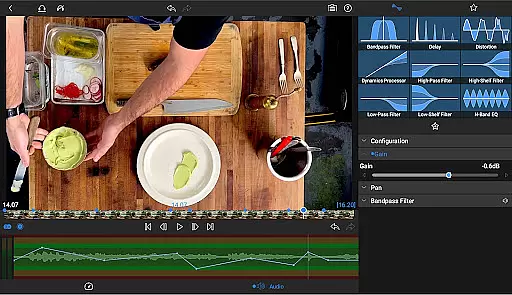
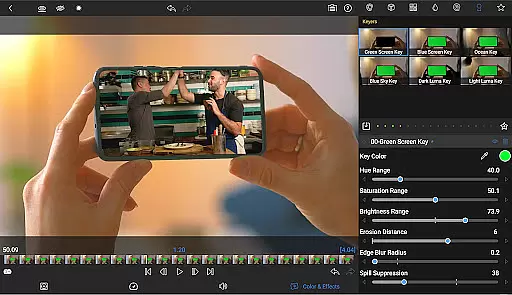
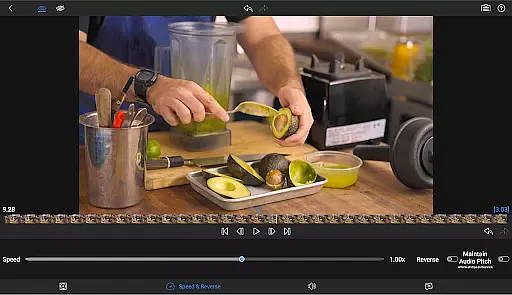
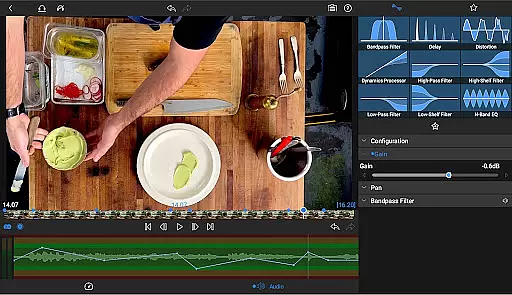
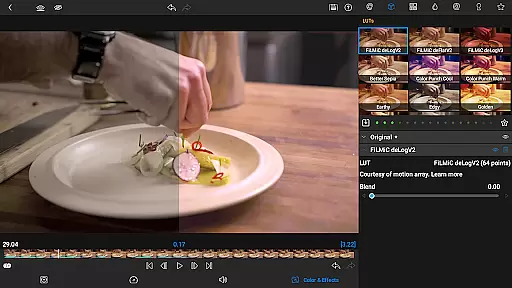
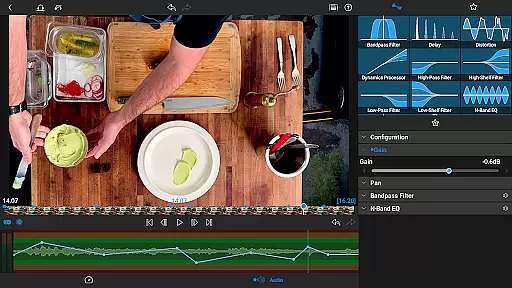
Advanced functionalities include green screen effects, powerful color correction tools, waveform analysis, and customizable text presets. Audio controls are equally impressive, with Graphic EQ, Parametric EQ, and precise keyframing options. Additionally, features like Speed Ramping and Bézier curves (available via in-app purchase) enhance motion effects, making animations smoother and more dynamic for standout visual storytelling.
Video format compatibility is a crucial feature for any video editing application, ensuring that users can work with a wide range of video files without conversion hassles. LumaFusion supports media up to 4K resolution across its six video-with-audio or graphic tracks, providing flexibility for various project requirements.
The app allows direct editing from the Media library and USB-C drives, streamlining the workflow for content creators who handle large video files. This seamless integration ensures that no matter where your content is stored, you can access and edit it effortlessly within the app.
With support for multiple aspect ratios and frame rates ranging from 18fps to 240fps, LumaFusion caters to diverse video production needs. Whether you're creating widescreen cinema or social media clips, this adaptability guarantees that your projects will meet professional standards while maintaining creative freedom.
AI-powered editing features are revolutionizing the way video editors enhance their projects. LumaFusion incorporates advanced tools like green screen, luma, and chroma keys, enabling creative compositing that was once only possible with high-end software.
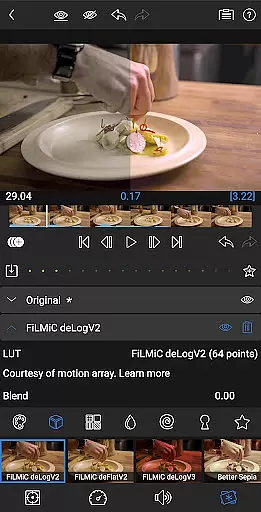
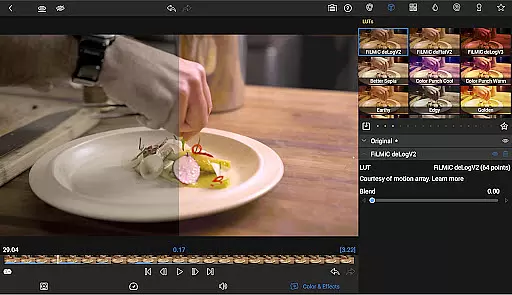
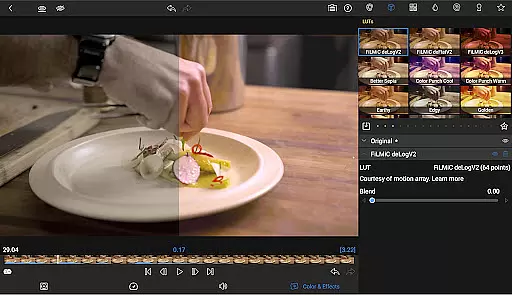
The app offers powerful color correction capabilities, including Video Waveform, vector, and histogram scopes. Users can import and apply .cube or .3dl LUTs for professional-grade color grading, ensuring their videos have a polished and cinematic look.
Additionally, LumaFusion provides unlimited keyframes for precise animation effects and customizable text and effect presets. These features allow editors to save and share their favorite animations and styles, promoting efficient workflows and consistent branding across projects.
Intuitive interface
Professional-grade tools
Flexible timeline
Advanced audio controls
Versatile export options
Subscription required
Complex for beginners
High cost
In-app purchases needed
Resource-intensive

A full editing room to accompany your Insta360 cameras and handheld gimbals.
 3.30
3.30
Connect 2 UVC devices for recording and broadcast video/audio stream
3.90
Cast to Chromecast, Xbox, Fire Stick, Roku, DLNA, Smart TV & No Feature Limited!
4.50
Fast video downloader & private browser. Save HD clips to watch offline.
4.40
Play ALL formats in 4K & HD. Video downloader, MP3 player, Chromecast & more.
4.80
Stream high quality video from your camera over NDI protocol
4.3
Video Downloader, Multiple Resolution Options, Video Player
4.50
Flud is a simple and beautiful BitTorrent client for Android.
4.80
Video player with 4K & 1080P support, popup play, background play and subtitle.
4.20
Auto video maker with music & exclusive filters. Video editing made simple.
4.50
Browser for Samsung TV to stream webvideos, online movies and livestreams in HD
4.10
VLC for Android is the best open source video and music player, fast and easy!
4.10
1)AirPlay/DLNA Mirroring/Streaming, up to 4 connections; 2)Samba/NAS/DMS Player.
4.00
AI Video Editor:AI Music, Text to Video,Text to Speech,Auto Caption,Video Effect
4.00
Manage your IPTV live channels and VOD playlists (no playlist included)
3.80
Connect EasyCap or UVC devices for recording and broadcast video/audio stream
3.60
This app is an emulator of some specific IPTV boxes
3.50
Browser for Sony TV to stream web videos, online movies and live tv
3.20
Mix with Virtual DJ directly from your phone or tablet !
3.10


User Reviews