
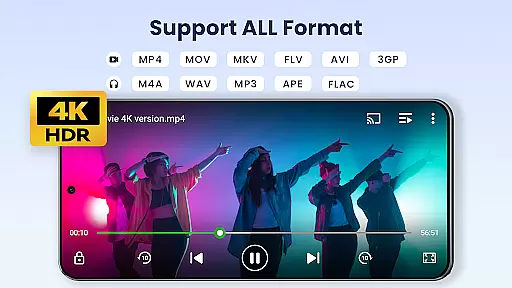

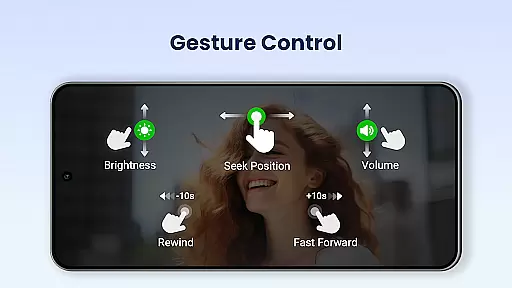
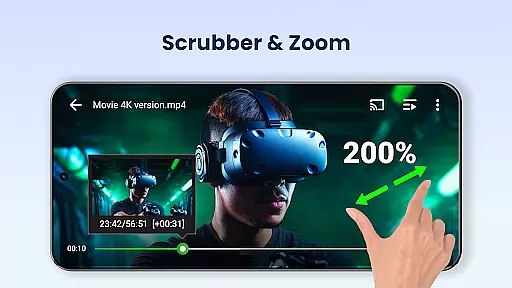
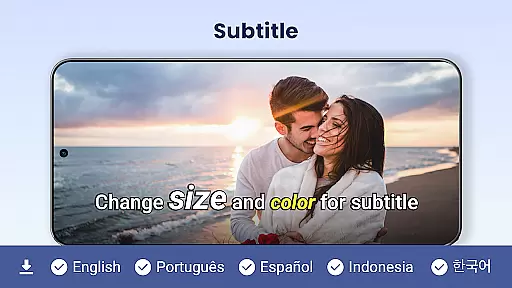
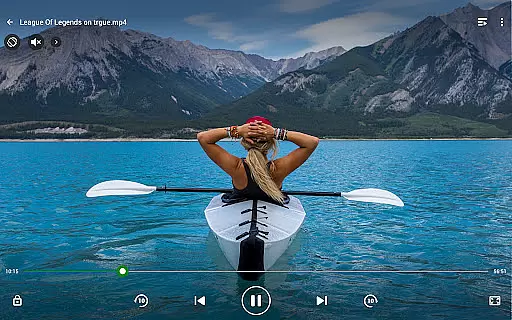
Video Player All Format is a versatile and professional video playback tool designed for Android users. It supports all video formats including MKV, MP4, AVI, and more, with capabilities to play 4K and ultra HD videos smoothly. The app provides advanced features such as hardware acceleration, Chromecast support, and subtitle downloader, making it one of the best choices for video enthusiasts.
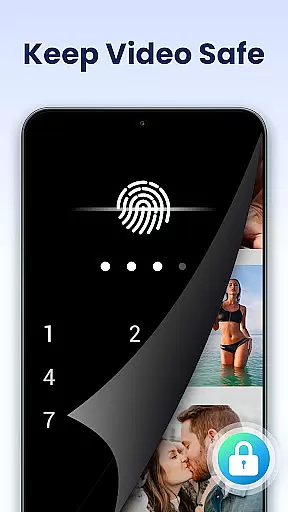
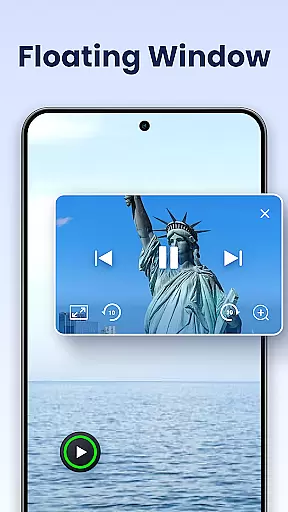
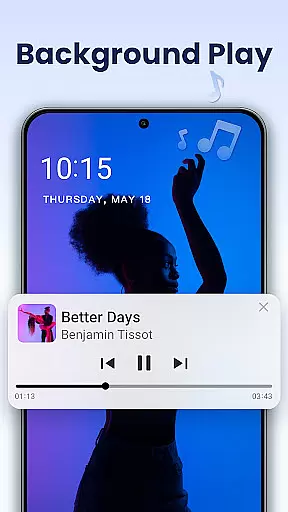
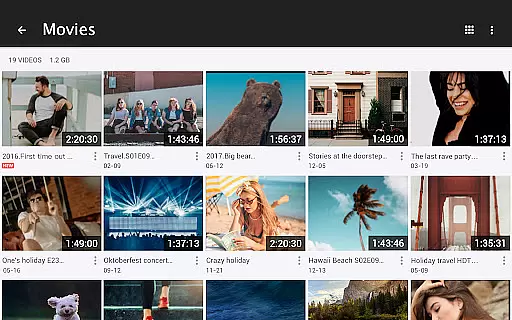
Beyond its core playback abilities, this app offers enhanced privacy controls through private folders and password protection for sensitive content. Users can enjoy additional functionalities like pop-up video, background play, night mode, and playback speed control. Its comprehensive file management system automatically identifies video files on both internal storage and SD cards, allowing easy organization and sharing.
This video player is ideal for those who need a reliable tool to manage large media libraries across multiple devices while maintaining high-definition quality. Whether you're watching on a phone or tablet, Video Player All Format ensures an optimal viewing experience tailored to your preferences.
Video Player All Format stands out due to its extensive feature set that caters to diverse user needs. One of its key highlights is universal format compatibility, supporting everything from common formats like MP4 to less common ones such as RMVB. This ensures no matter what type of video file you have, the app will handle it seamlessly without requiring conversions.
The app also excels in performance optimization with hardware acceleration and smooth 4K playback. For users who value convenience, options like casting videos to TV via Chromecast, floating window mode for multitasking, and background playback enhance usability significantly. Additionally, customizable settings such as night mode, quick mute, and adjustable playback speeds offer personalized experiences.
Privacy and organization are not overlooked either; the inclusion of private folders secured by passwords keeps personal content safe. Meanwhile, automatic detection of videos across devices simplifies media management. These thoughtful additions make Video Player All Format not just a player but a complete multimedia solution.
Video Player All Format stands out as a versatile video playback tool that supports an extensive range of video formats, making it adaptable to various user needs.
The application is designed to handle ALL video formats including MKV, MP4, M4V, AVI, MOV, 3GP, FLV, WMV, RMVB, TS, and more. This ensures that users are not limited by specific file types and can enjoy both standard and high-definition content without conversion hassles.
Moreover, the Video Player All Format provides Ultra HD support, allowing for 4K video playback. This feature caters to users who demand the highest video quality on their Android tablets and phones, delivering crisp and clear visuals that enhance the viewing experience.
By supporting such a wide array of formats and resolutions, this video player guarantees seamless playback and positions itself as an all-in-one solution for any video file type, ensuring users won't need multiple apps for different video formats.
While Video Player All Format focuses primarily on video playback, it also integrates AI-powered features that augment the viewing experience with smart functionalities.
One notable feature is the automatic identification of all video files on a user's device and SD Card, which streamlines video management. This intelligent detection simplifies organizing and accessing videos, saving users time and effort.
In addition to smart detection, the app offers advanced playback options like speed control, enabling slow motion and fast motion settings. Users can easily adjust media speed from 0.5 to 2.0, providing a customizable viewing pace tailored to individual preferences or specific use cases.
These AI-driven capabilities ensure that users not only play videos but do so with enhanced control and personalization, setting Video Player All Format apart as a smart choice for discerning viewers seeking an intuitive and adaptable video playback solution.
Supports all video formats
High-quality 4K playback
Private folder for security
Chromecast integration
User-friendly interface
No iOS version available
Limited editing tools
Occasional ads in free version
Advanced features locked behind paywall
Large app size

The smartest M3U IPTV Player your playlists have ever seen.
 4.0
4.0
Create & edit videos with AI
4.30
HD video maker with no watermark, no ads & vlog maker with music, PIP, text
4.50
Capture images & record videos for USB Camera, Webcam, Microscopes, Endoscopes
3.80
Explore the largest library of free GIFs, Stickers & Memes - or create your own!
3.90
Seamlessly connect and control your smart devices, anytime, anywhere with ease.
4.60
Livestream, news, & gaming content. Watch, chat, and upload. Join Rumble today!
3.80
Fast private browser with secure, seamless access & supported video downloads!
4.00
convenient, safe and fast at Video Downloader & Player
4.60
Video Trimmer, Video to MP3 Converter. Extract music from video, Easy & Fast.
4.80
Pro video editor app for Instagram, edit video with song, AI, effect & slowmo.
4.80
HD Video player all format, HD Videos, Cast & Subtitle. No annoying ads.
4.60
Browser + Remote for Roku to stream webvideos, online movies and livestreams
4.60
Auto video maker with music & exclusive filters. Video editing made simple.
4.50
Cast to Chromecast, Xbox, Fire Stick, Roku, DLNA, Smart TV & No Feature Limited!
4.50
Browser for Samsung TV to stream webvideos, online movies and livestreams in HD
4.10
HD video & music player - All format support with floating & PIP mode!
3.80
Manage your IPTV live channels and VOD playlists (no playlist included)
3.80
This app is an emulator of some specific IPTV boxes
3.50


User Reviews