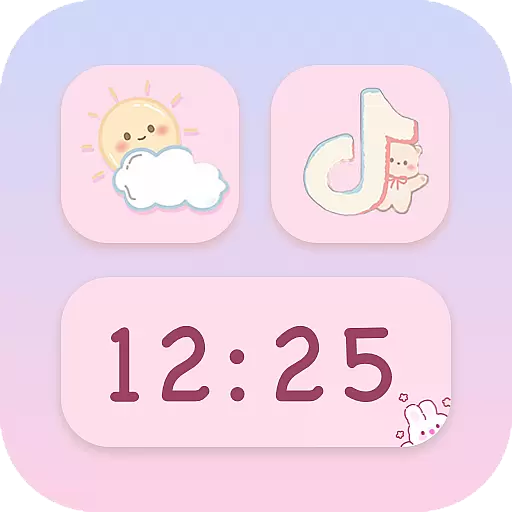
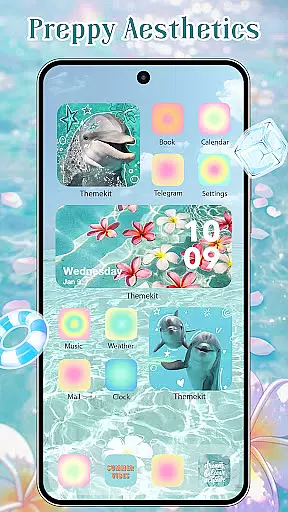
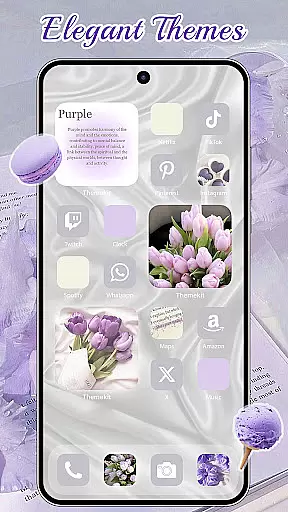
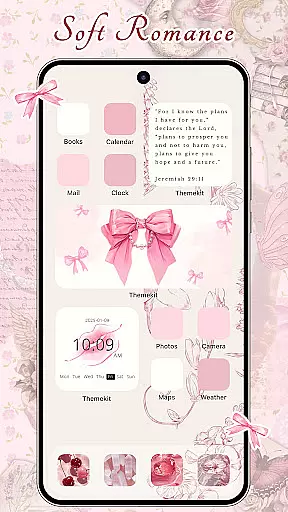
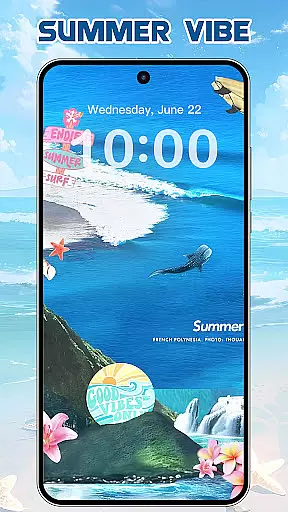
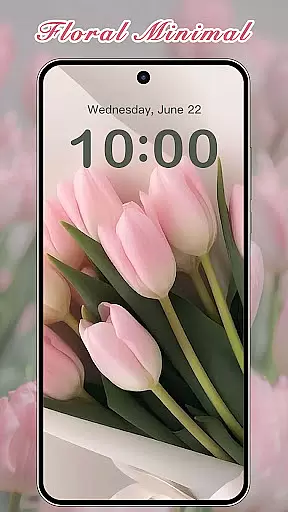
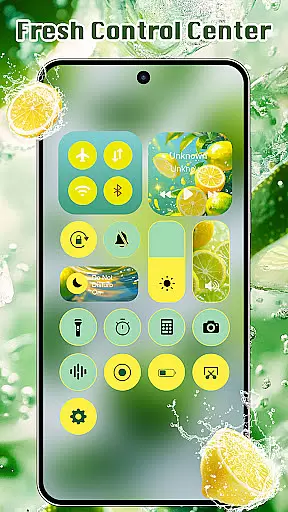
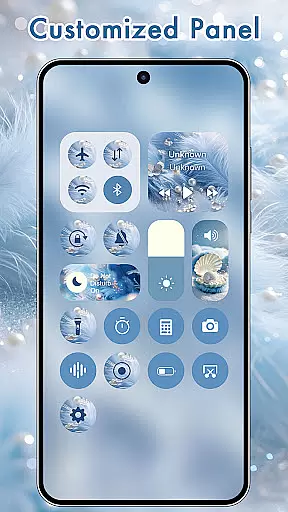
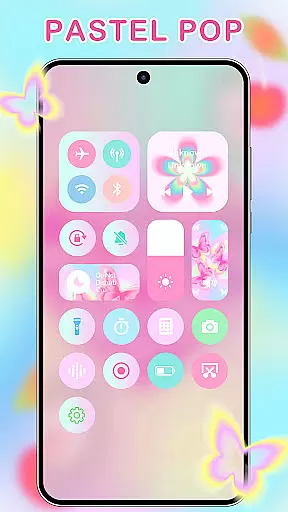
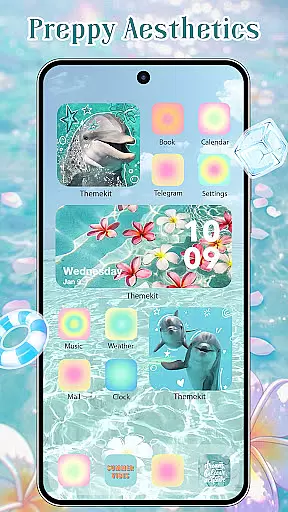
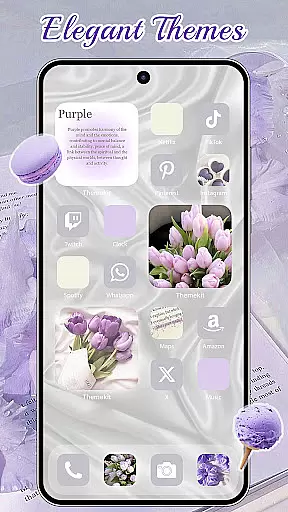
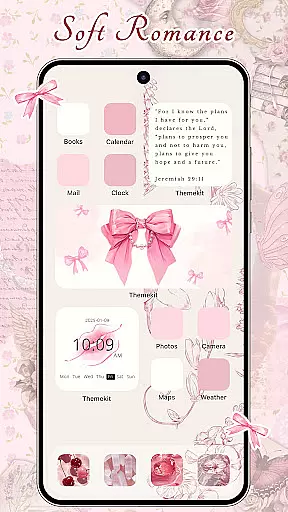
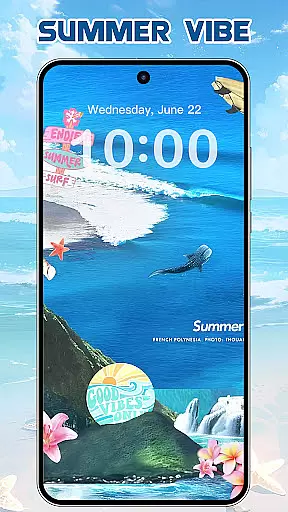
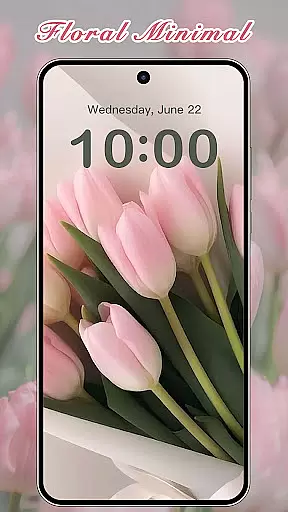

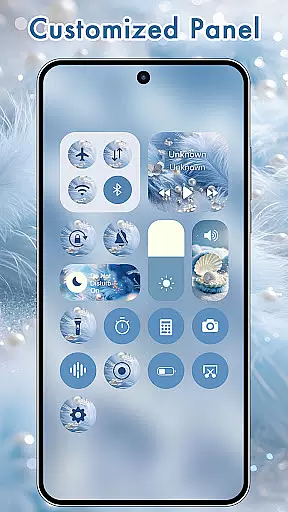
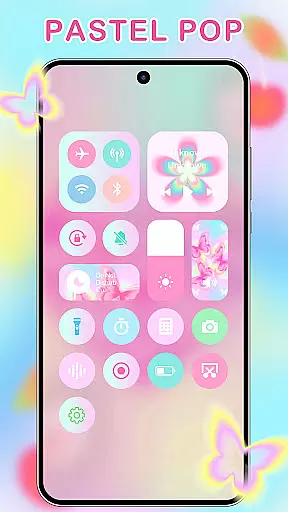
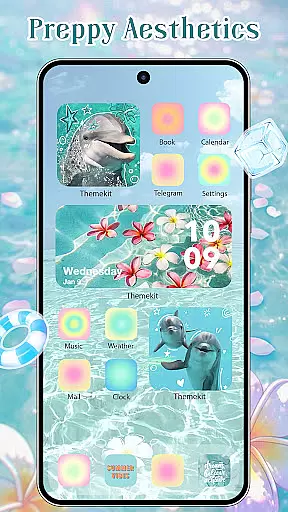
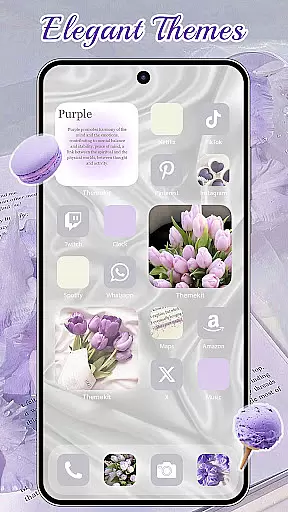
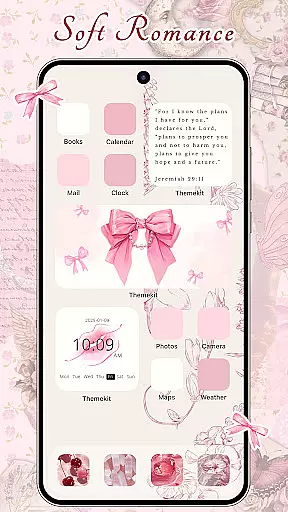
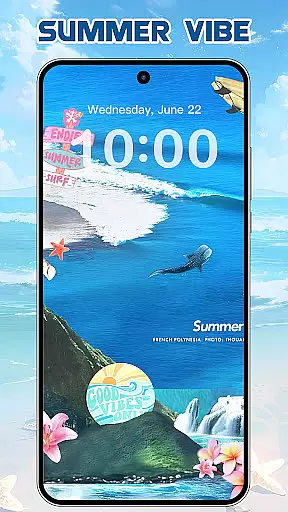
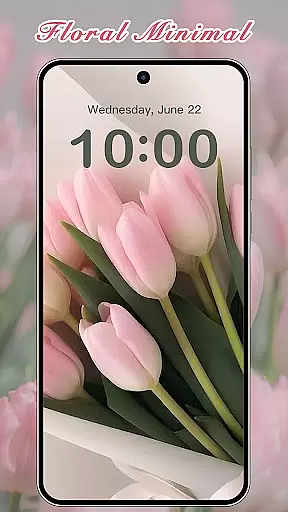
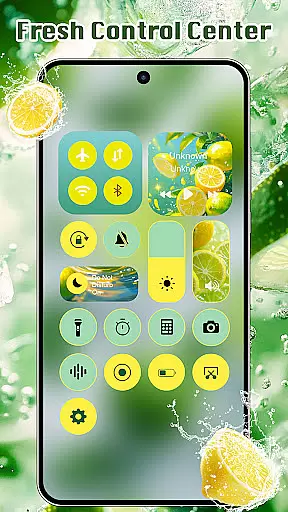
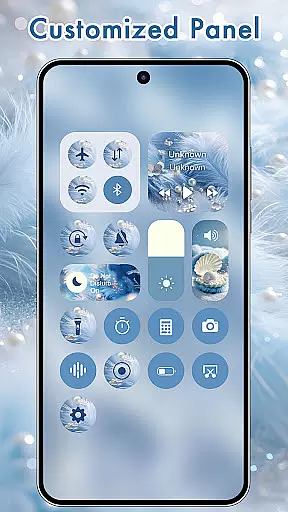
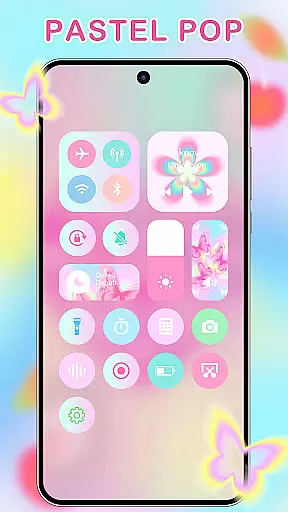
ThemeKit is a comprehensive personalization app designed specifically for Android users who want to enhance their device's aesthetics. This app offers an extensive collection of icon packs, widgets, and wallpapers that allow users to customize their home screens with ease. With over 5000 icons, 3000 themes, and 9000 widgets, ThemeKit provides limitless possibilities for personal expression.
The app stands out with its DIY capabilities, enabling users to design unique icons and widgets using personal photos. Whether you're looking for seasonal themes like Christmas or Autumn, or specific styles such as Aesthetic, Brat Green, or Kpop, ThemeKit has something for everyone. The app also supports 4K wallpapers and daily updates to keep your device looking fresh and trendy.
ThemeKit is not just about looks; it's about functionality too. The app integrates seamlessly with Android devices, including popular brands like Samsung, Vivo, OPPO, and Xiaomi. It offers features like icon changers, free widget kits, and 4K wallpaper changers without the need for additional launchers. This makes ThemeKit an essential tool for anyone looking to personalize their Android experience while maintaining optimal performance.
ThemeKit boasts a wide array of features that cater to every user's personalization needs. One of its standout features is the ability to change app icons directly on the home screen without needing a separate launcher. Users can choose from a vast library of icon packs or even create custom icons using images from their gallery.
In addition to icon customization, ThemeKit offers a powerful widget kit that allows users to edit and customize widgets to match their personal style. With hundreds of widget styles available, users can transform their home screens into a beautifully organized space. The app also includes a 4K wallpaper changer, providing users with high-definition backgrounds that are updated daily.
Another key feature of ThemeKit is its user-friendly interface and high compatibility with various Android devices. The app supports multiple languages, ensuring there are no barriers for international users. Moreover, it includes practical widgets such as countdown timers and weather displays, making it both a stylish and functional addition to any Android device.
ThemeKit offers an extensive range of customization options that allow users to personalize their Android devices like never before. With over 5000 aesthetically designed icons, 3000 themes, and 9000 widgets, the app provides a comprehensive suite for those looking to express their individuality through their phone's interface.
The app includes DIY functions enabling users to design unique icons and widgets using personal album pictures and wallpapers. This feature ensures that your device not only stands out but also tells your personal story. Whether you're in the mood for Summer Sadness or Festival vibes, there is always a theme that resonates with your current state of mind.
Users can enjoy daily updates that keep up with new trends, ensuring that their device remains fresh and stylish. From Kpop to Gothic, Anime to Aesthetic themes, ThemeKit caters to diverse tastes making it easy for anyone to find something they love.
This level of customization empowers users to turn their phone into a piece of art, reflecting their personality and style preferences while providing practical benefits such as improved usability and visual appeal.
ThemeKit excels in theme compatibility, ensuring that its vast library of themes, icons, and widgets work seamlessly across various Android devices including Samsung, Vivo, OPPO, and Xiaomi. This high degree of compatibility means users can enjoy a consistent and optimized experience regardless of their device brand.
The app supports multiple languages, removing language barriers and enhancing accessibility for a global audience. Additionally, all content within ThemeKit comes without watermarks, preserving the aesthetic integrity of your customized home screen.
With features like 4K wallpapers and live widgets, ThemeKit guarantees that every element on your screen looks crisp and operates smoothly. The app's ability to integrate with different launchers without requiring one ensures that users have the freedom to apply their customizations universally.
By focusing on compatibility and user-friendly interfaces, ThemeKit makes it simple for anyone to transform their deviceu2019s appearance effortlessly. This dedication to seamless integration highlights the app's commitment to delivering a superior personalization experience.
User-friendly interface
Extensive customization options
High compatibility with Android devices
Daily content updates
No language barriers
Some features may require accessibility permissions
Occasional bugs in widget functionality
Limited advanced editing tools
Ads present in the free version
Design quality varies across different themes

A light in the dark, a unique style and an andless cutomization!
 4.30
4.30
Winter's Journey: digital watch face for Galaxy Watch & Wear OS
4.80
Fingerprint Lock Screen & Live Animations with 4K Wallpapers as Live Wallpaper
4.40 4.50
4.50
Color phone with cool effects for call screen, flash alert & ringtones music
4.50
One 8 icons glass color version
4.80
200+ Material Inspired Widgets
4.50
Transform your device in a game console
4.40
set a new experience for the Android mobile phone
4.20
Only for Wear OS devices!
4.90
Dark icon pack based on One 8
4.80
Nothing Icon pack with more than 3750+ highly crafted icons.
4.70
Choose your keyboard with RGB colors effect, themes, fonts, emojis.
4.60
App Icon Changer & Shortcut Creator. Customize your icons without any watermarks
4.30
Customizable flower power digital watch face for Wear OS watches.
4.00
Transfer your live wallpapers from Windows to Android using Wallpaper Engine!
4.00
Capture moments that pass like a storm, second by second.
4.0
⭐ OneUI inspired Fluffy Icon Pack – Soft. Stylish. Standout. ⭐
4.5
Modern Glass Icon Pack with glossy icons, clean minimal theme & aesthetic style
4.4


User Reviews