
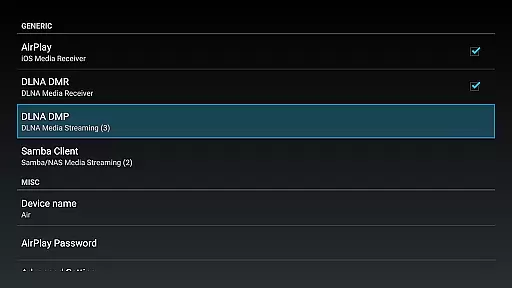
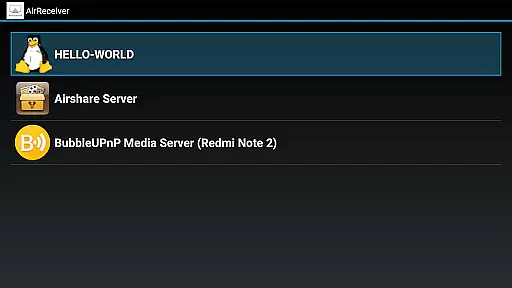

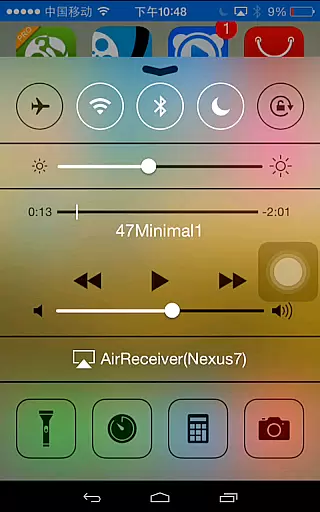
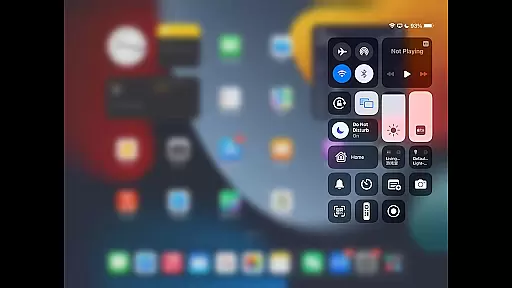
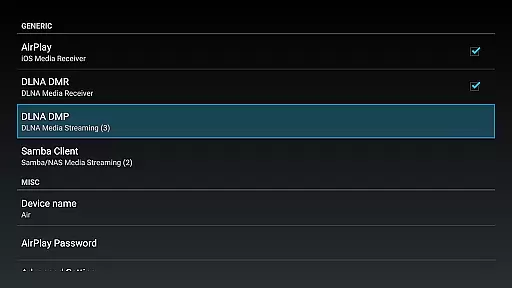
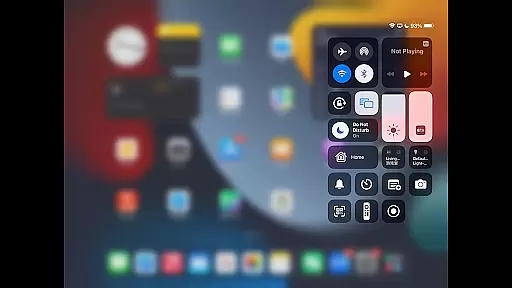
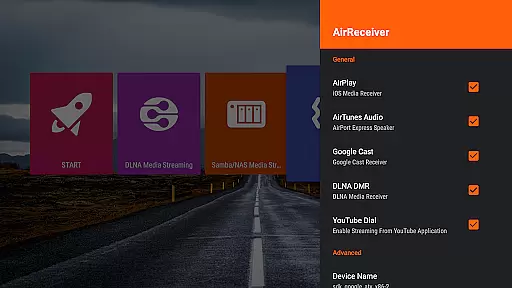
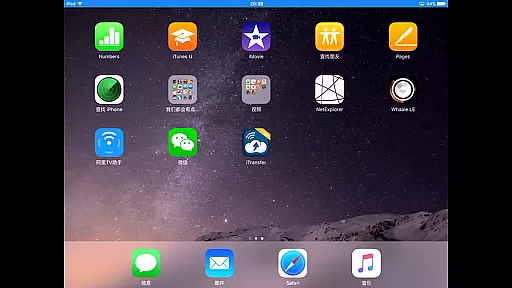
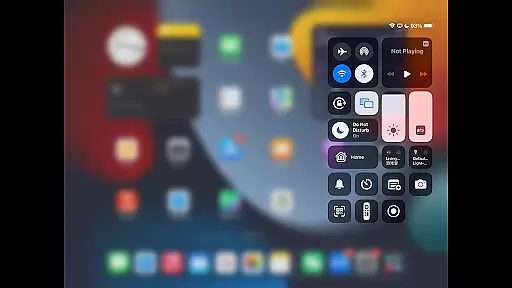
AirReceiver is a versatile streaming solution that supports multiple protocols including AirPlay, Cast, Wireless Display, and DLNA. This application allows users to stream screens, photos, music, and videos from their phones or laptops directly to their TV screens.
Designed to operate seamlessly in the background, AirReceiver is optimized for Android TV/Box, making it an ideal choice for users looking to enhance their multimedia experience without interruptions.
Whether you're at home or in the office, AirReceiver ensures your content is delivered smoothly and efficiently, providing a comprehensive streaming tool that caters to various devices and platforms.
AirReceiver boasts an array of features tailored to meet diverse streaming needs. It supports YouTube video streaming and offers audio sync capabilities with other AirExpress devices, ensuring a synchronized and immersive experience.
The app excels in AirMirror functionality, offering top-tier performance among third-party AirPlay applications. With full support for IOS16 and a slideshow feature, AirReceiver enhances user interaction and convenience.
Compatibility with AirParrot allows for effortless screen mirroring from PCs to Android tablets. Additionally, its ability to run in the background as a service and offer configurable network names makes it a flexible and powerful tool for seamless media streaming.
Video format compatibility is a crucial feature for any video player and editor, ensuring that users can enjoy a wide range of media without worrying about unsupported files. AirReceiver AirPlay Cast DLNA supports multiple streaming protocols including AirPlay, Cast, Wireless Display, and DLNA, making it versatile for different user needs.
This application allows you to stream screen, photos, music, and videos from your phones and laptops directly to your TV. It is optimized for Android TV/Box, providing seamless integration and background operation, which means you can use other apps while streaming your favorite content.
AirReceiver stands out with its broad format support, accommodating various audio and video formats from both AirPlay and DLNA clients. Whether you're using iTunes, iOS devices, WMP12, or AirShare, this app ensures that all your multimedia files will play without a hitch, offering an uninterrupted entertainment experience.
AI-powered editing features represent the cutting-edge advancement in video players and editors, enabling users to enhance their media with minimal effort. Although AirReceiver AirPlay Cast DLNA focuses primarily on streaming, it incorporates some smart functionalities that elevate user interaction and convenience.
The app supports Youtube video streaming and offers audio sync with other AirExpress devices, showcasing its dedication to high-quality, synchronized multimedia playback. Additionally, the slideshow feature and AirMirror support provide users with creative ways to display their content, optimizing the viewing experience on larger screens.
While AirReceiver may not have traditional AI-powered editing tools, its compatibility with AirParrot and other third-party applications introduces a layer of flexibility and functionality enhancement. Users can mirror their PC screens using AirParrot or the free tool AirSender, adding another dimension to how content can be casted and enjoyed across different devices.
User-friendly interface
Multi-protocol support
Seamless streaming experience
Optimized for Android TV/Box
Comprehensive feature set
High CPU usage during AirMirror
Limited to powerful devices
Background service may drain battery
Port conflicts with similar apps
Refund only within 7 days

Online Videos Player
 3.90
3.90
Client application for NextPVR software
3.00
AirMirror is Receiver for Screen Mirroring and Casting from Apple Devices.
3.60
Video player with powerful streaming playback and various convenient features.
2.10
High-Quality USB Camera Viewer & HDMI Display
4.70
Download videos and play them offline
4.70
Add date and time watermark to photos and videos
4.50
Video player with 4K & 1080P support, popup play, background play and subtitle.
4.20
Photo editor & video maker with music and slideshows.
4.10
Pro video editor app for Instagram, edit video with song, AI, effect & slowmo.
4.80
An easy-to-use and all-round screen recorder with audio
4.80
Download Hub, easy and private way to download and enjoy your videos offline
4.80
Find, download, and play torrents with the official BitTorrent® Pro app
4.70
Support 1000+ Video Format, Subtitle Download, mp3 & Background Play, Cast On TV
4.60
Fast & easy HD video downloader for all formats, support 4K playback & download.
4.60
Cast to Chromecast, Xbox, Fire Stick, Roku, DLNA, Smart TV & No Feature Limited!
4.50
Browser for Fire TV to stream webvideos, online movies, livestreams in HD
4.40
Connect 2 UVC devices for recording and broadcast video/audio stream
3.90
Manage your IPTV live channels and VOD playlists (no playlist included)
3.80


User Reviews