
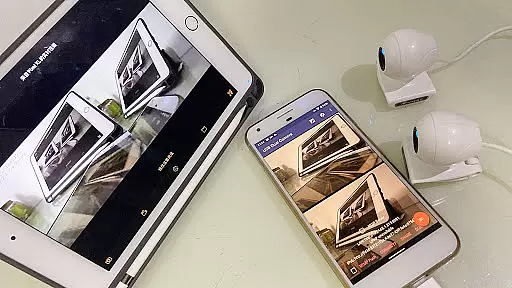
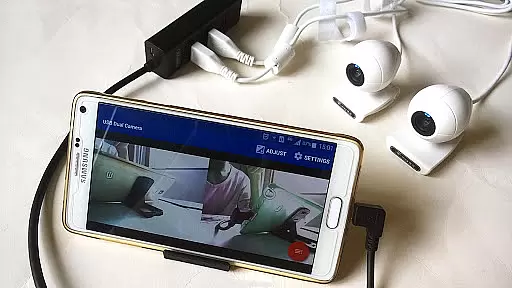
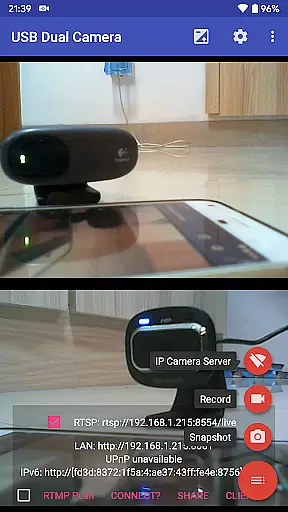
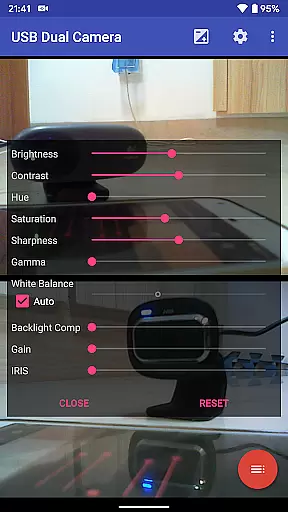
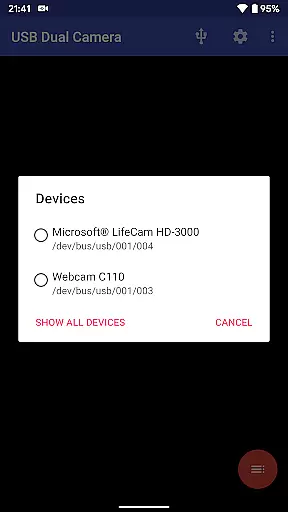

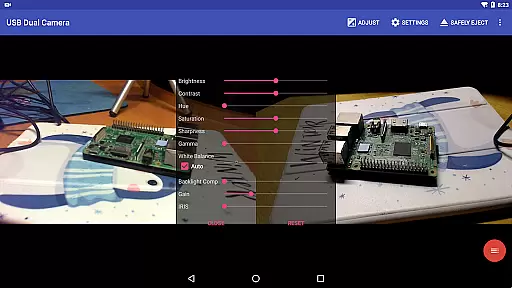
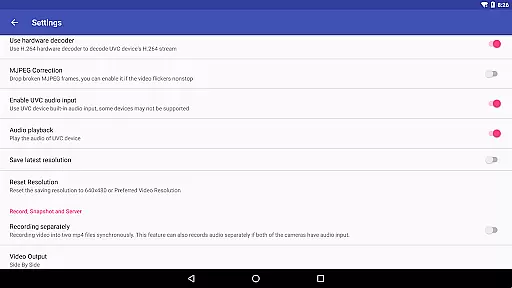
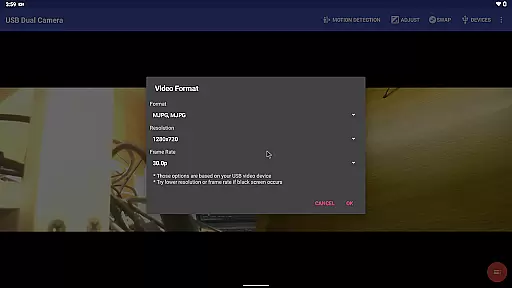
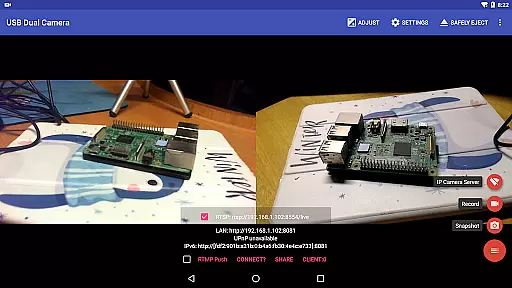
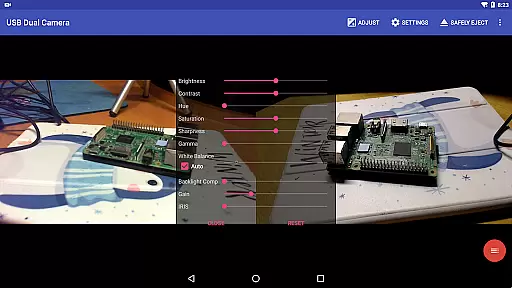
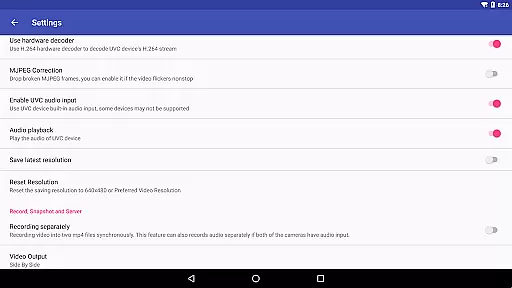
USB Dual Camera Pro is a versatile video application that allows Android devices to connect to two USB webcams or video capture cards simultaneously via USB-OTG. It supports UVC webcams with microphones and video grabbers with audio input, enabling users to record videos or take snapshots in MJPEG, H.264, H.265, HEVC formats. The app also transforms your phone into a wireless IP camera through an integrated RTSP and HTTP server for security monitoring.
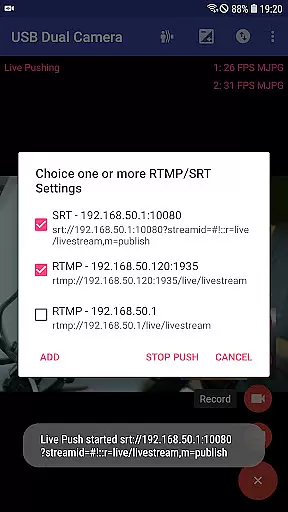
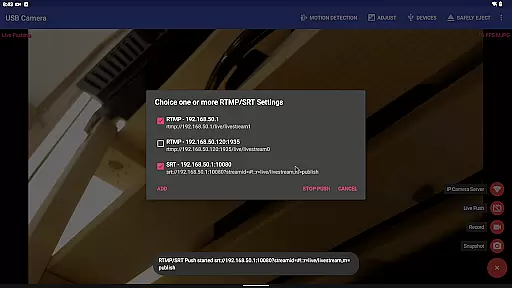
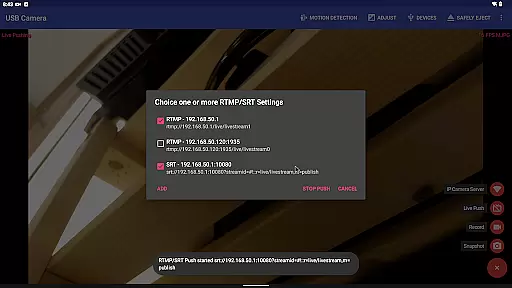
The app's standout feature is its ability to push video and audio to RTMP/SRT live media servers, making it ideal for network live broadcasts. It supports advanced protocols like rtmps and SRT, and can stream to multiple servers simultaneously. Additionally, the app offers bi-directional audio support, video mixing capabilities, and can record dual MP4 files while overlaying built-in camera footage onto external video feeds.
Designed for both casual and professional use, USB Dual Camera Pro is perfect for content creators, live streamers, and security professionals who need reliable multi-camera functionality on their mobile devices.
USB Dual Camera Pro boasts an impressive array of features that cater to various video recording and streaming needs. The app supports up to 4K resolution via HDMI and works with progressive and interlaced video formats. It includes Windows Hello Camera and IR Camera compatibility, and even supports non-UVC devices like USB endoscopes.
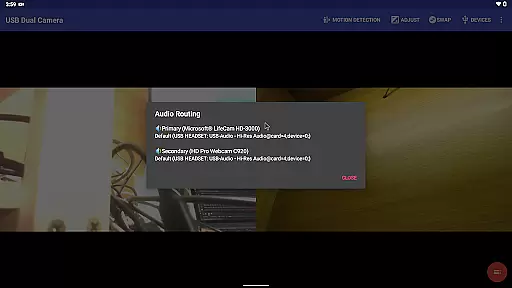
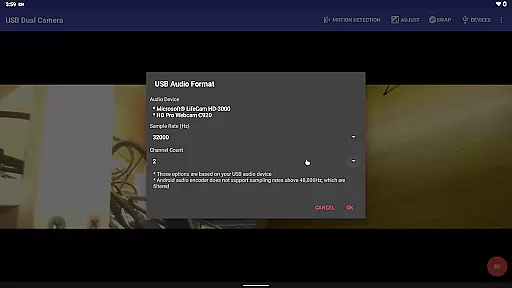
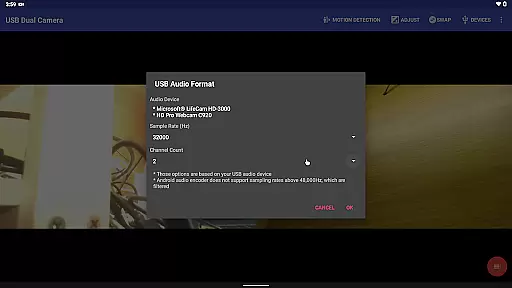
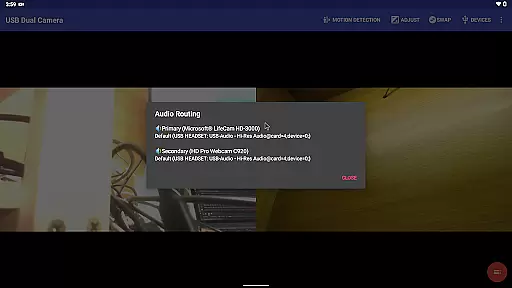
One of the key highlights is its ability to mix USB audio with built-in microphones or system audio, providing flexible audio solutions. Users can also overlay internal camera footage onto external video streams, add timestamps, GPS data, and speed information to recordings. The app supports loop-recording, motion detection-based auto-recording, and FTP upload functionality with email notifications.
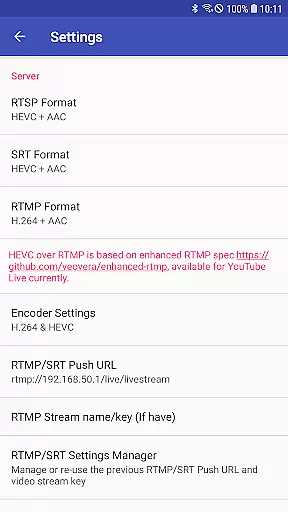
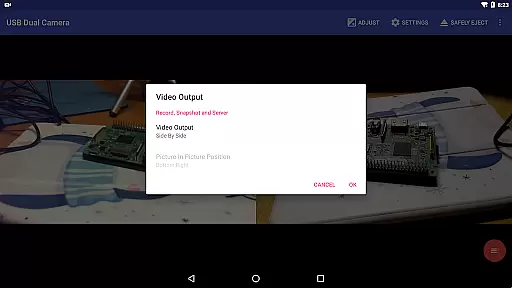
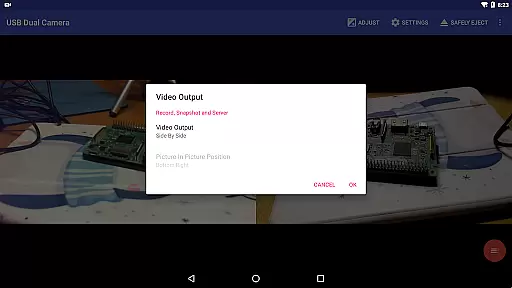
Additional notable features include seamless foreground-background switching without interrupting recordings, HEVC/AV1 over RTMP support for YouTube Live, and the ability to create full Side-by-Side (SBS) 3D videos. These comprehensive features make USB Dual Camera Pro a powerful tool for both amateur and professional videographers.
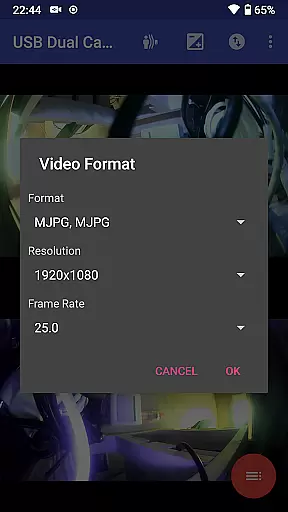
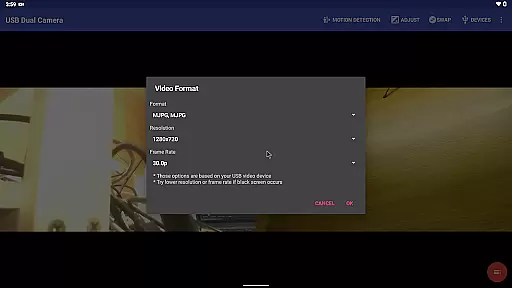
USB Dual Camera Pro demonstrates exceptional versatility in video format compatibility, ensuring users can work with a wide range of codecs and resolutions. The app supports MJPEG, H.264, H.265, HEVC, and even AV1 formats, catering to different use cases and device capabilities.
When using two cameras simultaneously, the app requires MJPEG or other advanced formats like H.264, making it possible to handle up to 4K video via HDMI. This flexibility allows users to select the optimal format for their specific needs, whether they're capturing high-resolution progressive video or working with interlaced footage.
The application's support for modern codecs like HEVC and AV1 (available on Android 10 and above) enables efficient compression and streaming while maintaining excellent video quality. This feature is particularly valuable for users who need to balance storage space with video fidelity.
By providing comprehensive format support, USB Dual Camera Pro ensures maximum compatibility with various devices and workflows, from basic webcam usage to professional-grade video capture and streaming scenarios.
While primarily focused on camera functionality, USB Dual Camera Pro incorporates several AI-powered features that enhance the video editing and processing experience. The app's ability to mix USB audio with built-in microphones or system audio demonstrates its intelligent audio handling capabilities.
The application automatically mixes audio from multiple sources when recording with two cameras, creating a seamless soundtrack without requiring manual synchronization. This smart audio processing saves users significant time during post-production and ensures professional-quality results.
USB Dual Camera Pro also features intelligent video processing capabilities, including automatic timestamping, GPS data overlay, and speed information integration. These AI-driven enhancements add valuable metadata to video recordings without requiring manual input or complex editing procedures.
The app's motion detection-based auto-recording function represents another sophisticated AI feature, enabling automated security monitoring and FTP upload functionality. This intelligent automation helps users maintain security surveillance efficiently while minimizing false positives through smart detection algorithms.
Supports dual cameras
Advanced audio mixing
RTMP/SRT streaming
Motion detection
3D video creation
Requires OTG cable
Power supply needed
Android 9+ permission
No kernel driver
Complex setup

Cast Videos from Web Browser, IPTV to Roku, Chromecast, DLNA, Smart TV +more
 4.60
4.60
A Quick and Pro Video Editor
4.70
Play ALL formats in 4K & HD. Video downloader, MP3 player, Chromecast & more.
4.80
Explore the largest library of free GIFs, Stickers & Memes - or create your own!
3.90
Play and download HD videos from all sources — fast, simple, and all-in-one.
4.5
Mix with Virtual DJ directly from your phone or tablet !
3.10
Browser for Samsung TV to stream webvideos, online movies and livestreams in HD
4.10
Web Browser for LG TV to stream webvideos, online movies and livestreams in HD
4.20
Livestream, news, & gaming content. Watch, chat, and upload. Join Rumble today!
3.80
Video Trimmer, Video to MP3 Converter. Extract music from video, Easy & Fast.
4.80
Snaptubè Video Downloader app allows to download videos and music in Snaptube. .
4.60
Support 1000+ Video Format, Subtitle Download, mp3 & Background Play, Cast On TV
4.60
Photo and Music Video Creator into Stunning Videos—Effortlessly
4.40
Video player, file manager for all formats, 4K/HD media player supports subtitle
4.30
LumaFusion: The Ultimate Storytelling Experience for Video Editing
4.10
Cast to Smart TV, Fire TV. Cast video, photo - Fast & Stable!
3.90
All in one multi protocols stream receiver for AirPlay, Cast and DLNA.
3.60
This app is an emulator of some specific IPTV boxes
3.50
Stream high quality video from your camera over NDI protocol
4.0


User Reviews