
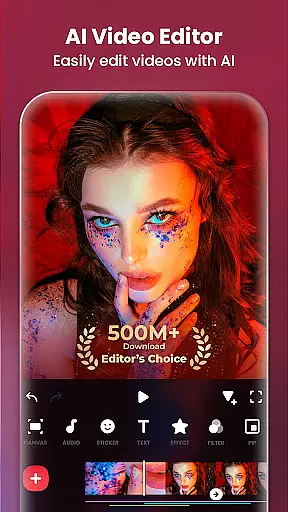
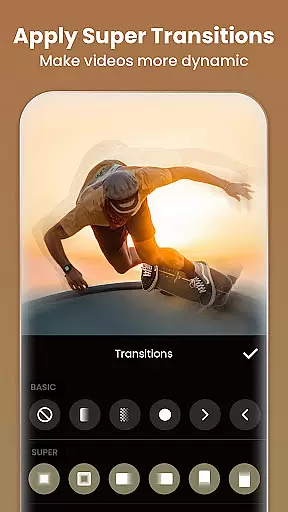
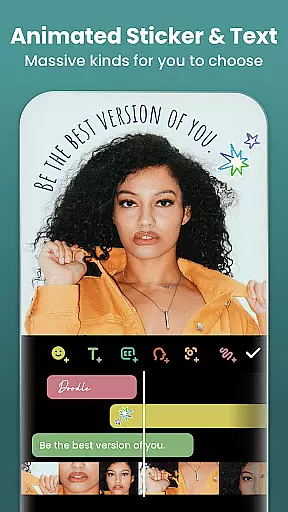
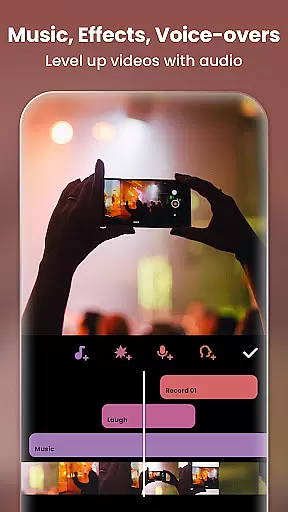
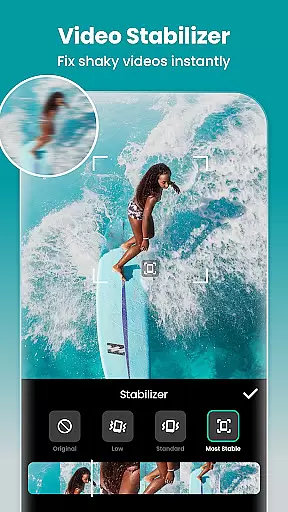
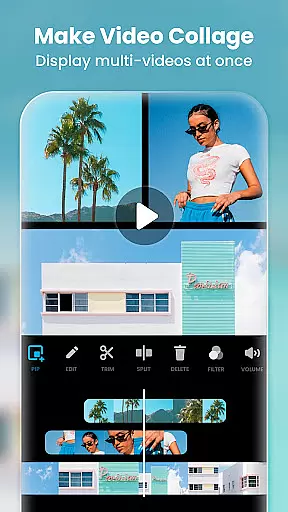
InShot is a versatile video editing and photo enhancement application designed for content creators who want to produce professional-quality videos and images. As an all-in-one Video Editor and Maker, it offers features such as adding music, text, transition effects, slow motion, video collage creation, and background blurring.
With its user-friendly interface, InShot simplifies the process of creating vlogs, making it accessible for users aiming to grow their presence on platforms like YouTube, Instagram, TikTok, WhatsApp, and Facebook. It also serves as a capable photo editor and collage maker, allowing users to edit pictures, apply filters, adjust HSL, and create stylish social media content.
The app's comprehensive feature set caters to both amateur and experienced editors, providing tools that enhance creativity and efficiency in content production.
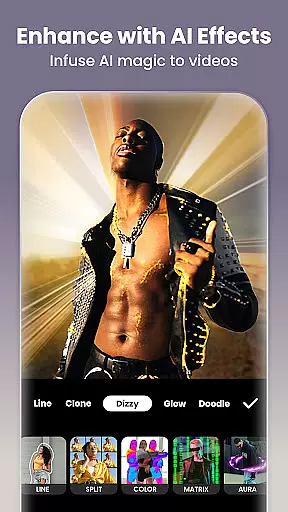
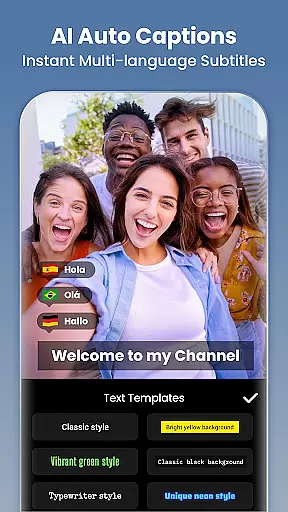
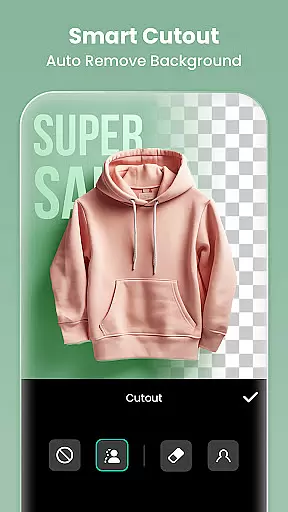
InShot stands out with its extensive array of features tailored for detailed video and photo editing. The AI Tools include Body Effects, Auto Captions, Background Removal, Smart Tracking, and Smooth Slow-Mo, which streamline the editing process through automation and intelligent presets.
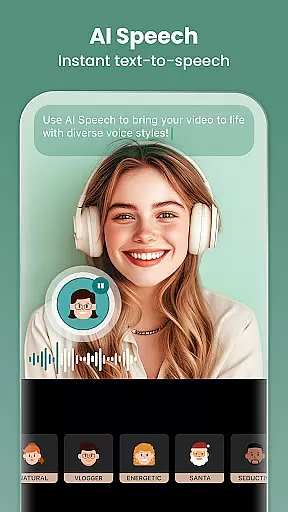
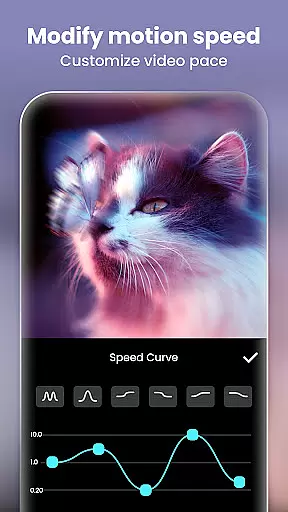
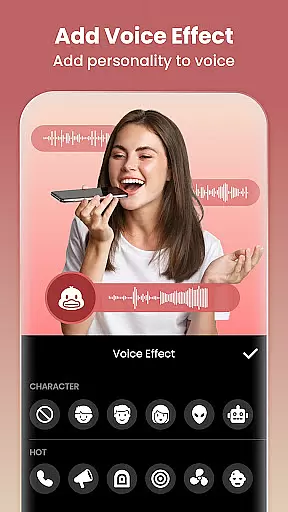
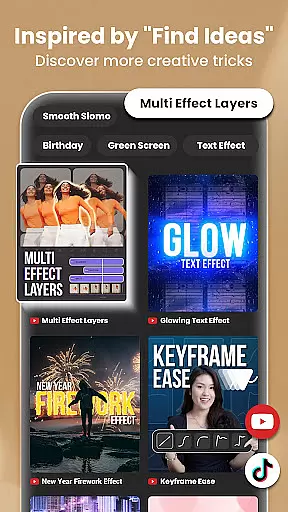
For full-featured video editing, users can trim and merge clips, reverse videos, add text and exclusive stickers, incorporate music and voice-overs, and control playback speed. Advanced options like keyframe animations, chromakey editing, picture-in-picture, and blend modes offer creative freedom.
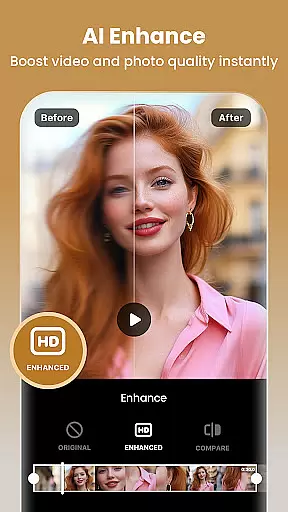
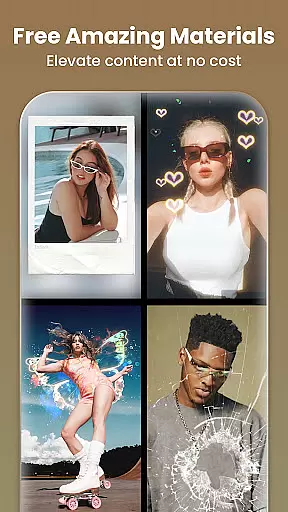
Filters, effects, and transitions are abundant, featuring cinematic filters, customizable video effects, unique glitch and retro styles, and AI-powered effects. The Photo Editor & Collage Maker functionalities allow for easy background blurring, object removal, HD photo enhancement, and editable collage layouts, ensuring a complete creative suite for visual content editing.
Real-time capture and preview functionality is essential for any photography or video editing application. It allows users to see exactly what their camera is capturing, ensuring that the framing, lighting, and composition are perfect before they take a shot or start recording. This feature is particularly important in applications like Video Editor & Maker, where precision in capturing moments can significantly affect the final output.
The Video Editor & Maker app provides an intuitive real-time capture interface that supports both photo and video modes. Users can switch between different camera lenses, apply filters on-the-go, and even adjust exposure settings in real time. The app ensures that all adjustments are reflected instantly in the preview window, giving creators full control over their content creation process.
For users, this means no more guesswork or wasted shots due to incorrect settings. They can experiment with various visual effects and see the results immediately, allowing them to fine-tune their work until it meets their exact specifications. This capability not only enhances the creative process but also saves time, making the app suitable for both amateur enthusiasts and professional videographers who need reliable performance under tight deadlines.
AI beauty and enhancement features have become increasingly popular in photography apps, offering users the ability to improve their photos with just a few taps. These tools leverage advanced algorithms to automatically detect faces, smooth skin textures, whiten teeth, and enhance eye clarity, among other enhancements. However, maintaining naturalness while applying these modifications is crucial to avoid producing unrealistic or overly processed images.
Video Editor & Maker excels in delivering AI-powered beauty enhancements that preserve the authenticity of human features. Its sophisticated AI models analyze facial structures to apply subtle yet effective improvements without distorting natural appearances. For instance, when using the auto-beautify option, users will notice refined skin tones and reduced blemishes, but the unique characteristics that define individual faces remain intact.
This approach benefits users by providing them with polished visuals that still look genuine and relatable. Whether preparing profile pictures, social media posts, or professional portfolios, the enhanced images retain their original charm while benefiting from modern digital touch-ups. As a result, creators can confidently share their best selves online, knowing that their edits enhance rather than overshadow their true identity.
User-friendly interface
Extensive editing features
Advanced AI tools
High-quality export options
Versatile content creation
Some features may require learning
Premium features come at a cost
Occasional ads in free version
Export quality depends on device
Limited customer support channels

What celebrity do you look like? Celebs will find your celebrity match!
 4.10
4.10
Edit like a pro with Hypic. Apply filters, AI effects, & magic touch.
4.40
Photo editor: AI filters, photo enhancer, pic collage maker, AI art generator.
4.80
HD Camera Pro with HD Video shooting, Panorama, Photo editor , Beauty Camera.
4.50
A must-have app for landscape photographers
4.60
Create amazing frames with up to five photos. Rounded corners, effects and more!
3.60
Future baby face generator: AI kids generator, kid face! What my baby look like?
4.40
See your baby AI baby face generator AI baby maker Face generator babymaker fun!
4.70
Hair color changer, AI haircut app, fun hair editor and buzz cut filter for all!
3.80
Find time and duration of different sunlight phases at any location
4.90
Create funny photos and videos with the popular Time Warp Scan filter.
4.90
AI Photo Editor with 100+ Filters, Effects! Remove BG, Retouch & Photo Enhancer.
4.80
A collection of tools and reference tables for DPs, ACs, DITs and Operators.
4.70
Light-weight Media Gallery app for Android made with Jetpack Compose
4.60
Cut and paste photo editor & eraser to customize photos easy and swap faces fun
4.50
Shooting photos and records video easily and efficient with professional Camera
4.30
Virtual makeup, hair filters & body tuner—edit from face to full body!
4.20
live datamoshing
4.00
USB Storage Access for Photos, Videos, Music and Documents
3.80


User Reviews