
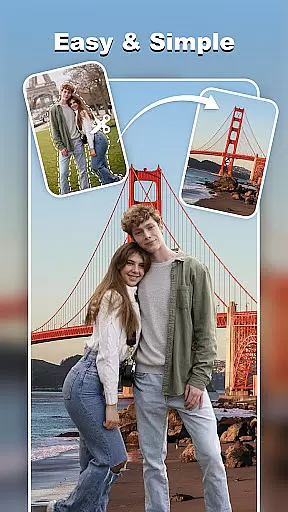
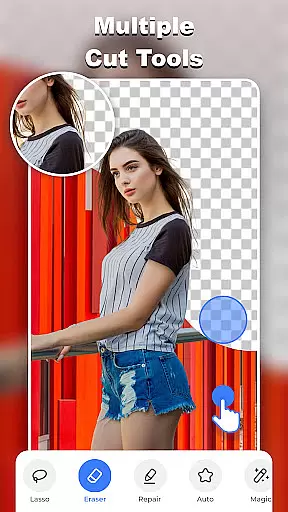
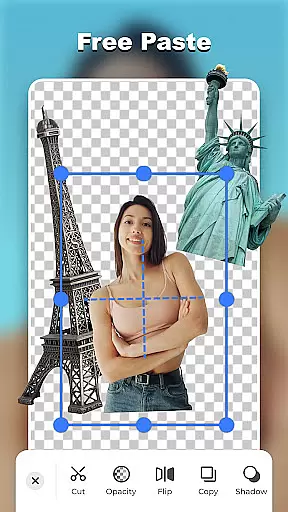
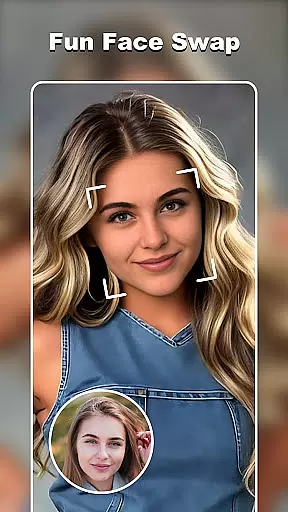

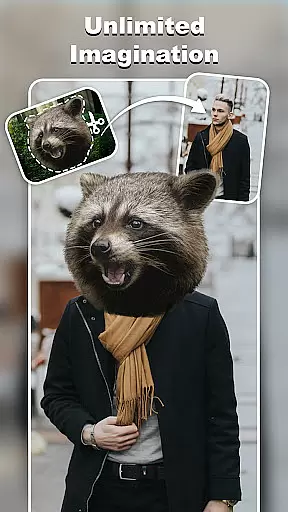
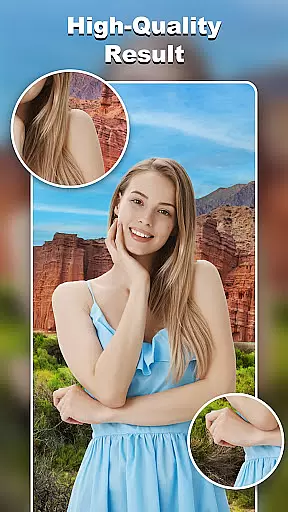
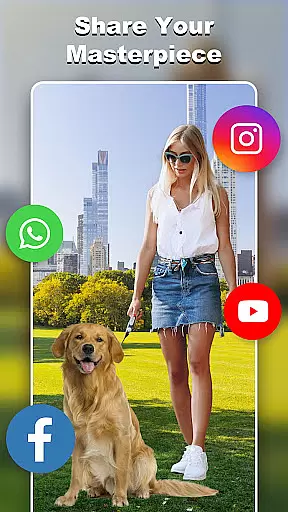
Cut and Paste Photo Editor is an innovative photography app that allows users to effortlessly cut objects from images and paste them into new backgrounds or scenes. Powered by advanced AI technology, the app simplifies complex photo editing tasks such as background removal, face swapping, and object extraction.
The app's intuitive interface enables users to complete edits in just two simple steps: cutting the desired object and pasting it into a new environment. This makes it perfect for both casual users looking to create fun photo collages and professionals needing high-quality product images for e-commerce platforms like Amazon and Etsy.
This powerful photo editor stands out with its comprehensive set of tools designed for precise image manipulation. The Magic Cutting feature provides multiple selection tools including lasso, smooth, repair, and auto-cut functions, ensuring pixel-perfect object extraction every time.
Users can explore limitless creative possibilities through various advanced features. The app offers an online background library with diverse ready-to-use options, from scenic views to studio backdrops. Additionally, the built-in template system and decoration tools allow users to enhance their creations with stylish stickers, text captions in 20+ fonts, and color adjustment options.
Real-time capture and preview functionality is essential for any photography app as it allows users to see exactly what they are capturing before taking the shot. This feature ensures that users can make necessary adjustments on the fly, resulting in higher quality images.
Cut and Paste Photo Editor offers an intuitive real-time capture experience with its advanced AI-powered tools. The app provides a live viewfinder that gives immediate feedback on the scene being captured, allowing users to adjust settings such as lighting and focus effortlessly.
Users benefit from this feature by having greater control over their photo compositions. Whether cutting objects or pasting them into new scenes, the ability to preview edits in real time enhances creativity and precision, ensuring that the final image matches their vision perfectly.
The value of real-time capture and preview extends beyond just taking pictures; it supports the entire editing process within the app. By seeing changes instantly, users can experiment with different styles and effects confidently, knowing that they can fine-tune every detail until it meets their expectations.
AI beauty and enhancement features have become a staple in modern photo editing applications, offering users the ability to enhance their photos naturally without compromising authenticity. These tools leverage sophisticated algorithms to improve image quality while maintaining the original essence of the photograph.
In Cut and Paste Photo Editor, AI beauty enhancements are seamlessly integrated into the editing workflow. Users can utilize various AI-driven tools to remove blemishes, smooth skin textures, and even adjust facial featuresu2014all while preserving a natural look. The app's intelligent algorithms ensure that enhancements appear realistic, avoiding the over-processed appearance common in other editors.
This natural approach to photo enhancement benefits users by providing professional-grade results accessible to everyone. Whether preparing images for social media or e-commerce platforms like Amazon and Etsy, users can achieve polished yet genuine-looking photos that stand out.
Ultimately, the AI beauty and enhancement capabilities in Cut and Paste Photo Editor empower users to create stunning visuals that retain their unique character. By balancing advanced technology with artistic integrity, the app delivers an unparalleled editing experience that satisfies both amateur photographers and seasoned professionals alike.
User-friendly interface
Advanced AI technology
Comprehensive editing tools
Extensive background library
Versatile template options
May require learning curve
Premium features locked
Subscription fees apply
Ads in free version
High system requirements

Remote control of the phone camera from your Wear OS smartwatch
 3.70
3.70
Viewfinder, Light meter, Reciprocity failure time, DOF & Bellows Extension
4.60
Android Native system HD camera app. Never been so simple and faster.
4.70
Create AI Photos, Improve and restore quality of blurry, old or damaged pics.
4.20
A reflected light meter with spot metering and incident light metering.
4.40
Future baby face generator: AI kids generator, kid face! What my baby look like?
4.40
Use AI Video Generator to turn your words to ai generated videos.
4.50
Transform Photos: Edit, Beautify and Craft Memories & Make Collages!
4.10
Astrophotography with your smartphone, photo live stacking and much more!
3.90
Photo prints, cards, & gifts at Walgreens. Easy ordering & fast local pickup !
4.80
Cartoon and artistic effects for your photos and videos
4.70
Amazing Photo Effects - The most fun you can have with your photos!
4.70
PhotoSync Bundle Add-On License. Enables all features and services in PhotoSync.
4.60
Discover & download millions of art for The Frame TV or Hisense CanvasTV
4.60
Fit multiple photos on one post. Create carousels & scroll layouts for Instagram
4.50
Professional photography on your mobile phone
4.20
How would you look like with a differently shaped nose, chin or lips?
3.90
Create amazing frames with up to five photos. Rounded corners, effects and more!
3.60
Long exposure camera with computational photography
2.60


User Reviews