
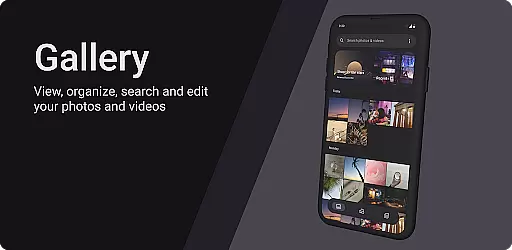
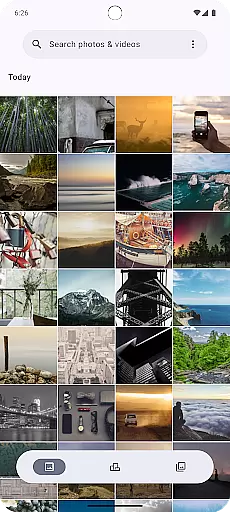
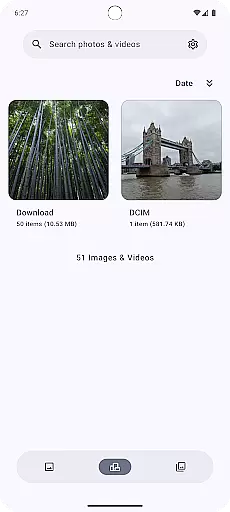
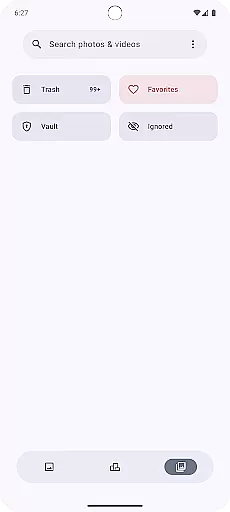
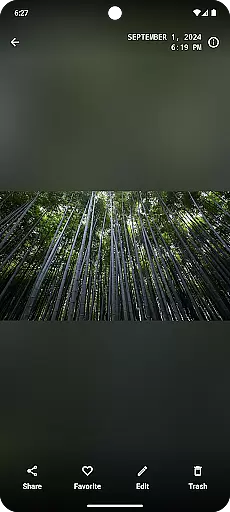
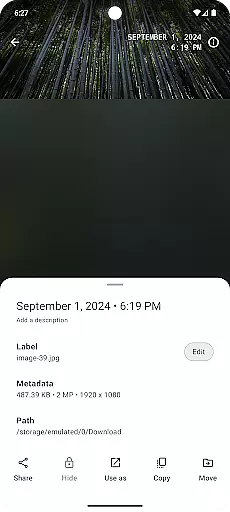
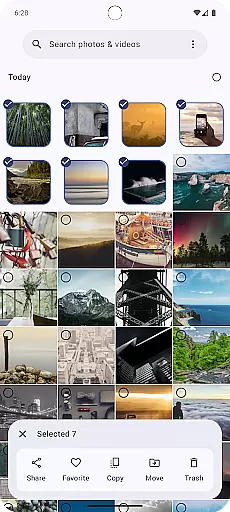
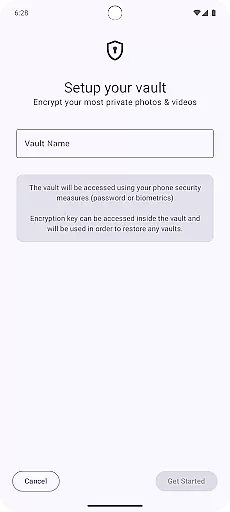
Gallery is a modern photography app designed for Android users who appreciate an intuitive and visually appealing way to manage their photos. Built with Jetpack Compose, this app offers a sleek interface that makes photo management effortless.
The core functionality of Gallery revolves around organizing, viewing, and editing images with ease. Users can browse through their photo library, sort images into albums, and apply various filters or adjustments to enhance their pictures. Its seamless integration with Android ensures optimal performance across devices.
Whether you're a casual photographer looking to tidy up your collection or someone who needs quick access to high-quality editing tools, Gallery provides a complete solution. The app's value lies in its simplicity and efficiency, making it an essential tool for managing digital memories.
Gallery stands out with its innovative use of Jetpack Compose, which allows for a highly responsive and customizable user interface. This ensures smooth navigation and an enjoyable user experience as you scroll through your photo library.
One of the key features is the smart organization system that automatically groups photos based on time, location, or event tags. Additionally, Gallery supports advanced editing options such as cropping, color correction, and applying artistic effects without compromising image quality.
Another notable feature is the secure cloud backup option, ensuring that your precious memories are safely stored. With these capabilities, Gallery not only simplifies photo management but also enhances creativity and security for photographers of all levels.
Real-time capture and preview functionality is essential for any photography app as it allows users to see exactly what the camera sensor is capturing. This ensures that users can make necessary adjustments before taking a shot, resulting in better quality photos.
Gallery, built with Jetpack Compose, offers an intuitive real-time capture interface that leverages the latest Android technologies. The app provides a seamless experience by instantly rendering the camera feed on the screen, allowing users to frame their shots perfectly.
With this feature, users can adjust various settings such as exposure, focus, and white balance while seeing the changes reflected immediately. This instant feedback loop empowers users to take professional-quality photos without needing advanced photography skills.
The real-time preview also includes grid lines and level indicators, aiding in composition and ensuring that photos are aligned correctly. By offering these tools within the live view, Gallery enhances the overall photography experience, making it accessible and enjoyable for everyone.
AI beauty and enhancement features have become increasingly popular in photography apps, providing users with tools to improve their photos effortlessly. However, maintaining naturalness while enhancing images is crucial to avoid artificial-looking results.
Gallery incorporates sophisticated AI algorithms that intelligently enhance facial features and skin tones without over-processing. The app detects faces in real-time and applies subtle enhancements that highlight natural beauty, preserving the authenticity of each photo.
Users can customize the level of enhancement according to their preferences, ensuring that the final image aligns with their vision. Whether it's smoothing skin, brightening eyes, or enhancing smiles, Gallery's AI ensures that every edit looks genuine and retains the subject's unique characteristics.
This approach not only improves photo quality but also builds trust among users who seek natural-looking enhancements. By focusing on authenticity, Gallery sets itself apart from other photography apps, offering a refined yet realistic editing experience.
User-friendly interface
Advanced photo editing
Smart album organization
Cloud backup support
Jetpack Compose powered
Limited video support
No RAW format editing
Frequent updates needed
Ads in free version
Storage requires subscription

Add Watermark - Sign your pictures with a text or logo. Effective, quick, easy!
 4.50
4.50
How old age camera Gender Swap App Face Shape Hairstyle App Hair Styler App fun!
4.00
A reflected light meter with spot metering and incident light metering.
4.40
Collage your moments in one tap: 1000+ layouts, filters, stickers, and texts.
4.90
Enhance, retouch & create your story - Share the moment with Photoshop Express.
4.60
Easily view, share, delete photos with Gallery.
4.70
Transform Photos: Edit, Beautify and Craft Memories & Make Collages!
4.10
Remote control the phone camera shutter from your smartwatch and take a picture
1.60
Edit photos with the picture generator: PS2 & AI Clay filters, cartoon effects.
4.50
Pro version: AR sun/moon tracker for any date. Tool for photographers & planners
4.90
Discover & download millions of art for The Frame TV or Hisense CanvasTV
4.60
Future baby face generator: AI kids generator, kid face! What my baby look like?
4.40
[3DSteroid Pro] is a stereoscopic application for Android.
4.30
Shooting photos and records video easily and efficient with professional Camera
4.30
Virtual makeup, hair filters & body tuner—edit from face to full body!
4.20
All-in-One Editor & AI Photo Enhancer, Collage, Cartoonify, Funny Stickers & BGS
4.10
The #1 app for B&W film developing featuring an advanced darkroom timer.
4.10
Catch sunlight, sunrise sunset times and sun phases with the AR sun tracker.
4.10
Turn photos into cartoons & avatars! - Photo Editor, Cartoon Face!
3.90


User Reviews