
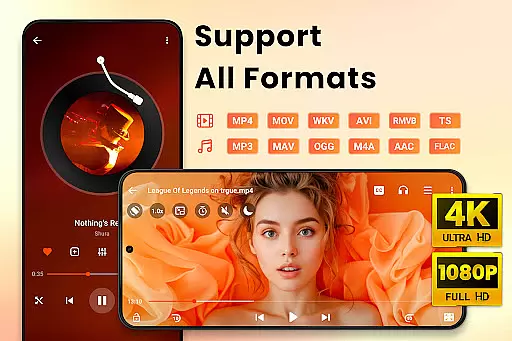
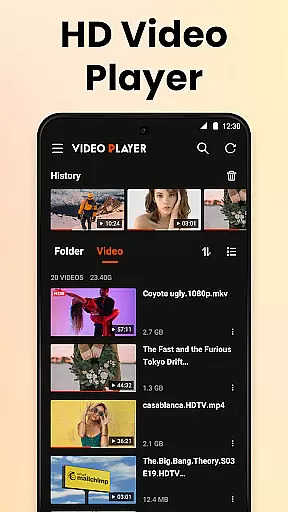
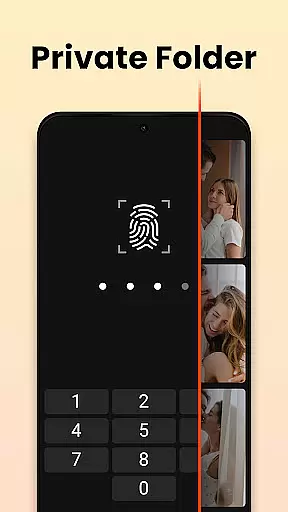

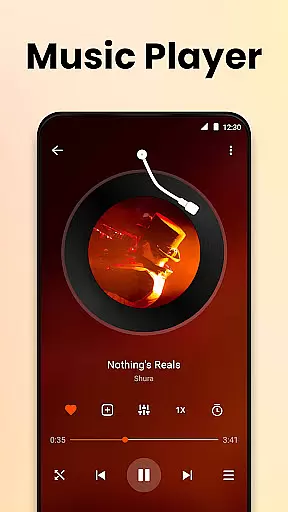
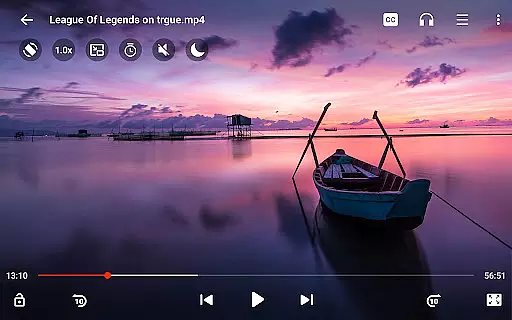
Video Player All Format HD is a versatile and feature-rich video player designed for Android devices. This application supports all major video formats including MKV, MP4, AVI, and more, ensuring that users can play any video file without compatibility issues. The app stands out with its ability to handle 4K and 1080p video playback in high definition, offering an exceptional viewing experience.
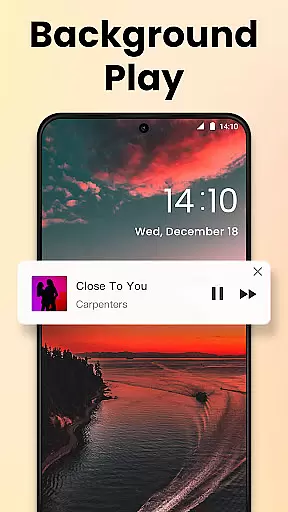
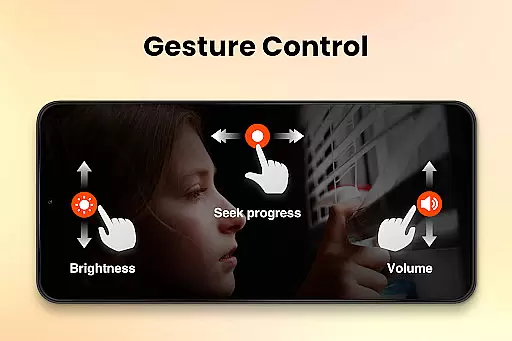
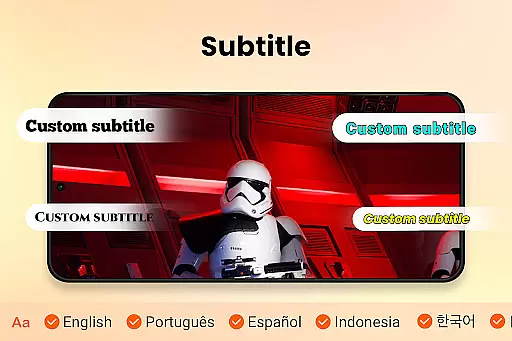
In addition to its core functionality, the Video Player All Format HD includes advanced features such as popup play for multitasking, speed control for customized playback, and background play for audio-focused sessions. With intuitive gesture controls, equalizer settings, and subtitle support, this app caters to both casual viewers and media enthusiasts who require extensive control over their playback environment.
The Video Player All Format HD offers a comprehensive suite of features that enhance the video playback experience. One of its key strengths is the universal format support, accommodating files like MKV, MP4, AVI, and many others. This ensures that no matter the source of your video, the app will provide seamless playback without the need for additional codecs or conversions.
Beyond basic playback, the app provides innovative functionalities such as popup play, which allows users to watch videos in a floating window while performing other tasks on their device. Speed control is another standout feature, enabling users to adjust playback from 0.5x to 2x speed, ideal for reviewing content at different paces. Background play further extends usability by allowing users to listen to video content like an audiobook with the screen off.
Additional features include gesture controls for easy navigation, automatic detection of video files on both internal storage and SD cards, and robust file management options. The inclusion of a five-band equalizer with bass boost, night mode, and quick mute makes this app a powerful tool for optimizing both video and audio experiences.
Video Player All Format HD stands out for its exceptional video format compatibility, ensuring users can play virtually any video file they encounter. The app supports an extensive range of formats including MKV, MP4, M4V, AVI, MOV, 3GP, FLV, WMV, RMVB, and TS.
This comprehensive support means that users no longer need to worry about converting files or dealing with unsupported formats. Whether it's high-definition 4K or standard 1080p videos, the player handles them all with ease, providing a seamless viewing experience.
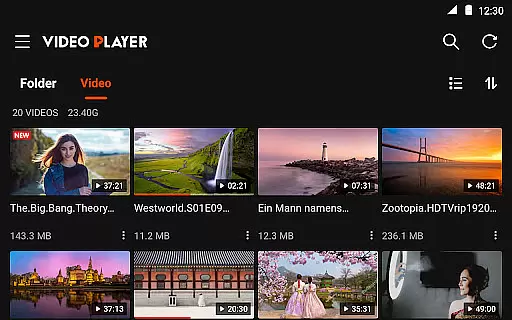
The application automatically detects video files and folders on both internal storage and SD cards, making media management straightforward. This feature ensures that users have quick access to their entire video library without the hassle of manual searching or organization.
While primarily a video player, Video Player All Format HD incorporates AI-powered features that enhance the viewing experience. One notable feature is the automatic detection and addition of subtitles, which uses intelligent algorithms to match video content with appropriate subtitle files.
The built-in five-band equalizer with bass boost demonstrates the app's commitment to audio quality. This smart audio processing technology optimizes sound output based on video content characteristics, delivering enhanced audio experiences without requiring manual adjustments from users.
Additionally, the app's intelligent playback speed control allows users to adjust video playback from 0.5x to 2x while maintaining optimal audio synchronization and video quality. These AI-driven enhancements make video consumption more flexible and enjoyable across various content types.
User-friendly interface
Wide format compatibility
Advanced playback controls
Lightweight and fast
Comprehensive feature set
Limited platform support
No cloud integration
Basic UI design
Few customization options
Occasional bugs reported

Video Downloader is an utility that can save videos and music from web sites
 4.20
4.20
Tik & Story Saver-Download ALL social media videos, photos & reels no watermark.
4.80
Create photo video with music & template. AI video maker for stunning slideshow.
4.60
Full HD Video mp3 Player, MP4 player play 1080p, File manager, Video Downloader
4.40
1)AirPlay/DLNA Mirroring/Streaming, up to 4 connections; 2)Samba/NAS/DMS Player.
4.00
Download videos easily & play them all in one smart, powerful video manager.
3.40
Movie maker & video editing app with AI effects and green screen
4.30
This app is an emulator of some specific IPTV boxes
3.50
convenient, safe and fast at Video Downloader & Player
4.60
Flud is a simple and beautiful BitTorrent client for Android.
4.80
Search & download videos from net with all video downloader, auto-detect & safe.
4.60
AirMirror Receiver - Screen mirroring/cast web videos to Android TV by AirPlay.
4.40
Download website videos fast&privacy
4.40
Fast & Private Video Downloader App. Save all videos easily from the Internet.
4.40
IPTV-Smarters Player Pro M3U - Watch Live Stream TV Channels with Chromecast
4.00
Online Videos Player
3.90
Manage your IPTV live channels and VOD playlists (no playlist included)
3.80
IPTV Player - Watch live TV from m3m & m3u8 playlist, stream IPTV on mobile
3.30
You can play SWF format file!
2.50


User Reviews