
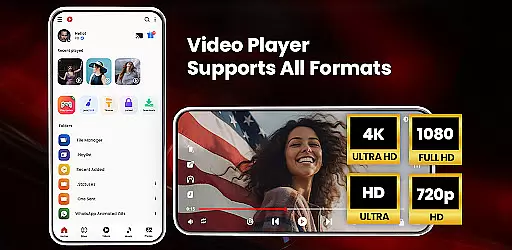

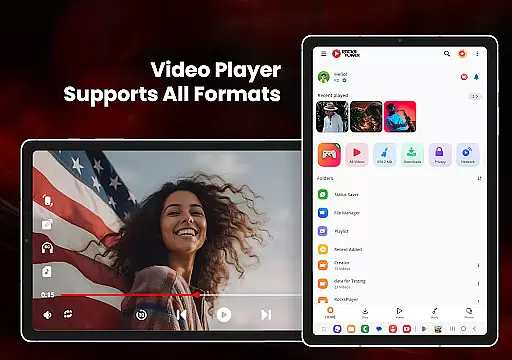
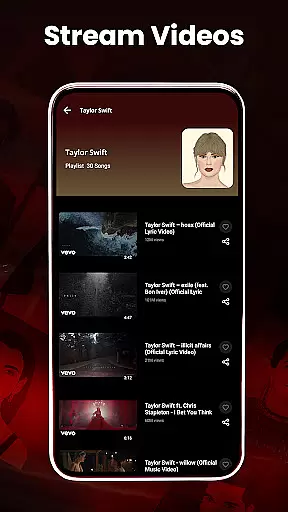
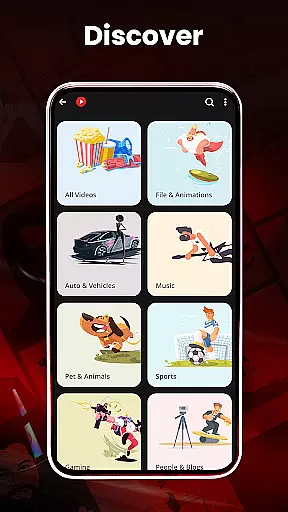
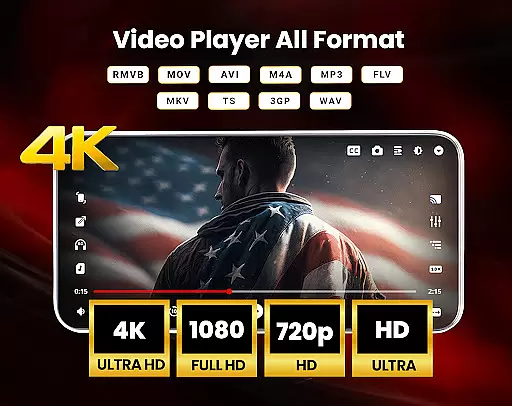
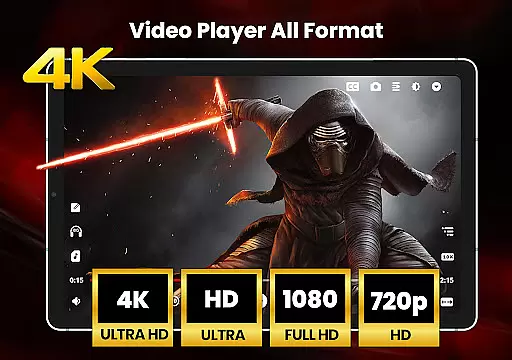
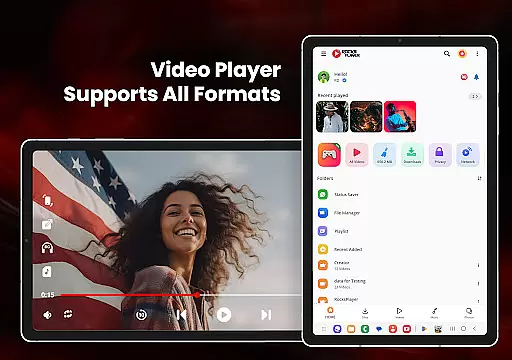

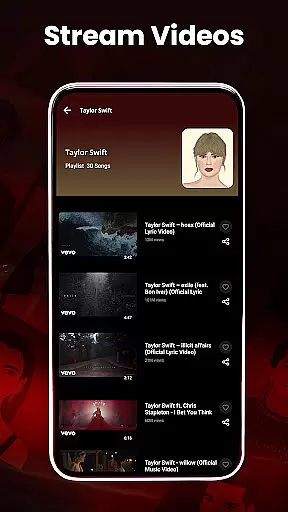
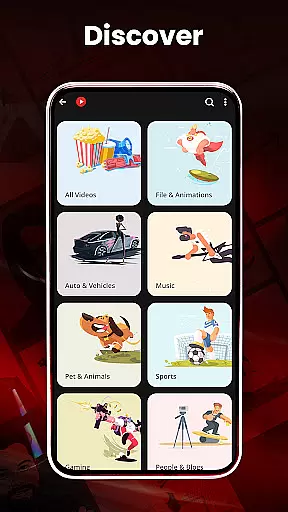
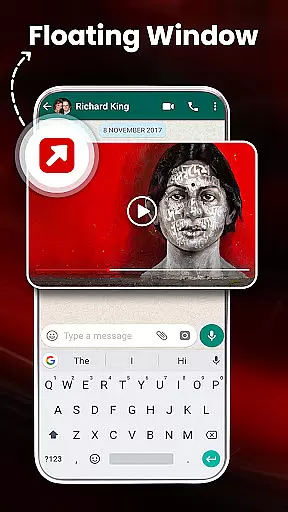
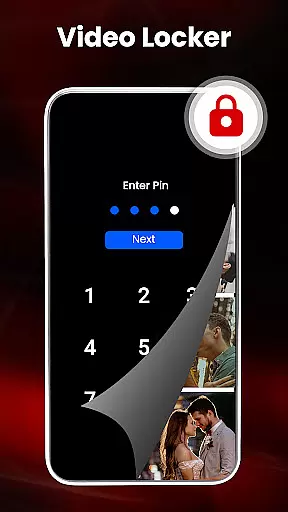
HD Video Player All Formats is a versatile media player designed for Android users who need comprehensive support for various video and audio formats. This app supports everything from MP3 to Ultra HD 4K videos, making it an all-in-one solution for your media playback needs.
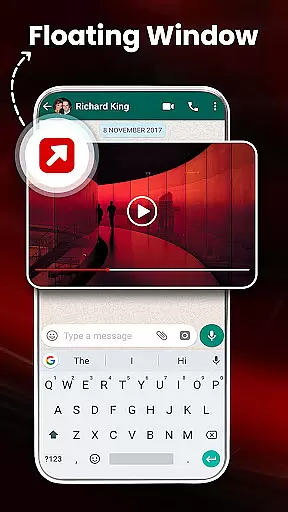
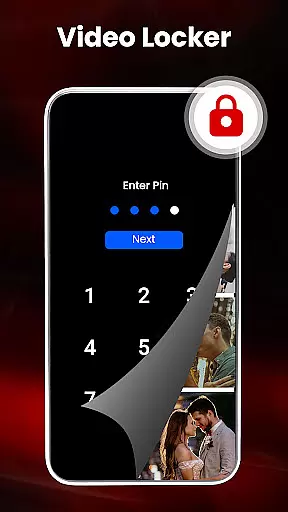
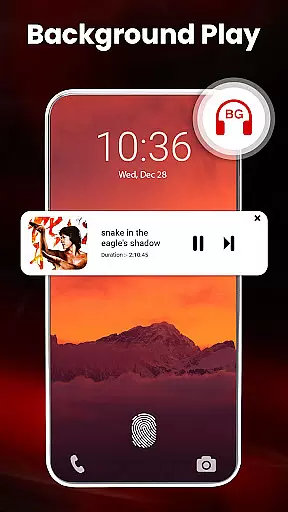
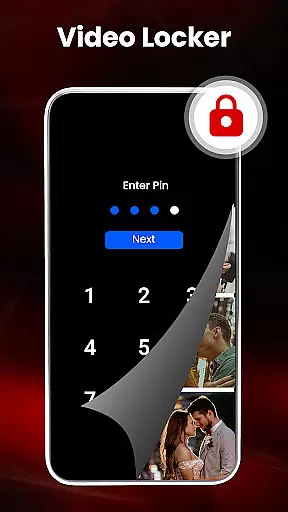
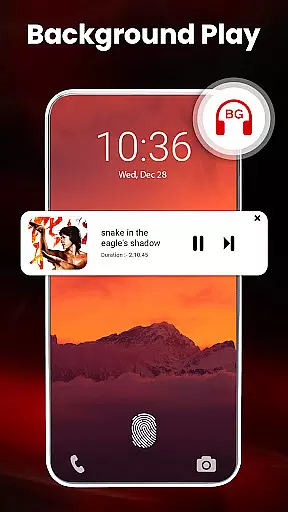
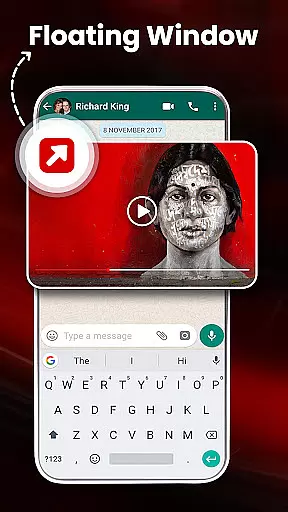
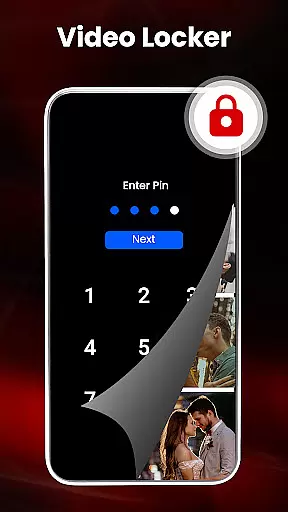
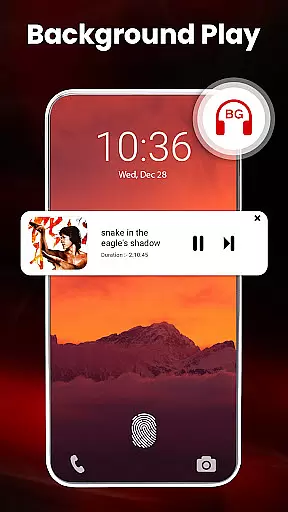
The player includes advanced features such as hardware acceleration with the new HW+ decoder, pop-up video playback, and background audio mode. It also offers practical tools like a file manager, duplicate file scanner, and private video locker, ensuring both convenience and security.
Ideal for users who require high-quality playback and efficient media management, this app enhances the viewing experience while providing essential utilities for organizing and protecting your files.
HD Video Player All Formats stands out with its extensive format compatibility, supporting popular video types including MKV, MP4, MOV, and more. The inclusion of a built-in video downloader and MP3 player adds to its versatility, allowing users to manage and play their media seamlessly.
Unique functionalities such as casting videos to TV, playing in split-screen mode, and hardware-accelerated playback ensure an enhanced user experience. Additionally, features like night mode, gesture controls, and a powerful equalizer make this app adaptable to different user preferences and environmental conditions.
With options for creating playlists, filtering duplicate files, and securing private content through encryption, this app provides robust solutions for personalized and secure media handling.
Video format compatibility is a crucial feature for any video player application, determining its ability to support various file types. HD Video Player All Formats excels in this area by supporting an extensive range of formats including MKV, MP4, M4V, MOV, 3GP, FLV, WMV, TS, MP3, and MPG. This ensures that users can play almost any video file without the need for conversion or additional software.
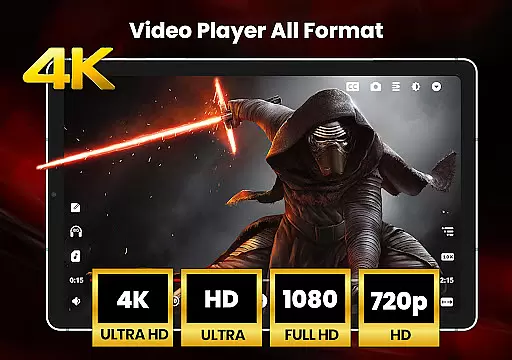
The app's comprehensive format support extends to high-resolution files such as HD, Full HD, 4K, and Ultra HD video files. Whether you're watching standard-definition content or immersive 4K videos, this player guarantees smooth playback across all resolutions. The inclusion of popular audio formats like MP3 further enhances its versatility, making it a one-stop solution for multimedia entertainment.
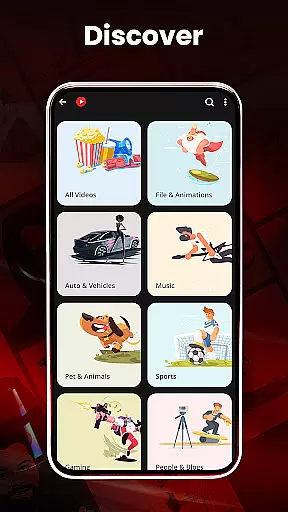
For users who frequently download videos from platforms like Facebook and Instagram, the built-in downloader supports multiple formats, ensuring seamless integration with your downloaded content. The app automatically scans your device and SD card for compatible files, creating a centralized library for easy access. This automatic scanning feature saves time and eliminates the frustration of manually searching for media files.
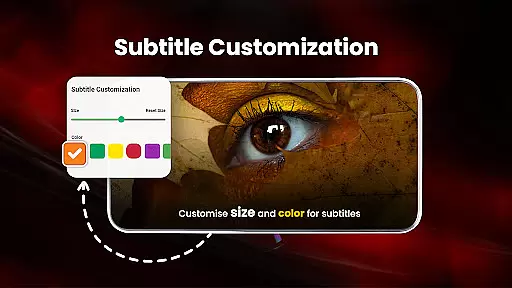
Moreover, the player offers advanced features like subtitle support and dual audio options, enhancing the viewing experience for multilingual content. With hardware acceleration through the new HW+ decoder, users can enjoy optimized performance even with demanding file types. This combination of broad format support and intelligent features makes HD Video Player All Formats a reliable choice for diverse video playback needs.
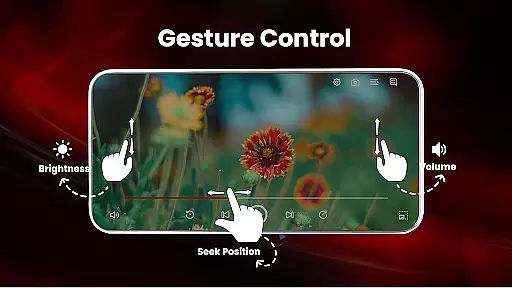
While primarily a video player, HD Video Player All Formats incorporates several AI-powered editing features that enhance the overall user experience. One notable function is the smart gesture control system, which allows users to adjust volume, playing progress, and brightness through intuitive touch commands. This AI-driven interface simplifies navigation and provides precise control over playback settings without cluttering the screen with traditional buttons.
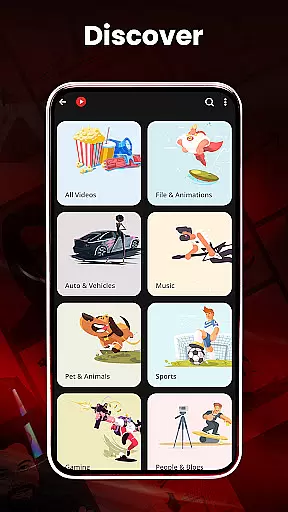
The application's intelligent file management system demonstrates another aspect of AI implementation. It automatically identifies and categorizes media files across your device and SD card, while also filtering duplicate files to optimize storage space. The built-in gallery feature uses AI algorithms to organize photo albums efficiently, making it easier to manage visual content alongside video files.
Advanced playback options showcase additional AI capabilities, including automatic aspect ratio adjustment, smart screen rotation, and optimal zoom levels through pinch gestures. These features work together to provide a customized viewing experience that adapts to different content types and user preferences. The sleep timer function operates on intelligent parameters, learning from user behavior to suggest optimal settings for nighttime viewing sessions.
Furthermore, the app's powerful equalizer with Bass Boost and Virtualizer represents another AI-enhanced feature, particularly useful for audio playback. While not a traditional video editor, these intelligent tools collectively contribute to a more sophisticated media management and playback experience, setting HD Video Player All Formats apart from basic video players in its category.
User-friendly interface
Wide format support
Advanced playback options
Comprehensive file management
Secure private content
Occasional ads
Complex settings
Heavy on storage
Limited iOS support
Requires permissions

Save photos and videos from social apps in one tap.
 3.60
3.60
Photo and Music Video Creator into Stunning Videos—Effortlessly
4.40
VLC Remote lets you control your VLC Media Player on Mac, PC or Linux.
4.60
KMPlayer Plus (Divx Codec) officially support Divx codec.
4.30
Stream Web Videos to Chromecast, Samsung, LG, Sony, Roku, Fire TV, DLNA + more
4.00
IPTV Player - Watch live TV from m3m & m3u8 playlist, stream IPTV on mobile
3.30
A Simple app to download Video & Music from the Internet.
4.70
Fast private browser with secure, seamless access & supported video downloads!
4.00
Manage your YouTube channel on the go
4.40
AI Video Editor with Music, Filter, Slideshow, Effect, Merge & Trim Video.
4.80
High-Quality USB Camera Viewer & HDMI Display
4.70
GENRAL PRO - General Pro is the best video player that fully supports all formats.
4.70
Screen recorder with audio to take live videos & Screenshot in high quality!
4.70
Fast & easy HD video downloader for all formats, support 4K playback & download.
4.60
Cast movies, tv shows and live streams to Chromecast, Roku, DLNA, Fire TV & more
4.60
Create & edit videos with AI
4.30
Browser for Samsung TV to stream webvideos, online movies and livestreams in HD
4.10
Livestream, news, & gaming content. Watch, chat, and upload. Join Rumble today!
3.80
Powerful HD video player with support for all formats & subtitles.
4.1


User Reviews