
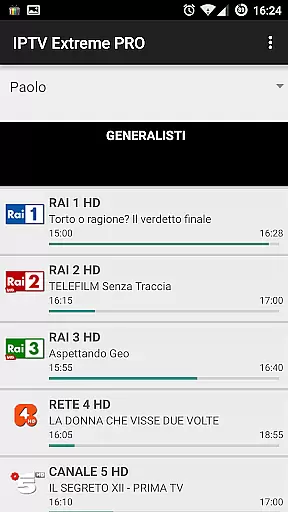
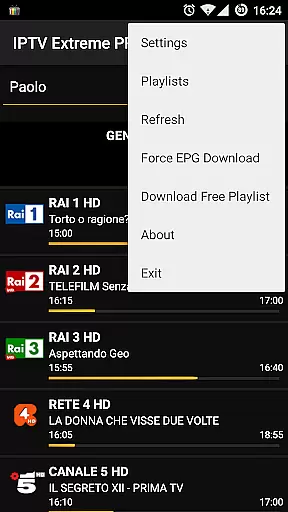
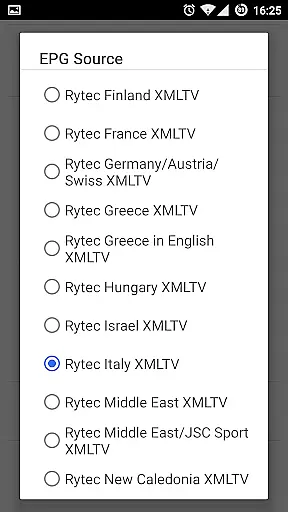

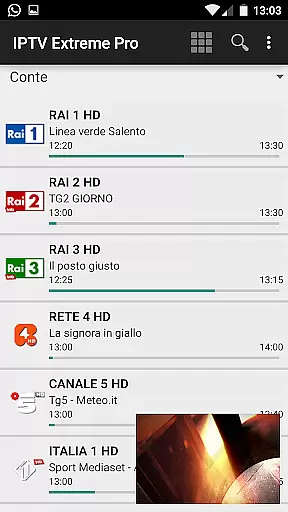



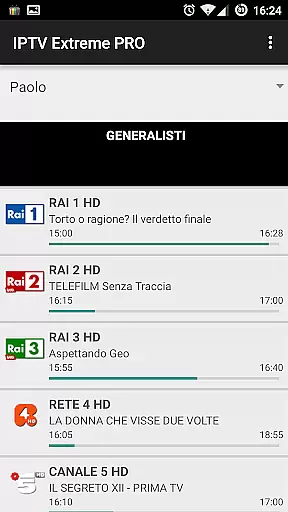
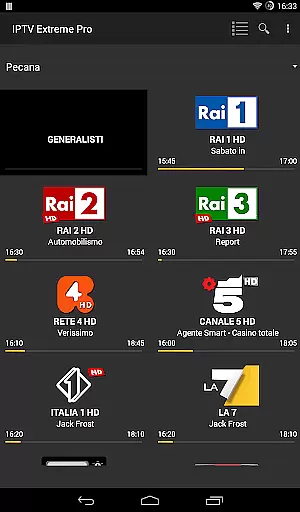
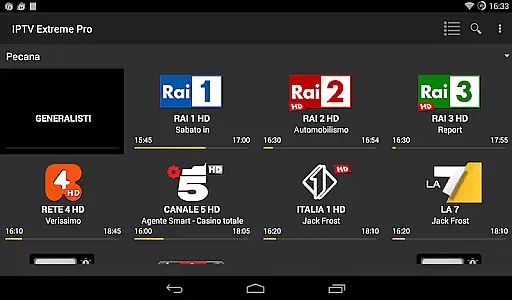


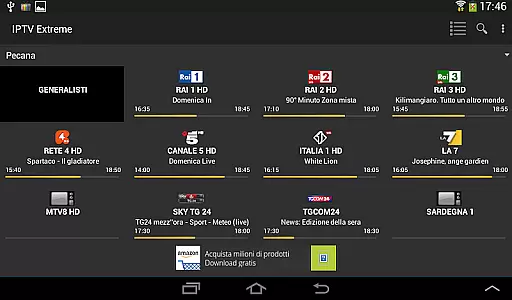


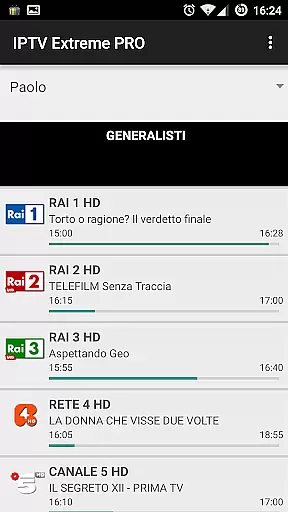
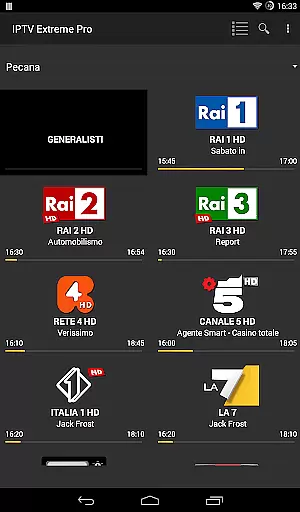
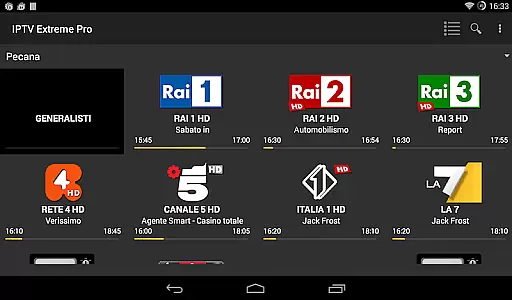

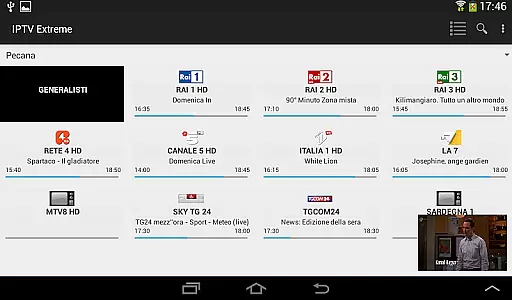



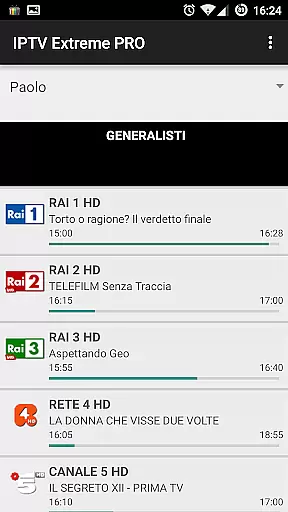
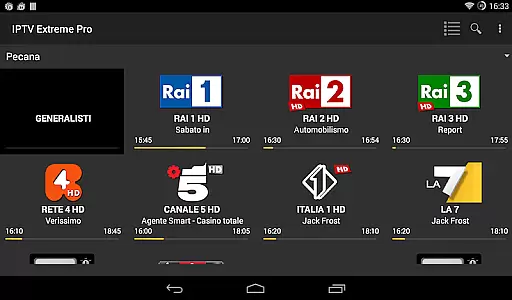

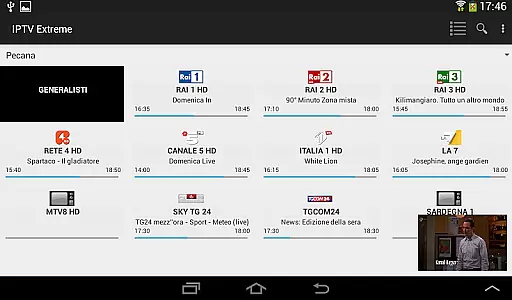



IPTV Extreme Pro is a feature-rich playlist manager designed for users who want to organize and enjoy their IPTV content efficiently. The app offers advanced playback options, including an integrated player with both advanced and light modes, ensuring smooth streaming experiences across devices.
One of the standout features is its extensive support for various formats and functionalities such as M3U playlists, MAG support, and multi-EPG (TV Guide) capabilities. Users can also take advantage of parental controls, Chromecast support, and remote controller compatibility, making it versatile for different household needs. Additionally, the Pro version provides an ad-free experience, enhancing user satisfaction.
This application is ideal for tech-savvy individuals looking to manage their IPTV streams legally and efficiently. With over 10 customizable themes and features like time recording, timers management, and auto-start on boot, IPTV Extreme Pro delivers both functionality and personalization, catering to diverse viewing preferences.
IPTV Extreme Pro boasts an impressive array of features tailored for seamless media management. The integrated player supports both advanced and light modes, allowing users to choose based on their device's performance. Chromecast support enables easy streaming to larger screens, while parental controls ensure safe viewing environments for families.
The app excels in playlist management with M3U playlist support, MAG compatibility, and multi-EPG functionality. Users can customize their TV guide experience with EPG alias management and sliding EPG time features. Furthermore, the ability to download on-demand programs and record live streams adds flexibility to content consumption.
Additional highlights include picons support in various sizes, backup and restore settings, and remote controller support. The Pro version removes ads and offers a more streamlined experience. These comprehensive features make IPTV Extreme Pro a top choice for managing and enjoying IPTV content legally and efficiently.
Video format compatibility is a crucial aspect of any video player application, ensuring that users can enjoy content in various formats without technical hindrances. IPTV Extreme Pro supports M3U playlists and provides an advanced integrated player capable of handling multiple video formats seamlessly.
The application's support for different video formats is evident through features like the ability to download on-demand programs and record live streaming with time limits. This flexibility allows users to manage their viewing schedules effectively while enjoying high-quality playback.
With MAG support and multi-EPG functionality, IPTV Extreme Pro enhances user experience by offering extensive customization options such as picons in different sizes and more than ten themes available for personalization. These features collectively contribute to making IPTV Extreme Pro a versatile tool for managing IPTV content legally and efficiently.
AI-powered editing features are revolutionizing how users interact with multimedia content by providing intelligent tools that enhance productivity and creativity. Although IPTV Extreme Pro focuses primarily on playlist management and IPTV functionality, it incorporates several smart features that streamline user interactions.
One notable feature is the auto EPG update and EPG alias management, which utilize intelligent algorithms to ensure that electronic program guide information remains current and relevant. Additionally, the sliding EPG time and search functions for similar events on the TV guide offer intuitive ways to navigate and discover content effortlessly.
While IPTV Extreme Pro does not include traditional video editing capabilities, its advanced functionalitiesu2014such as setting memo functions for events on the TV guide and timer managementu2014demonstrate a form of AI-driven convenience aimed at optimizing user engagement and satisfaction within legal boundaries.
User-friendly interface
Extensive format support
Customizable themes
Parental controls
Chromecast integration
No built-in channels
Requires manual setup
Advanced features need pro version
Limited customer support
Dependent on third-party playlists

Photo and Music Video Creator into Stunning Videos—Effortlessly
 4.40
4.40
Tik & Story Saver-Download ALL social media videos, photos & reels no watermark.
4.80
Play and download HD videos from all sources — fast, simple, and all-in-one.
4.4
Cast to Smart TV, Fire TV. Cast video, photo - Fast & Stable!
3.90
Download videos and play them offline
4.70
Screen recorder with audio to take live videos & Screenshot in high quality!
4.70
Video player with 4K & 1080P support, popup play, background play and subtitle.
4.20
convenient, safe and fast at Video Downloader & Player
4.60
Make videos you’re proud to share with Edits, a video editor for creators.
4.70
#1 Torrent App on Android ** No Ads Ever + Battery Saver **
4.80
A Quick and Pro Video Editor
4.70
GENRAL PRO - General Pro is the best video player that fully supports all formats.
4.70
HD video maker with no watermark, no ads & vlog maker with music, PIP, text
4.50
Live TV, anywhere in your home
3.80
Kodi media center, a free and open source cross-platform entertainment hub
3.60
AirMirror is Receiver for Screen Mirroring and Casting from Apple Devices.
3.60
Watch full episodes of your favorite Cartoon Network and Cartoonito shows!
3.50
Browser for Sony TV to stream web videos, online movies and live tv
3.20
Video player with powerful streaming playback and various convenient features.
2.10


User Reviews